
Steam Machine "Red Line of Death" — What It Actually Means and How to Fix It
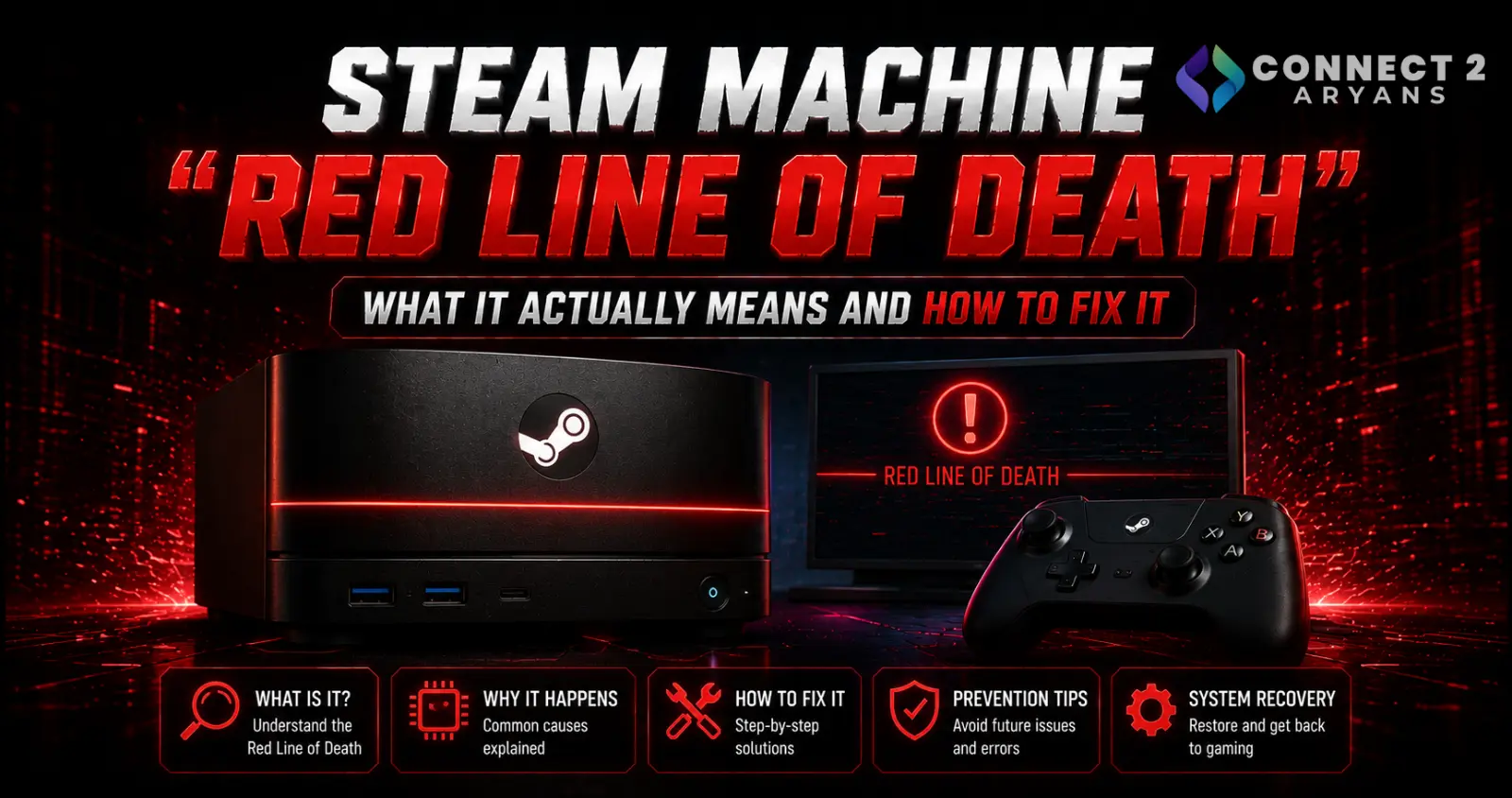
If your Valve Steam Machine went dark after an update and is now showing a solid red bar across its front LED strip, it's understandably alarming — but before you assume the worst, know that this is very likely a fixable software glitch, not the dead GPU it appears to indicate. Here's what's actually happening and how to fix it.
What's Happening
Early Steam Machine owners have reported the device failing to boot after installing a system update, instead displaying a solid red light across the front LED strip. According to Valve's own diagnostic chart, a solid red bar is documented as indicating CPU or GPU overheating failure — understandably causing panic among affected owners, especially on units that had barely been used.
Valve has since confirmed through its official hardware feedback channel that this specific issue is not actually a GPU or CPU failure. Instead, it stems from an incomplete BIOS update combined with a memory training error — plus, notably, the front panel's diagnostic LED pattern reportedly displays flipped horizontally from what the support documentation describes, which contributed to the confusion around what the red indicator actually meant.
The Official Fix: A CMOS Reset
Valve's confirmed fix involves a manual CMOS reset:
- Unplug the Steam Machine from power completely
- Press the power button several times to drain any residual charge remaining in the power supply
- Plug the device back in
- Hold the power button down for approximately six seconds until the LED begins flashing and cycling through colors
- Once the LED turns green, give the power button a short press to trigger the full CMOS reset
After this process, a successful fix is indicated by the LED bar turning blue on the next boot. The system may take slightly longer than normal to fully start up on this first boot, since memory training runs again in the background — this is expected and not a sign of a continuing problem.
What If the Reset Doesn't Work?
- If after the reset the power LED shows a white breathing pattern rather than the expected blue, Valve's guidance indicates this points to a more significant issue requiring direct escalation to Steam Support rather than further self-troubleshooting
- Document what you're seeing (ideally with a photo or video of the LED pattern) before contacting support, since this helps identify the specific failure mode
Why This Happened
Based on Valve's explanation, the issue appears tied to an interrupted or incomplete BIOS update process, rather than any inherent hardware defect in the Steam Machine itself. This is a known category of issue across many devices that receive over-the-air firmware updates — if the update process is interrupted or doesn't fully complete, the system can be left in an inconsistent state that a fresh boot alone won't resolve, but a full CMOS reset typically will.
Is This a Sign of a Bigger Problem With Steam Machine?
- This specific issue affected a portion of early units following a particular update, and Valve has been actively monitoring and responding to reports through its official channels
- A confirmed, working fix that doesn't require hardware replacement is a good sign — it indicates the root cause is a software/firmware state issue rather than a manufacturing defect affecting the underlying hardware
- Whether the update process itself gets hardened to prevent this from happening again is worth watching, but for now, affected owners have a clear, free path to resolution
Final Thoughts
A Steam Machine showing the "Red Line of Death" looks alarming, especially given the diagnostic chart's own description pointing toward CPU/GPU failure — but Valve has confirmed this is fixable through a straightforward CMOS reset in the vast majority of reported cases, with no need for hardware replacement. Try the reset process above before assuming the worst, and reach out to Steam Support directly if the LED shows a white breathing pattern afterward instead of blue.
Browse our full range of Gaming Consoles including the Valve Steam Machine on Connect2Aryans, with warranty support included.

