
Filters
Price Range
From
To
Brand
Availability
Memory Platform
Memory (RAM) » DDR4 Laptop RAM
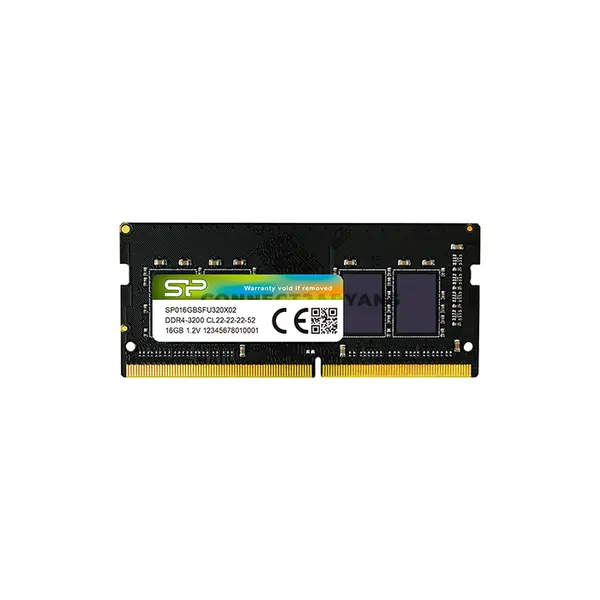
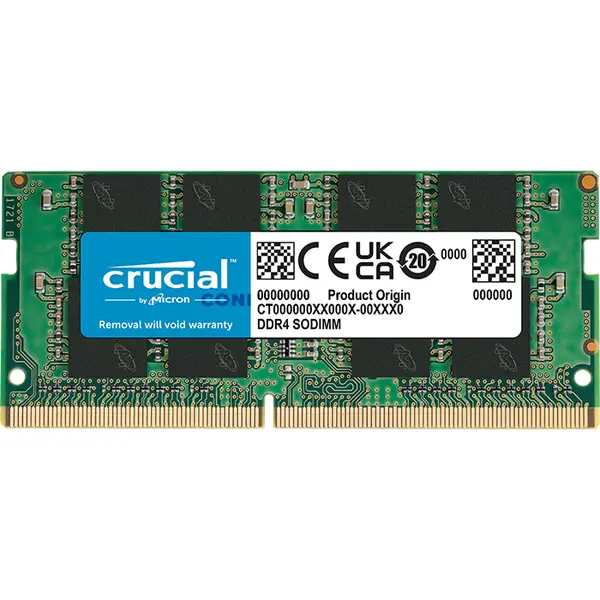
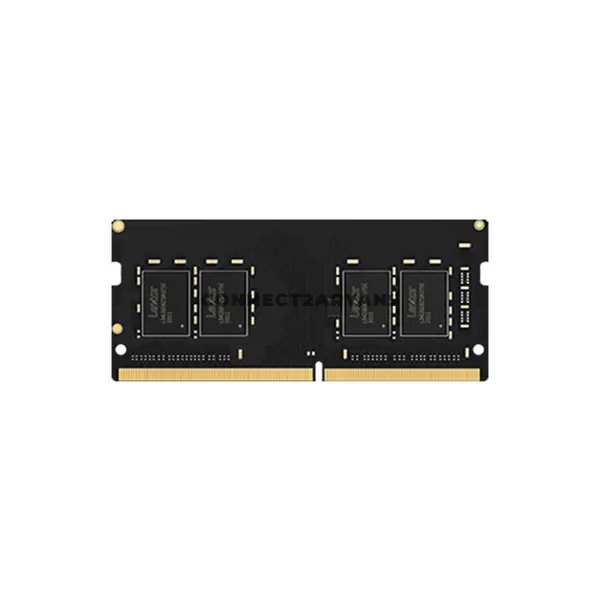
Shop DDR4 laptop RAM in Pakistan for compatible notebook and laptop upgrades. Compare DDR4 SO-DIMM memory prices, capacities, speeds, and available modules to find suitable RAM for your laptop.
12 Products
Quick view
Rs. 21,950
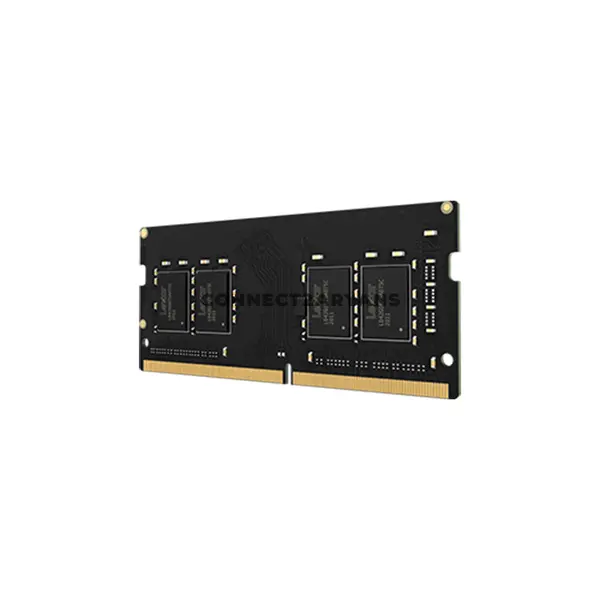
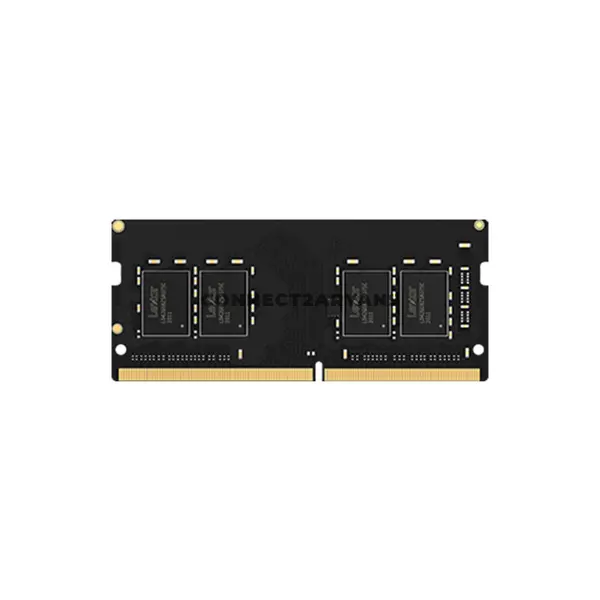
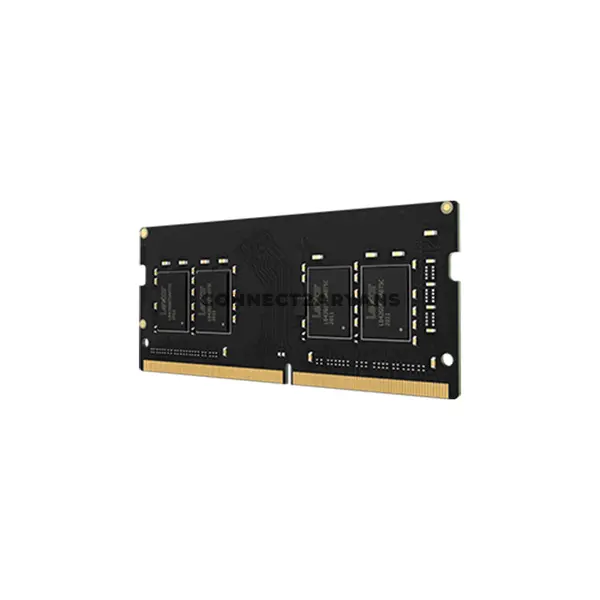
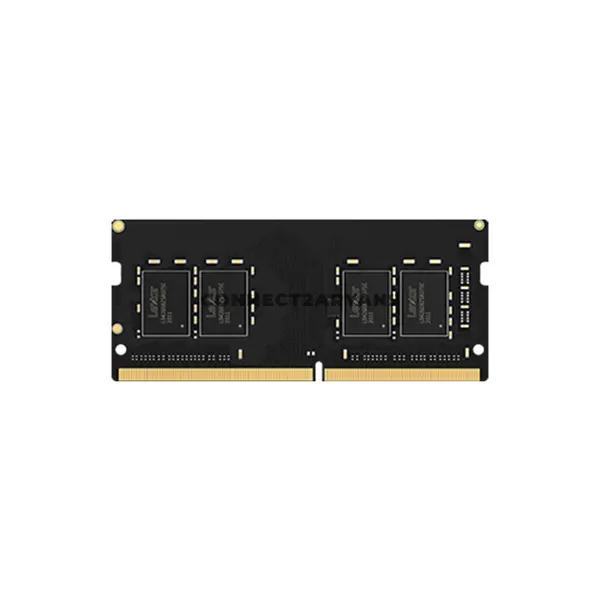
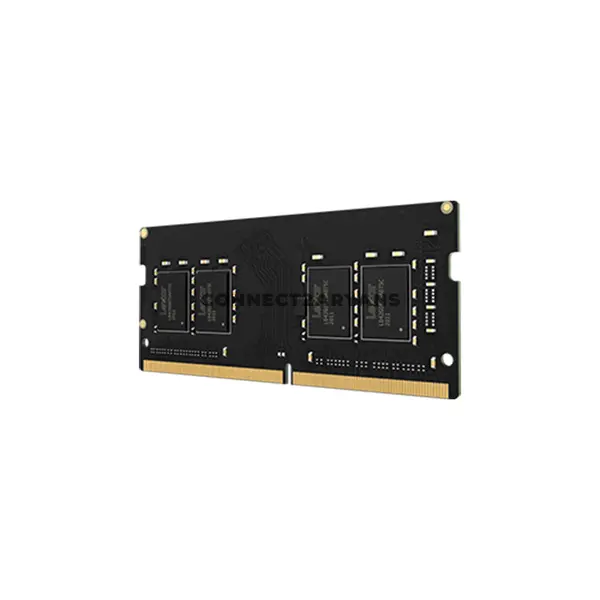
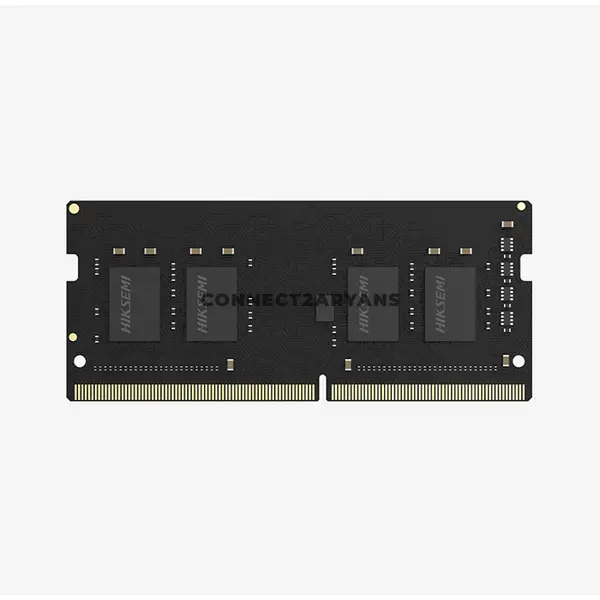
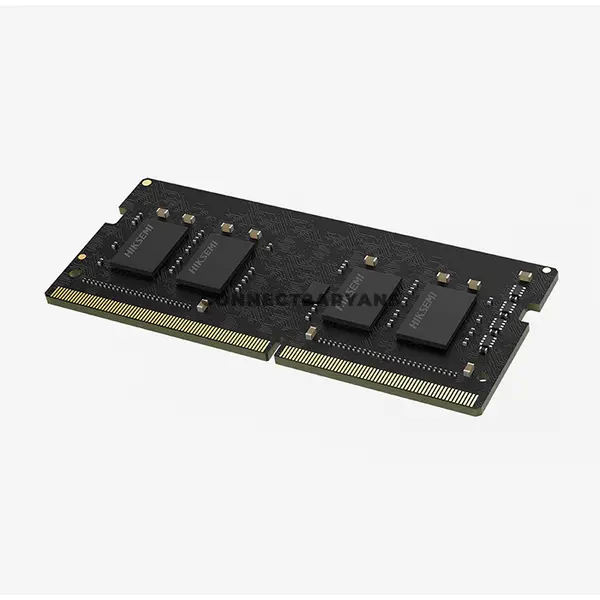
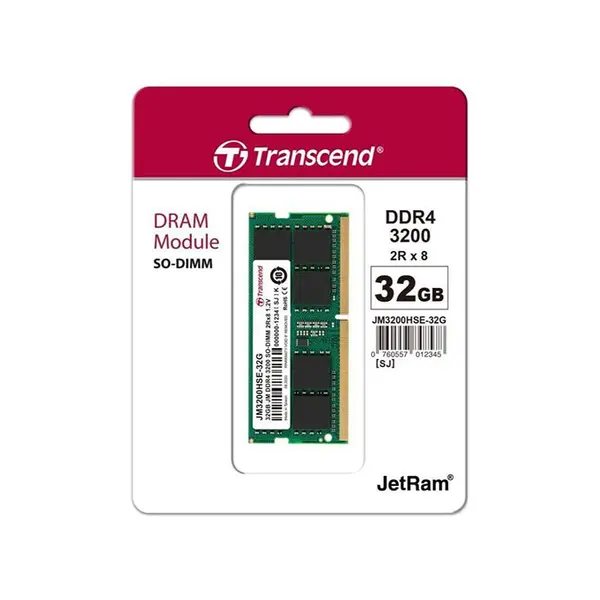
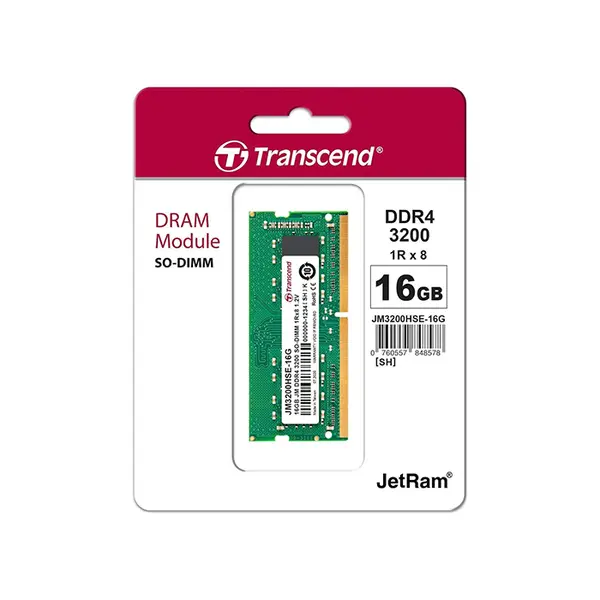
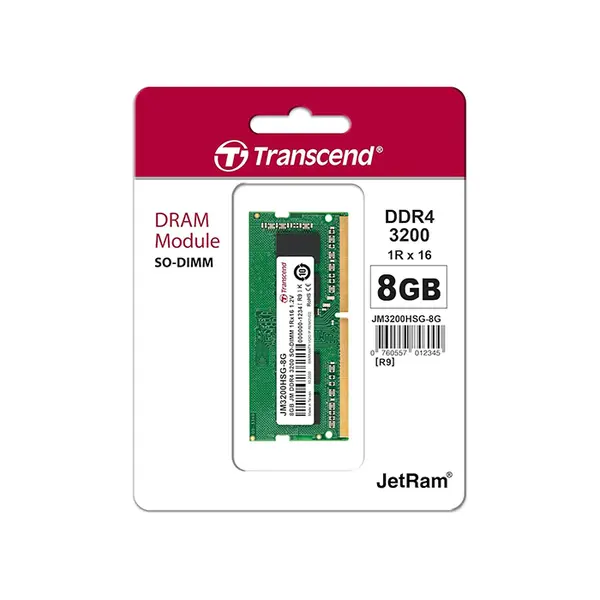
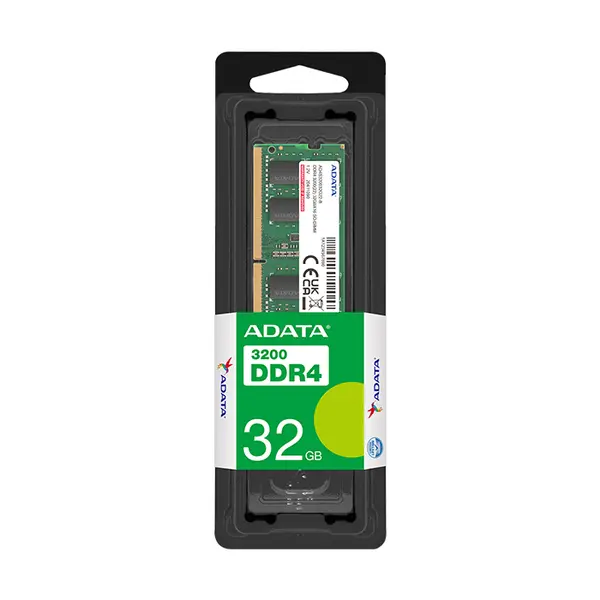
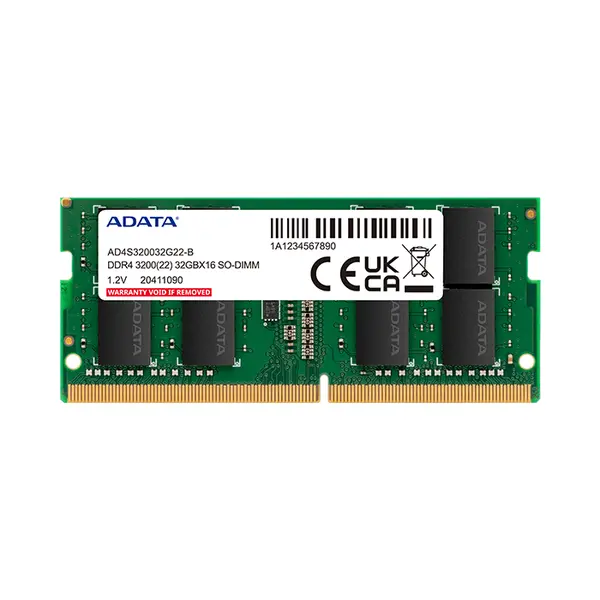
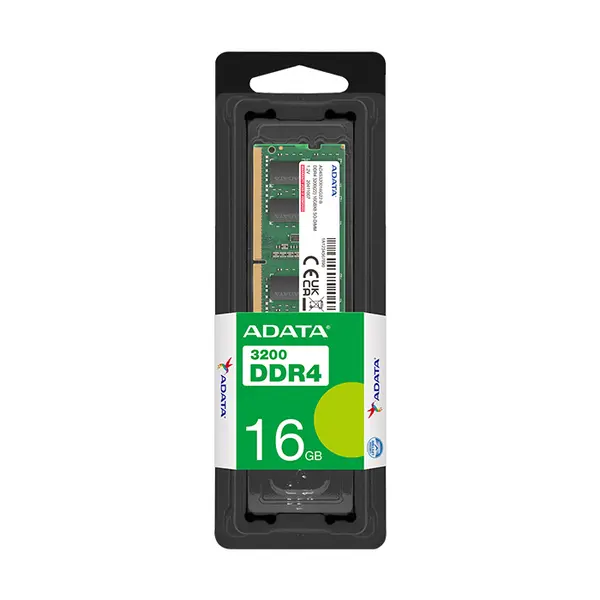
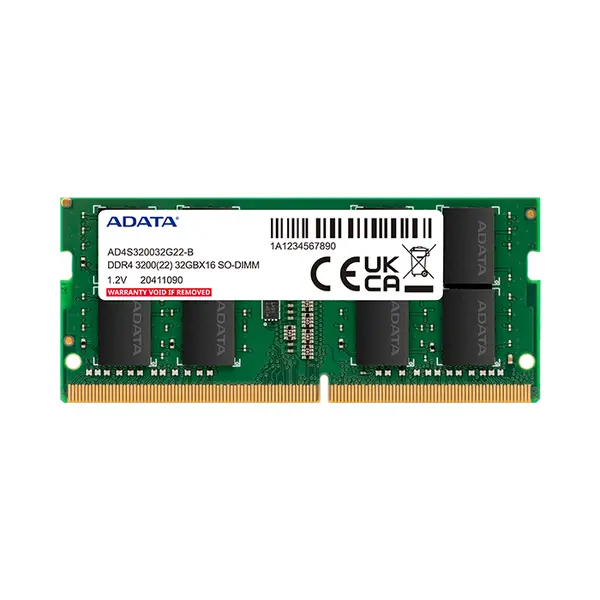
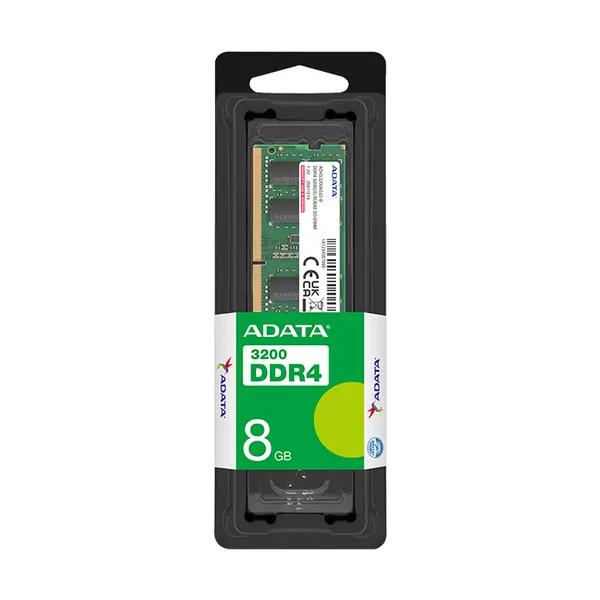
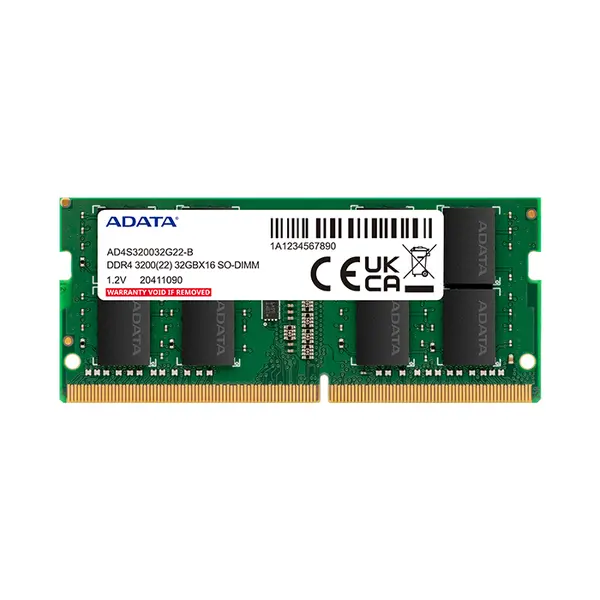
DDR4 Laptop RAM Price in Pakistan
Compare DDR4 laptop RAM prices in Pakistan across SO-DIMM memory modules designed for compatible notebooks and laptops. Upgrading laptop memory can provide additional capacity for applications, multitasking, gaming, productivity, and other workloads when the existing RAM is insufficient. Choose DDR4 laptop memory according to your device compatibility, required capacity, supported speed, and available memory slots.
DDR4 SO-DIMM Memory for Laptops
DDR4 laptop RAM commonly uses the compact SO-DIMM form factor rather than the full-size DIMM modules typically installed in desktop PCs. A laptop designed for replaceable DDR4 SO-DIMM memory requires compatible modules with specifications supported by that device. Check the exact laptop model before purchasing because memory type and upgrade options vary between manufacturers and systems.
Choose the Right DDR4 Laptop RAM Capacity
The appropriate RAM capacity depends on your operating system, applications, games, multitasking requirements, and workload. Before upgrading, determine how much memory is already installed, your laptop's maximum supported capacity, the number of memory slots, and whether any memory is soldered to the motherboard. These factors determine which upgrade configurations are possible.
DDR4 Laptop RAM Speed & Compatibility
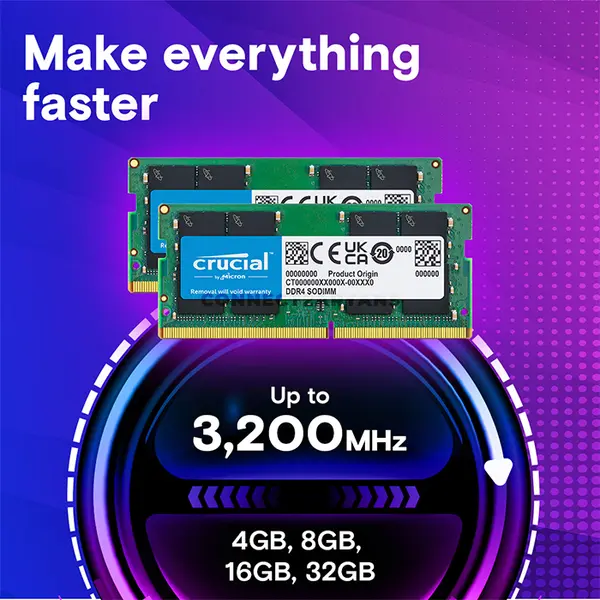
DDR4 SO-DIMM modules are available at different memory speeds. The operating speed depends on the laptop's processor, chipset, BIOS, existing memory configuration, and supported specifications. Installing memory rated for a particular speed does not guarantee that the laptop will operate it at that exact setting, so compatibility should be checked before purchasing.
Check Whether Your Laptop RAM Is Upgradeable
Not every laptop provides the same memory upgrade options. Some models use replaceable SO-DIMM modules, some combine soldered memory with an available memory slot, and others may use memory that cannot be upgraded through conventional modules. Check the specifications, service documentation, or existing hardware configuration of your exact laptop model before ordering RAM.
Adding RAM to an Existing Laptop
When adding memory to an existing laptop, check the specifications of the currently installed RAM alongside the requirements of the new module. Differences in capacity, speed, timings, rank configuration, and other characteristics can affect how the combined memory operates. For reliable compatibility, select memory that meets the specifications supported by your laptop.
DDR4 vs DDR5 Laptop RAM
DDR4 and DDR5 laptop memory are different generations and are not interchangeable. A laptop designed for DDR4 SO-DIMM memory cannot simply be upgraded to DDR5 by replacing the module. If you have a newer laptop that requires DDR5 memory, choose compatible DDR5 Laptop RAM instead.
Buy DDR4 Laptop RAM Online in Pakistan
Browse available DDR4 laptop RAM at Connect2Aryans and compare current prices, capacities, speeds, specifications, and available SO-DIMM modules. DDR4 laptop memory is available for customers in Karachi, Lahore, Islamabad, Rawalpindi, Faisalabad, and other cities across Pakistan, with nationwide delivery options available.
Frequently Asked Questions About DDR4 Laptop RAM
How do I know if my laptop supports DDR4 RAM?
Check the specifications or service documentation for your exact laptop model. Confirm that it uses DDR4 memory and check the required module form factor, supported capacity, memory speed, available slots, and any other upgrade limitations.
How much DDR4 RAM can I install in my laptop?
Maximum supported memory varies between laptop models and platforms. Check your laptop manufacturer's specifications and determine how much memory is already installed before selecting an upgrade.
Can I mix different DDR4 RAM modules in my laptop?
Different modules may operate together in some compatible configurations, but differences in their specifications can affect operating settings or compatibility. Check the laptop's requirements and the specifications of both the existing and new memory before upgrading.
Is laptop DDR4 RAM the same as desktop DDR4 RAM?
No. Upgradeable laptops commonly use smaller DDR4 SO-DIMM modules, while desktop computers generally use full-size DDR4 DIMMs. Although both can use DDR4 technology, the physical module form factors are different.
Not sure which memory upgrade suits your laptop? Read our guide on choosing the right RAM for your laptop for more detailed buying advice.

