
Filters
Price Range
From
To
Brand
Availability
Monitors » Professional Monitors
Shop professional monitors in Pakistan for office work, productivity, content creation, and professional setups. Compare screen sizes, resolutions, panel types, color specifications, connectivity, ergonomic features, and prices to find a suitable display for your workload.
64 Products
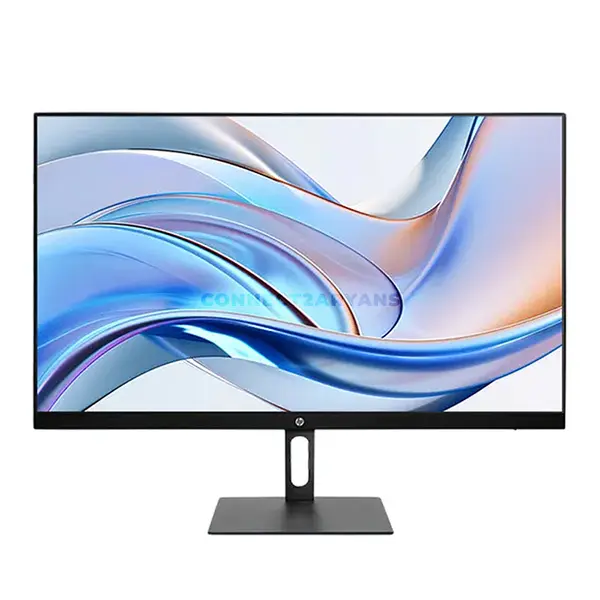
Quick view
Rs. 42,000
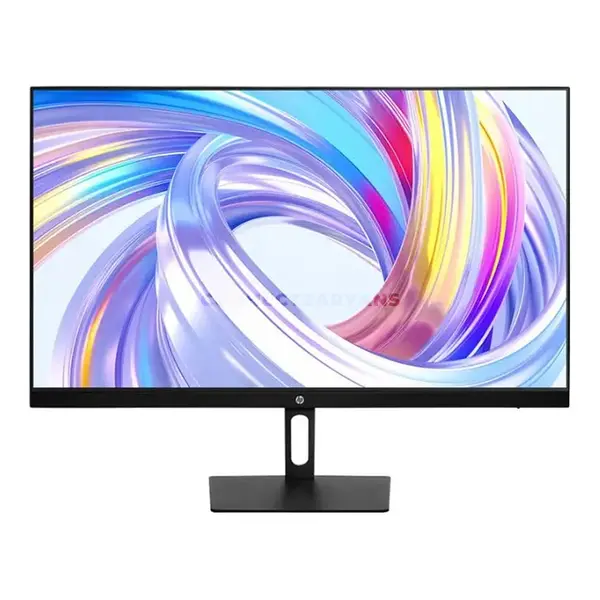
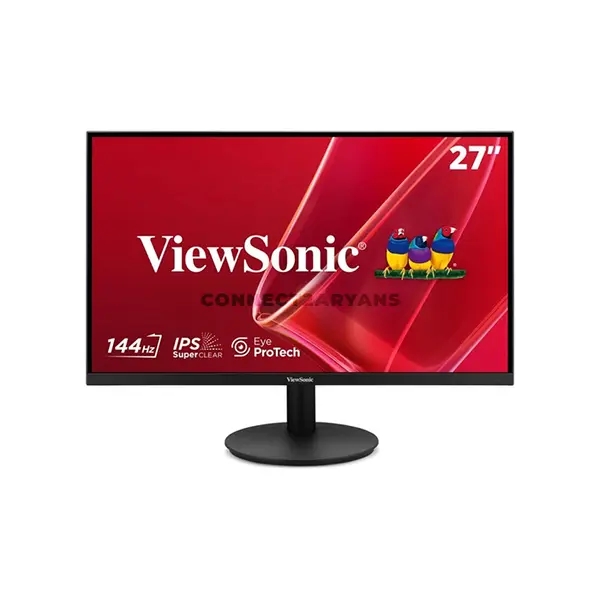
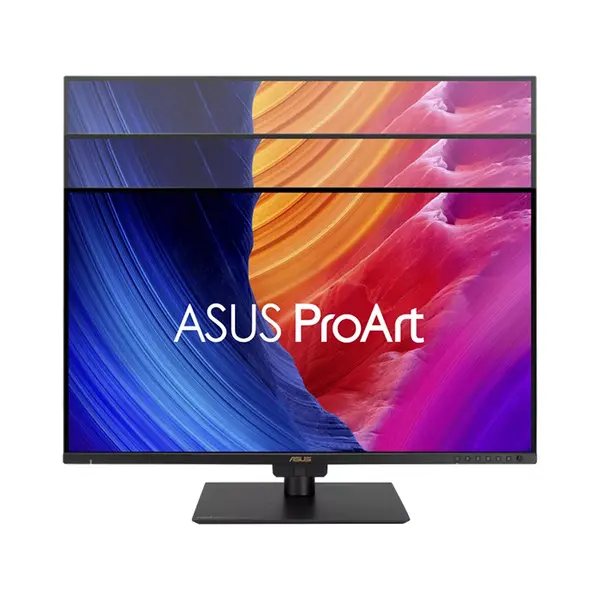
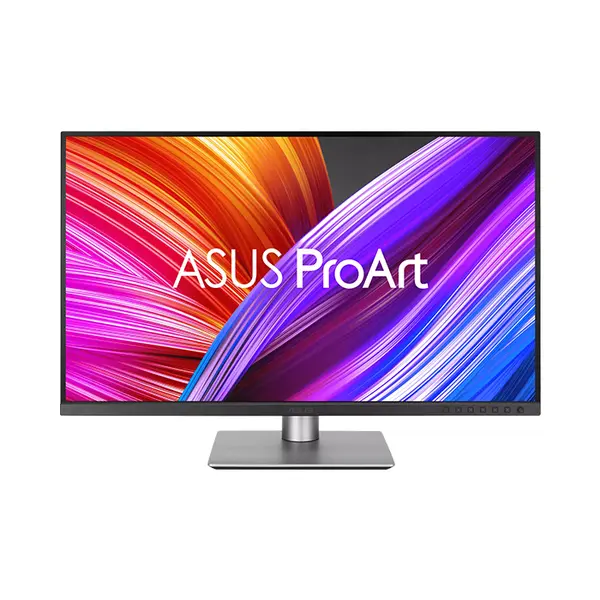
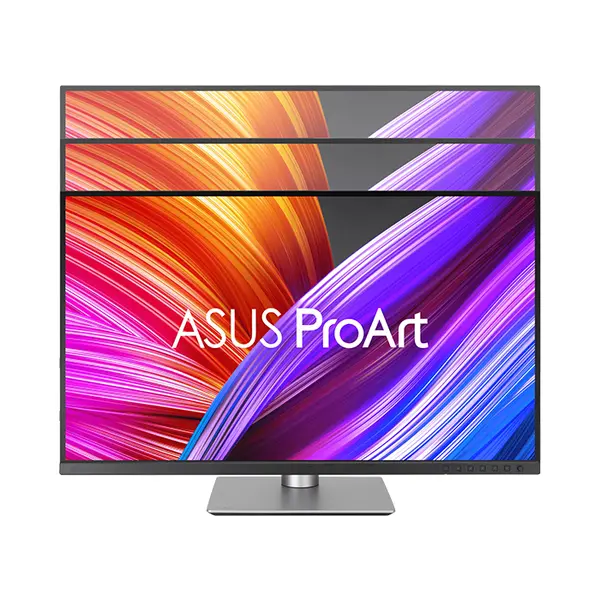
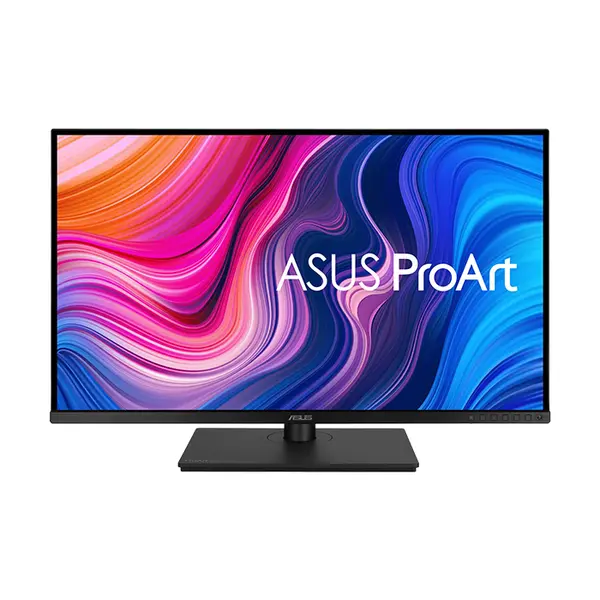
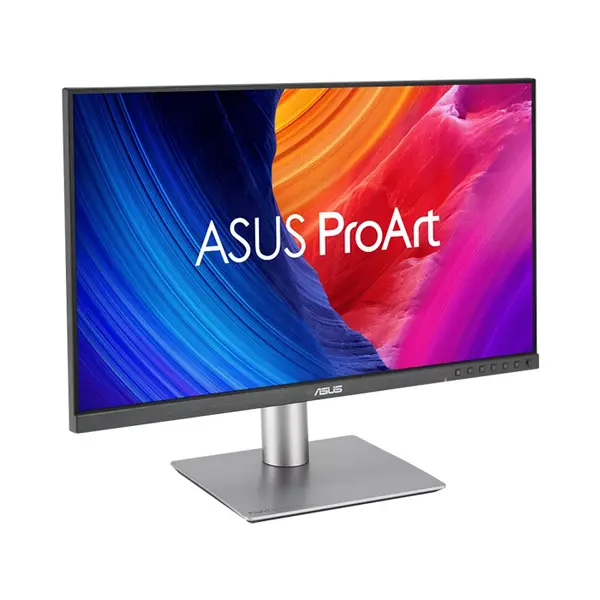
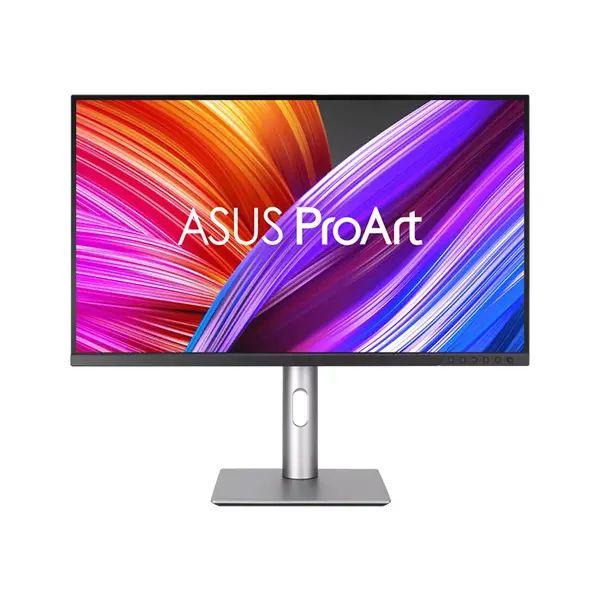
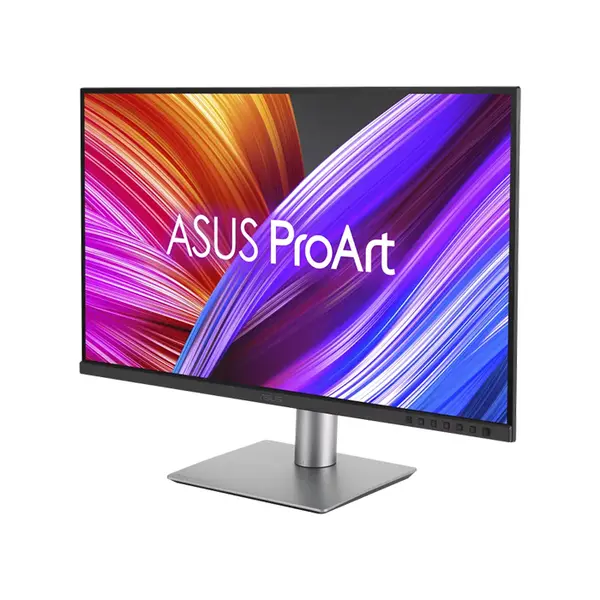
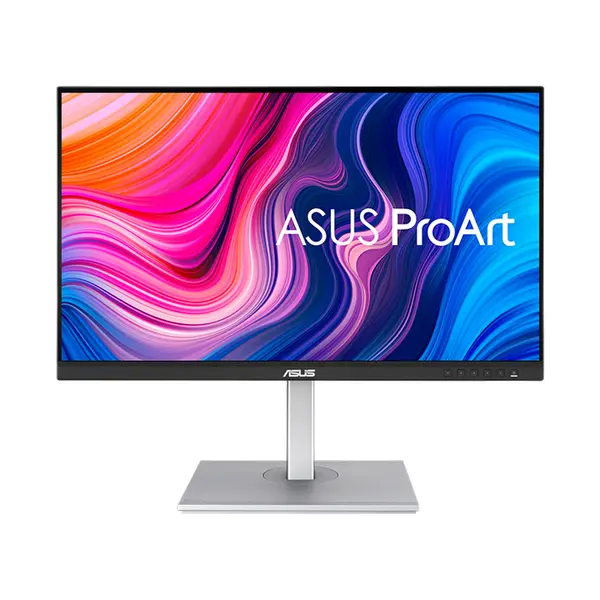
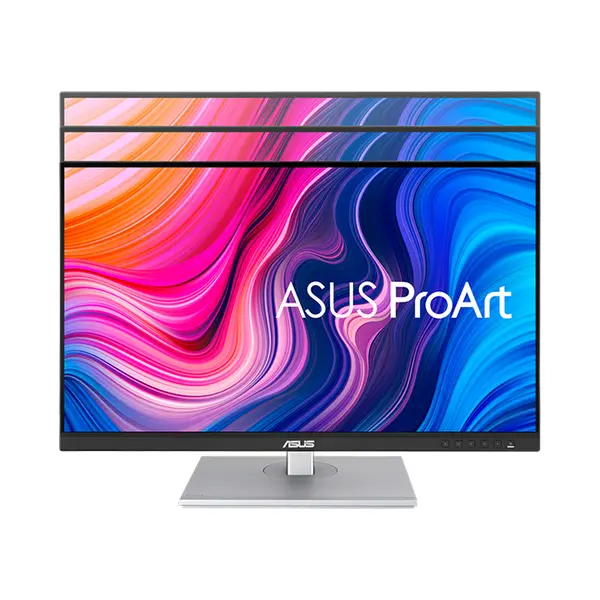
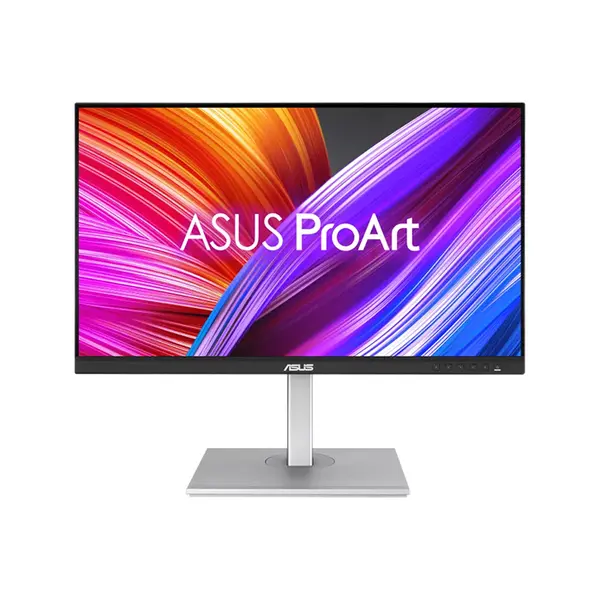
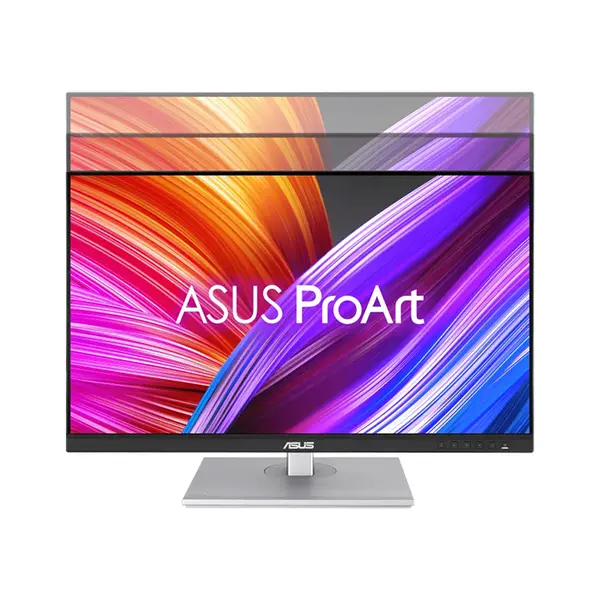
Professional Monitor Price in Pakistan
Compare professional monitor prices in Pakistan across displays suitable for office work, productivity, content creation, development, design, editing, and other professional applications. Professional monitors vary in resolution, screen size, panel technology, color specifications, connectivity, ergonomics, and other display characteristics. Choose according to your workload, workspace, connected hardware, and the display characteristics your applications require.
Professional Monitors for Office & Productivity
Professional monitors can provide additional workspace for documents, spreadsheets, browsers, communication tools, development environments, and other applications. Screen size and resolution influence the amount and clarity of displayed information, while stand adjustment and connectivity can affect how easily a monitor integrates into a workstation. The appropriate configuration depends on your desk space, viewing distance, software, and workflow.
Monitors for Design, Photo & Video Editing
Designers, photographers, video editors, and other creators may require displays with particular color characteristics. Depending on the workflow, specifications such as color-space coverage, calibration capability, bit depth, panel characteristics, resolution, and uniformity can be important. Requirements vary between general content creation and color-critical professional work, so compare the specifications and testing of individual monitors rather than relying on the product category alone.
Full HD, QHD & 4K Professional Monitors
Professional monitors are available at Full HD, QHD, 4K UHD, and other resolutions. Higher resolution provides more pixels and can offer additional image detail and workspace, but the practical benefit depends on screen size, viewing distance, operating-system scaling, applications, and the user's workflow. Select resolution together with screen size rather than treating either specification independently.
Color Gamut & Color Accuracy
Monitor specifications may include coverage of color spaces such as sRGB, DCI-P3, Adobe RGB, or others. These measurements describe different aspects of a display's color capability and should not be treated as interchangeable. For color-sensitive work, also consider calibration, accuracy measurements, uniformity, workflow requirements, and the color space used for the intended output.
IPS, VA & Other Panel Technologies
Professional displays can use IPS, VA, and other panel technologies. Characteristics such as viewing angles, contrast, color reproduction, response behavior, and uniformity can vary between panel families and individual models. Panel technology is therefore one consideration among several rather than a guarantee of a monitor's suitability for professional work.
Monitor Size, Aspect Ratio & Workspace
Screen size and aspect ratio influence available visual workspace and how applications can be arranged. Standard widescreen, ultrawide, and other formats can suit different workflows, while multi-monitor configurations provide another way to expand desktop space. Consider desk dimensions, viewing distance, resolution, application layout, and your preferred working arrangement.
Monitor Ergonomics & Stand Adjustment
Available ergonomic adjustments can include height, tilt, swivel, and pivot depending on the monitor and stand. These features allow greater flexibility when positioning a display according to the user's desk, seating position, and workstation arrangement. If specific adjustment is important, confirm the stand capabilities of the individual model before purchasing.
HDMI, DisplayPort & USB-C Connectivity
Professional monitors may include HDMI, DisplayPort, USB-C, USB hubs, audio connections, or other interfaces depending on the model. USB-C monitors can offer display connectivity and, on supported products, additional functions such as data transfer or power delivery. Capabilities vary considerably, so verify the ports, interface versions, and supported functions of both the monitor and connected computer.
Professional Monitors for Laptops
A professional monitor can provide additional screen space for a compatible laptop, whether used as the primary external display or as part of a multi-screen workstation. Before purchasing, confirm that the laptop provides a compatible video output and supports the resolution, refresh rate, and other display features you intend to use.
Professional Monitors vs Gaming Monitors
Professional and gaming monitors can emphasize different characteristics, but the categories often overlap. Gaming displays may place greater emphasis on refresh rate, variable refresh rate, and motion performance, while some professional displays focus on productivity, connectivity, ergonomics, resolution, or color-related capabilities. Users who work and game on the same system should compare both sets of requirements.
Choose the Right Professional Monitor
Start with the applications and workloads you use most frequently. Then compare screen size, resolution, panel characteristics, color specifications, connectivity, stand adjustment, aspect ratio, and available workspace. For specialized creative work, additional requirements such as color-space coverage, calibration capability, and display uniformity may also influence the appropriate choice.
Buy Professional Monitors Online in Pakistan
Browse available professional monitors at Connect2Aryans and compare current prices, screen sizes, resolutions, panel technologies, color specifications, connectivity, ergonomic features, and available models. Professional monitors are available for customers in Karachi, Lahore, Islamabad, Rawalpindi, Faisalabad, and other cities across Pakistan, with nationwide delivery options available.
Frequently Asked Questions About Professional Monitors
What should I look for in a professional monitor?
Start with the requirements of your work. Resolution, screen size, panel characteristics, connectivity, ergonomics, and available workspace can be important for general productivity, while color-sensitive applications may require additional consideration of color-space coverage, calibration, accuracy, and uniformity.
Do I need a color-accurate monitor for design work?
It depends on the type of design work. Color-sensitive photography, video, print, and design workflows can require greater color accuracy and appropriate color-space support, while general office and non-color-critical creative tasks may have different requirements.
Is QHD or 4K better for professional work?
Neither resolution is universally better. Consider screen size, viewing distance, available workspace, operating-system scaling, application requirements, graphics hardware, and budget when comparing QHD and 4K monitors.
Can I use a professional monitor for gaming?
Yes. A professional monitor can also be used for gaming, although gaming-focused displays may offer different refresh rates, variable-refresh-rate features, or motion-performance characteristics. Compare the individual monitor's specifications with your gaming requirements.
Not sure which display suits your work? Read our guide on choosing the right professional monitor for more detailed buying advice.

