
Filters
Price Range
From
To
Brand
Availability
Laptops » Laptop Accessories
Shop laptop accessories in Pakistan for work, gaming, study, travel, and everyday use. Compare laptop bags, stands, chargers, cooling accessories, hubs, adapters, and other essentials while checking size, connection, power, and device compatibility before purchasing.
8 Products
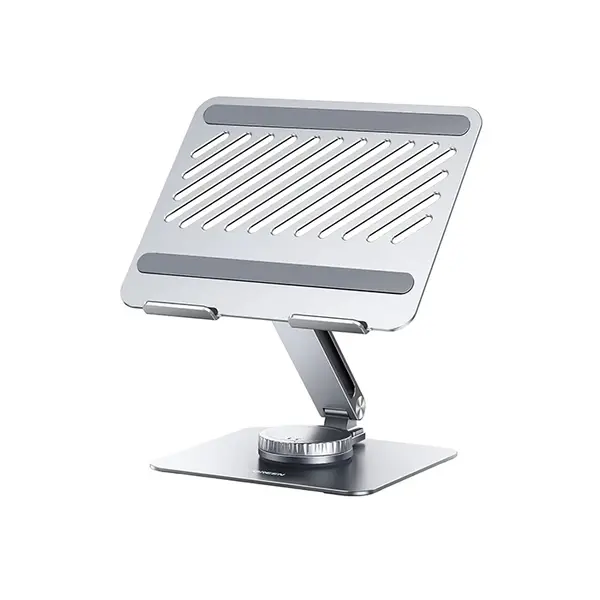
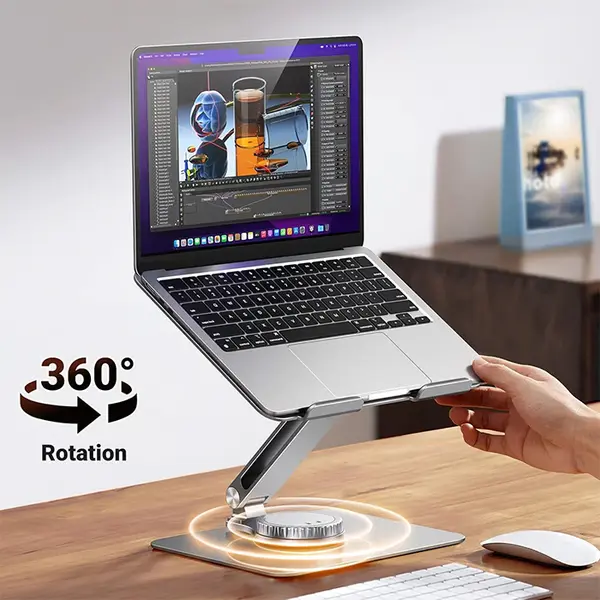
Quick view
Rs. 10,700
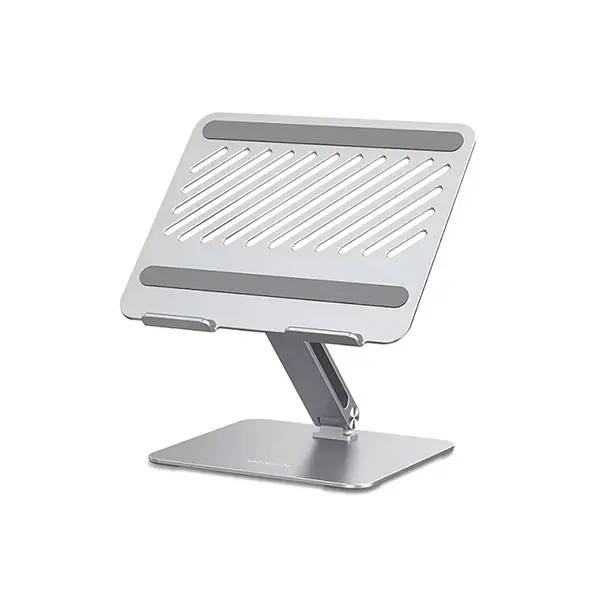

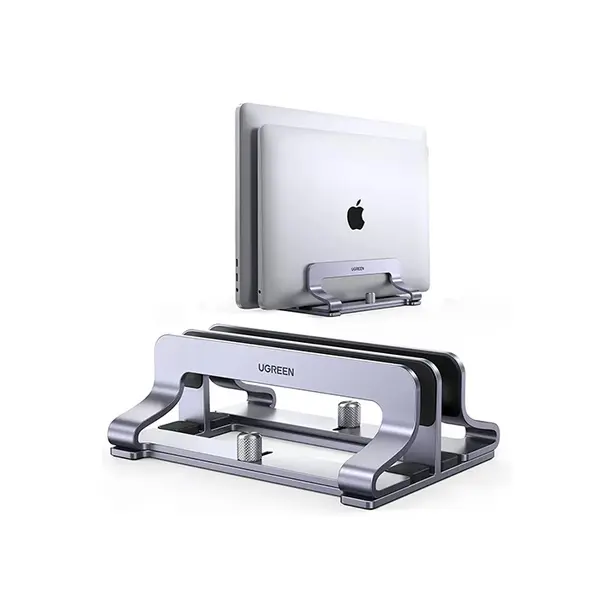
Laptop Accessories Price in Pakistan
Compare laptop accessory prices in Pakistan across products designed for protection, connectivity, charging, cooling, portability, and everyday productivity. The right accessory depends on your laptop model and how you use it, so check dimensions, connections, power requirements, supported standards, and other compatibility specifications before purchasing.
Laptop Bags & Protective Accessories
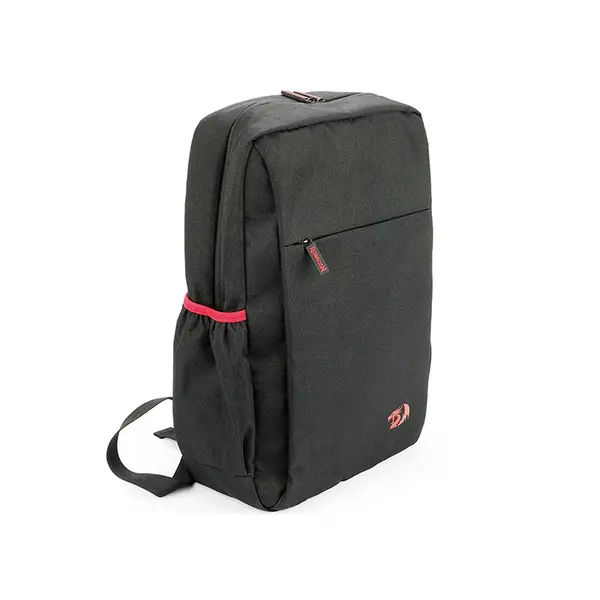
Laptop bags, sleeves, and other protective accessories can help protect a laptop while it is stored or transported. Compatibility depends on the physical dimensions of the laptop rather than screen size alone, so compare the internal dimensions of a bag or sleeve with the dimensions of your laptop before choosing one.
Laptop Stands for Work & Gaming Setups
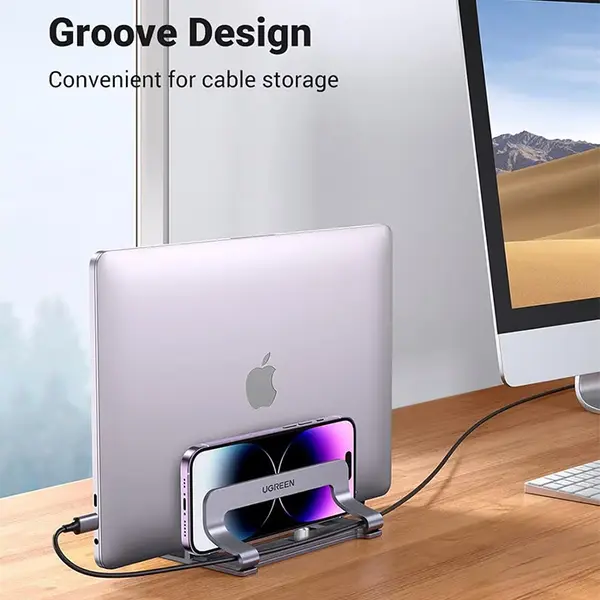
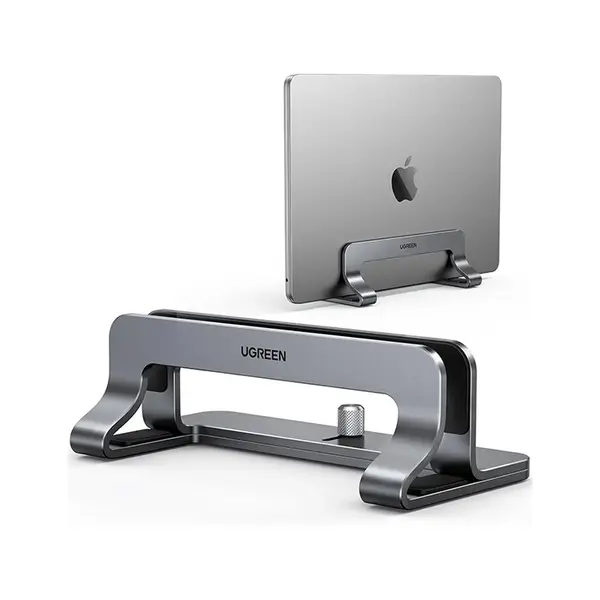
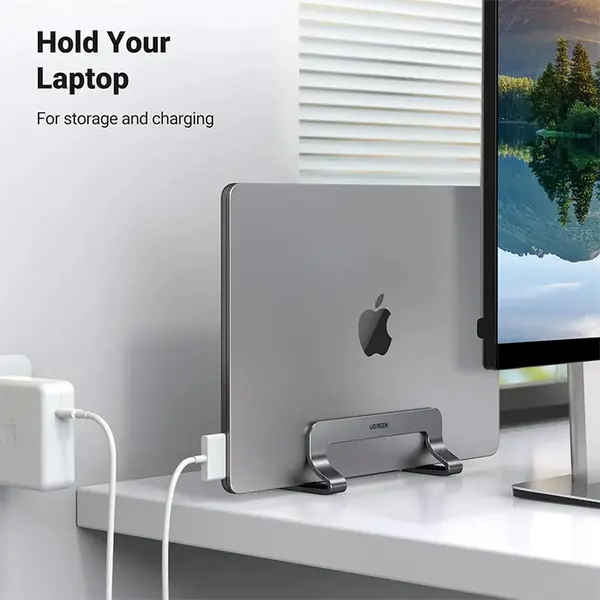
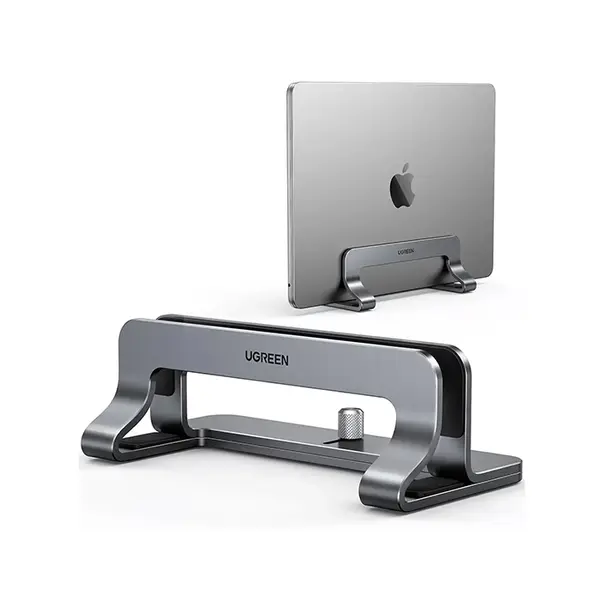
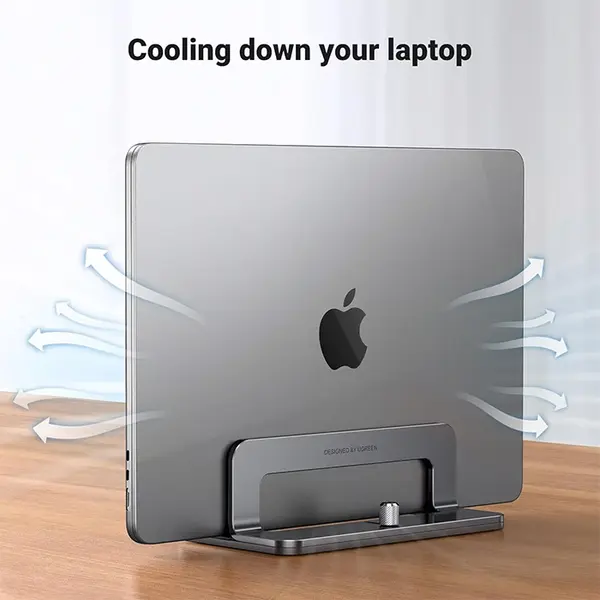
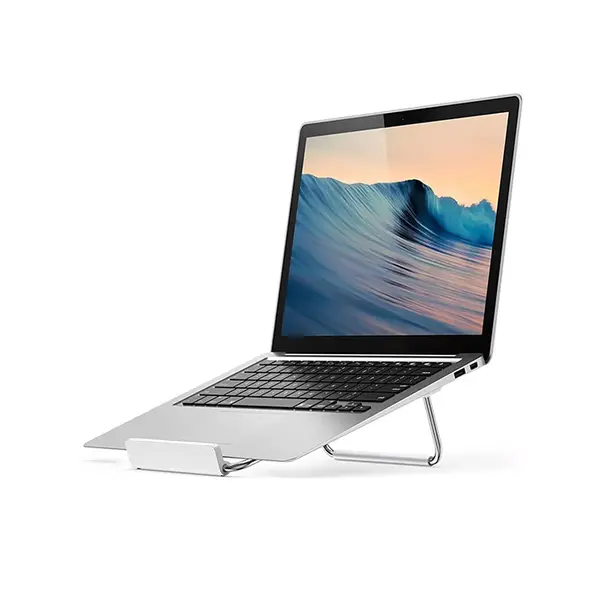
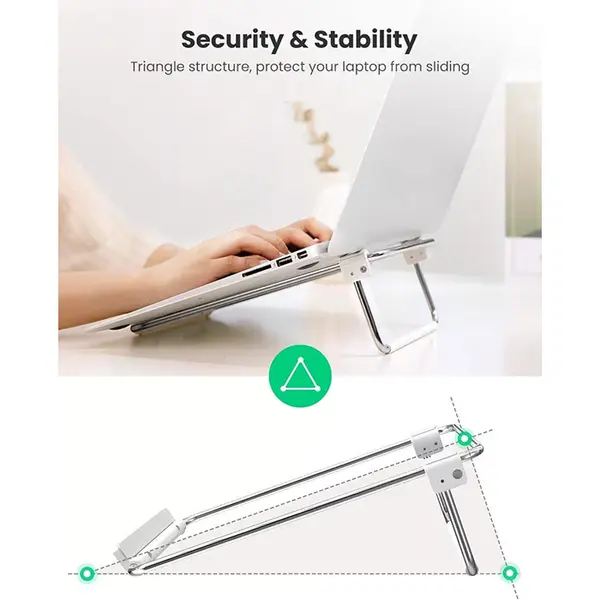
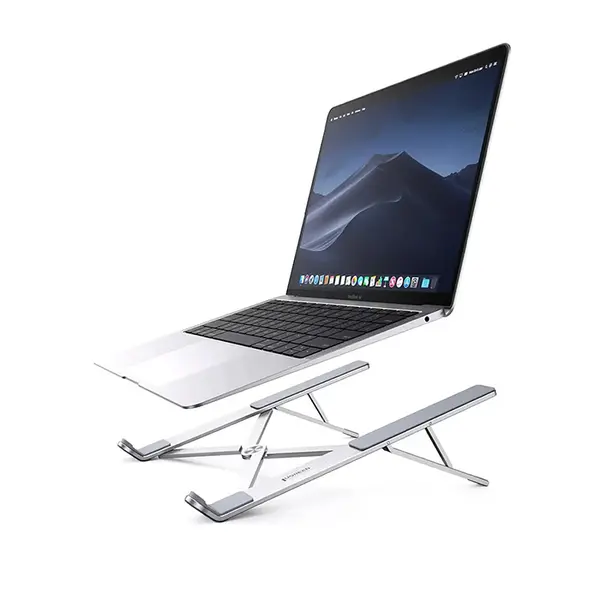
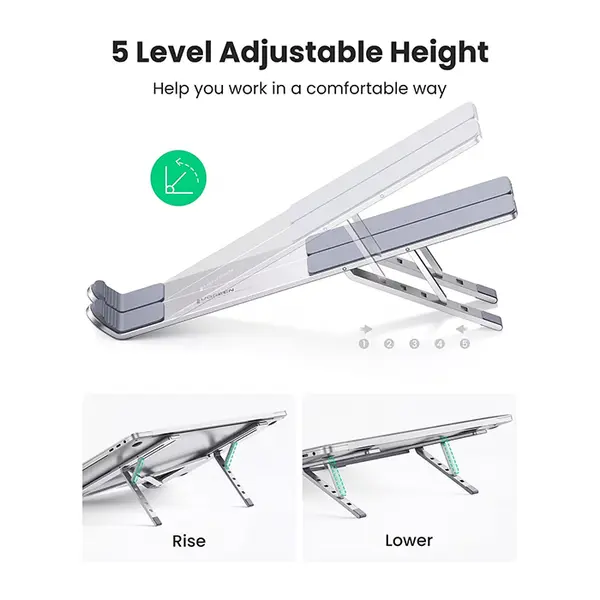
Laptop stands can raise or reposition a laptop on a desk and can be useful in work, study, gaming, and multi-display setups. Different stands support different laptop dimensions and weights and may provide fixed or adjustable positioning. Check stability, supported dimensions, weight capacity, and adjustment options according to your setup.
Laptop Chargers & Power Accessories
Replacement and additional laptop chargers must be compatible with the power requirements of the specific laptop. Connector type alone does not guarantee compatibility. Check the required voltage, supported wattage or power-delivery specification, connector, and manufacturer requirements before connecting a charger to a laptop.
USB-C Laptop Charging
Some laptops support charging through USB-C, but the presence of a USB-C port does not automatically mean that the laptop can charge through it. The laptop, charger, and cable must support the required charging standard and power level. Always check the specifications of the exact laptop before purchasing a USB-C charging accessory.
Laptop Cooling Accessories
Cooling pads and laptop cooling stands are designed to provide additional airflow around a laptop. Their effectiveness varies according to the laptop's intake and exhaust layout, cooling design, workload, ambient conditions, and the design of the cooling accessory itself. A cooling pad should not be treated as a substitute for maintaining the laptop's internal cooling system.
USB Hubs, Adapters & Laptop Connectivity
USB hubs and adapters can expand connectivity for laptops with limited ports. Depending on the product, they may provide additional USB connections, display outputs, Ethernet, card readers, charging passthrough, or other interfaces. Check the supported data speeds, display capabilities, charging support, and laptop compatibility because identical-looking USB-C connectors can support different features.
Laptop Accessories for External Keyboard & Mouse Setups
An external keyboard and mouse can be useful when a laptop is used as a primary workstation or gaming system. They can also complement a laptop stand by allowing the built-in display to be positioned independently from the keyboard and pointing device. Check available USB ports, wireless connectivity, and desk space when planning the setup.
Laptop Accessories for Gaming
Gaming laptop accessories can include cooling products, stands, keyboards, mice, hubs, and other peripherals depending on the setup. Choose accessories according to the laptop's available ports, physical dimensions, cooling layout, and the peripherals you intend to connect rather than assuming that every gaming accessory is universally compatible.
Laptop Accessories for Travel & Everyday Use
Portable accessories can make it easier to carry, charge, protect, and connect a laptop away from a permanent desk. Consider accessory dimensions, weight, power requirements, cable requirements, and compatibility when building a travel setup. Laptop-specific accessories should always be checked against the exact laptop model where necessary.
Check Laptop Accessory Compatibility
Compatibility is particularly important for chargers, docks, hubs, stands, bags, and other laptop accessories. Check your exact laptop model and its specifications before purchasing. For power and connectivity accessories, verify the required standards and capabilities rather than relying only on connector shape.
Choose the Right Laptop Accessories
Start by identifying what you want to improve in your laptop setup, such as protection, charging, connectivity, cooling, portability, or desk organization. Then compare product dimensions, supported devices, connection standards, power specifications, and other compatibility information to find an accessory suitable for your laptop.
Buy Laptop Accessories Online in Pakistan
Browse available laptop accessories at Connect2Aryans and compare current prices, compatibility, dimensions, connections, power specifications, and available products. Laptop accessories are available for customers in Karachi, Lahore, Islamabad, Rawalpindi, Faisalabad, and other cities across Pakistan, with nationwide delivery options available.
Frequently Asked Questions About Laptop Accessories
How do I know if a laptop accessory is compatible?
Check the specifications of both your laptop and the accessory. Depending on the product, important factors can include physical dimensions, connector type, supported standards, voltage, wattage, USB capabilities, weight limits, and operating-system compatibility.
Can I use any charger with my laptop?
No. A charger should meet the power and compatibility requirements of the specific laptop. Check the required voltage, wattage or supported charging standard, connector, and manufacturer specifications before using a replacement charger.
Does every USB-C laptop support USB-C charging?
No. USB-C describes the connector, but supported capabilities vary. Both the laptop and charging equipment must support compatible charging functionality and appropriate power levels.
Do laptop cooling pads work with every laptop?
Cooling-pad effectiveness varies between laptops because intake locations, exhaust design, chassis construction, internal cooling, and workloads differ. Check the laptop's ventilation layout and the design and dimensions of the cooling accessory before purchasing.

