
Filters
Price Range
From
To
Brand
Availability
Gaming Desks
Shop gaming desks in Pakistan for PC gaming, streaming, work, and multi-monitor setups. Compare desk sizes, dimensions, materials, weight capacity, cable management, surface area, and available features to find a gaming desk suited to your room and complete setup.
16 Products
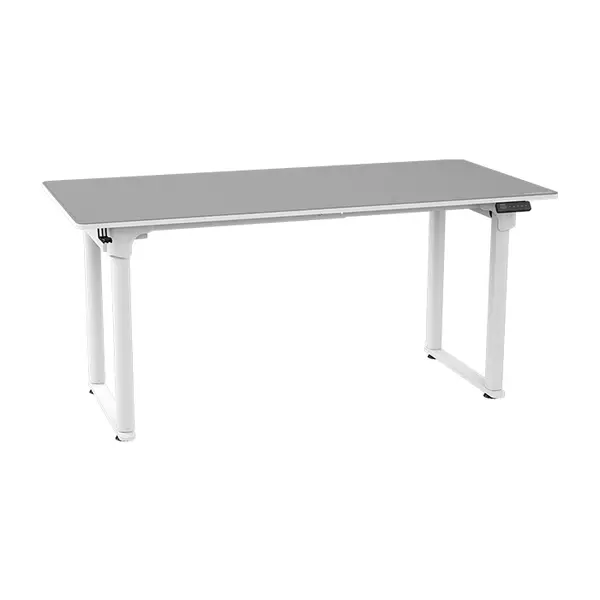
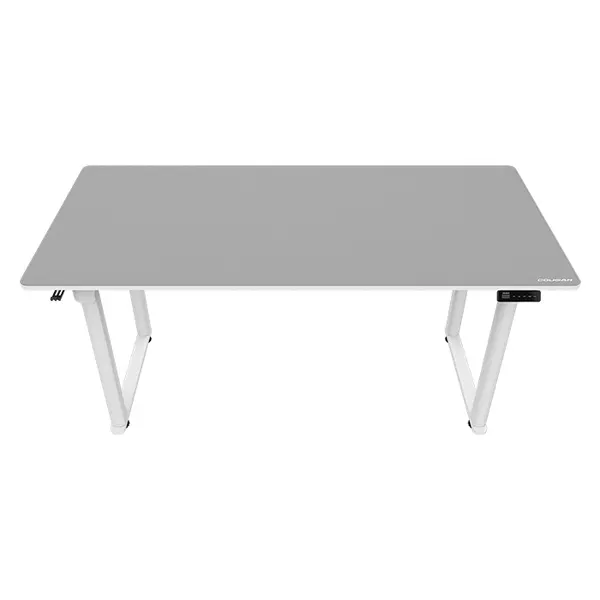
Quick view
Rs. 83,000
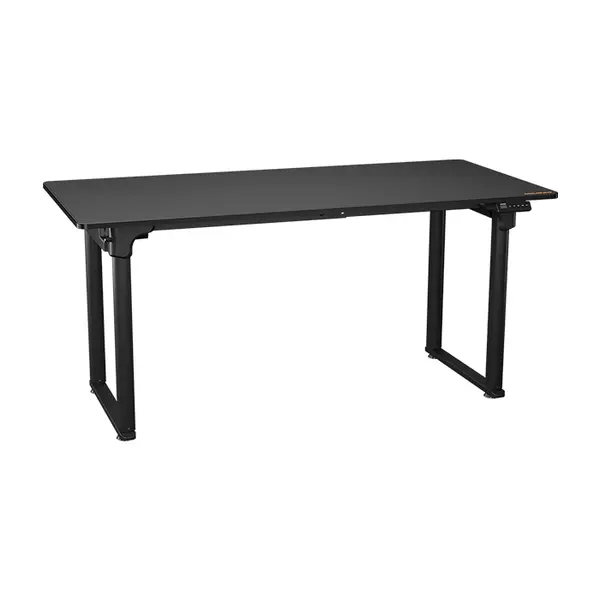
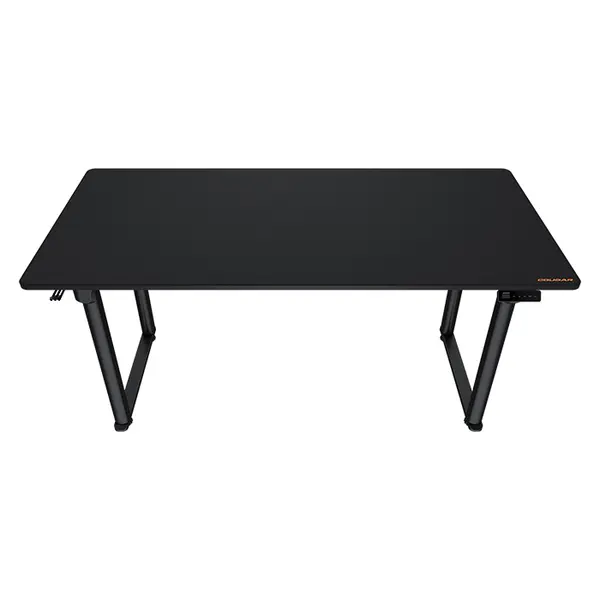
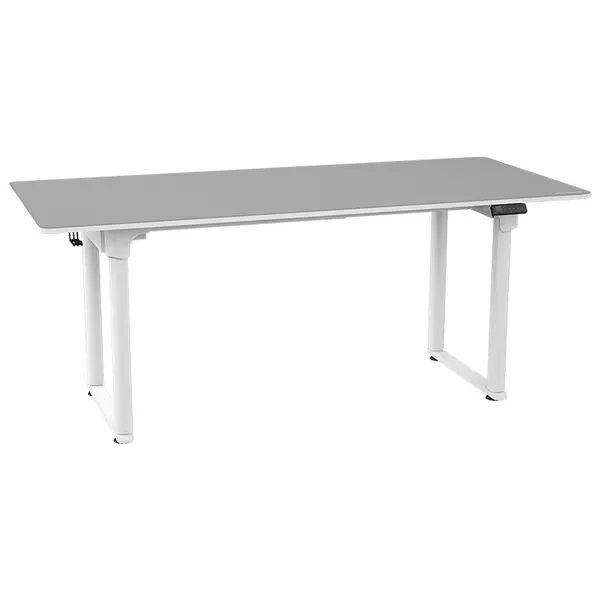
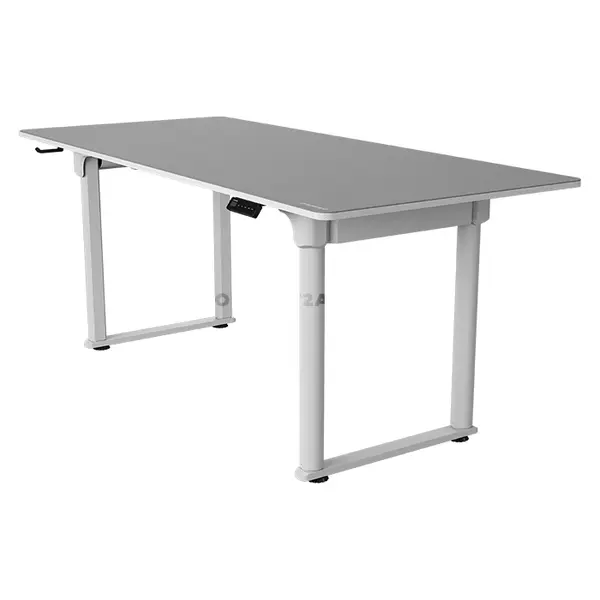
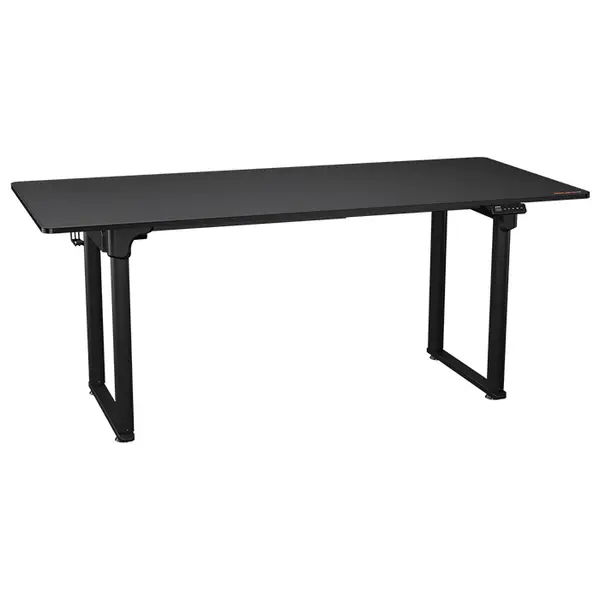
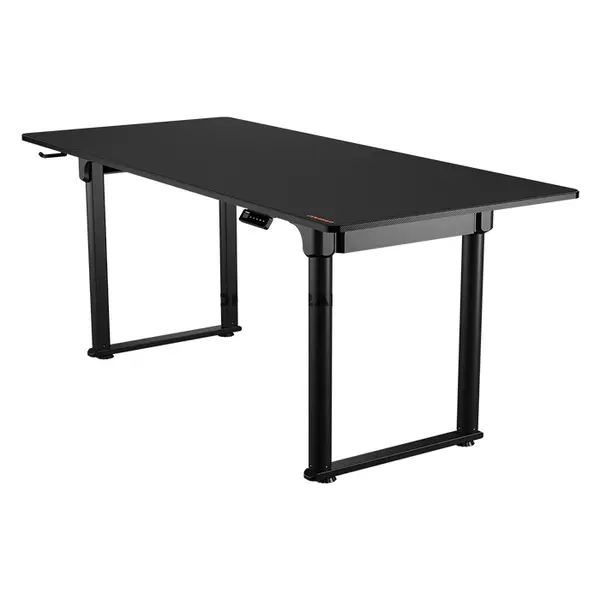
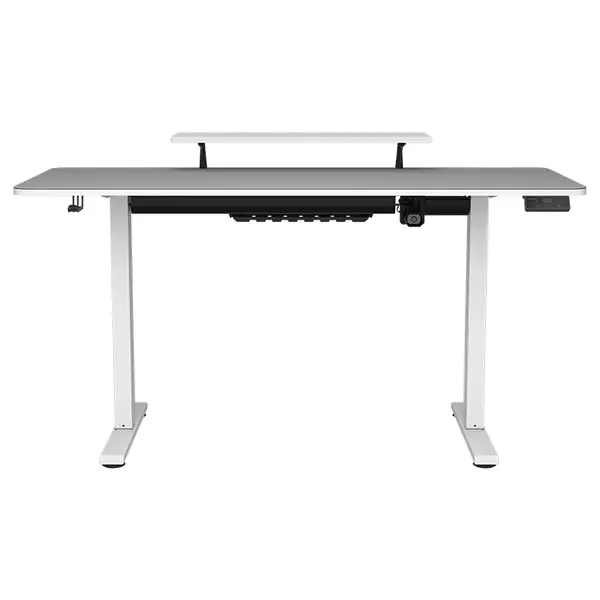
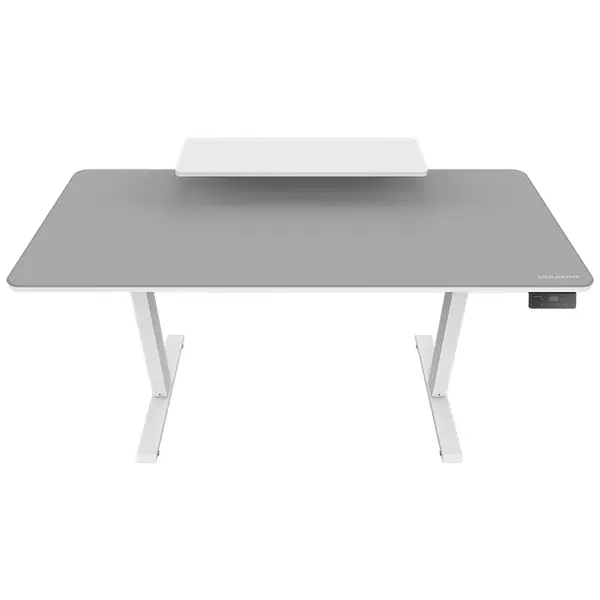
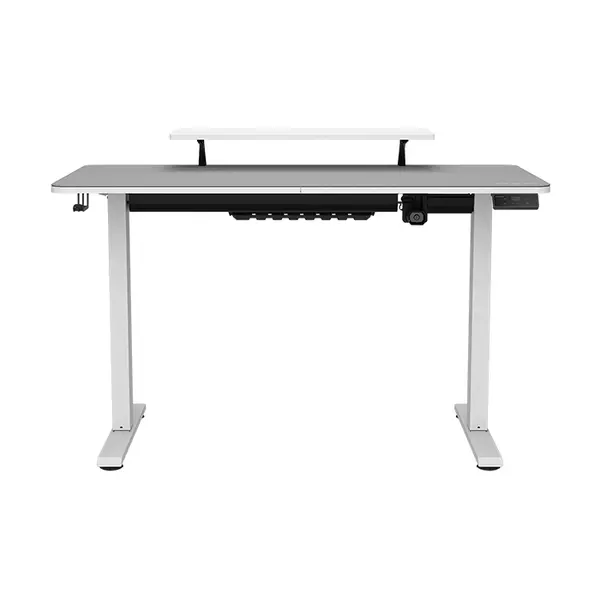
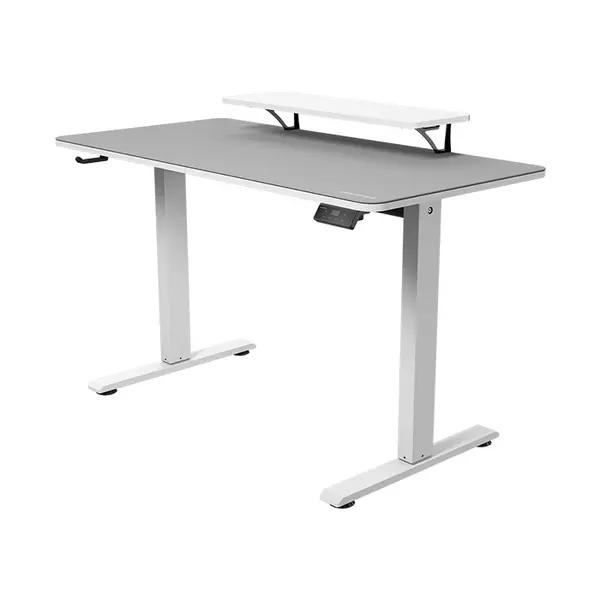
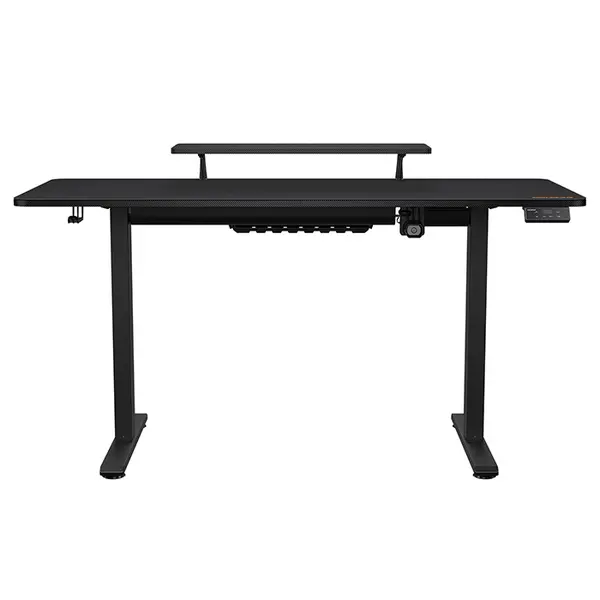
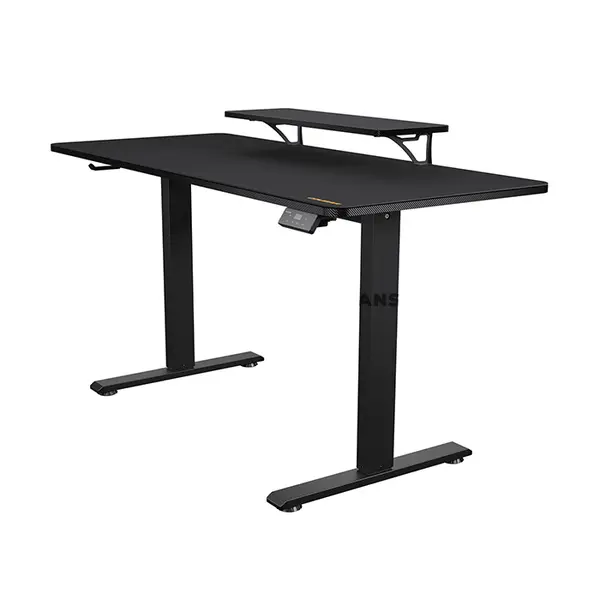
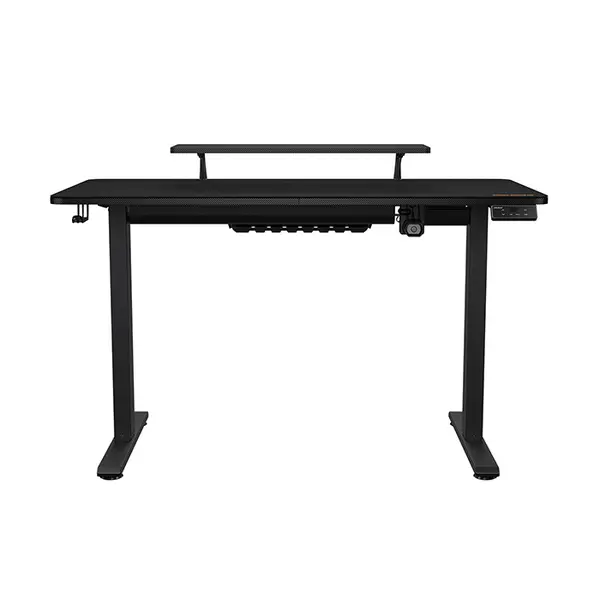
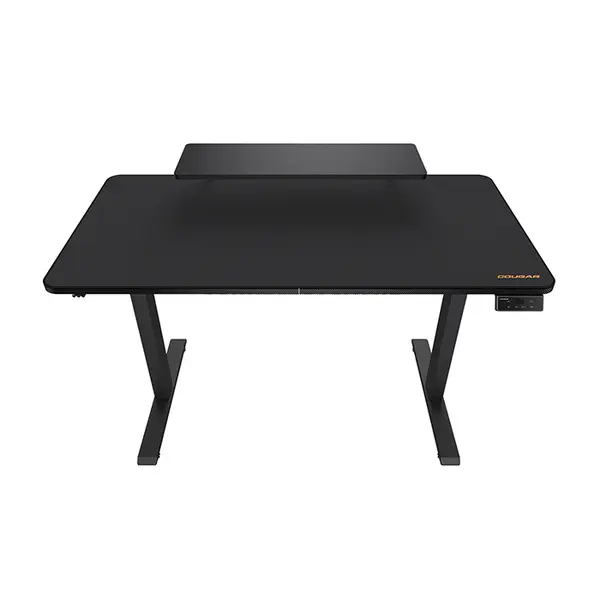
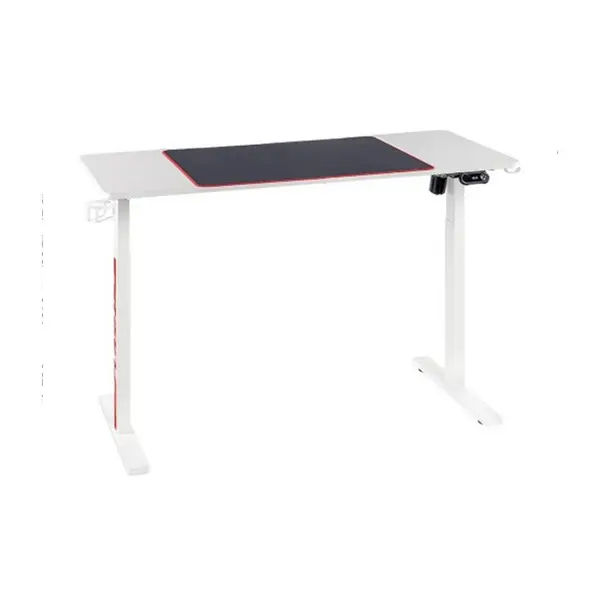
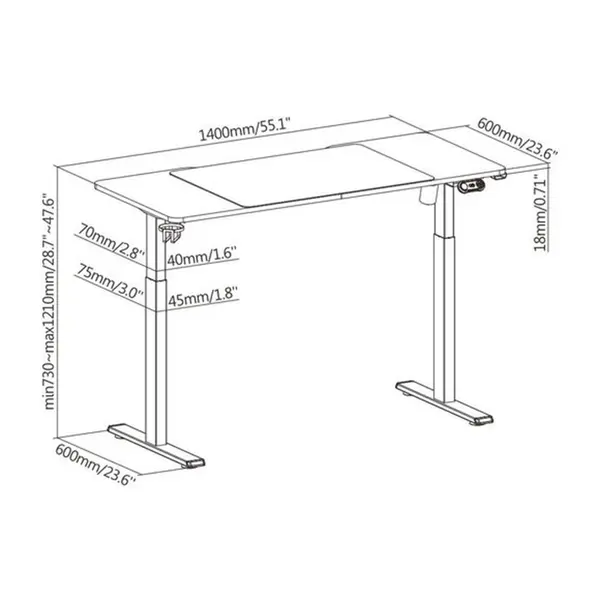
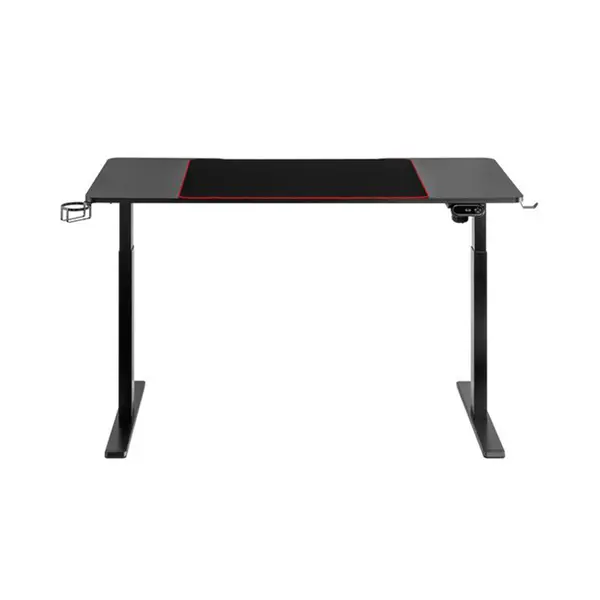
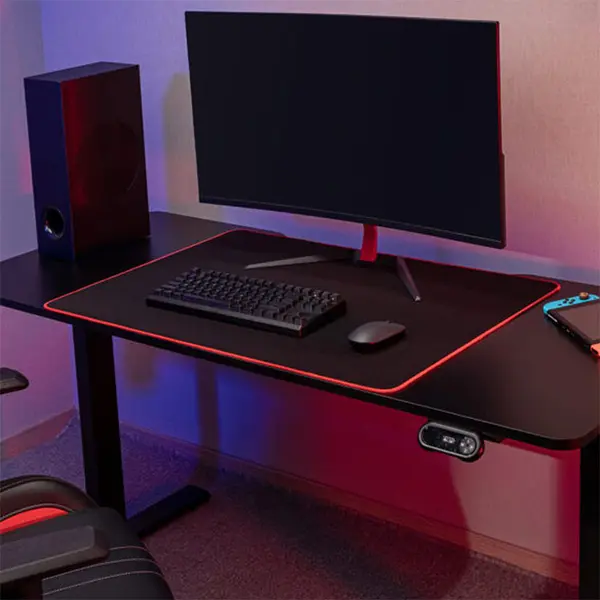
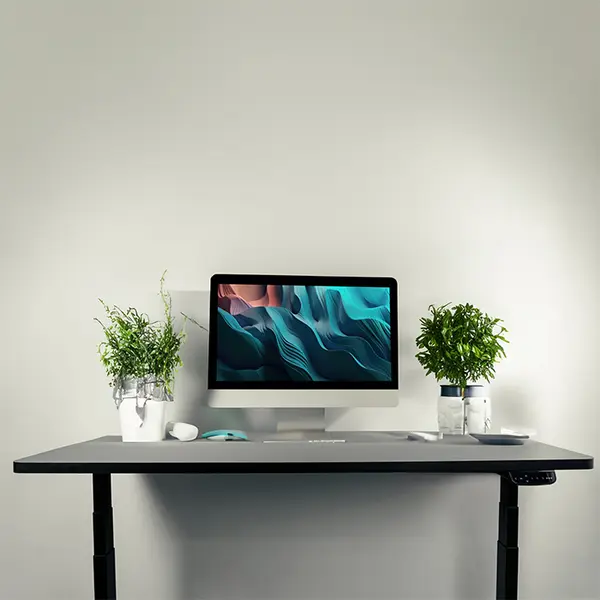
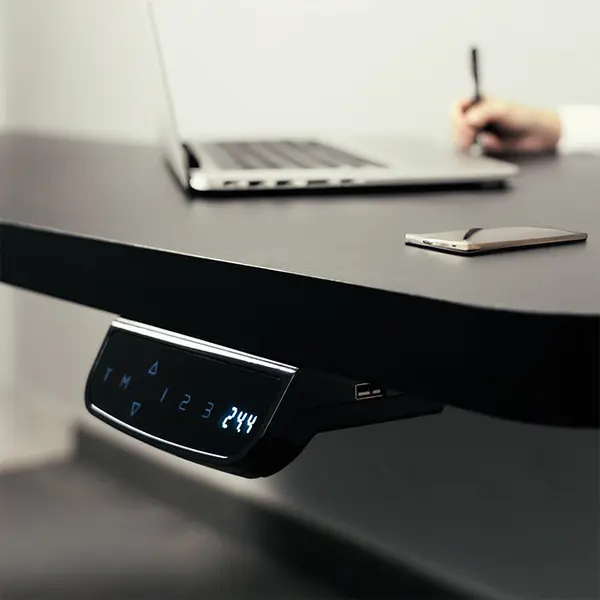
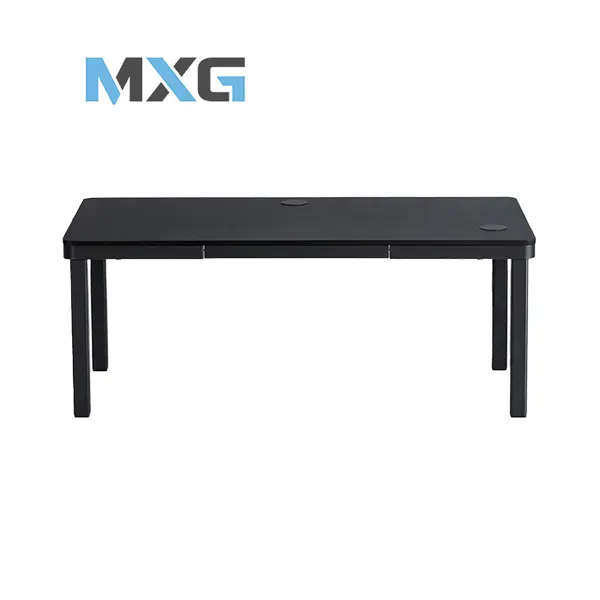
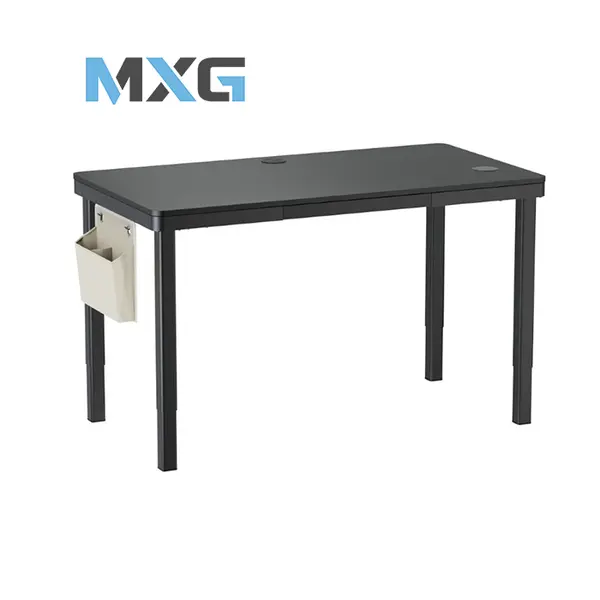
Gaming Desk Price in Pakistan
Compare gaming desk prices in Pakistan across models designed for PC gaming, streaming, multi-monitor setups, and everyday computer use. Gaming desks vary in dimensions, materials, surface area, weight capacity, frame design, cable-management features, and other specifications. Compare the desk with your available room space and the equipment you intend to place on it before purchasing.
Gaming Desks for PC Gaming Setups
Gaming desks provide a dedicated surface for monitors, keyboards, mice, speakers, controllers, and other PC equipment. The appropriate desk depends on the size and arrangement of your setup. Consider the number of devices you use, their dimensions and weight, and the amount of free surface area you want for comfortable everyday use.
Gaming Desk Size & Dimensions
Desk width, depth, and height determine how much equipment can fit and how the desk will occupy your room. Rather than relying on a universal recommended size, measure your available space and compare it with the exact dimensions of each desk. Also account for your gaming chair, PC case, cables, and space required to move around the setup.
Gaming Desks for Single & Multi-Monitor Setups
Monitor setups can require considerably different amounts of desk space depending on screen size, stand design, and the number of displays. Multiple monitors may require additional width and depth, while monitor arms can change how much desk surface is occupied by display stands. Check the complete monitor arrangement before choosing your desk.
Gaming Desk Weight Capacity
A gaming desk may need to support monitors, a desktop PC, speakers, peripherals, and other equipment. Check the manufacturer's specified weight capacity when available and consider the combined weight and placement of equipment. Weight capacity alone does not determine stability, so construction and frame design should also be considered.
Gaming Desk Materials & Construction
Gaming desks can use different tabletop and frame materials depending on the model. Construction quality, tabletop thickness, frame design, surface finish, and assembly can all influence stability and durability. Compare the specifications of individual desks rather than assuming one material category automatically provides better performance.
Gaming Desk Cable Management
Cable-management features can help organize power, display, networking, and peripheral cables around a PC setup. Depending on the desk, these features may include cable openings, grommets, trays, channels, hooks, or other routing options. Available features vary by model, so check the exact desk design if cable organization is important.
Gaming Desks for Keyboard & Mouse Space
Your keyboard and mouse require sufficient usable surface area for comfortable positioning and movement. Gamers using lower mouse sensitivity may prefer additional mouse space, while larger keyboards can occupy more desk width. Consider your keyboard size, mouse area, monitor placement, and other peripherals together when evaluating available desk space.
Gaming Desks for Streaming & Content Creation
Streaming and content-creation setups may include multiple monitors, microphones, webcams, lighting, capture devices, speakers, and other equipment alongside the main PC peripherals. A suitable desk should provide enough usable surface area and appropriate equipment placement for the specific devices used in the setup.
Gaming Desk & Gaming Chair Compatibility
Desk and chair dimensions should be considered together. Compare desk height and available clearance with the height and armrest adjustment range of your gaming chair. Also consider legroom and whether the chair can move comfortably underneath or around the desk.
Gaming Desk Shapes & Layouts
Gaming desks are available in different layouts depending on the product range, including conventional rectangular designs and other configurations. Different shapes can suit different room layouts and equipment arrangements. Check the exact dimensions and orientation rather than assuming a particular desk shape will fit your available space.
Height-Adjustable Gaming Desks
Some desks provide adjustable-height mechanisms that allow the working surface to be repositioned. Adjustment range, weight capacity, mechanism type, and other specifications vary between models. Check these specifications carefully if you require a particular sitting or standing height.
Choose the Right Gaming Desk
Start by measuring the available room space and determining which equipment will be placed on the desk. Then compare desk width, depth, height, weight capacity, materials, construction, cable-management features, and available adjustments. Consider your monitors, gaming chair, keyboard, mouse, PC, and other equipment as one complete setup.
Buy Gaming Desks Online in Pakistan
Browse available gaming desks at Connect2Aryans and compare current prices, dimensions, materials, weight capacities, surface designs, cable-management features, and available models. Gaming desks are available for customers in Karachi, Lahore, Islamabad, Rawalpindi, Faisalabad, and other cities across Pakistan, with nationwide delivery options available.
Frequently Asked Questions About Gaming Desks
What size gaming desk should I buy?
There is no universal desk size suitable for every gaming setup. Measure your available room space and consider your monitors, PC, keyboard, mouse, speakers, and other equipment before comparing the dimensions of available desks.
How do I choose a gaming desk for multiple monitors?
Check the dimensions and stands of your monitors and determine how they will be arranged. Then compare the usable width and depth of the desk. If you intend to use monitor arms, also check the desk and mounting requirements of the arms.
Does gaming desk material affect durability?
Material is one factor, but durability also depends on material quality, tabletop construction, frame design, joints, hardware, assembly, weight distribution, and intended load. Compare the complete construction and manufacturer specifications rather than judging durability from the material name alone.
What should I check before buying a height-adjustable gaming desk?
Check the available height range, manufacturer-specified weight capacity, adjustment mechanism, tabletop dimensions, and space requirements. Make sure the available adjustment range suits your intended sitting or standing position.
Not sure which gaming desk fits your room and setup? Read our guide on choosing the right gaming desk for more detailed buying advice.

