
Filters
Price Range
From
To
Brand
Availability
Pre-Built PC
Shop pre-built PCs in Pakistan for gaming, work, content creation, and everyday computing. Compare processor and graphics configurations, RAM, SSD storage, cooling, power supplies, cases, connectivity, and upgrade options to find a system suited to your performance requirements and budget.
12 Products
Quick view
Rs. 158,000
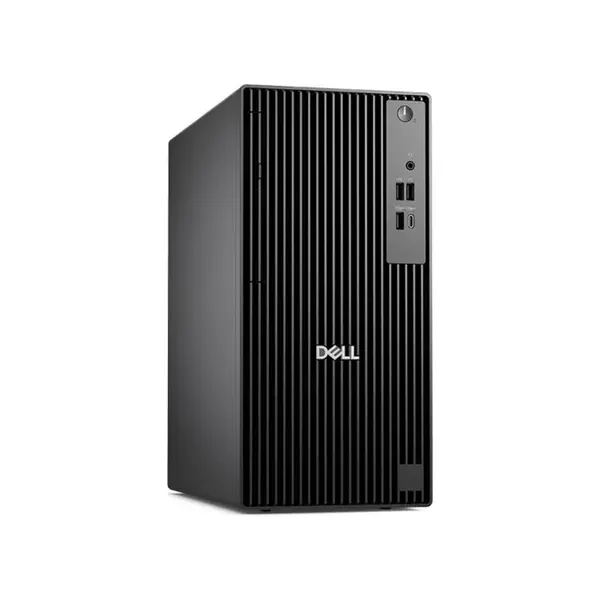
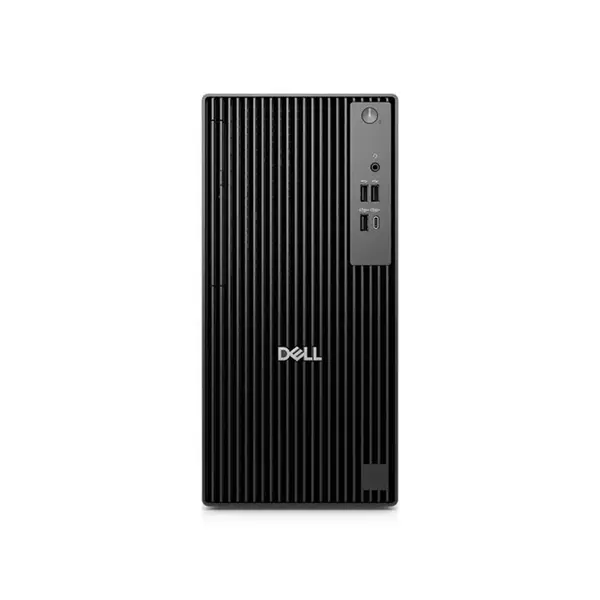
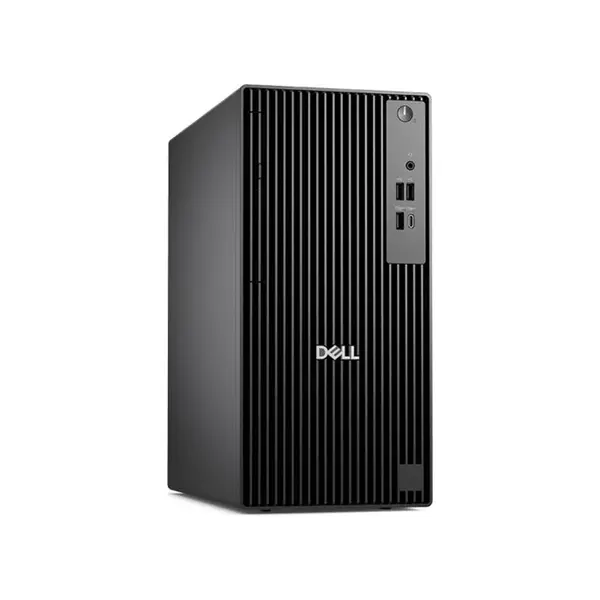
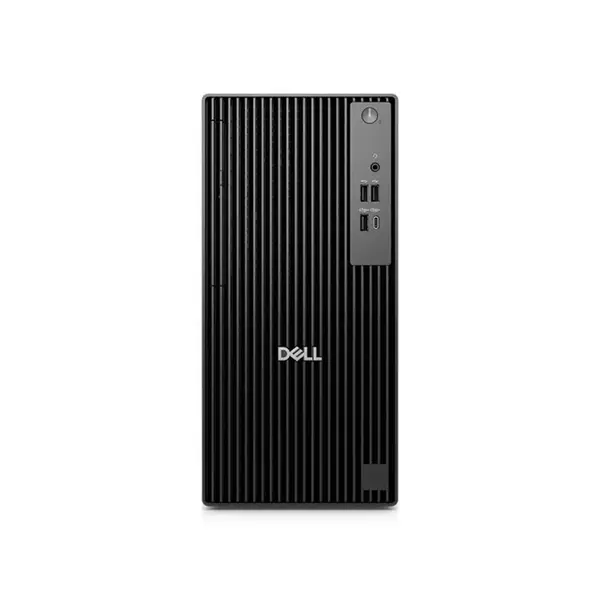
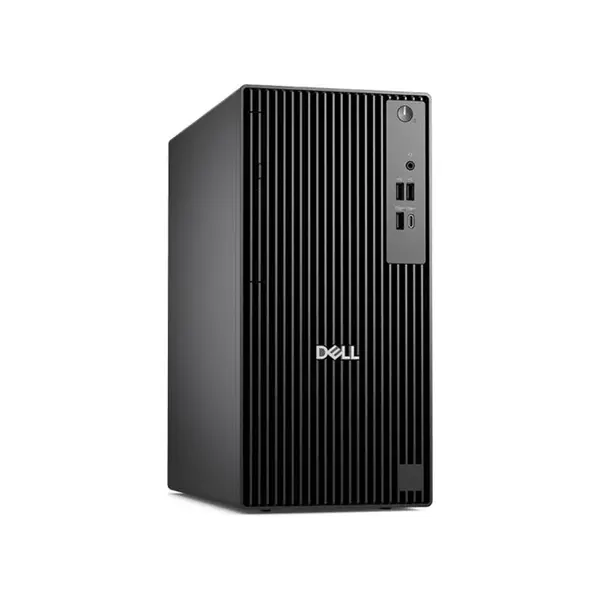
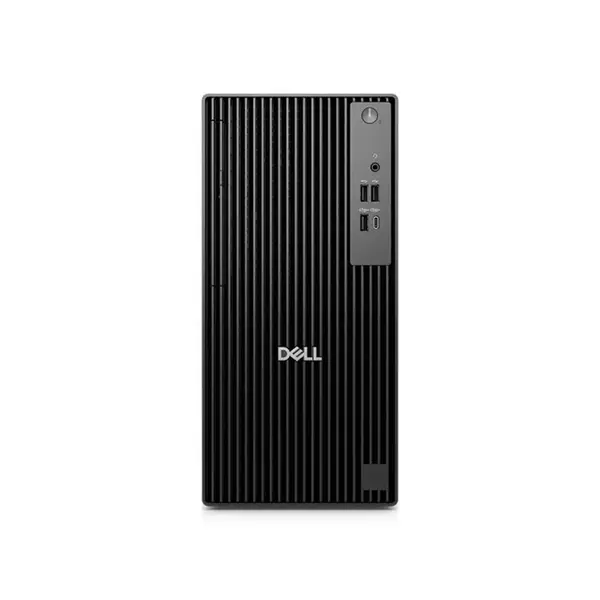
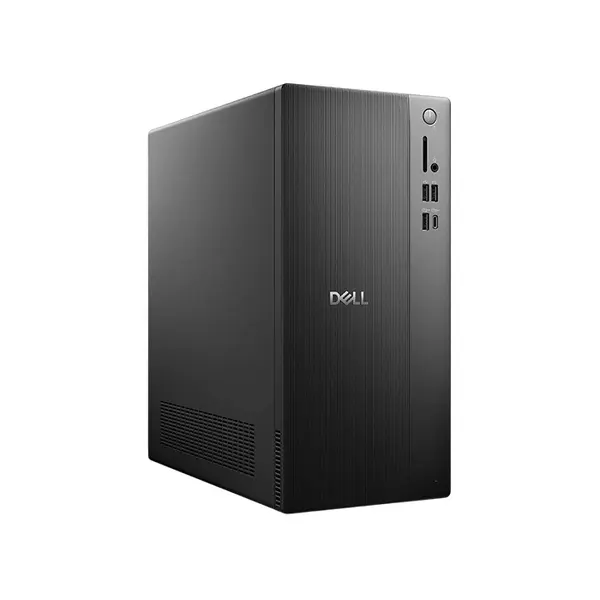
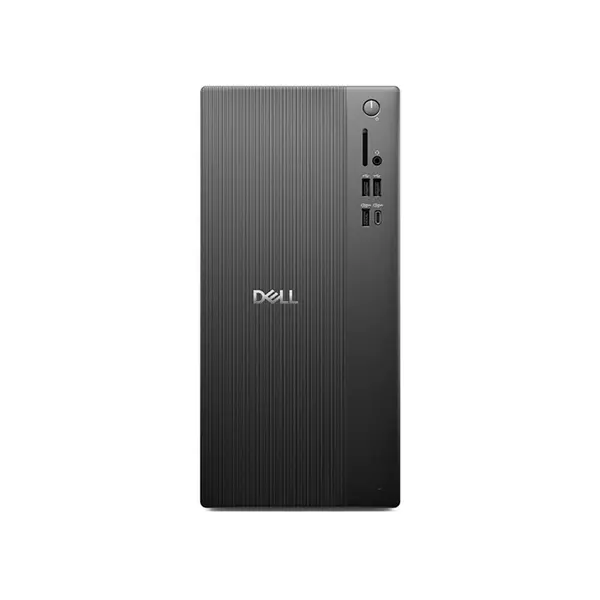
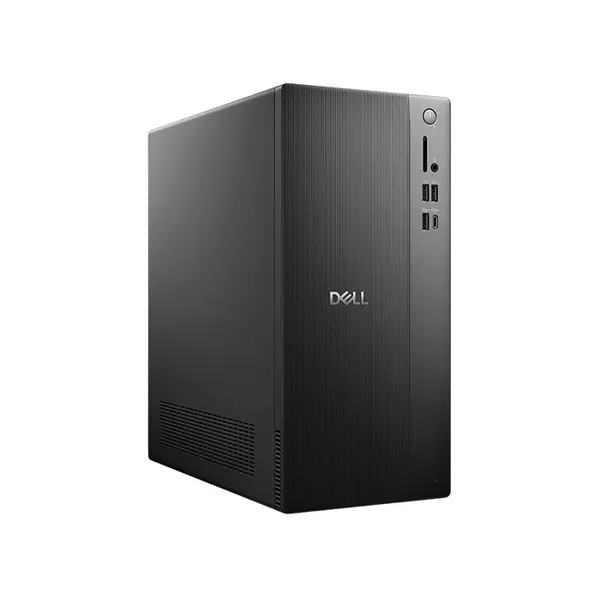
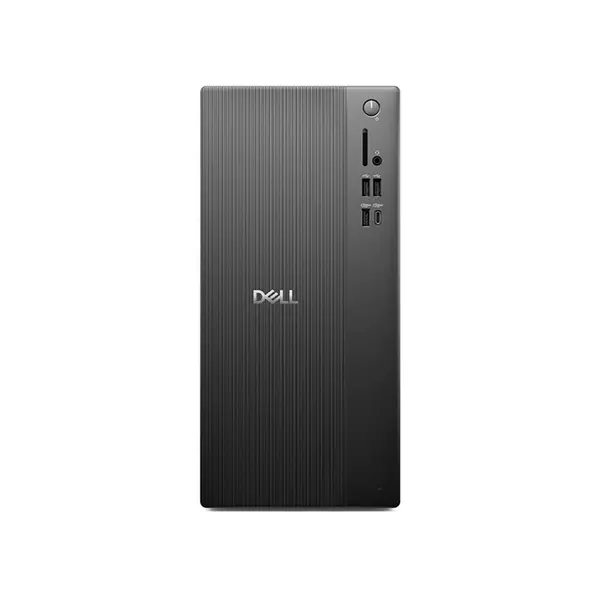
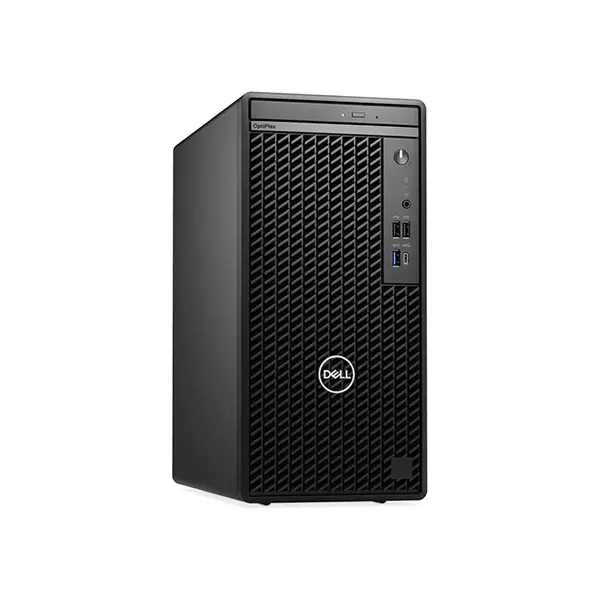
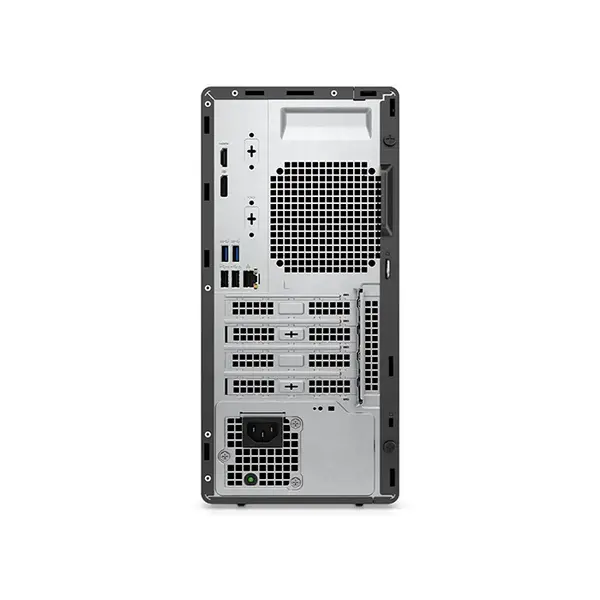
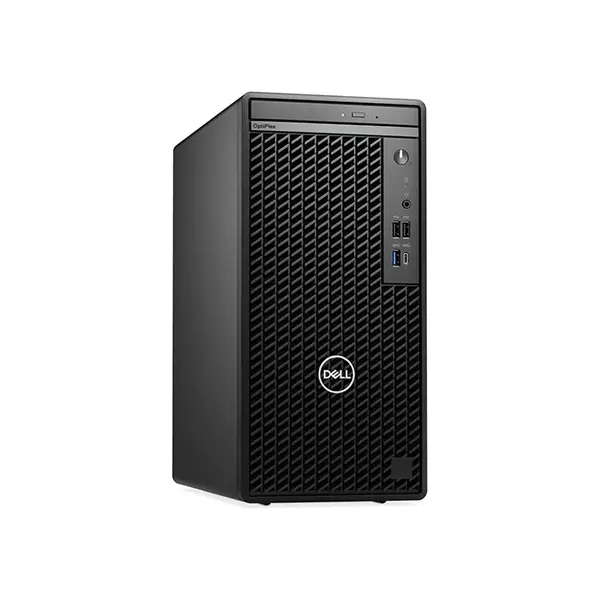
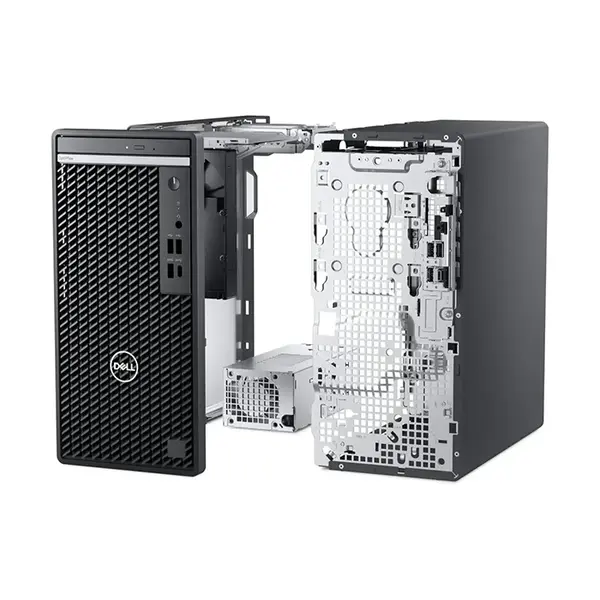
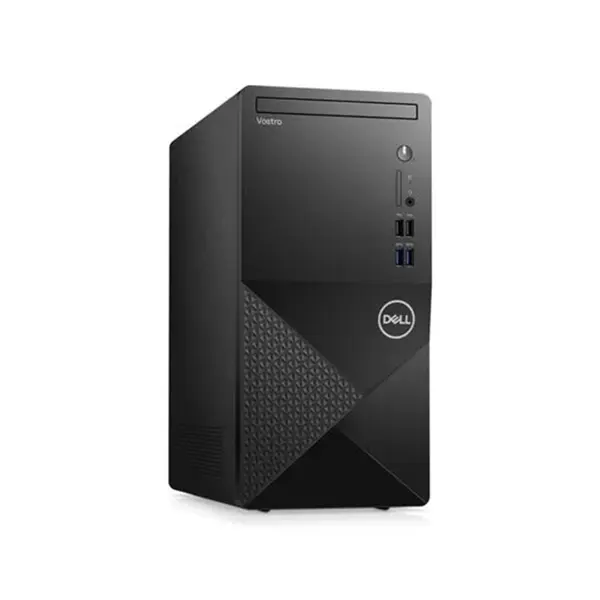
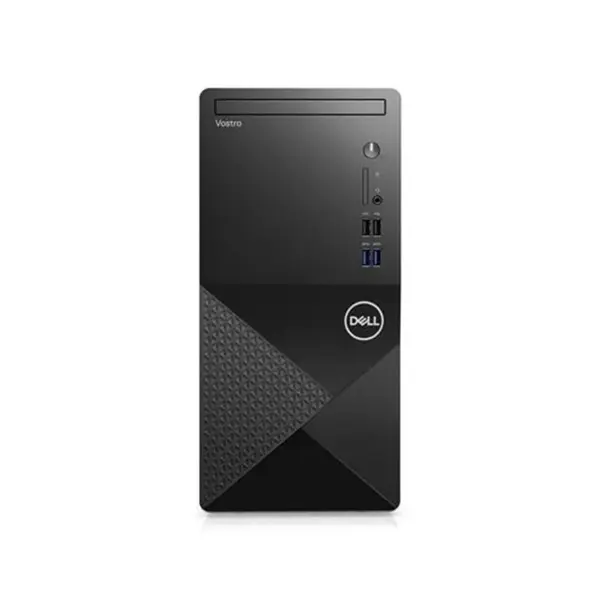
Pre-Built PC Price in Pakistan
Compare pre-built PC prices in Pakistan across systems configured for gaming, work, content creation, and everyday computing. Pre-built computers can vary considerably in processor, graphics, memory, storage, motherboard, power supply, cooling, case, connectivity, and operating-system configuration. Compare the complete component list rather than evaluating a system based on the processor or graphics card alone.
Pre-Built PCs for Gaming, Work & Everyday Use
Pre-built PCs combine compatible computer components into a complete system configuration. Different systems can be designed around different workloads, so the appropriate configuration depends on the applications, games, display resolution, multitasking requirements, storage needs, and other tasks you expect the computer to handle.
Intel & AMD Pre-Built PCs
Pre-built PCs can be configured with Intel or AMD processors depending on the individual system. Processor performance varies by model, generation, core configuration, architecture, power limits, cooling, and workload. Compare the exact processor rather than choosing a system solely according to the processor brand.
Gaming Pre-Built PCs
A gaming PC should be evaluated according to the games, resolution, graphics settings, refresh-rate target, and other applications you intend to use. The graphics card and processor are important, but RAM, storage, cooling, power delivery, case airflow, and the overall system configuration can also affect the suitability of a build.
Pre-Built PCs for Work & Content Creation
Work and content-creation requirements vary considerably between applications. Some workloads depend more heavily on processor performance, while others can benefit from graphics acceleration, additional memory, faster storage, or a combination of components. Check the requirements of the software you intend to use before choosing a configuration.
Processor & Graphics Card Configuration
The processor and graphics card should be considered together according to the intended workload. A more expensive component does not automatically make every application faster, and performance can vary considerably between games and software. Compare the exact CPU and GPU models with your requirements.
RAM in Pre-Built PCs
Check the installed RAM capacity, memory type, speed, number of modules, available memory slots, and motherboard support where these specifications are provided. Memory requirements vary by workload, and future upgrade options depend on the motherboard, processor platform, and existing memory configuration.
SSD & Storage Configuration
Pre-built systems can use NVMe SSDs, SATA SSDs, hard drives, or combinations of storage devices depending on the configuration. Compare storage capacity, interface, drive type, available expansion options, and your expected application or file-storage requirements.
Motherboard & Upgrade Options
The motherboard determines many of the system's connectivity and expansion capabilities. Check processor socket and chipset, RAM support, storage connections, PCIe expansion, networking, rear I/O, internal headers, and other relevant specifications. Future upgrade possibilities depend on the complete platform and should not be assumed from the processor alone.
Power Supply in a Pre-Built PC
The power supply should be appropriate for the installed hardware and any planned upgrades. Check its rated output, connectors, form factor, and other available specifications. A future graphics-card upgrade, for example, may require different power capacity or connectors from the original configuration.
PC Case & Component Clearance
The PC case affects component installation, cooling options, airflow configuration, storage mounting, and physical upgrade space. Check motherboard support, graphics-card clearance, CPU cooler clearance, power-supply compatibility, fan and radiator support, and other relevant dimensions when future upgrades are important.
Cooling & Airflow
Cooling requirements depend on the processor, graphics card, case design, installed fans, CPU cooler, ambient conditions, and workload. Do not judge cooling performance solely by the number of fans or the appearance of the case. Compare the complete cooling configuration and component requirements.
Connectivity & Expansion
Pre-built PCs can provide different combinations of USB ports, audio connections, networking, display outputs, wireless connectivity, expansion slots, and internal headers. Available connections depend on the motherboard, graphics card, case, and other installed hardware. Check the exact configuration if particular connections are required.
Pre-Built PC Upgradeability
Upgradeability varies between systems. RAM, storage, graphics cards, processors, cooling hardware, and other components may be upgradeable depending on motherboard support, power supply, physical clearances, firmware support, and the original configuration. Check these factors before planning future upgrades.
Pre-Built PC vs Custom PC
A pre-built PC provides a predefined complete system configuration, while a custom PC allows components to be selected individually around specific requirements. Neither approach is automatically better for every user. Compare component selection, performance requirements, upgradeability, convenience, and total cost when deciding between them.
Choose the Right Pre-Built PC
Start with the games, applications, and workloads you intend to run. Then compare the processor, graphics card, RAM, storage, motherboard, power supply, cooling, case, connectivity, and upgrade options of each system. Evaluating the complete configuration provides a better basis for choosing a PC than focusing on a single component.
Buy Pre-Built PCs Online in Pakistan
Browse available pre-built PCs at Connect2Aryans and compare current prices, processors, graphics configurations, RAM, storage, motherboards, power supplies, cooling, cases, connectivity, and upgrade options. Check the complete specifications of each system against your performance requirements before purchasing.
Frequently Asked Questions About Pre-Built PCs
Is a pre-built PC better than a custom PC?
Neither is automatically better. A pre-built PC provides an already-defined system configuration, while a custom PC allows individual component selection. The better choice depends on your performance requirements, component preferences, upgrade plans, budget, and how much involvement you want in selecting the hardware.
Can I upgrade a pre-built PC later?
It depends on the individual system. Upgrades can be limited by motherboard compatibility, power-supply capacity and connectors, case clearance, cooling, available slots, firmware support, and other hardware considerations. Check the exact configuration before purchasing if future upgrades are important.
What should I check before buying a pre-built PC?
Check the exact processor, graphics card, RAM configuration, storage, motherboard, power supply, CPU cooling, case, connectivity, and operating-system information where applicable. The complete component list is more useful than judging the PC from one headline specification.
Does every pre-built PC include Windows?
Not necessarily. Operating-system inclusion and licensing depend on the individual product configuration. Check the product specifications to confirm whether an operating system is included before purchasing.
Not sure whether a pre-built or custom PC is right for you? Read our guide on choosing the right pre-built PC for a detailed comparison.

