
Filters
Price Range
From
To
Brand
Availability
Peripherals » PCIe Expansion Cards
Shop PCIe expansion cards in Pakistan for desktop PC connectivity and expansion upgrades. Compare USB, LAN, Wi-Fi, storage and other PCIe cards by interface, slot requirements, compatibility, features and prices to find the right expansion card for your PC.
2 Products
Quick view
Rs. 2,700
PCIe Expansion Card Price in Pakistan
Compare PCIe expansion card prices in Pakistan across cards designed to add connectivity, networking, storage interfaces and other functionality to compatible desktop PCs. Available features vary by model, so compare the card interface, PCIe requirements, operating-system support, drivers, connectors and motherboard compatibility before purchasing.
PCIe Expansion Cards for PC Upgrades
A PCIe expansion card installs into a compatible PCI Express slot on a motherboard and can provide additional functionality beyond the computer's built-in connections. Depending on the card, this can include additional USB ports, wired or wireless networking, storage connectivity and other interfaces. Check both the expansion card and motherboard specifications because requirements vary between products.
USB PCIe Expansion Cards
USB PCIe expansion cards can add USB-A, USB-C or other supported USB connections to a desktop PC depending on the individual card. Connector shape alone does not determine data-transfer speed or power capabilities, so compare the supported USB standard, controller, port configuration, power requirements and drivers before choosing a card.
PCIe LAN & Ethernet Cards
A PCIe network card can add or replace wired Ethernet connectivity in a compatible desktop PC. Network cards can support different Ethernet speeds and controller features depending on the model. Actual network performance also depends on your router or switch, cabling, network configuration and other connected equipment.
PCIe Wi-Fi Cards
Compatible PCIe Wi-Fi cards can add wireless networking to desktop PCs that do not have suitable built-in Wi-Fi. Wireless standards, supported bands, antenna configurations and Bluetooth availability vary by model. Before purchasing, check motherboard compatibility, operating-system support, drivers and any additional connections required by the card.
PCIe Bluetooth & Wireless Connectivity
Some wireless PCIe cards combine Wi-Fi and Bluetooth functionality, but the requirements for each function can differ. Certain cards may require an additional internal motherboard connection for Bluetooth or other features. Always follow the manufacturer's installation and compatibility information for the exact model.
PCIe Storage & M.2 Adapter Cards
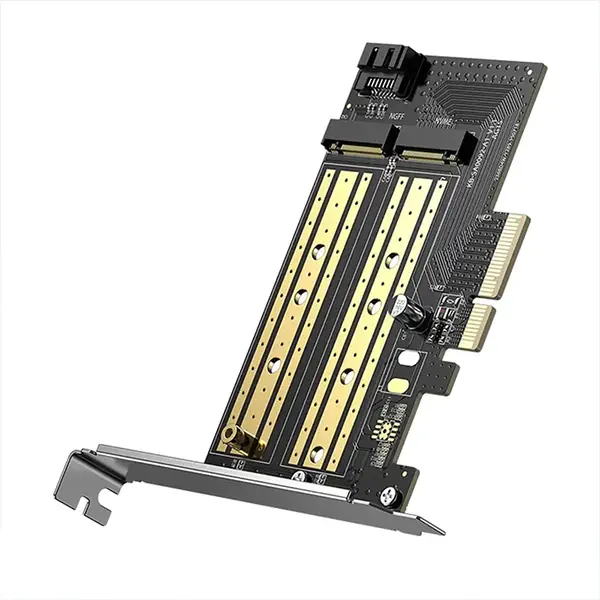
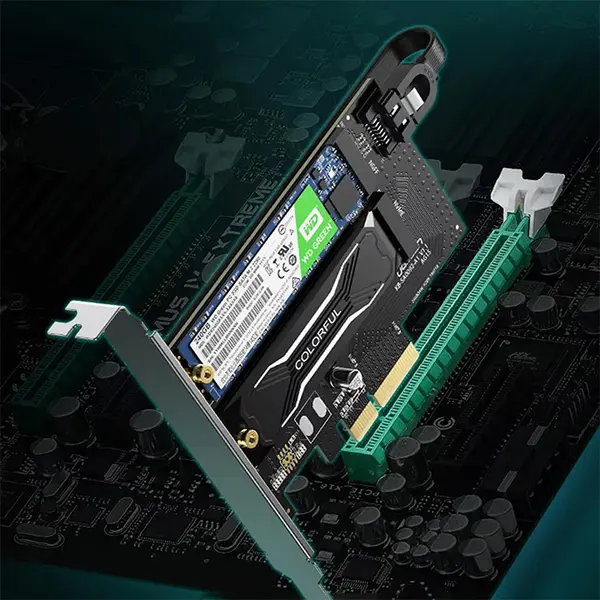
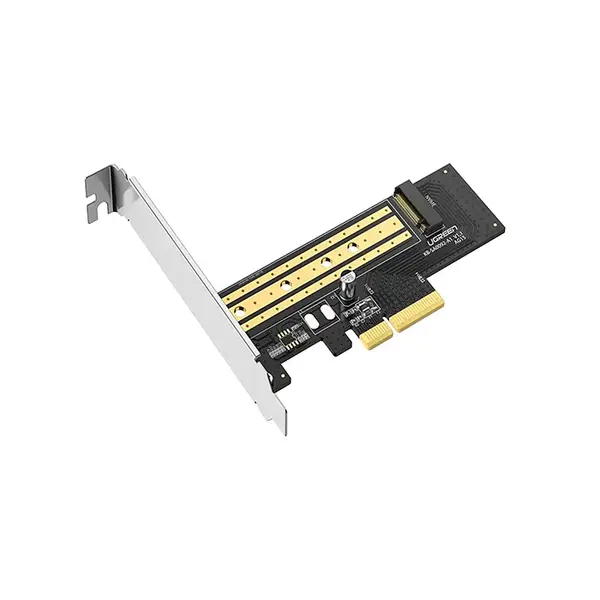
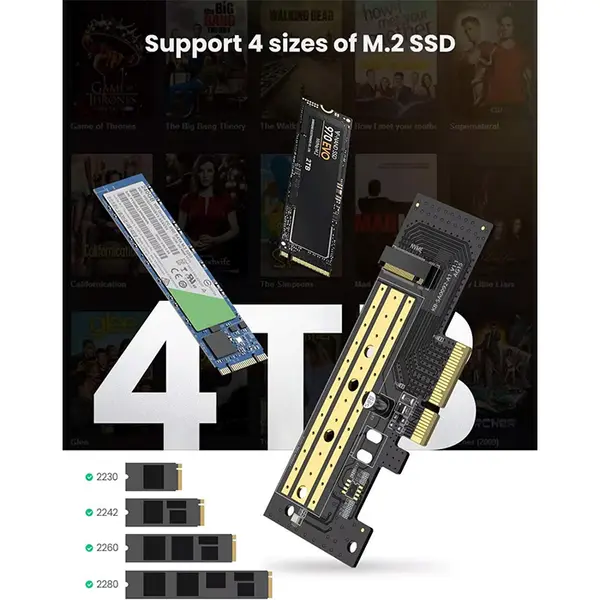
Some PCIe adapter cards allow compatible M.2 storage devices to be installed through a PCIe slot. Compatibility depends on the adapter design, SSD type, motherboard, available PCIe lanes, slot configuration, BIOS or firmware support and intended use. An adapter does not automatically guarantee that every M.2 or NVMe SSD will work with every motherboard.
PCIe SATA & Storage Controller Cards
Storage controller cards can provide additional SATA or other storage connections depending on the product. These cards can be useful when additional compatible storage interfaces are required, but supported drives, interface speeds, boot support and operating-system compatibility vary between controllers.
PCIe Slot Sizes & Compatibility
PCIe slots and expansion cards use different physical lane configurations such as x1, x4, x8 and x16. A physically larger slot can sometimes accept a card requiring fewer lanes, but actual compatibility and available bandwidth depend on the motherboard, slot wiring, CPU or chipset configuration and other installed devices. Check the manuals for both the motherboard and expansion card before installation.
PCIe Generations & Bandwidth
PCI Express has multiple generations with different potential bandwidth capabilities. PCIe devices and slots are generally designed with backward and forward compatibility in mind, but the negotiated link operates according to the capabilities of the connected hardware and platform. Performance requirements vary by expansion-card type, so check the manufacturer's specifications rather than choosing solely by PCIe generation.
Motherboard Compatibility
Before purchasing an expansion card, inspect your motherboard for an appropriate available PCIe slot and check how its PCIe lanes are allocated. Installing other devices can affect slot availability or bandwidth on some platforms. The motherboard manual is the best reference for slot configuration and shared-resource limitations.
PC Case & Physical Clearance
Expansion cards also require sufficient physical space inside the PC case. Check card dimensions, slot position and available expansion-slot openings, especially when a large graphics card or other hardware occupies nearby motherboard slots. Physical clearance should be confirmed in addition to electrical compatibility.
Drivers & Operating-System Support
Some PCIe expansion cards require dedicated drivers or software for full functionality. Verify support for your operating system and check the manufacturer's driver requirements before purchasing. Older cards may not necessarily provide suitable drivers for newer operating systems, while newer cards may have specific platform requirements.
Choosing the Right PCIe Expansion Card
Start by identifying the feature or connection your PC needs. Then check the expansion card's PCIe interface, required slot, physical dimensions, connectors, supported standards, operating-system compatibility, driver requirements and any additional power or internal connections. Compare these requirements with your motherboard and PC case before choosing a card.
Buy PCIe Expansion Cards Online in Pakistan
Browse available PCIe expansion cards at Connect2Aryans and compare current prices, interfaces, connectivity options, PCIe requirements, supported standards, dimensions and available models. Check your motherboard, operating system, PC case and other hardware requirements against the individual card specifications before purchasing.
Frequently Asked Questions About PCIe Expansion Cards
Can I add Wi-Fi to a desktop PC using a PCIe card?
Yes, a compatible PCIe Wi-Fi card can add wireless connectivity to many desktop PCs. However, you should confirm the required PCIe slot, operating-system and driver support, antenna configuration and any additional internal connections required by the specific card.
Can a PCIe expansion card use a larger PCIe slot?
In many configurations, a card using fewer PCIe lanes can operate in a physically larger compatible PCIe slot. However, motherboard slot wiring, lane allocation and platform restrictions can affect compatibility and bandwidth, so check the motherboard manual.
Can I install an NVMe SSD using a PCIe adapter?
A compatible PCIe-to-M.2 adapter can allow certain NVMe SSDs to connect through a PCIe slot. Compatibility and boot support depend on the adapter, motherboard, BIOS or firmware, PCIe configuration and SSD, so this should be verified for the specific hardware.
What should I check before buying a PCIe expansion card?
Check the required PCIe slot, interface and bandwidth requirements, motherboard compatibility, physical dimensions, PC case clearance, connectors, drivers, operating-system support and any additional power or internal connections required by the card.
Not sure which expansion card is compatible with your PC? Read our guide on choosing the right PCIe expansion card for more detailed buying advice.

