
Filters
Price Range
From
To
Brand
Availability
CPU Cooler Type
Peripherals » Cooling Fans
Shop PC cooling fans in Pakistan for gaming PCs, custom builds, and cooling upgrades. Compare case fans by size, airflow, fan speed, noise specifications, PWM support, RGB or ARGB lighting, connectors, and compatibility to find suitable fans for your PC case and cooling setup.
67 Products
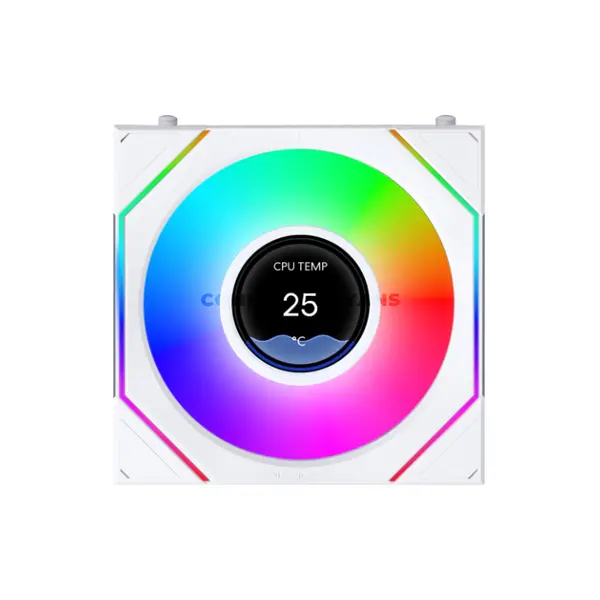
Quick view
Rs. 14,500
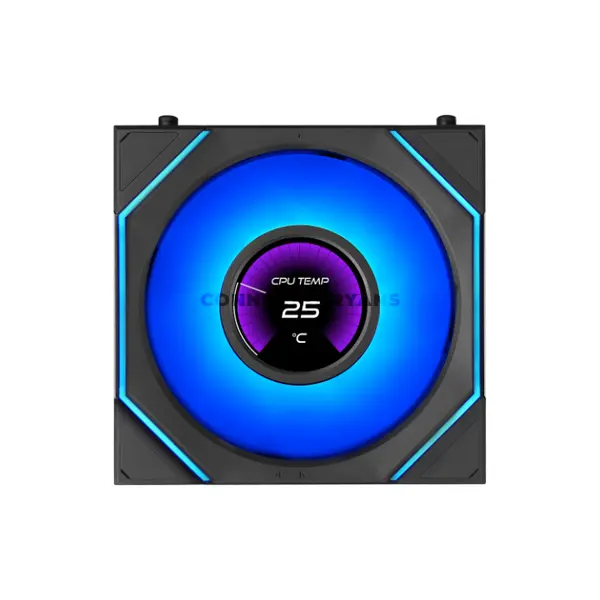
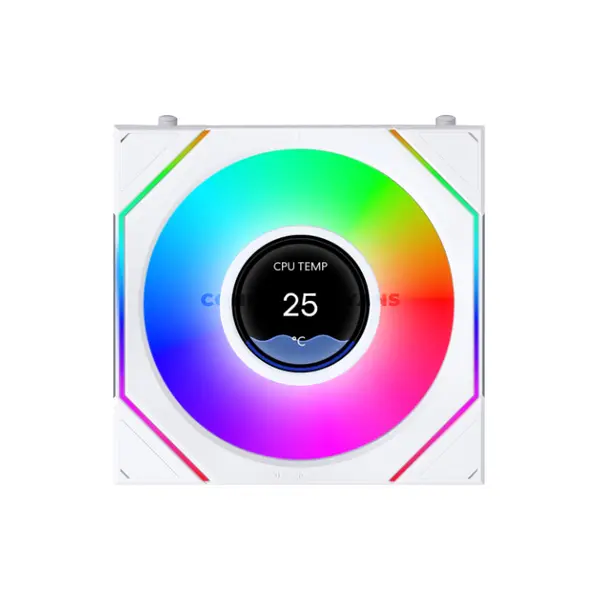
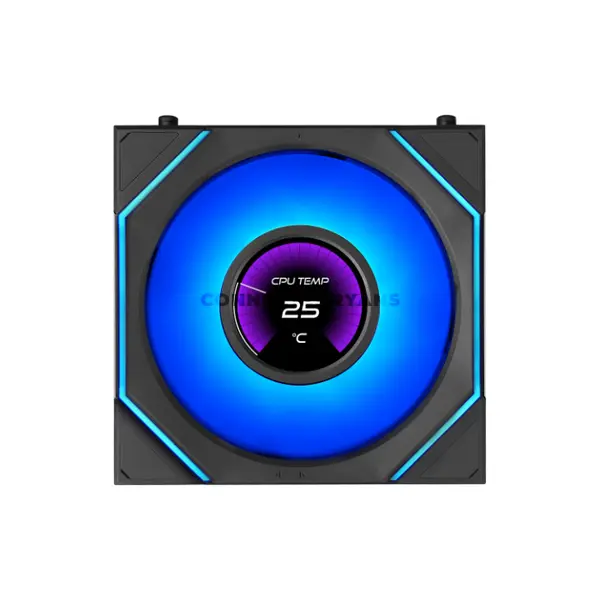
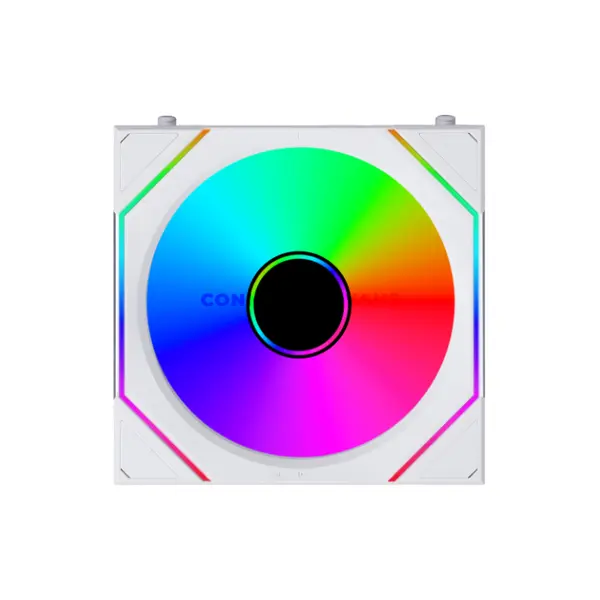
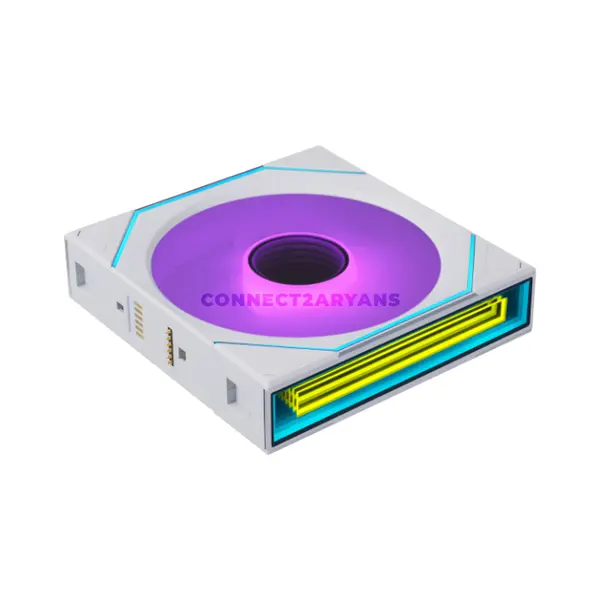
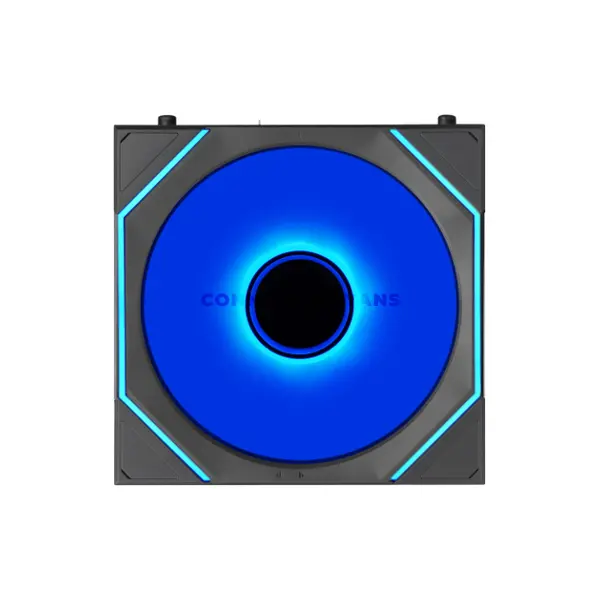
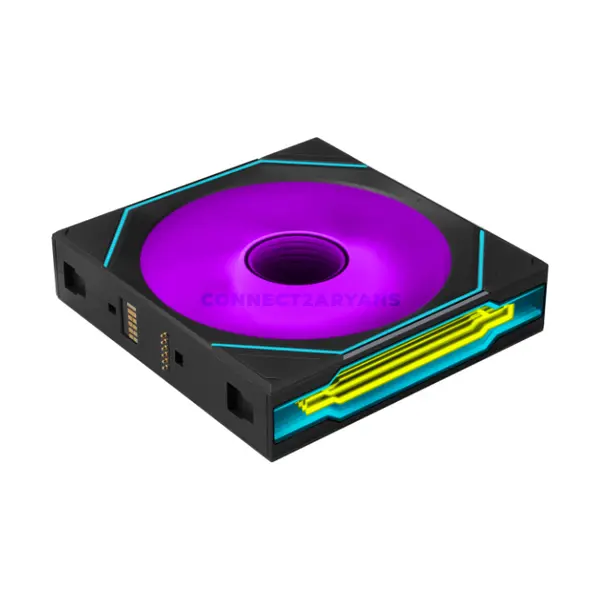
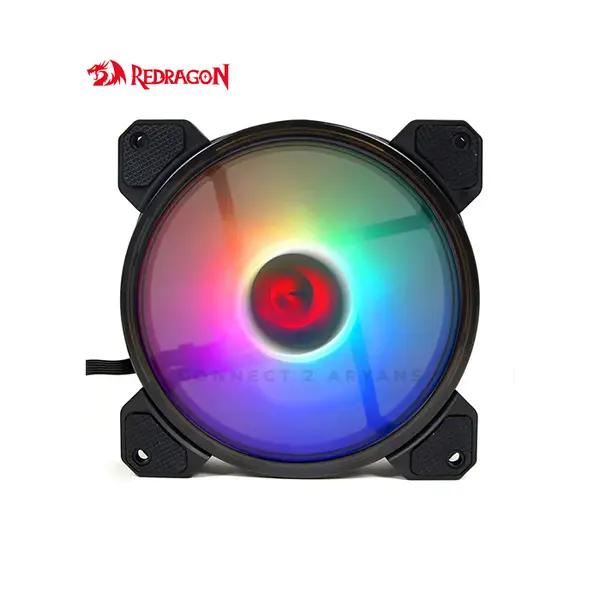
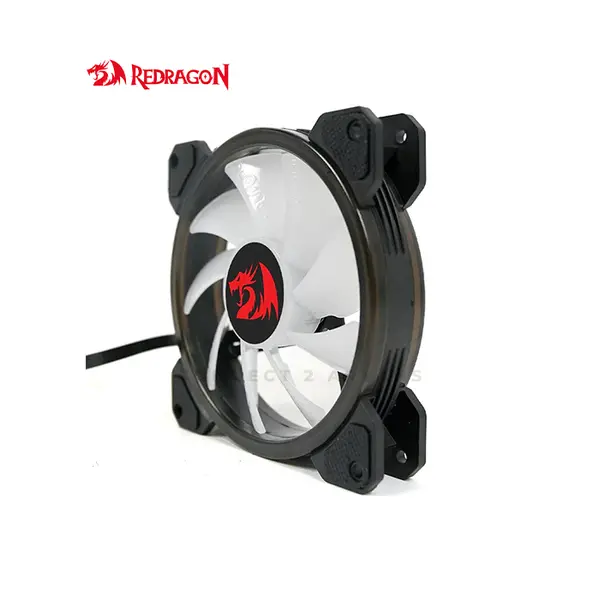
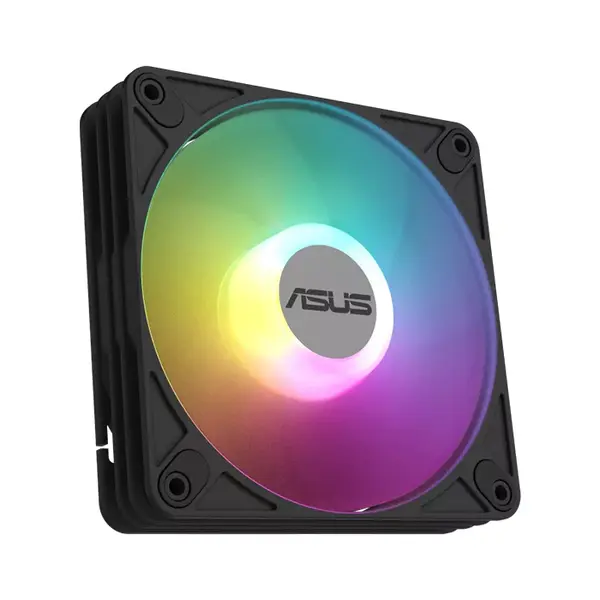
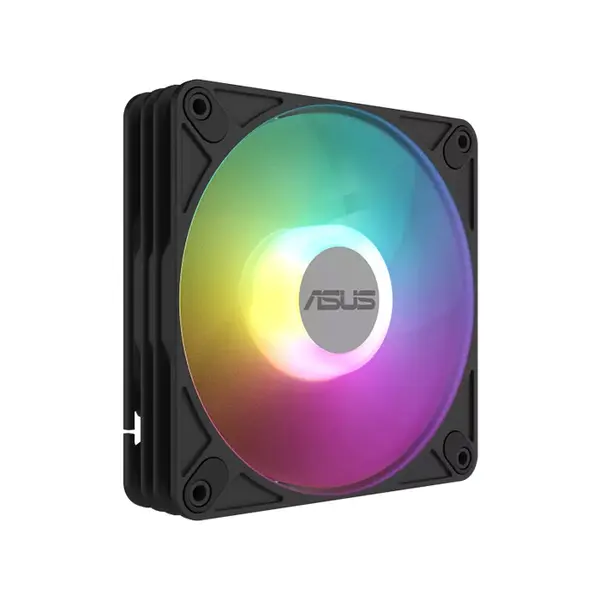
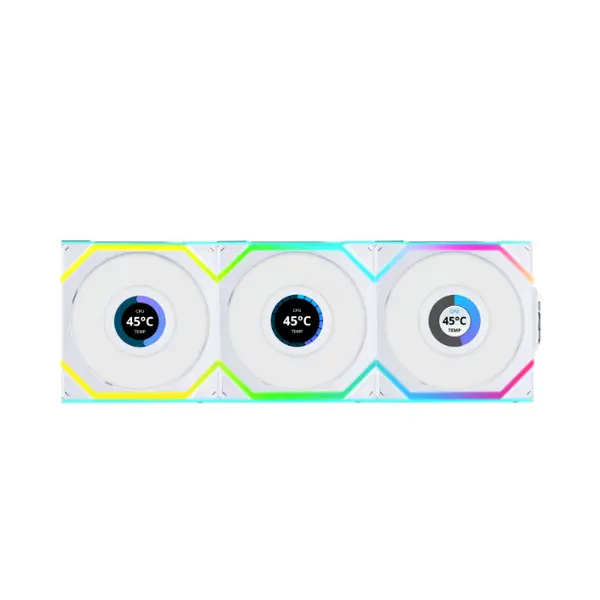
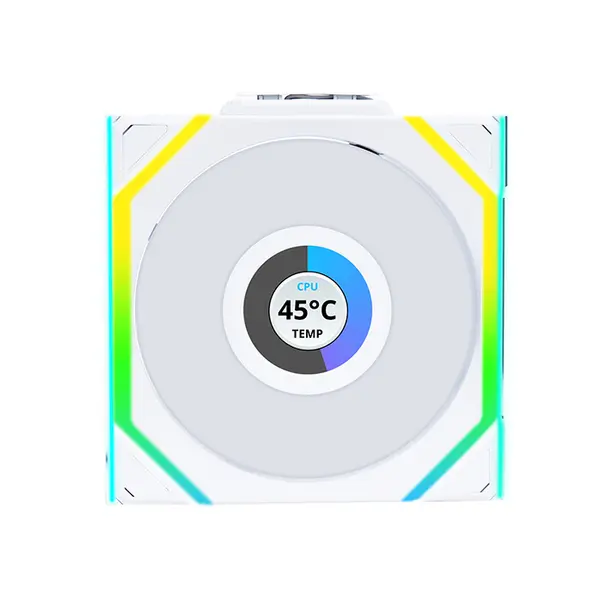
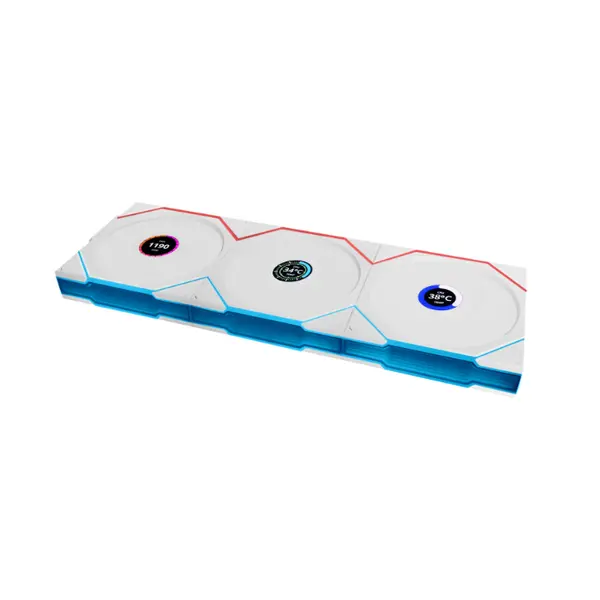
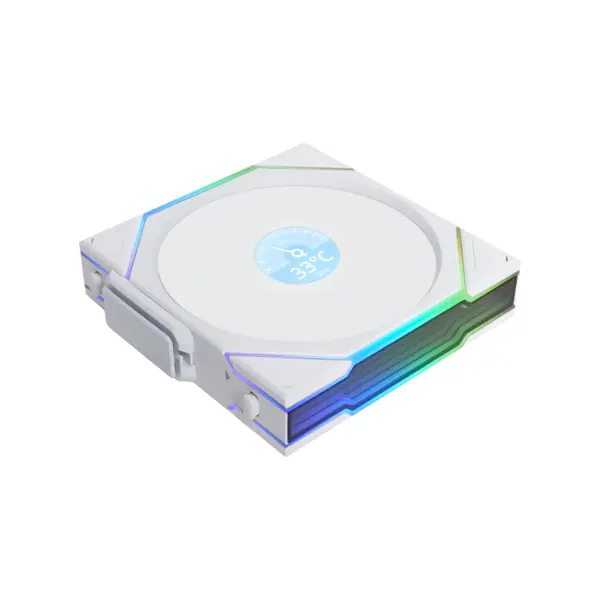
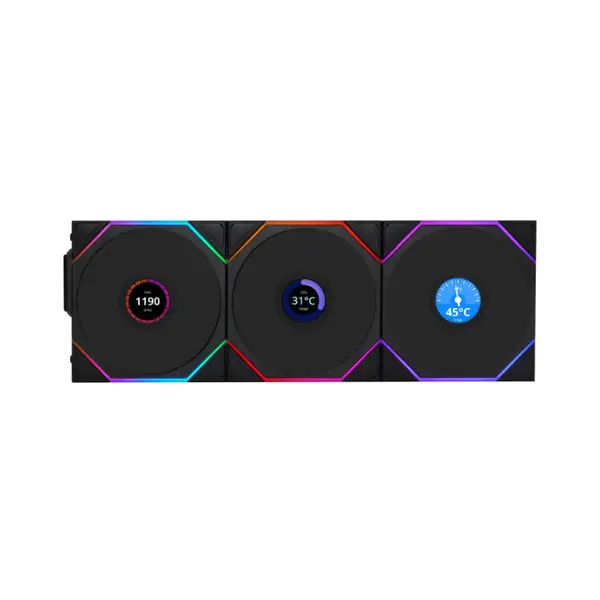
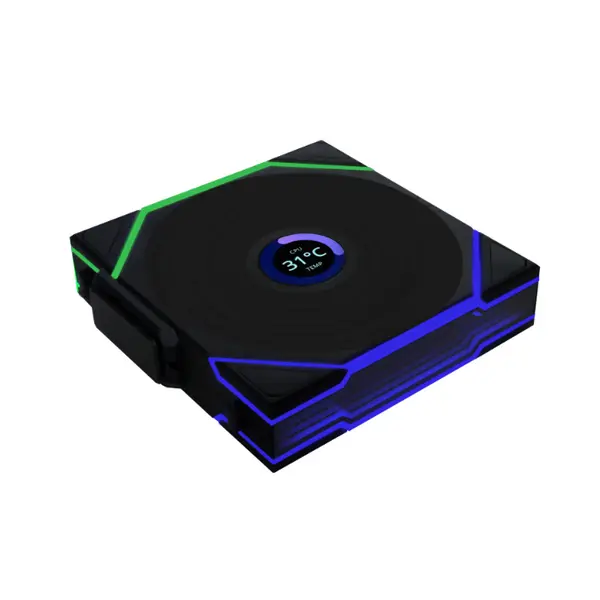
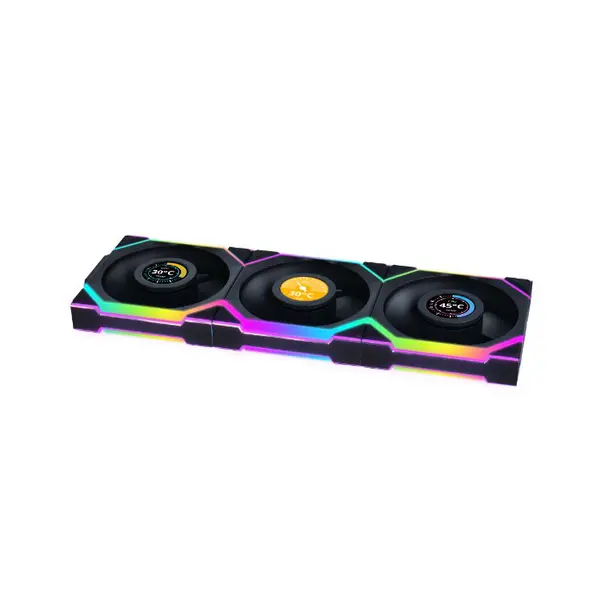
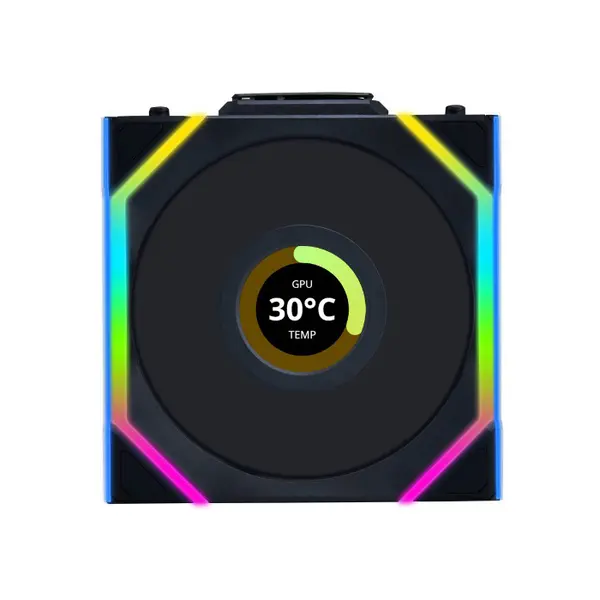
Cooling Fan Price in Pakistan
Compare cooling fan prices in Pakistan across PC case fans designed for airflow, cooling upgrades, gaming systems, radiators, and custom builds. Available models can vary in fan size, speed, airflow and static-pressure specifications, noise ratings, bearing design, connector type, PWM control, RGB or ARGB lighting, and included accessories. Compare individual specifications and compatibility before choosing fans for your system.
PC Cooling Fans for Gaming & Custom Builds
PC cooling fans help move air through a computer case and across components that generate heat. The required airflow configuration depends on the case design, installed hardware, fan mounting positions, existing cooling equipment, and workload. Gaming and performance PCs with graphics cards, processors, storage devices, and other heat-generating components can have different cooling requirements, so fan selection should be based on the complete system rather than one component alone.
Case Fans & PC Airflow
Case fans can be installed as intake or exhaust depending on the available mounting positions and intended airflow path. Intake fans bring outside air into the case, while exhaust fans remove heated internal air. Effective airflow depends on more than the number of fans; case ventilation, fan orientation, component placement, filters, obstructions, fan characteristics, and cooling hardware can all affect results.
120mm, 140mm & Other Cooling Fan Sizes
PC cooling fans are available in different dimensions, with supported sizes depending on the PC case, radiator, or other mounting location. Fan diameter alone does not determine cooling performance or noise. Check the exact mounting dimensions, thickness, screw-hole compatibility, and available clearance specified by your case or cooling hardware before purchasing.
Airflow & Static Pressure
Airflow and static-pressure specifications describe different aspects of fan performance. Airflow indicates how much air a fan is rated to move under specified conditions, while static pressure relates to its ability to move air against resistance. Radiators, heatsinks, filters, restrictive panels, and open case mounting positions can place different demands on a fan. Compare manufacturer specifications together with the intended mounting location.
Cooling Fan RPM
RPM describes fan rotational speed, but a higher RPM value does not automatically mean a fan will provide better cooling in every installation. Fan dimensions, blade design, airflow, static pressure, restrictions, and other characteristics also influence performance. Higher speeds can also affect noise, so compare the complete specifications rather than RPM alone.
PWM & DC Cooling Fans
PC fans may use PWM control, voltage-based DC control, fixed-speed operation, or proprietary control systems depending on the model. PWM-compatible fans can allow supported motherboards or controllers to adjust fan speed according to configured settings. Check the fan connector and your motherboard or controller capabilities before purchasing.
RGB & ARGB Cooling Fans
Some PC cooling fans include RGB or addressable RGB lighting. Lighting compatibility depends on connector type, voltage, controller requirements, motherboard headers, and supported software. RGB and ARGB connections are not universally interchangeable, so verify the exact lighting specifications before connecting a fan or controller.
Cooling Fan Noise
Fan noise can vary with rotational speed, bearing design, blade design, mounting, airflow restrictions, vibration, and operating conditions. Manufacturer noise specifications can help when comparing models, but actual sound levels inside a completed PC can differ according to the installation and fan-speed configuration.
Cooling Fan Bearings
Cooling fans can use different bearing designs depending on the model. Bearing type can influence characteristics such as operating noise, durability, orientation requirements, and cost, but performance varies between individual fan designs. Compare the manufacturer's specifications and intended application instead of choosing solely by bearing terminology.
Cooling Fans for Radiators
Compatible fans can also be mounted to radiators used with AIO liquid CPU coolers and other supported cooling systems. Radiator thickness, fan dimensions, mounting location, available clearance, and fan characteristics should all be considered. A case listing radiator support does not necessarily guarantee that every radiator, fan, motherboard, RAM, and graphics-card combination will fit together.
Cooling Fan Connectors & Controllers
Cooling fans can use different power, speed-control, lighting, or proprietary connectors. Some multi-fan kits include hubs or controllers for connecting several fans or managing lighting. Check motherboard fan headers, RGB or ARGB headers, controller requirements, available power connections, and the number of supported devices before installation.
Cooling Fan Compatibility with PC Cases
Before adding case cooling, check which fan sizes and mounting positions your PC case supports. Front, rear, top, bottom, and side mounting options vary significantly between cases. Radiators, graphics cards, storage hardware, cables, and other components can also affect available mounting space.
Choosing the Right Cooling Fans
Start with your PC case and identify its supported fan sizes, mounting positions, and existing fans. Then consider your hardware, cooling configuration, airflow path, desired speed control, noise preferences, lighting requirements, motherboard connections, and whether the fans will be used on an unrestricted case mount, filter, heatsink, or radiator. Compare these requirements with the specifications of each fan before purchasing.
Buy Cooling Fans Online in Pakistan
Browse available PC cooling fans at Connect2Aryans and compare current prices, fan sizes, speeds, airflow and static-pressure specifications, noise ratings, PWM support, connectors, RGB or ARGB features, and available models. Check the individual fan specifications against your PC case, motherboard, radiator, controller, and other cooling hardware before purchasing.
Frequently Asked Questions About Cooling Fans
How many cooling fans does my PC need?
There is no universal number of fans suitable for every PC. The appropriate configuration depends on the case design, components, heat output, existing cooling hardware, available mounting positions, and desired temperatures and noise levels.
What is the difference between airflow and static pressure?
Airflow describes the rated volume of air a fan can move under specified conditions, while static pressure describes its ability to work against airflow resistance. The importance of each characteristic depends on where and how the fan will be installed.
Can I connect a PWM fan to my motherboard?
Potentially, provided the motherboard has a compatible fan header and supports the required connection and control method. Check both the fan and motherboard specifications before installation.
Will RGB or ARGB cooling fans work with my motherboard?
Compatibility depends on the lighting connector, voltage, motherboard headers, controller, and software requirements. Do not assume RGB and ARGB products are interchangeable; verify the specifications of both devices first.
Not sure which fans fit your cooling setup? Read our guide on choosing the right cooling fans for more detailed buying advice.

