
Peripherals » Webcams
Shop webcams in Pakistan for video calls, online classes, remote work, streaming, and content creation. Compare resolution, frame rate, field of view, autofocus, microphone features, connectivity, mounting options, and prices to find the right webcam for your setup.
56 Products
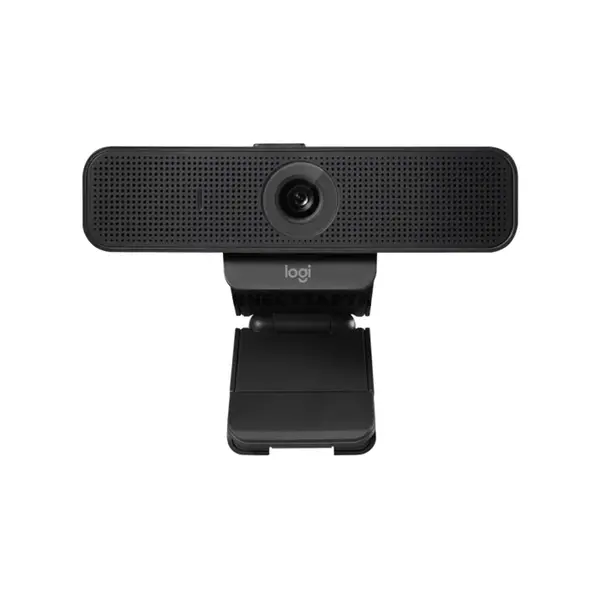
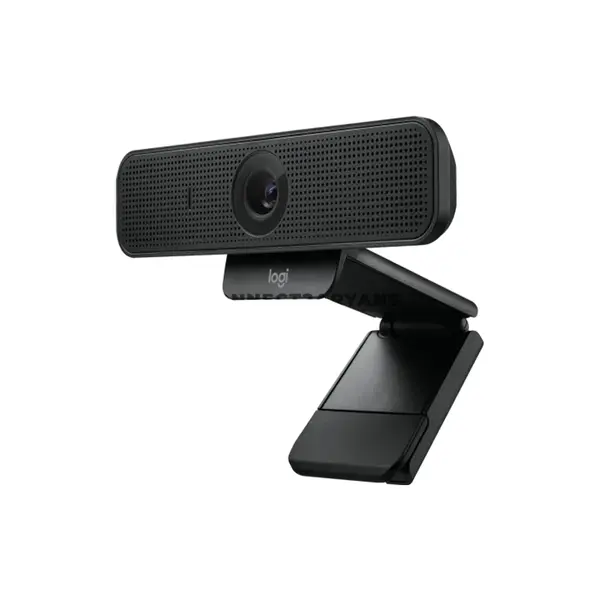
Quick view
Rs. 22,000
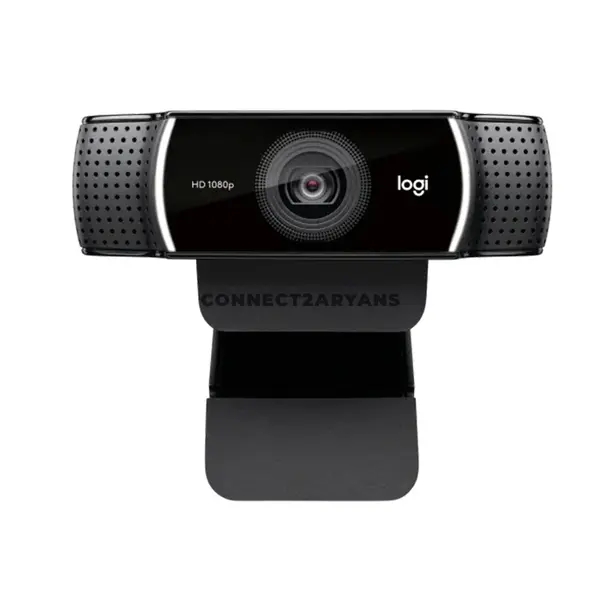
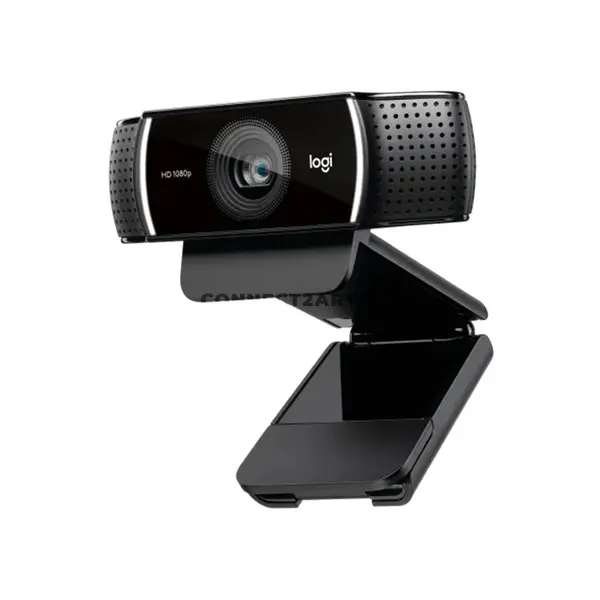
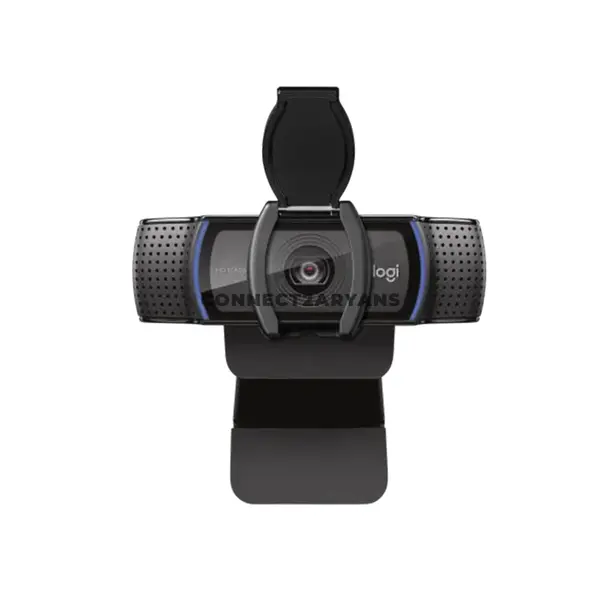
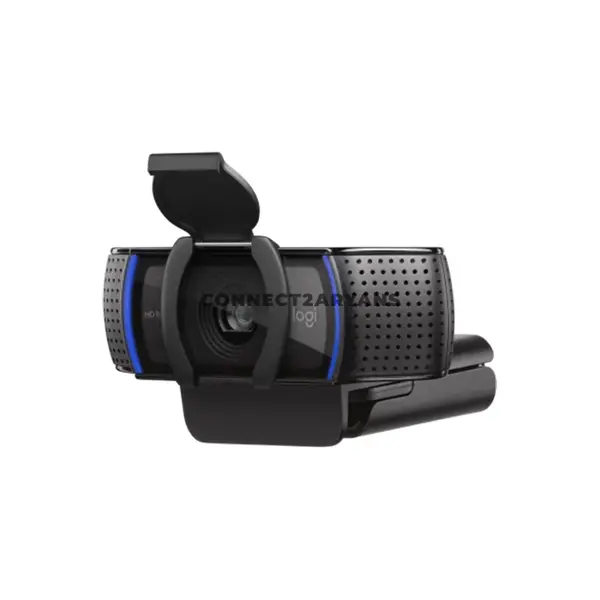
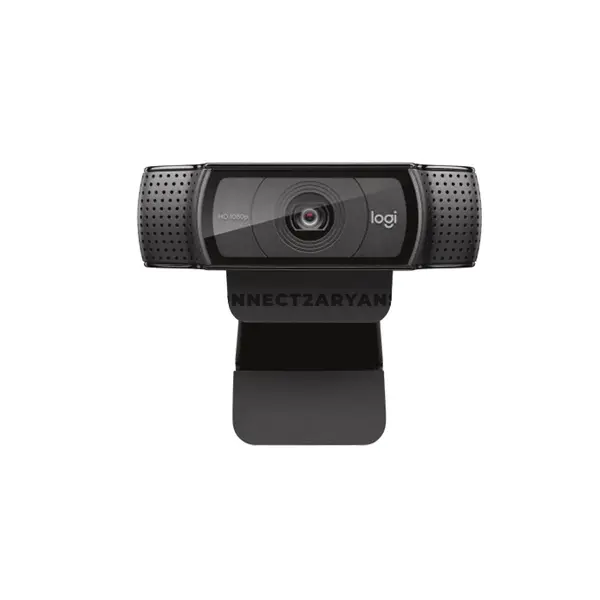
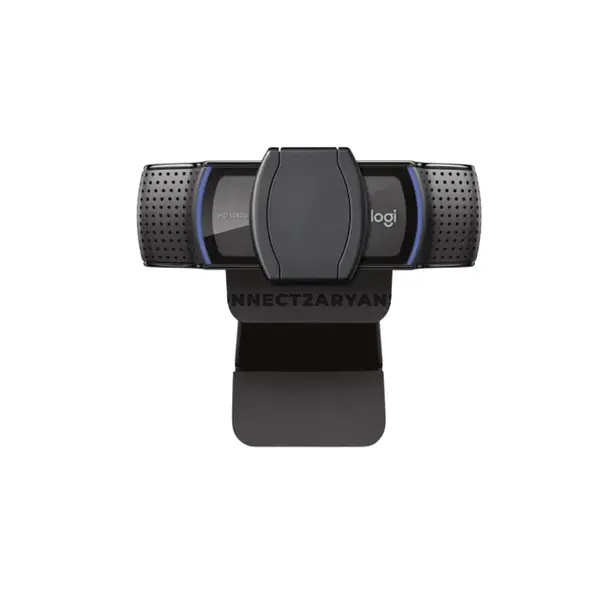
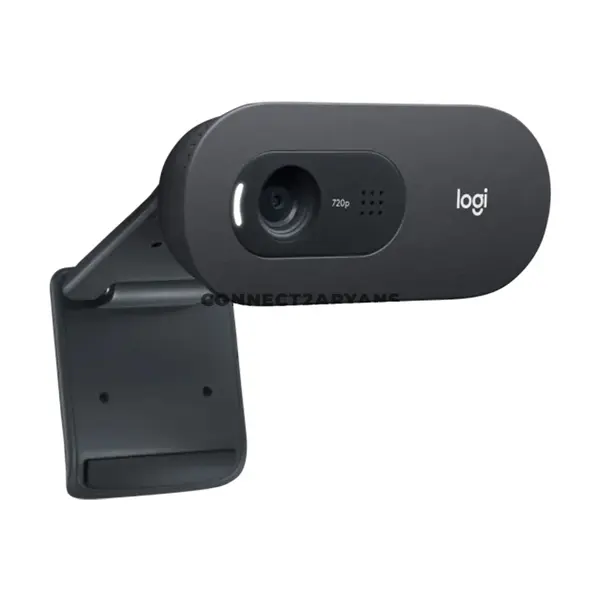
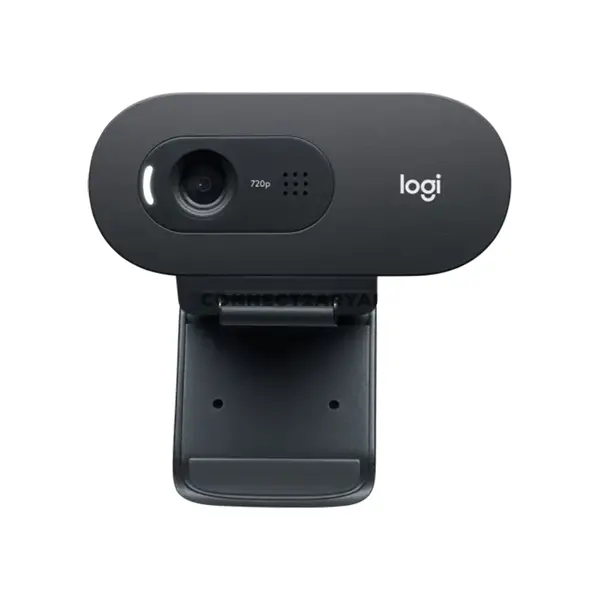
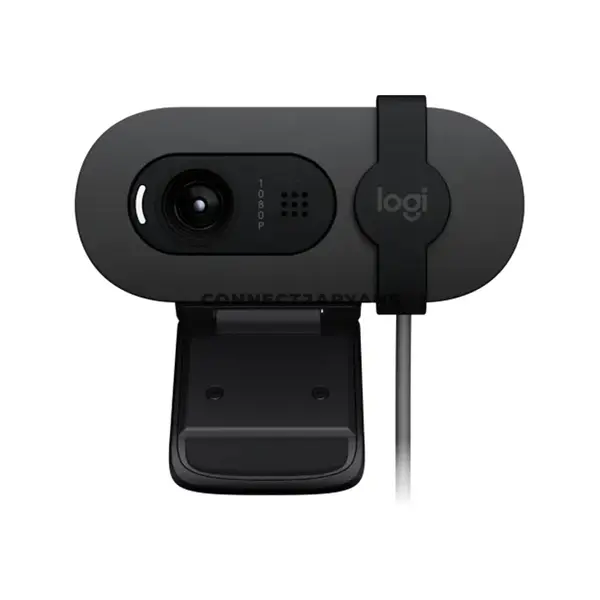
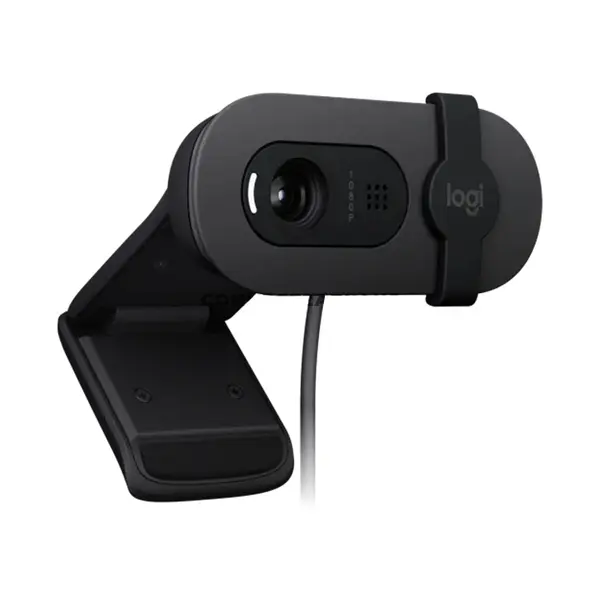
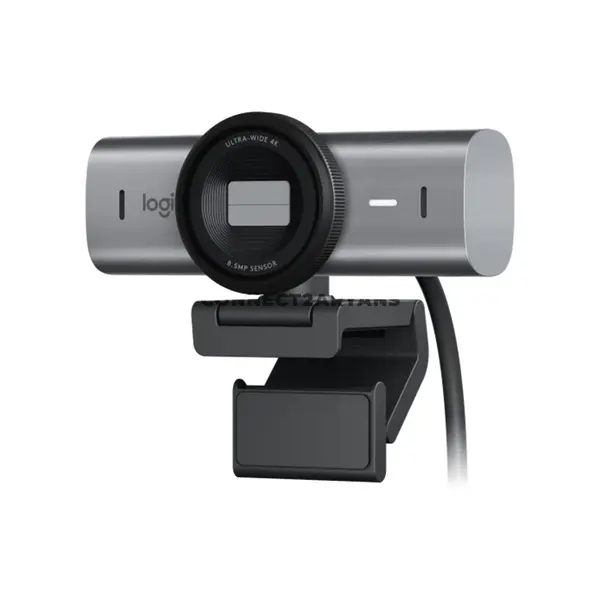
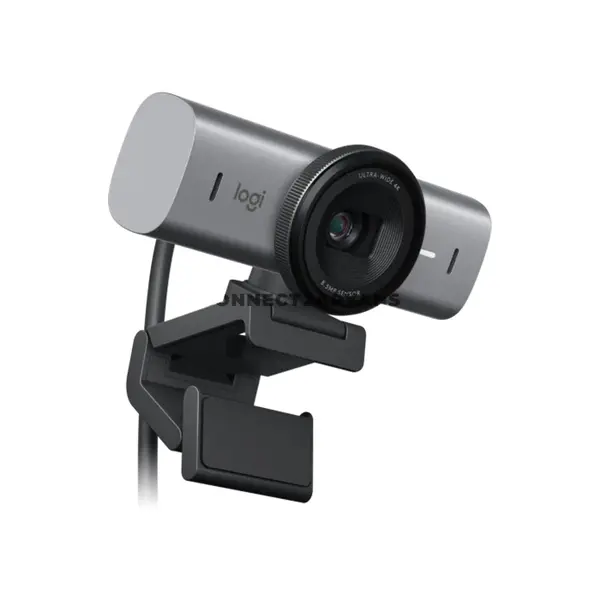
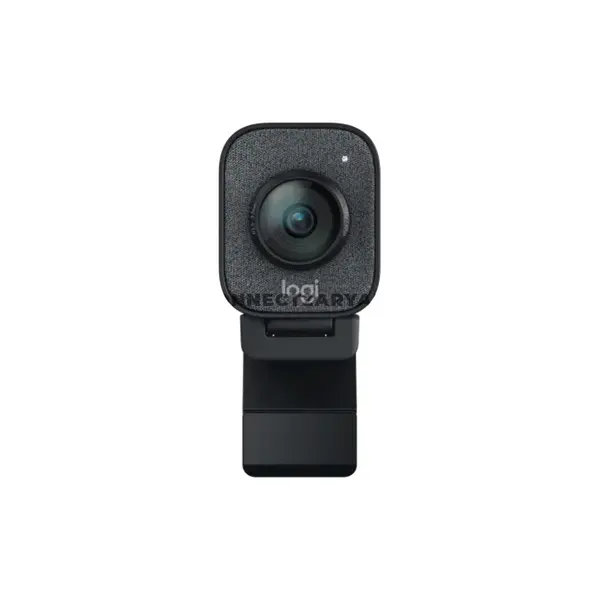
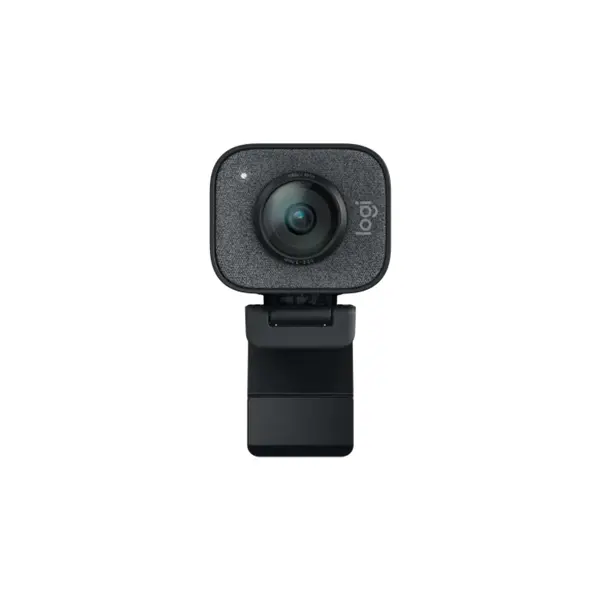
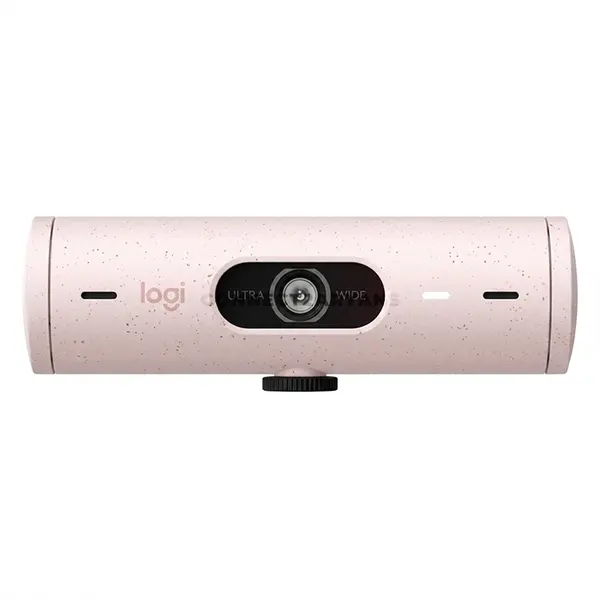
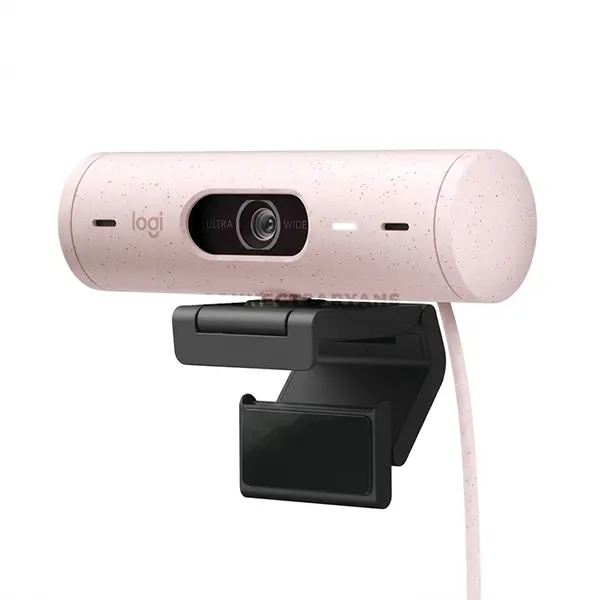
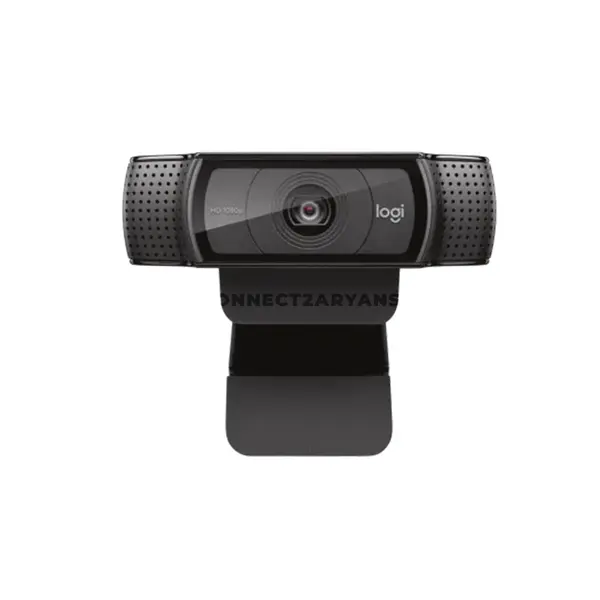
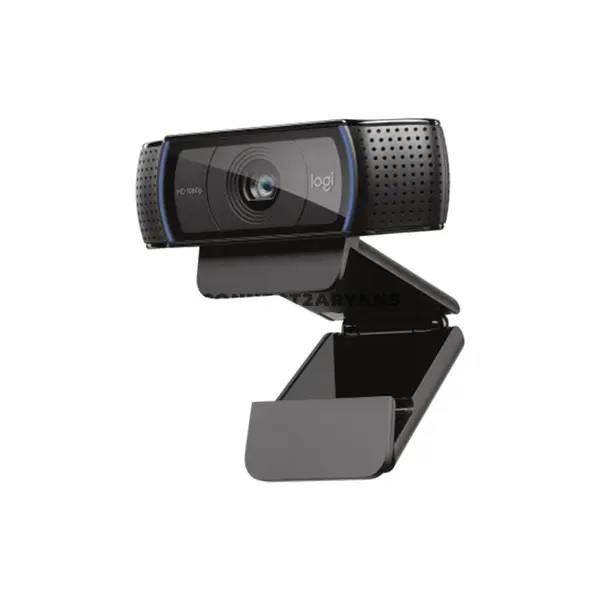
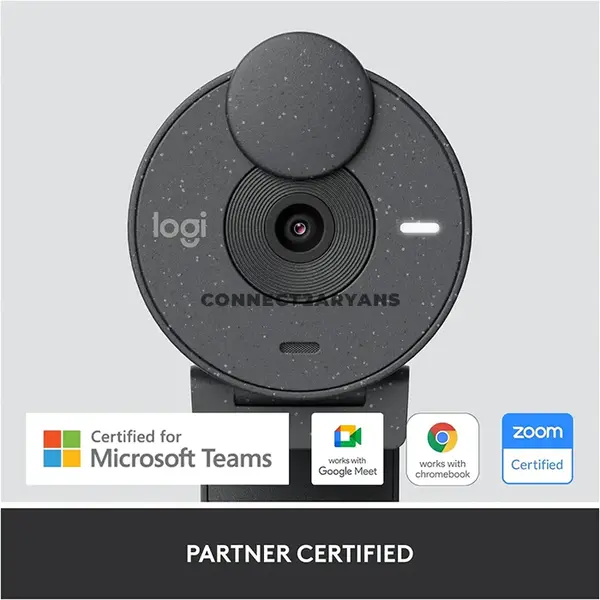
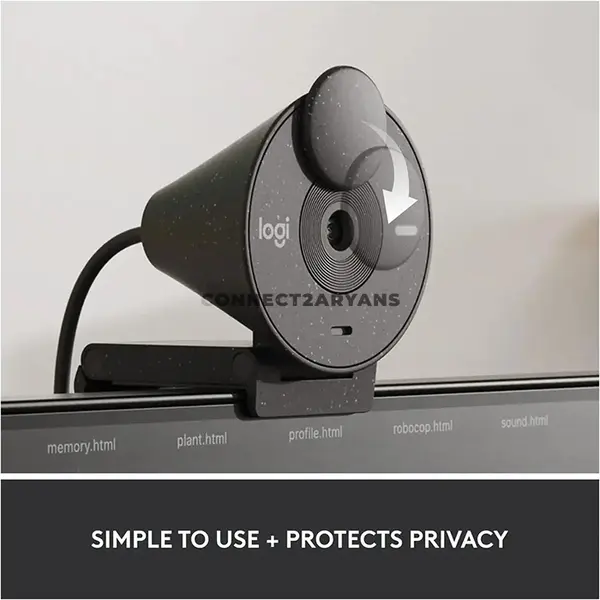
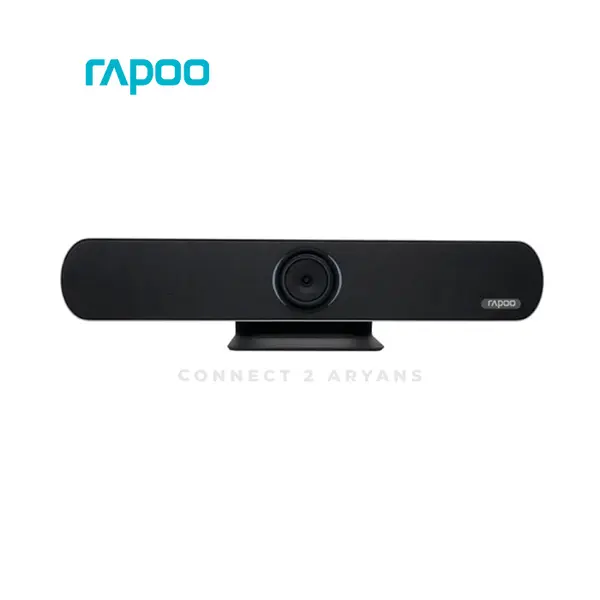
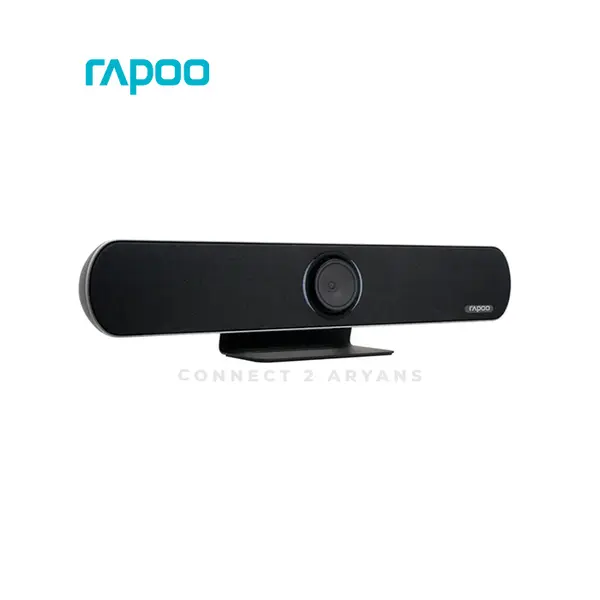
Webcam Price in Pakistan
Compare webcam prices in Pakistan across models designed for video calls, online meetings, remote work, online classes, streaming, and content creation. Webcams vary in resolution, frame rate, field of view, focusing system, microphone configuration, connectivity, mounting options, software features, and other specifications. Compare individual product specifications according to how and where you intend to use the camera.
Webcams for Video Calls, Work & Online Classes
A webcam can add video capability to a desktop PC or provide an alternative camera option for a laptop setup. Requirements vary between individual users and applications, so consider the video resolution, frame rate, field of view, microphone requirements, mounting position, lighting conditions, and software compatibility when choosing a webcam for meetings or classes.
Webcams for Streaming & Content Creation
Streaming and content-creation requirements can differ from ordinary video calls. Depending on your setup, useful considerations can include resolution, supported frame rates, autofocus performance, field of view, mounting flexibility, software controls, and compatibility with the applications you intend to use. Image quality also depends on lighting, camera positioning, compression, and other factors beyond the webcam specification alone.
720p, 1080p & 4K Webcams
Webcams are available with different supported video resolutions, including models offering 720p, 1080p, 1440p, 4K, or other recording and streaming modes. A higher maximum resolution can provide additional image detail under suitable conditions, but it does not by itself determine overall camera quality. Sensor performance, lens characteristics, lighting, processing, frame rate, compression, and software can also affect the final image.
Webcam Frame Rate
Frame rate indicates how many video frames can be captured or transmitted per second in a supported mode. Available frame rates can change with the selected resolution and software configuration. If a particular resolution and frame-rate combination is important for streaming, recording, or calls, check that exact mode in the manufacturer's specifications.
Webcam Field of View
Field of view affects how much of the surrounding scene can appear in the camera image. Different framing can suit an individual sitting at a desk, multiple participants in a meeting room, or a wider streaming setup. Some webcams provide fixed fields of view while others may offer selectable framing or software-based adjustments.
Autofocus & Fixed-Focus Webcams
Webcams can use autofocus, fixed focus, or other focusing systems depending on the model. Autofocus can adjust focus as subject distance changes, while fixed-focus designs operate within a specified focus range without continuous adjustment. Neither approach should be judged from the label alone; consider your typical camera distance and the manufacturer's specifications.
Webcam Low-Light Performance
Webcam image quality can change significantly with available lighting. Sensor characteristics, lens design, exposure processing, noise reduction, and software can all influence performance in darker environments. Good external lighting and sensible camera positioning can also improve the appearance of webcam video regardless of the model being used.
Webcams with Built-In Microphones
Some webcams include one or more built-in microphones for calls, meetings, classes, or other communication. Microphone pickup characteristics, noise processing, and supported features vary by model. If audio quality is especially important for streaming, recording, or professional communication, compare the webcam's microphone capabilities with a separate microphone according to your requirements.
USB Webcam Connectivity
Many webcams connect to a PC or laptop through USB, but connector type, interface requirements, drivers, supported operating systems, and software can vary. A physical USB connector alone does not guarantee compatibility with every computer or application, so check the product requirements before purchasing.
Webcam Compatibility with PCs & Laptops
Before choosing a webcam, confirm compatibility with your operating system, available ports, conferencing or streaming applications, and any required software or drivers. You can also consider how the webcam will integrate with your existing PC peripherals such as microphones, headsets, and other communication equipment.
Webcam Mounting & Positioning
Webcams can use monitor clips, stands, tripod-compatible mounts, or other mounting systems depending on the model. Check your monitor or desk arrangement as well as the camera's mounting mechanism, dimensions, cable length, and adjustment options. Proper positioning can have a significant effect on framing and overall video presentation.
Webcam Privacy Features
Some webcams provide integrated privacy shutters, detachable covers, status indicators, or other privacy-related features. Availability varies by model, so check the individual product specifications if a physical camera cover or another particular privacy feature is important to you.
Choose the Right Webcam
Start with how you intend to use the camera and then compare resolution, supported frame rates, field of view, focusing system, microphone features, connectivity, software compatibility, mounting options, and dimensions. For streaming or content creation, also consider your lighting, recording software, microphone setup, and desired camera position before choosing a model.
Buy Webcams Online in Pakistan
Browse available webcams at Connect2Aryans and compare current prices, resolutions, frame rates, fields of view, microphone configurations, connectivity, mounting options, compatibility, and available models. Check the individual webcam specifications and your computer or software requirements before purchasing.
Frequently Asked Questions About Webcams
Is a 1080p webcam enough for video calls?
A 1080p webcam can provide suitable resolution for many video-call and meeting setups, but the final video quality also depends on the webcam itself, lighting, internet connection, conferencing software, compression, and selected video settings.
Do I need a 4K webcam for streaming?
Not necessarily. The appropriate resolution depends on your streaming workflow, output resolution, framing, platform, computer resources, and other requirements. Resolution is only one aspect of webcam image quality, so compare the complete specifications rather than choosing solely on the 4K label.
Do webcams have built-in microphones?
Some webcams include built-in microphones while others may have different audio configurations. Check the individual product specifications for microphone availability and features. A separate microphone can also be used when your setup requires different audio capabilities.
Will any webcam work with my PC or laptop?
Not necessarily. Compatibility can depend on the operating system, available connection, drivers, software, application support, and other requirements. Check the webcam manufacturer's compatibility information before purchasing.
Not sure which webcam fits your needs? Read our guide on choosing the right webcam for more detailed buying advice.

