
Filters
Price Range
From
To
Brand
Availability
Peripherals » Cables & Hubs
Shop cables and hubs in Pakistan for PCs, laptops, monitors, storage devices, and other compatible electronics. Compare USB-C hubs, display cables, USB and data cables, connectors, supported data speeds, charging capabilities, display support, cable lengths, and prices to find the right connection for your setup.
203 Products
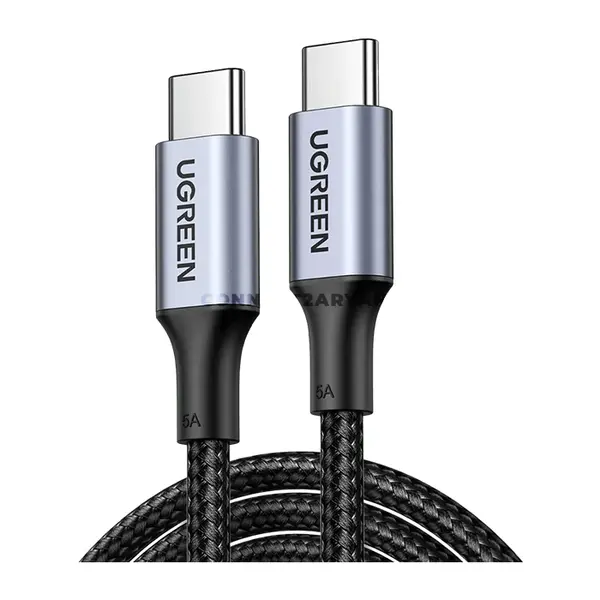
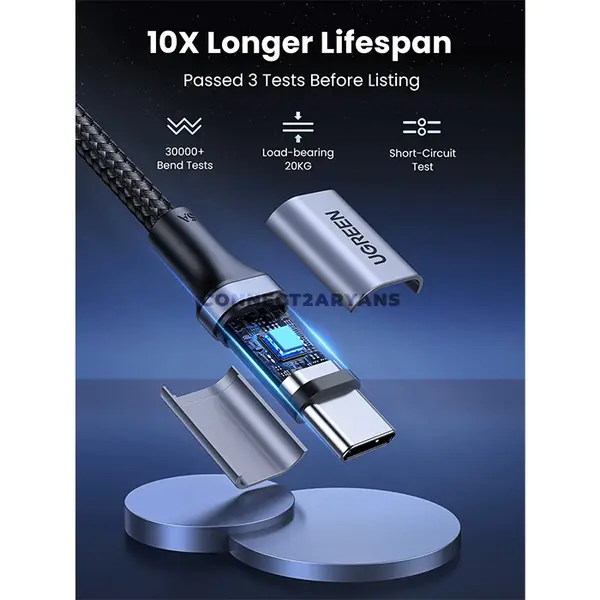
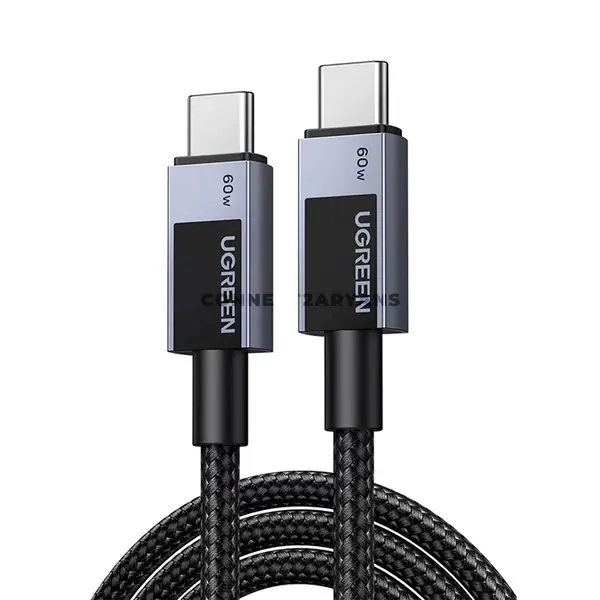
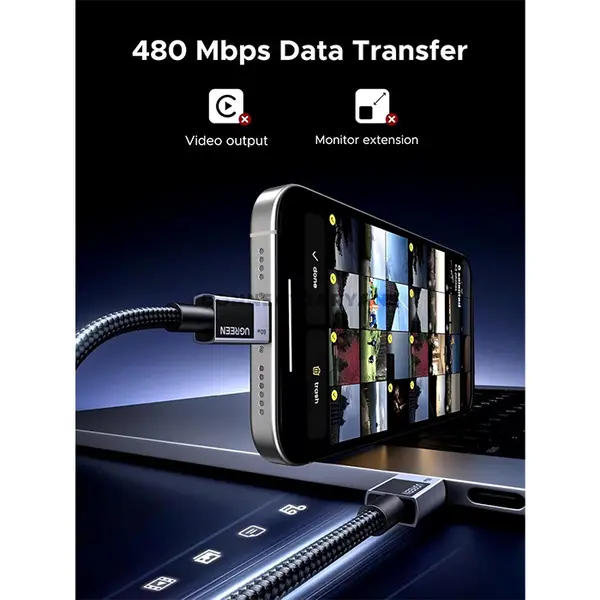
Quick view
Rs. 3,000
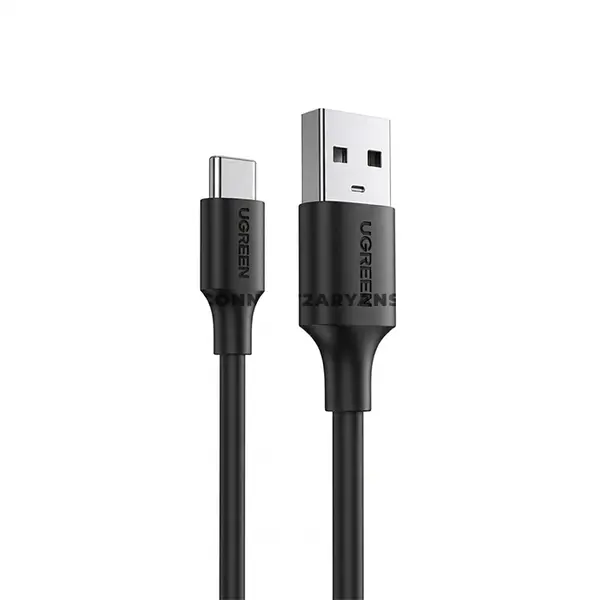
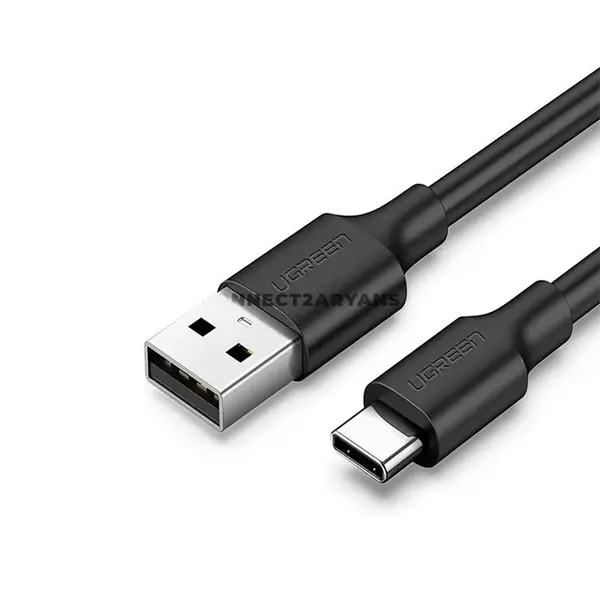
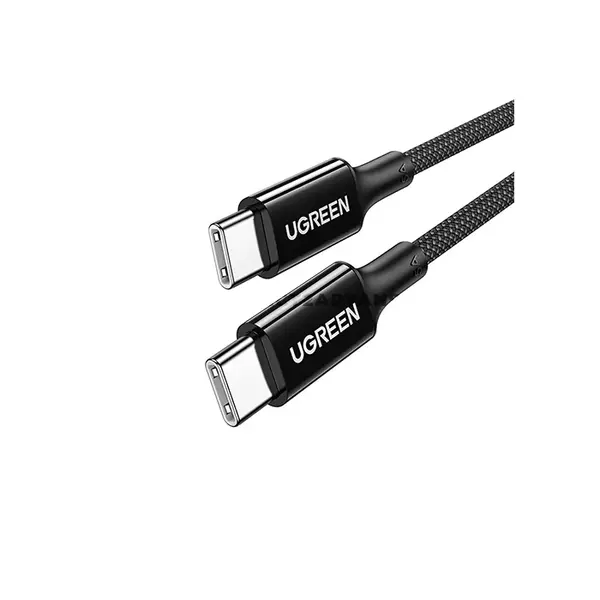
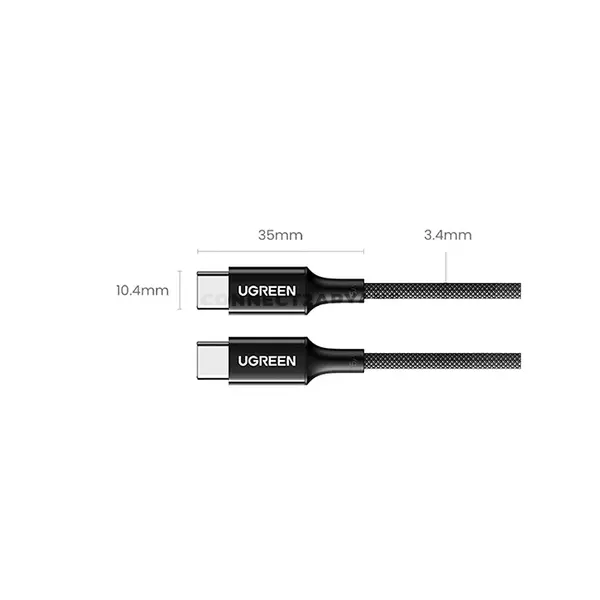

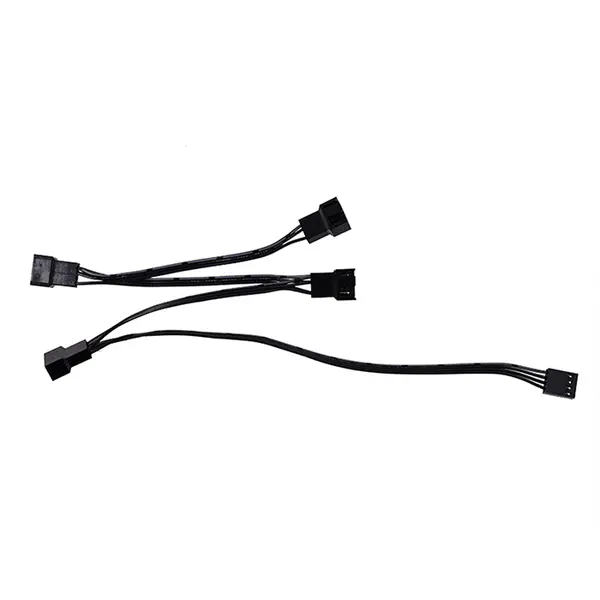
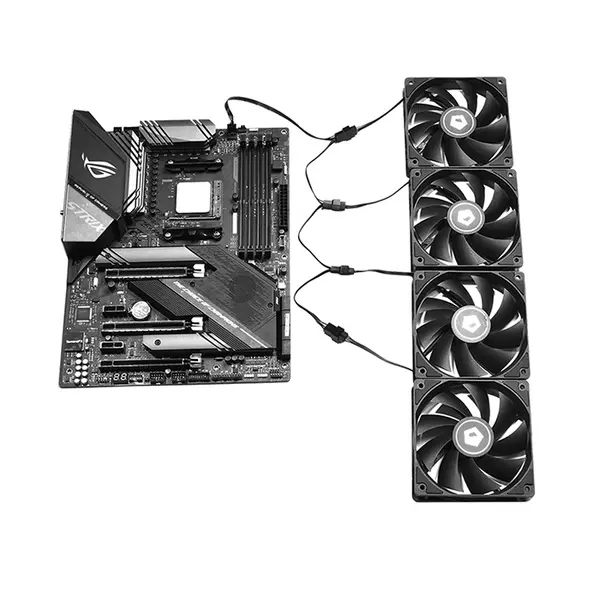
Cables & Hubs Price in Pakistan
Compare cables and hubs prices in Pakistan for PCs, laptops, monitors, storage devices, peripherals, and other compatible electronics. Products can differ in connector type, supported interface or standard, data-transfer capability, charging support, display output, cable length, port configuration, and device compatibility. Check the specifications of both connected devices before choosing a cable, adapter, or hub.
Cables & Hubs for PCs & Laptops
Cables and hubs provide connections between computers and compatible displays, storage devices, peripherals, chargers, networks, and other hardware. The physical connector alone does not determine which functions or speeds are supported. Check the interface, device ports, required functionality, and product specifications before purchasing.
USB Cables
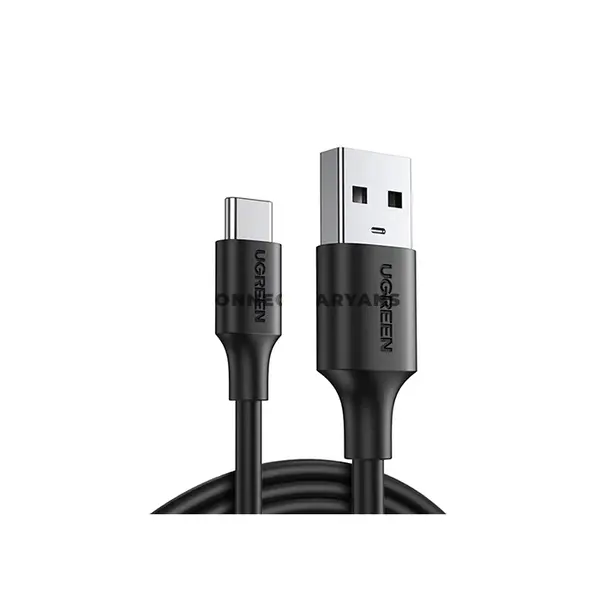
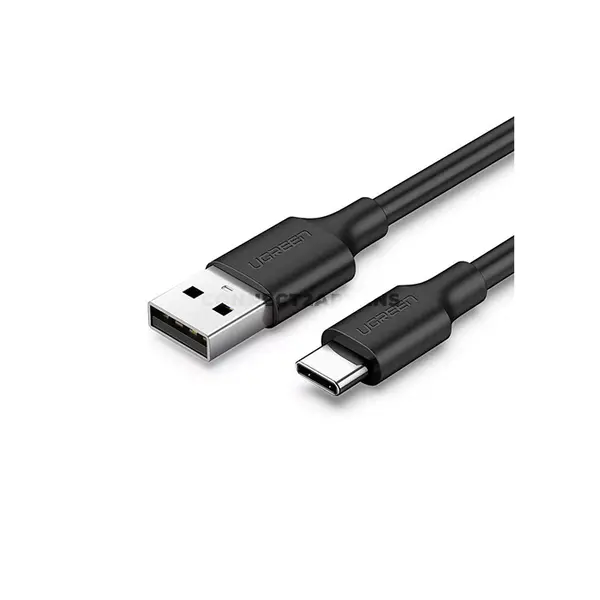
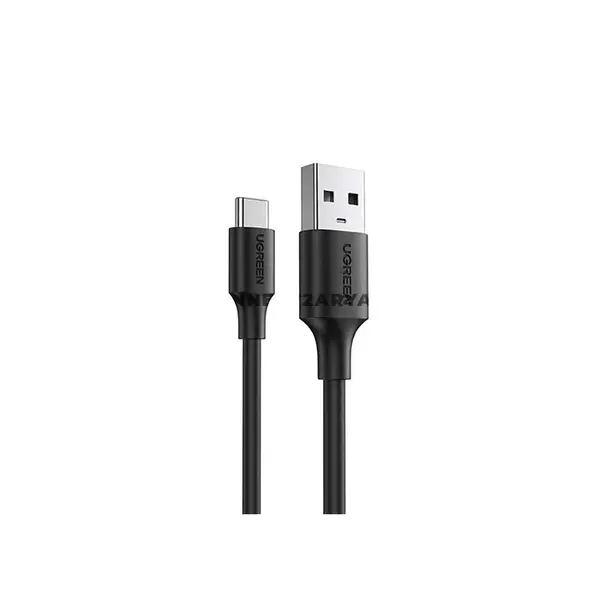
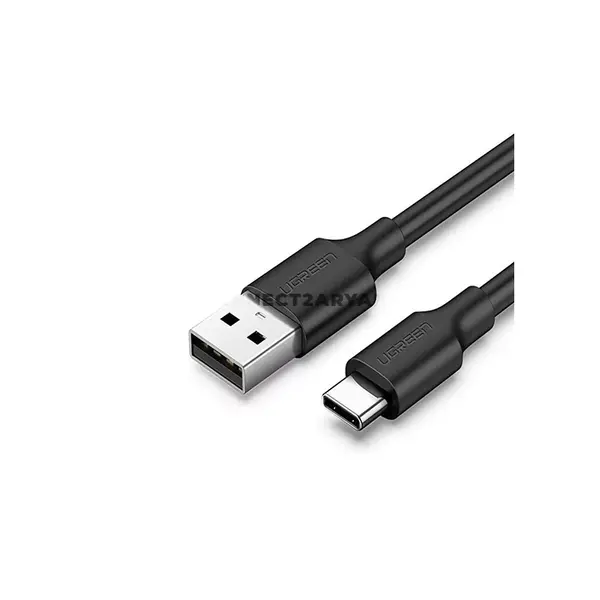
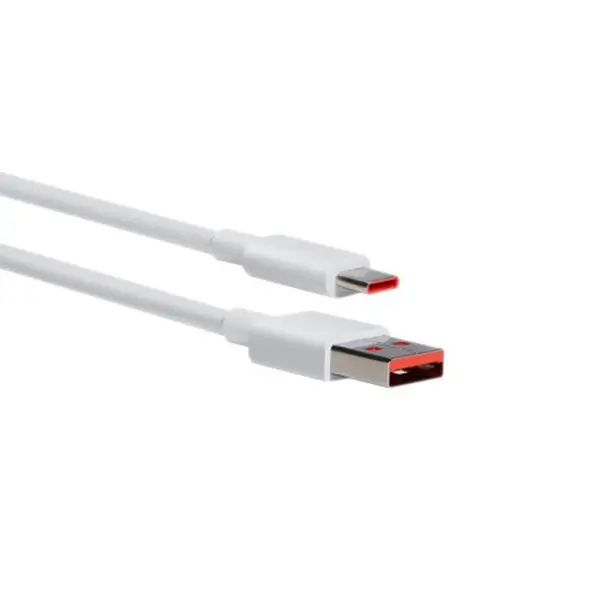
USB cables are available with different connector combinations and supported USB standards. Depending on the cable and connected devices, USB can be used for data transfer, charging, peripheral connectivity, or combinations of these functions. Two cables with identical-looking connectors can support different data speeds and charging capabilities, so compare specifications rather than connector appearance alone.
USB-C Cables
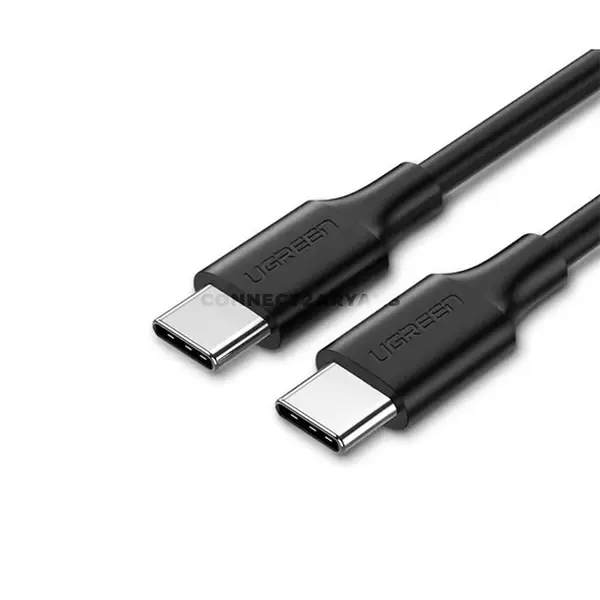
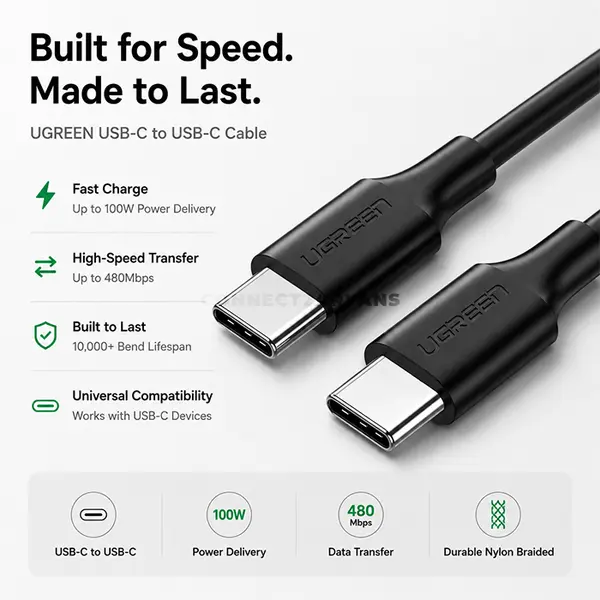
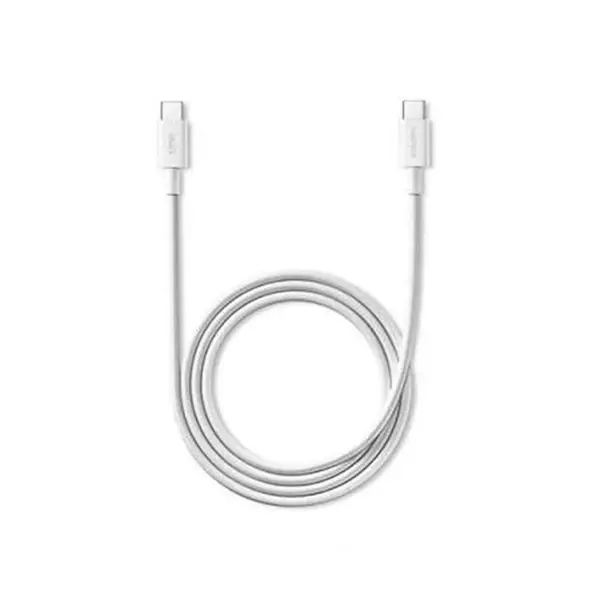
USB-C describes the physical connector and does not guarantee a particular data speed, charging wattage, display capability, or USB generation. Supported functions depend on the cable and the capabilities of the connected devices. Check whether you require data transfer, charging, video output, or another feature and confirm that the complete connection supports it.
USB-C Hubs
USB-C hubs can expand a compatible USB-C port into additional connections such as USB-A, USB-C, display outputs, card readers, Ethernet, or other ports depending on the model. Available functionality varies significantly between hubs. A USB-C connector on a laptop does not automatically mean every hub feature will work, particularly video output or charging passthrough.
USB Hubs
USB hubs provide additional USB connections from a compatible host port. Models vary in the number and type of ports, USB standards, power requirements, supported transfer rates, and whether external power is required. When connecting multiple devices, consider the hub's available bandwidth and power specifications together with the requirements of the attached hardware.
HDMI Cables
HDMI cables can connect compatible PCs, laptops, graphics cards, monitors, televisions, projectors, and other audiovisual equipment. Supported resolution, refresh rate, HDR functionality, audio features, and other capabilities depend on the complete HDMI connection, including the source device, receiving device, ports, cable capability, and configured settings.
DisplayPort Cables
DisplayPort is commonly available on compatible graphics cards, PCs, and monitors. Supported resolution, refresh rate, adaptive-sync functionality, and other display features depend on the DisplayPort capabilities of the source, display, and cable. Check the specifications of the complete connection when targeting a particular display mode.
Display Cables for Monitors
When connecting a gaming monitor or other display, check which ports are available on both the source device and monitor and which connection supports your intended resolution and refresh rate. Do not choose a cable based only on an advertised resolution because refresh rate, color format, compression support, and hardware capabilities can also affect the available display modes.
Data Transfer Cables
Data-transfer performance depends on the supported interface of the cable and both connected devices. A cable capable of a higher transfer rate cannot make a slower device or port operate beyond its own maximum capability. Check the supported standard throughout the complete connection when transfer speed is important.
Charging Cables
Charging capability depends on the cable, charger, device, connector, supported charging protocol, and power requirements. Some USB cables support higher charging power than others, while certain devices require specific charging standards. Check the manufacturer's specifications before using a cable for higher-power charging.
USB Power Delivery
Compatible USB-C connections may support USB Power Delivery for negotiated power delivery between supported devices. Maximum charging capability depends on the charger, cable, receiving device, and supported power profiles. A USB-C connector alone does not guarantee USB Power Delivery or a particular wattage.
Cable Length & Signal Requirements
Choose a cable length suitable for the physical setup without assuming that every interface provides identical performance at every length. Signal requirements vary by interface, data rate, cable construction, and specification. For demanding display or high-speed data connections, check the manufacturer's supported capabilities for the cable length you intend to use.
Hubs for Laptop Connectivity
A compatible hub can provide useful additional connectivity for a laptop with limited built-in ports. Depending on the model and laptop capabilities, hubs can add USB devices, external displays, network connections, memory-card readers, or charging passthrough. Check the laptop's port capabilities carefully because connector shape alone does not guarantee support for every hub function.
Cables for External Storage
External SSDs, portable drives, and other storage devices can require particular USB interfaces and cables to reach their supported transfer rates. The final performance is limited by the slowest part of the connection, including the drive, enclosure, cable, hub, and computer port.
Choose the Right Cable or Hub
Start by identifying the ports on both devices and the function you need. Then compare connector type, interface or standard, supported data speed, charging capability, display requirements, port configuration, cable length, power requirements, and device compatibility. For hubs, confirm that your computer's host port supports the specific functions you intend to use.
Buy Cables & Hubs Online in Pakistan
Browse available cables and hubs at Connect2Aryans and compare current prices, connector types, interfaces, data capabilities, charging support, display features, cable lengths, port configurations, and available models. Check the specifications of your devices and the individual cable or hub before purchasing.
Frequently Asked Questions About Cables & Hubs
Does every USB-C cable support the same features?
No. USB-C refers to the connector shape, while supported data speeds, charging power, display functionality, and other capabilities can differ between cables. Check the specifications for the exact cable and connected devices.
Can every USB-C laptop use HDMI through a USB-C hub?
No. Video output through a USB-C connection depends on the capabilities of the laptop's port and the hub. A USB-C connector alone does not guarantee external-display support.
Will a faster USB cable make my external drive faster?
Only when the existing cable is limiting the connection. Transfer performance is constrained by the capabilities of the storage device, enclosure, cable, hub if used, and computer port. The slowest part of the connection can limit overall performance.
What should I check before buying an HDMI or DisplayPort cable?
Check the ports and capabilities of the source device and display, along with the resolution, refresh rate, and features you intend to use. Then select a compatible cable that supports the required connection.
Not sure which connection your setup requires? Read our guide on choosing the right cables and hubs for more detailed buying advice.

