
Filters
Price Range
From
To
Brand
Availability
Laptops » Gaming Laptops
Shop gaming laptops in Pakistan for competitive gaming, AAA titles, streaming, and everyday use. Compare dedicated graphics, processors, RAM, SSD storage, display resolutions, refresh rates, cooling designs, and prices to find a gaming laptop suited to your performance requirements.
14 Products
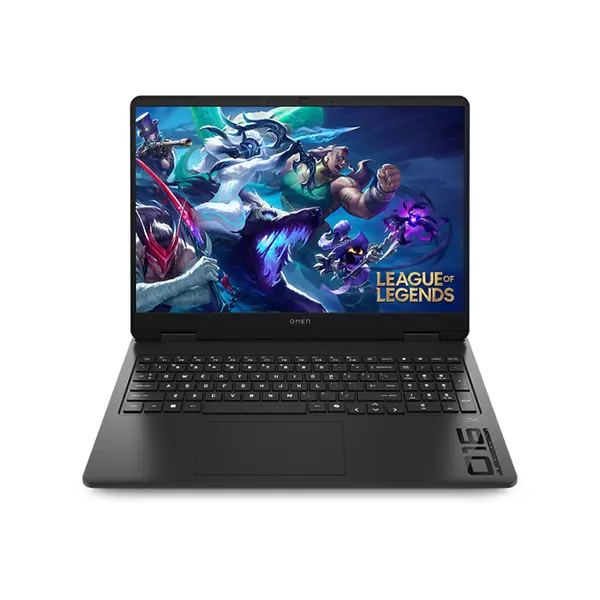
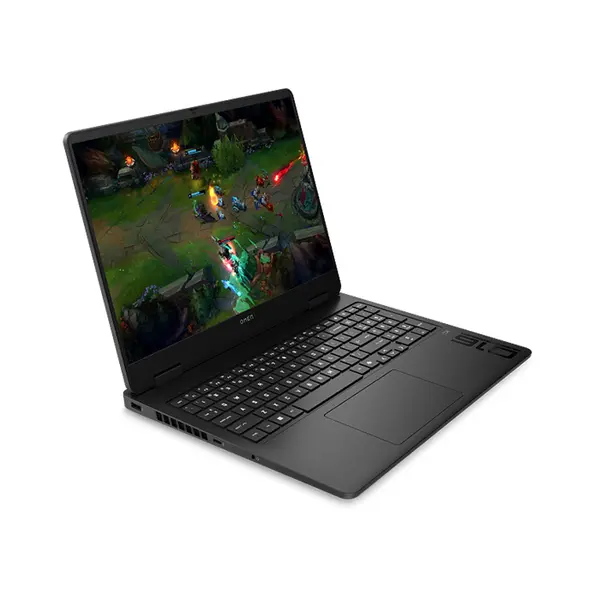
Quick view
Rs. 420,000
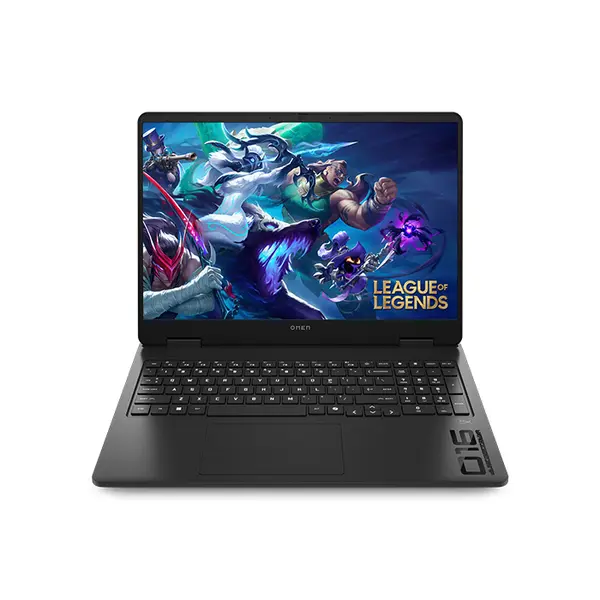
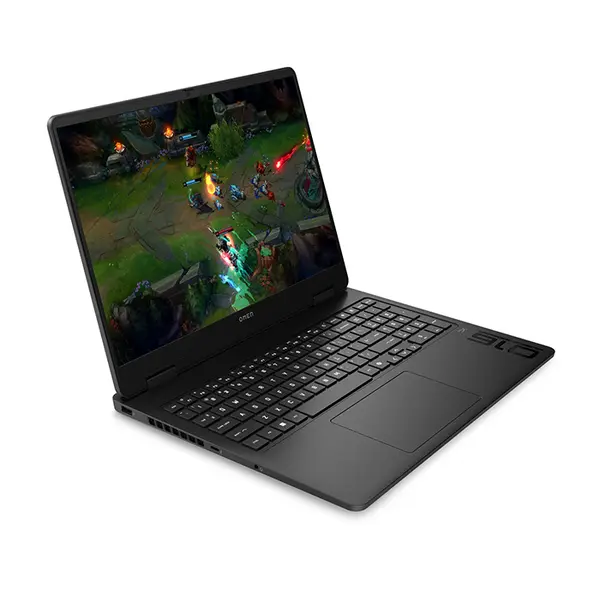
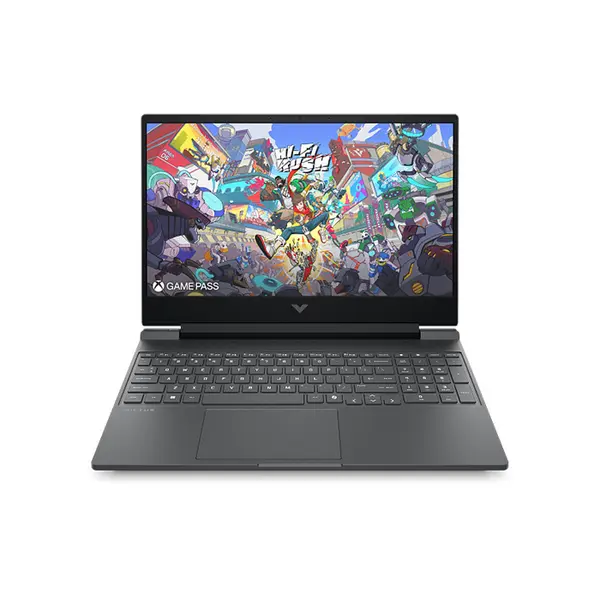
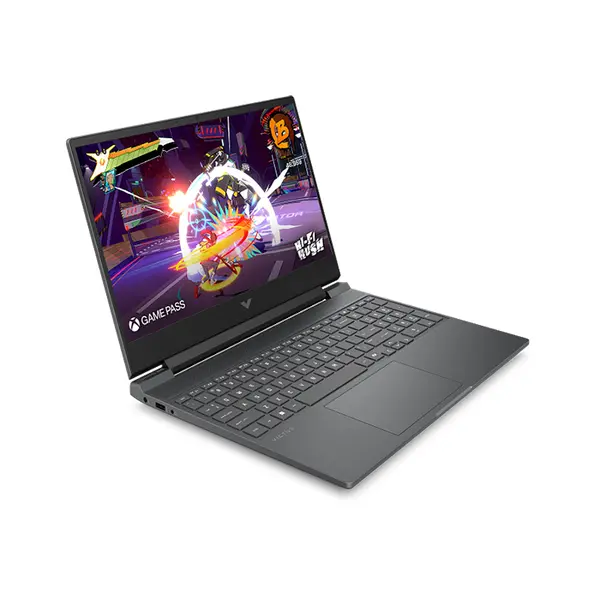
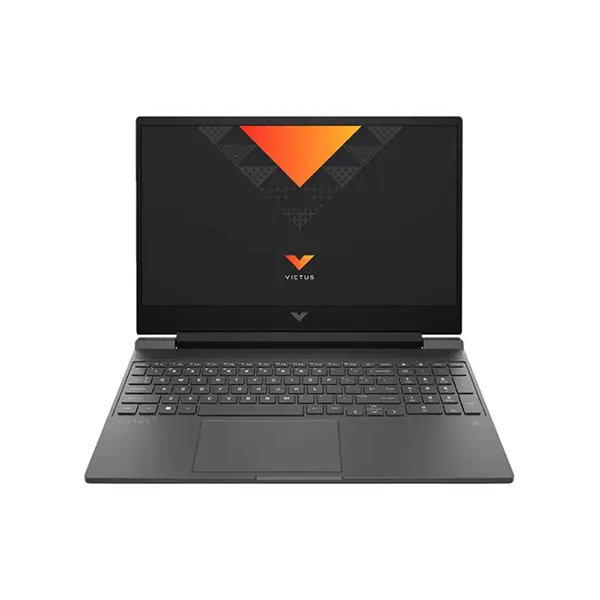
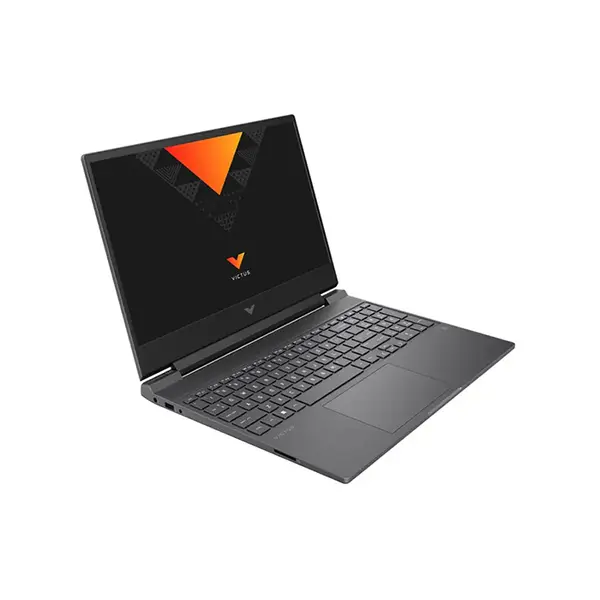
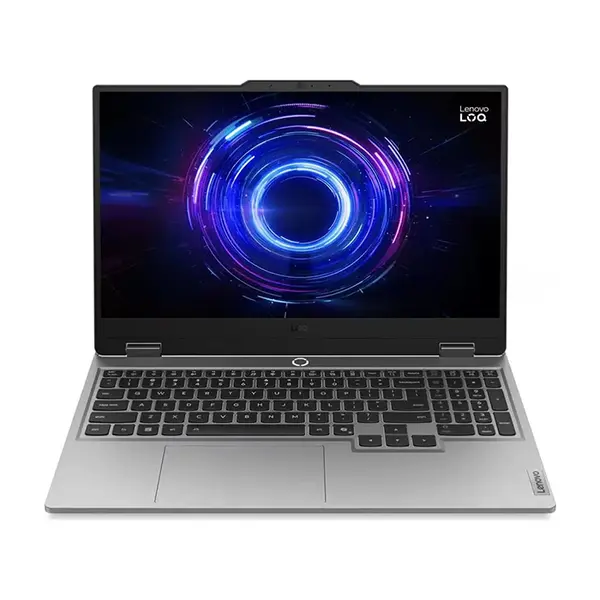
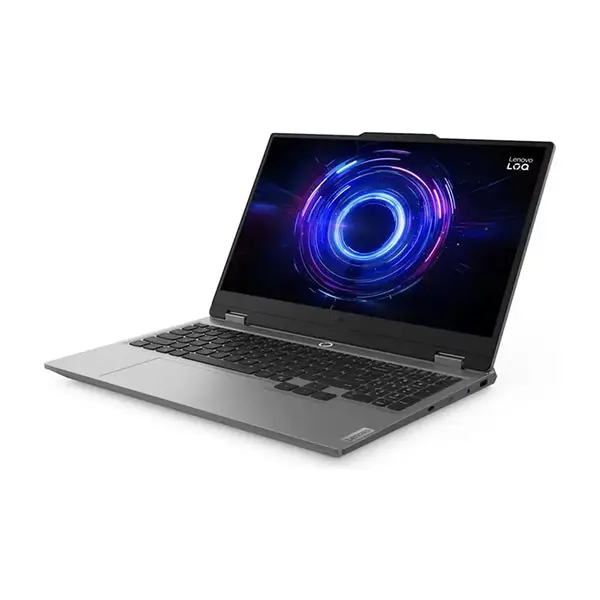
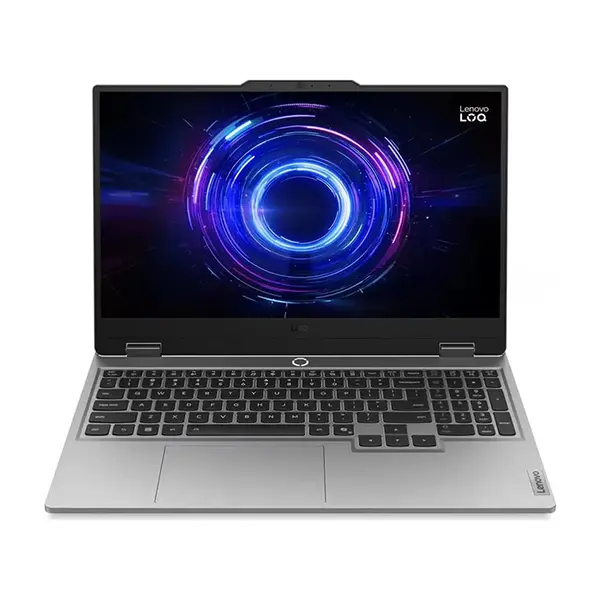
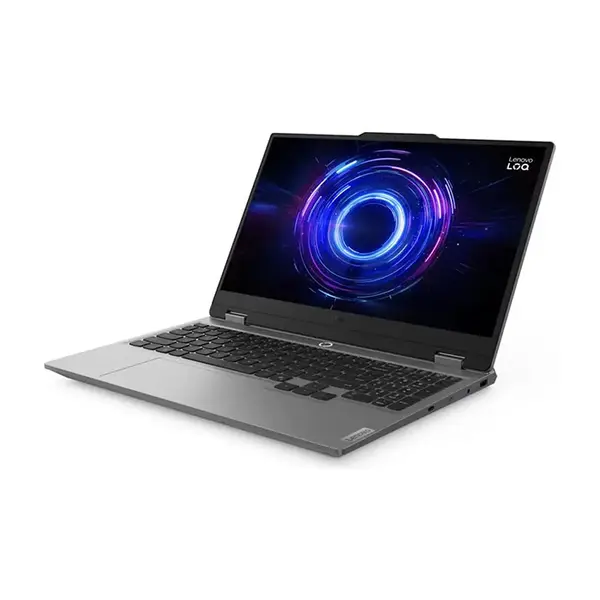
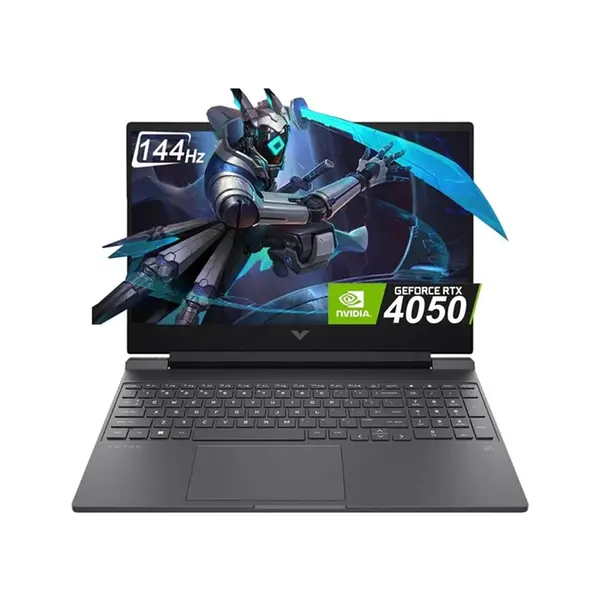
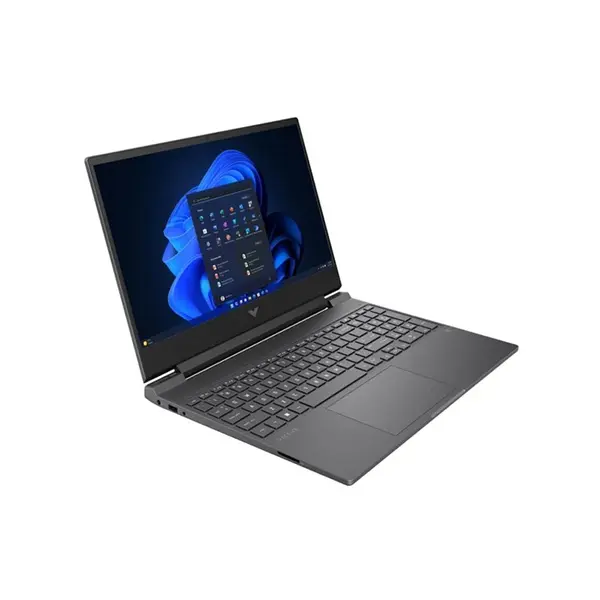
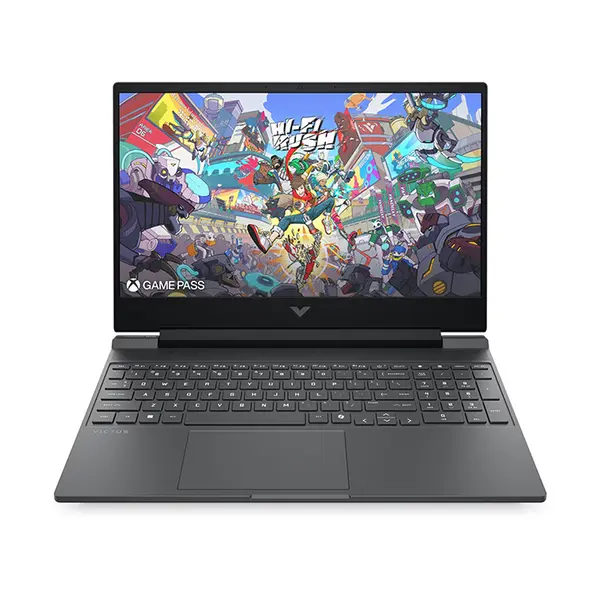
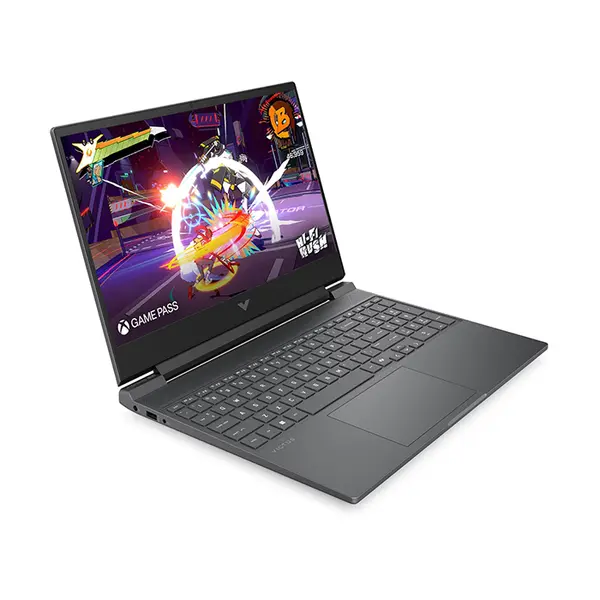
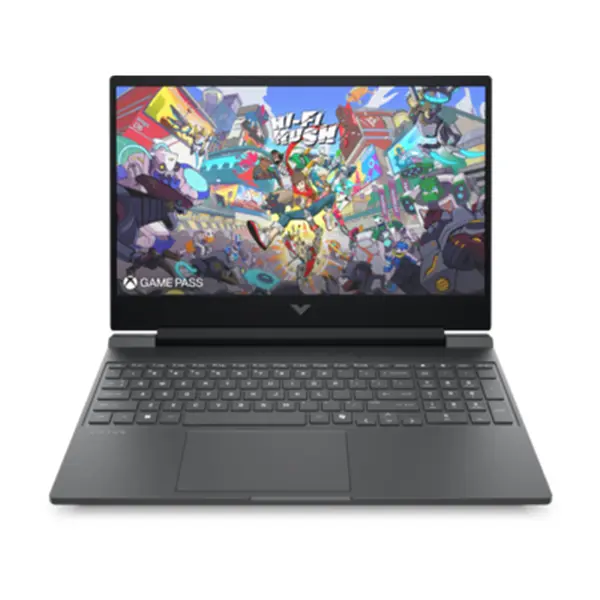
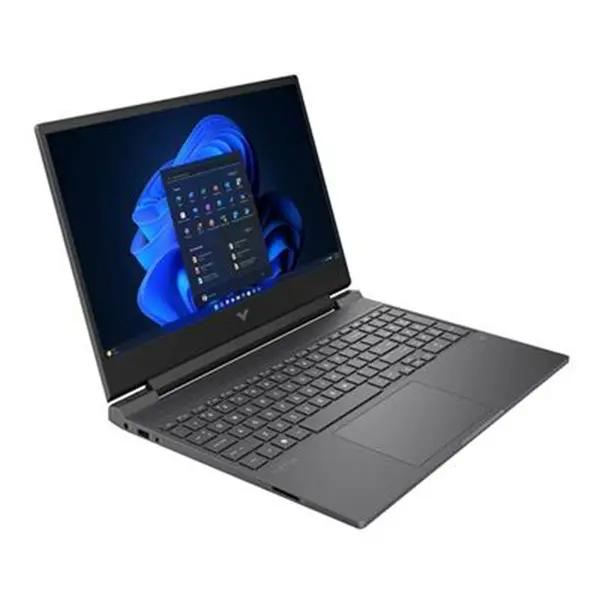
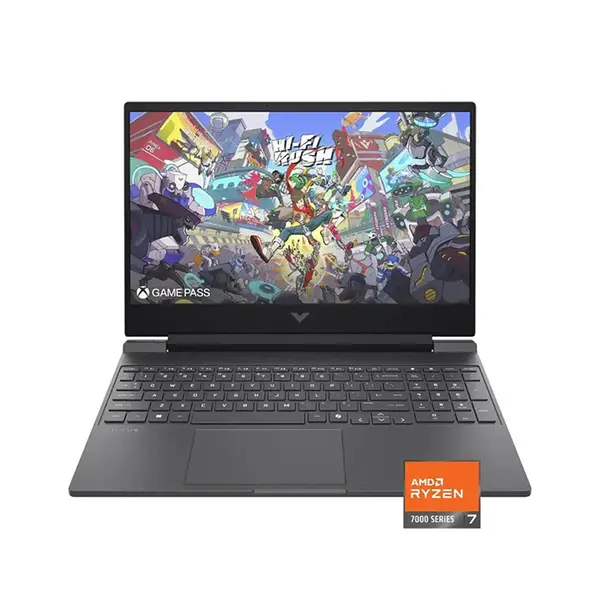
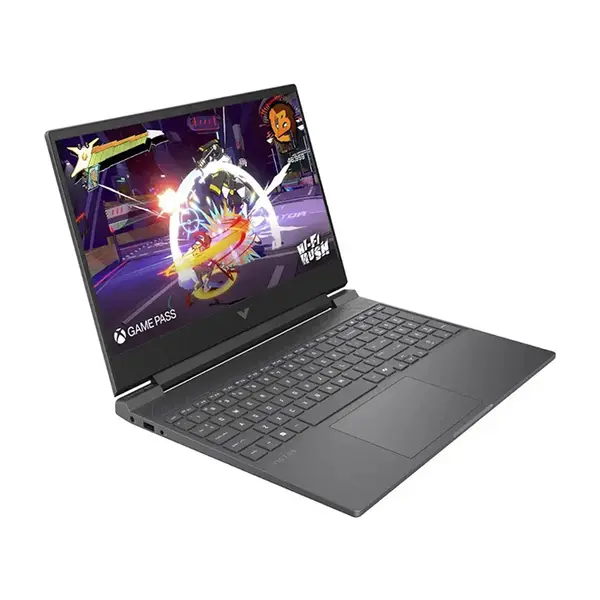
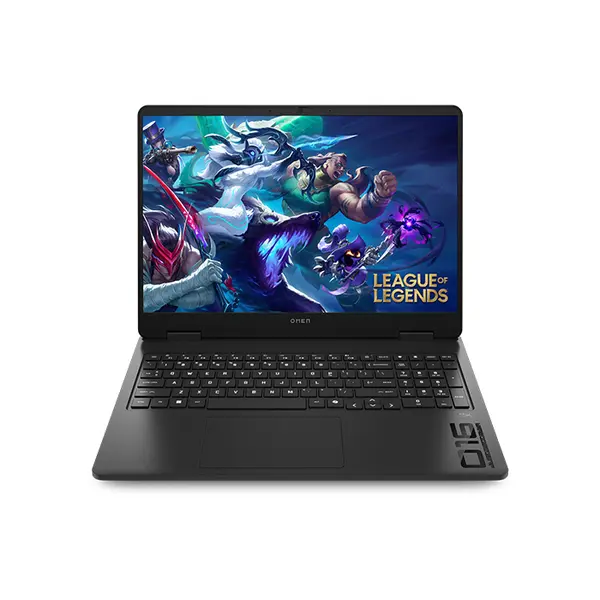
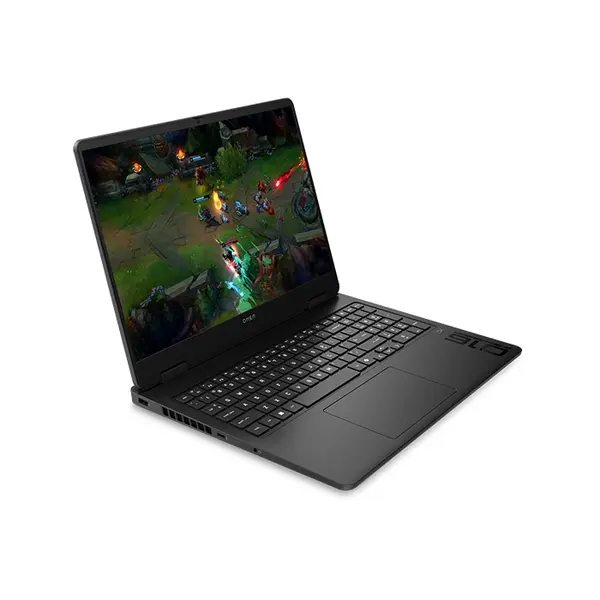
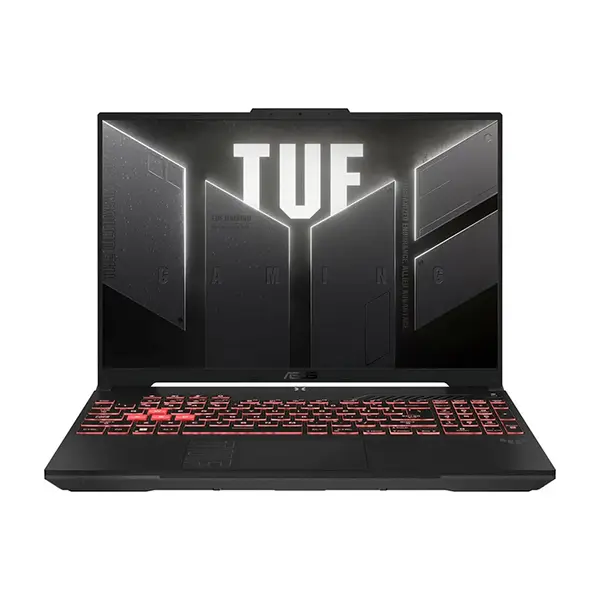
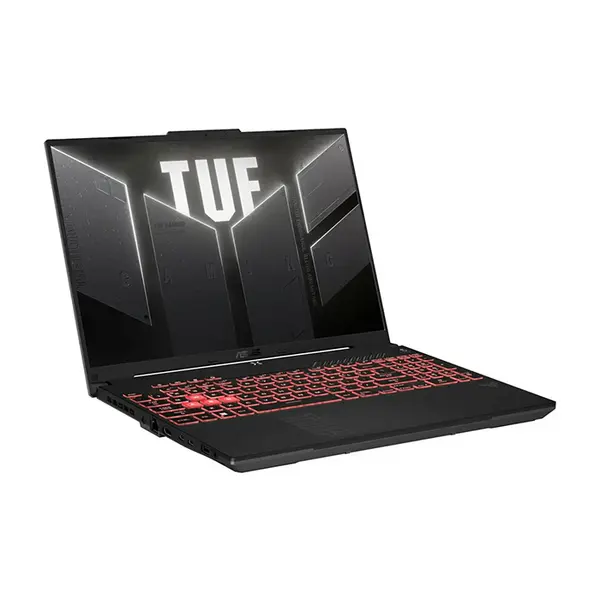
Gaming Laptop Price in Pakistan
Compare gaming laptop prices in Pakistan across systems designed for competitive gaming, demanding PC games, streaming, content creation, and everyday computing. Gaming laptop performance can vary significantly according to the processor, dedicated graphics, graphics power configuration, memory, storage, cooling system, display resolution, and game settings. Compare the complete laptop configuration rather than choosing according to one component alone.
Gaming Laptop GPU & Graphics Performance
Dedicated graphics are an important part of gaming laptop performance. Different laptop GPUs can provide substantially different performance even when their product names appear similar, and performance can also vary between laptops using the same GPU. Consider the exact graphics processor, available graphics memory, power configuration, cooling design, display resolution, and the games you intend to play.
Gaming Laptop Processors
The processor can affect gaming performance, multitasking, streaming, and other applications running alongside a game. Gaming laptops are available with different Intel and AMD processors across multiple performance classes. The appropriate processor depends on the games and other workloads you use, so consider CPU performance together with the GPU rather than selecting either component independently.
Gaming Laptop RAM & SSD Storage
Memory requirements vary between games and applications. Check the installed RAM capacity, memory configuration, supported maximum capacity, and available upgrade options when comparing gaming laptops. SSD storage provides space for the operating system, applications, and game library, while available M.2 slots and other storage expansion options vary between laptop models.
Gaming Laptop Display Resolution & Refresh Rate
Gaming laptop displays are available with different native resolutions, refresh rates, panel characteristics, response behavior, brightness levels, and color specifications. A higher refresh rate can provide smoother motion when the system produces sufficiently high frame rates, while increasing resolution places additional workload on the GPU. Choose the display together with the gaming performance of the complete laptop.
High Refresh Rate Gaming Laptops
Gaming laptops may include 120Hz, 144Hz, 165Hz, 240Hz, or other refresh-rate displays depending on the model. A higher refresh rate does not automatically provide higher game performance because actual frame rates depend on the CPU, GPU, game, graphics settings, resolution, and power configuration. Compare both display specifications and expected system performance.
Gaming Laptop Cooling & Performance
Gaming workloads can place sustained demand on the processor and graphics hardware, making cooling an important part of laptop design. Cooling systems vary in heat pipes, fans, vents, heatsinks, operating profiles, and power limits. Temperature, acoustics, and sustained performance can therefore differ significantly between gaming laptop models even when some core specifications are similar.
Gaming Laptop Battery & Power Requirements
Gaming performance on battery power can differ from performance while connected to the laptop's power adapter. Battery runtime also varies according to workload, display settings, power mode, hardware configuration, and battery capacity. If portability matters, compare battery specifications, laptop weight, dimensions, and charger size alongside gaming performance.
Gaming Laptop Upgradeability
Upgrade options vary between gaming laptops. Some models provide replaceable or additional RAM and M.2 storage slots, while others may use soldered memory or have fewer expansion options. Check the specifications or service information for the exact model if future RAM or storage upgrades are important to you.
Gaming Laptops for Competitive & AAA Games
Different games place different demands on a laptop. Competitive games may benefit from high frame rates and high-refresh-rate displays, while graphically demanding games can place greater workload on the GPU, particularly at higher resolutions and graphics settings. Check performance information for the specific games, resolution, and settings you intend to use.
Gaming Laptops vs Standard Laptops
Gaming laptops typically place greater emphasis on graphics performance, cooling, sustained power delivery, and gaming-oriented displays than general-purpose laptops. Standard laptops may instead prioritize portability, battery operation, dimensions, or everyday productivity. The better choice depends on whether gaming performance or other laptop characteristics are more important for your use.
Choose the Right Gaming Laptop
Start with the games you want to play and the resolution and performance you expect. Then compare the GPU, processor, RAM, SSD storage, display, cooling system, connectivity, upgradeability, dimensions, and weight. Comparing the complete configuration provides a better basis for choosing a gaming laptop than relying on a single specification.
Buy Gaming Laptops Online in Pakistan
Browse available gaming laptops at Connect2Aryans and compare current prices, processors, dedicated graphics, RAM, SSD storage, displays, refresh rates, cooling designs, connectivity, and available models. Gaming laptops are available for customers in Karachi, Lahore, Islamabad, Rawalpindi, Faisalabad, and other cities across Pakistan, with nationwide delivery options available.
Frequently Asked Questions About Gaming Laptops
What should I check before buying a gaming laptop?
Check the GPU, processor, RAM, storage, display resolution, refresh rate, cooling design, connectivity, upgradeability, dimensions, and weight. Gaming requirements differ between games, so consider the complete laptop configuration and the performance you expect.
Does a higher refresh rate make a gaming laptop faster?
No. Refresh rate describes how frequently the display can refresh its image. Actual game frame rates depend on the processor, GPU, game, resolution, graphics settings, power configuration, and other system factors.
Can gaming laptop RAM and SSD storage be upgraded?
It depends on the individual model. Some gaming laptops provide accessible RAM and M.2 storage slots, while others have soldered components or fewer expansion options. Check the exact model specifications before purchasing if upgrades are important.
Can I use a gaming laptop for work and content creation?
Yes. Gaming laptops can also run productivity and creative applications, provided their hardware and display characteristics meet the requirements of your software and workload.
Not sure which gaming laptop suits your requirements? Read our guide on choosing the right gaming laptop for more detailed buying advice.

