
Filters
Price Range
From
To
Brand
Availability
Laptops
Shop laptops in Pakistan for gaming, work, study, content creation, and everyday computing. Compare processors, graphics, RAM, SSD storage, screen sizes, displays, battery features, and prices to find a laptop suited to your performance and portability requirements.
37 Products
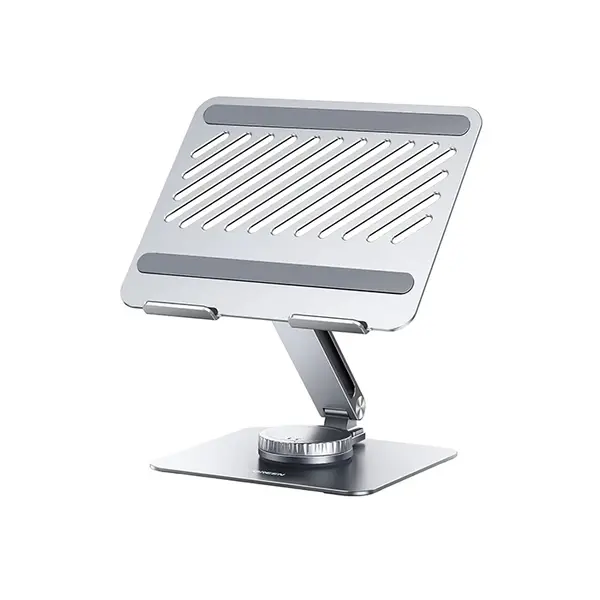
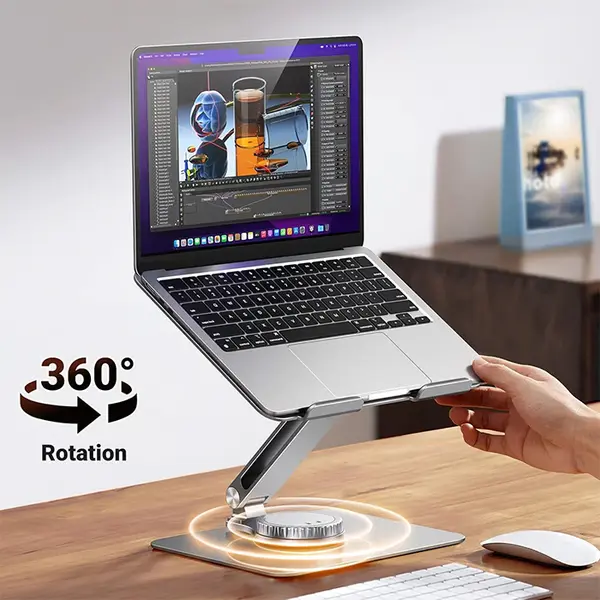
Quick view
Rs. 10,700
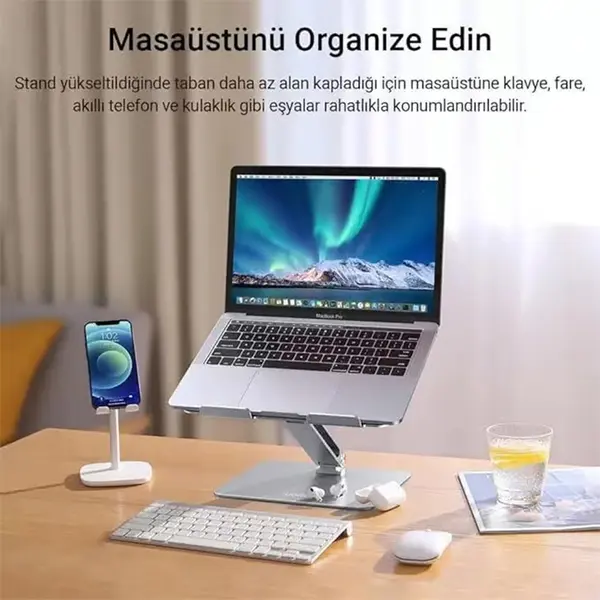
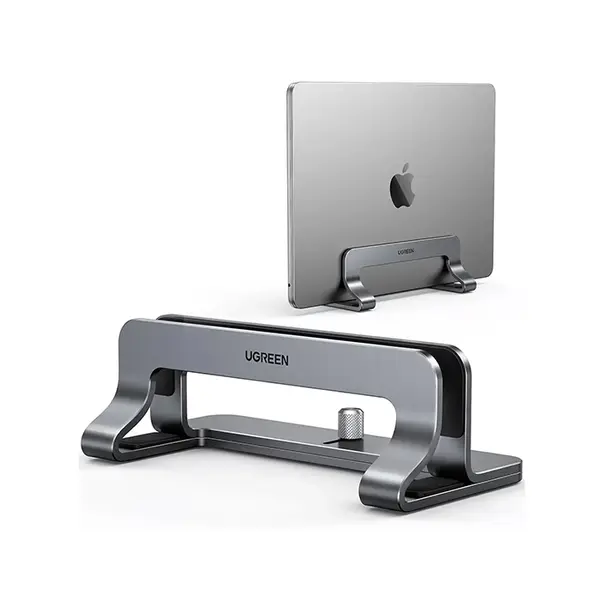
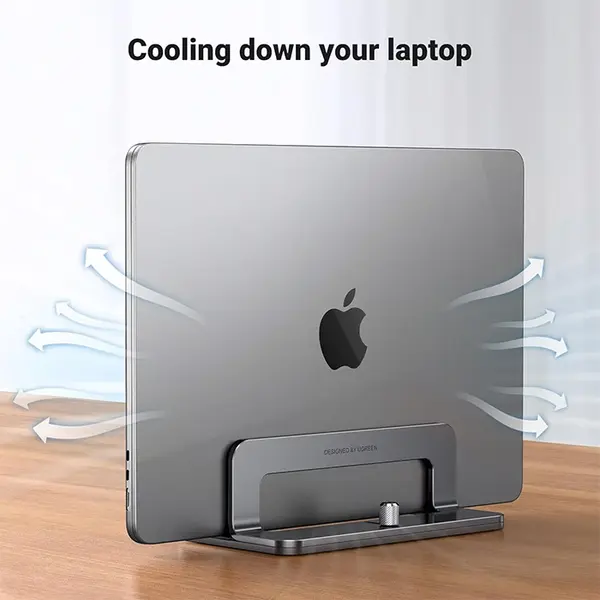
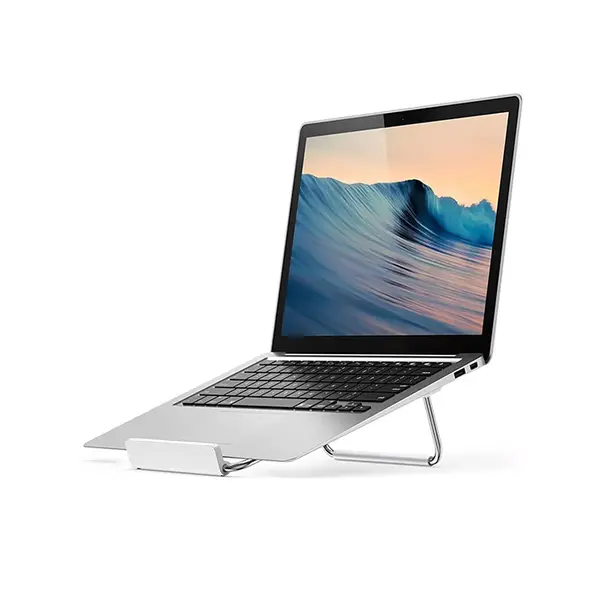
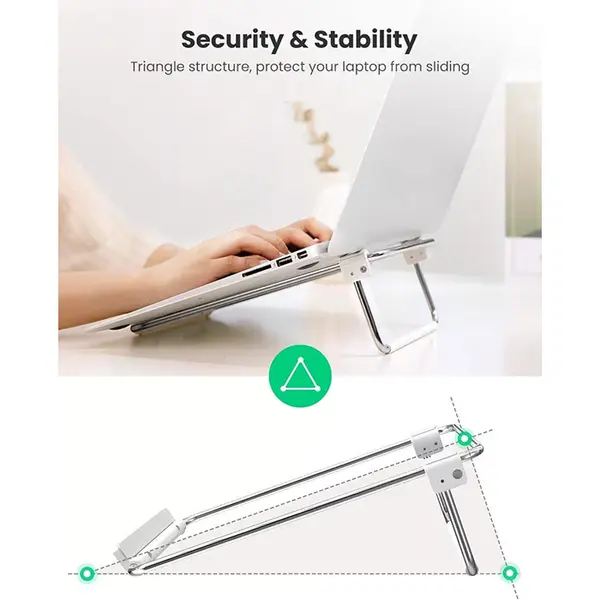

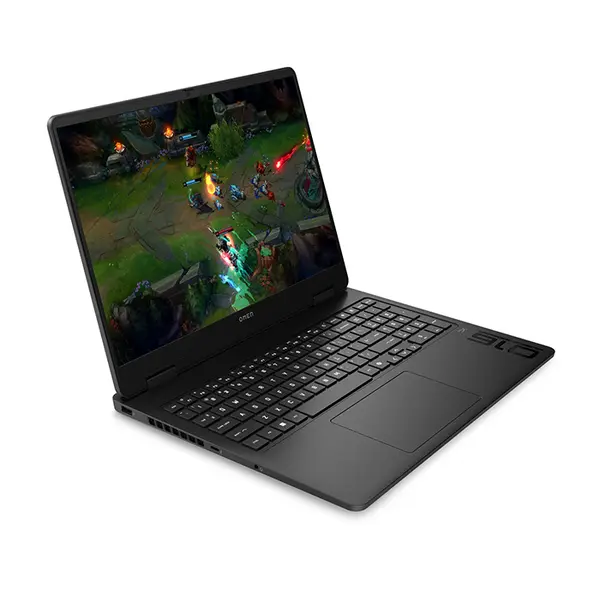
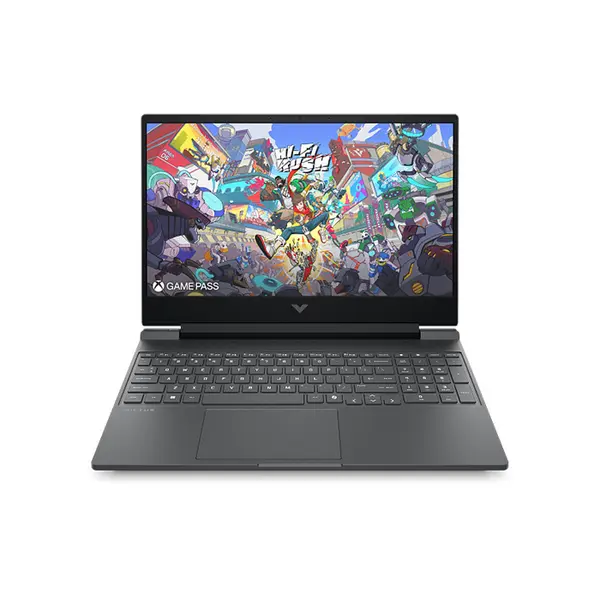
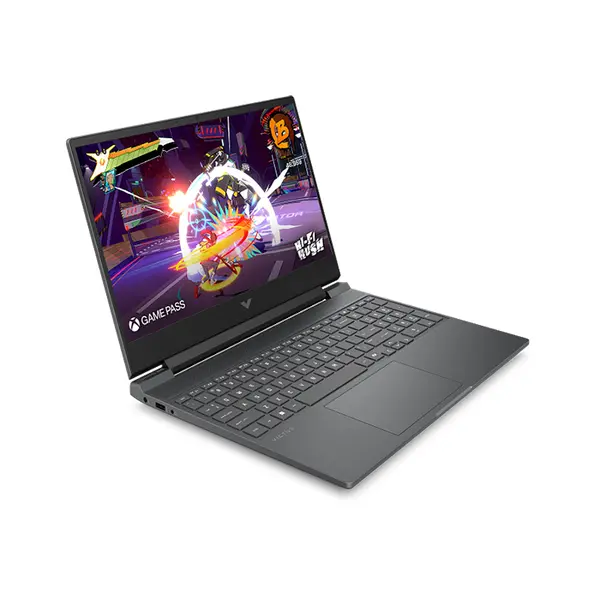
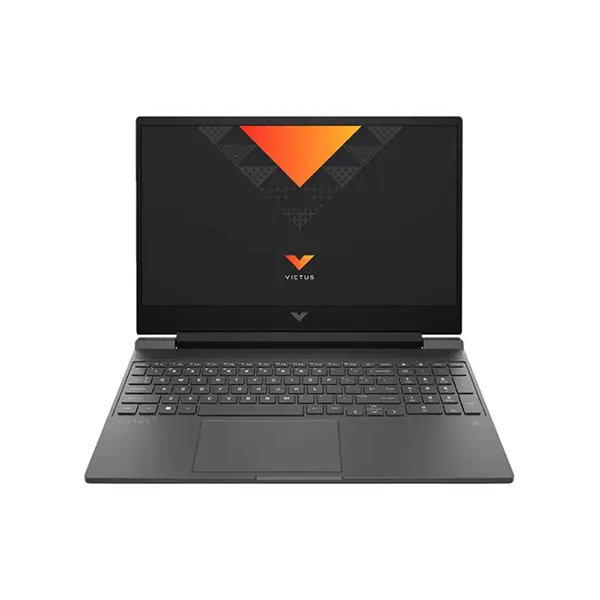
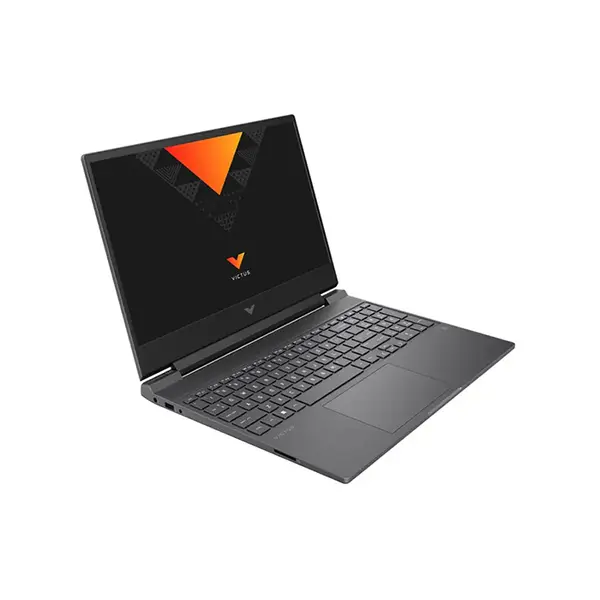
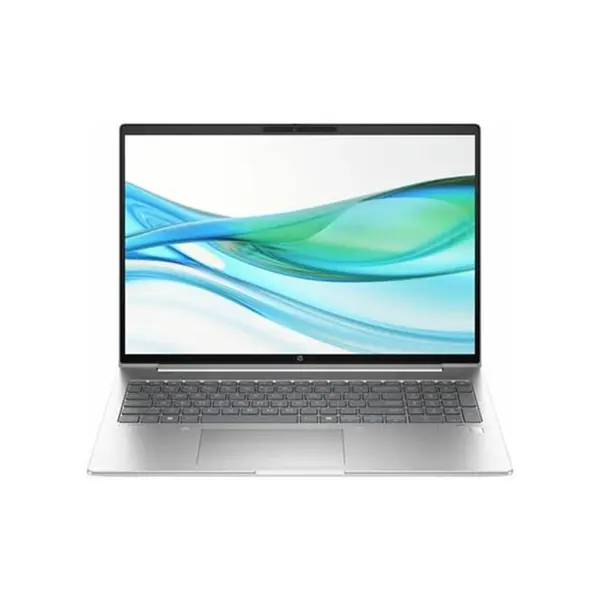
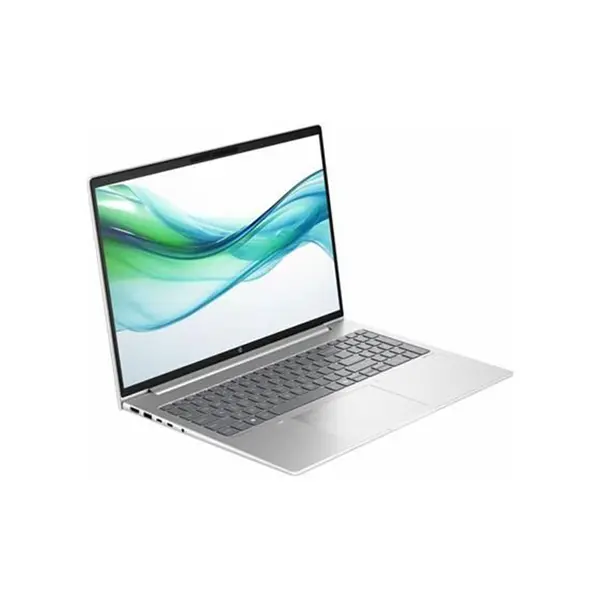
Laptop Price in Pakistan
Compare laptop prices in Pakistan across models designed for everyday computing, office work, education, gaming, content creation, and professional applications. Laptop specifications can vary considerably in processor performance, graphics capability, memory, storage, display, connectivity, battery capacity, dimensions, and weight. Choose according to the applications you use, your portability requirements, and your available budget.
Gaming, Professional & Everyday Laptops
Different laptop configurations are designed around different workloads. Gaming laptops may prioritize graphics performance, processor performance, cooling, and high-refresh-rate displays, while professional laptops may emphasize portability, connectivity, display characteristics, battery operation, or business-focused features. General-purpose laptops can provide a practical balance for browsing, communication, office applications, media consumption, and study.
Laptop Processors – Intel & AMD CPUs
The processor affects application performance, multitasking, and many productivity workloads. Laptop processors are available across different performance classes from Intel and AMD, but processor naming alone does not determine the performance of the complete laptop. Consider the exact processor model together with cooling, memory, graphics, power configuration, and the applications you intend to run.
Integrated & Dedicated Laptop Graphics
Some laptops use graphics integrated into the processor, while others include a dedicated GPU. Integrated graphics can be suitable for many everyday computing and productivity workloads, while dedicated graphics may be required for particular games, 3D applications, GPU-accelerated creative software, and other graphics-intensive workloads. Compare the exact GPU and laptop configuration rather than assuming every laptop with dedicated graphics provides the same level of performance.
Laptop RAM & Memory
RAM capacity and configuration affect multitasking and applications that use significant amounts of memory. Before purchasing or planning an upgrade, check the laptop's installed memory, maximum supported capacity, memory type, available slots, and whether any memory is soldered to the motherboard. Upgrade options vary considerably between laptop models.
SSD & Laptop Storage
Laptops may use NVMe SSDs, SATA SSDs, or other storage configurations depending on the model. Storage capacity determines how much space is available for applications, games, documents, media, and other files, while the storage interface and drive itself affect performance. If future storage expansion matters, check whether the laptop provides an additional compatible storage slot or supports replacement of the installed drive.
Laptop Display Size, Resolution & Refresh Rate
Laptop displays differ in screen size, native resolution, refresh rate, panel characteristics, brightness, color performance, and other specifications. A larger display can provide more workspace but can also increase the overall dimensions of the laptop. Gaming, creative work, office use, and general computing can each place different priorities on display characteristics, so compare the complete panel specifications for your intended workload.
Gaming Laptops for PC Gaming
Gaming laptops combine portable computing with hardware intended to run compatible PC games. Gaming performance depends on the processor, GPU, graphics power configuration, memory, cooling system, display resolution, game settings, and individual title. When comparing gaming laptops, consider the complete configuration rather than choosing based only on the GPU or processor name.
Professional Laptops for Work & Content Creation
Professional laptops can be used for office applications, programming, design, editing, communication, business software, and other productivity workloads. The appropriate configuration depends on the software you use. Processor performance, memory, graphics capability, display characteristics, storage, connectivity, keyboard design, and portability can all become important depending on the workload.
Laptop Battery Life & Portability
Battery runtime varies according to battery capacity, hardware configuration, display settings, workload, power mode, wireless activity, and other operating conditions. Manufacturer battery figures may be measured under specific test conditions and should not be treated as guaranteed runtime for every workload. Also compare laptop weight, charger requirements, dimensions, and connectivity if the system will frequently be carried.
Laptop Ports & Connectivity
Available connections can include USB-A, USB-C, HDMI, audio, Ethernet, card readers, and other interfaces depending on the laptop. Wireless specifications can also differ between models. A connector's physical appearance alone does not guarantee support for every feature, so check the exact laptop specifications if you require functions such as external display output, charging, high-speed data transfer, or a particular wireless standard.
Laptop Upgradeability & Compatibility
Upgradeability varies substantially between laptops. Some systems provide accessible memory and storage slots, while others use soldered components or have limited expansion options. Before buying a laptop with future upgrades in mind, check the manufacturer's specifications or service information for supported RAM, storage interfaces, available slots, and other upgrade restrictions.
Choose the Right Laptop for Your Needs
Start with the applications and workloads you expect to use most frequently. Then compare processor performance, graphics requirements, RAM, storage, display characteristics, connectivity, portability, and available upgrade options. Gaming, professional work, study, and everyday computing have different priorities, so the most suitable laptop depends on the complete system rather than one specification.
Buy Laptops Online in Pakistan
Browse available laptops at Connect2Aryans and compare current prices, processors, graphics, RAM, storage, screen sizes, display specifications, connectivity, and available models. Laptops are available for customers in Karachi, Lahore, Islamabad, Rawalpindi, Faisalabad, and other cities across Pakistan, with nationwide delivery options available.
Frequently Asked Questions About Laptops
What should I check before buying a laptop?
Consider your intended applications first, then compare the processor, graphics, RAM, storage, display, connectivity, battery specifications, dimensions, weight, and upgradeability. The importance of each specification depends on how you plan to use the laptop.
Do I need a dedicated GPU in my laptop?
Not necessarily. Integrated graphics can be suitable for many everyday and productivity workloads. A dedicated GPU may be useful or required for particular games, 3D applications, creative software, and other graphics-intensive workloads.
How much RAM should a laptop have?
There is no single RAM capacity suitable for every user. Required memory depends on your operating system, applications, multitasking requirements, games, and professional workloads. Also check whether the laptop's RAM can be upgraded later.
Can laptop RAM and SSD storage be upgraded?
It depends on the individual laptop. Some models provide replaceable or additional RAM and storage slots, while others use soldered memory or have limited expansion. Check the specifications of the exact model before purchasing if upgradeability is important.
Not sure which laptop suits your requirements? Read our guide on choosing the right laptop for more detailed buying advice.

