
Filters
Price Range
From
To
Brand
Availability
PC Cases » PC Case Accessories
Shop PC case accessories in Pakistan for custom PC builds, upgrades, cooling setups, lighting, and cable management. Compare RGB and ARGB accessories, controllers, cables, brackets, and other available products while checking connector, case, motherboard, and component compatibility before purchasing.
10 Products
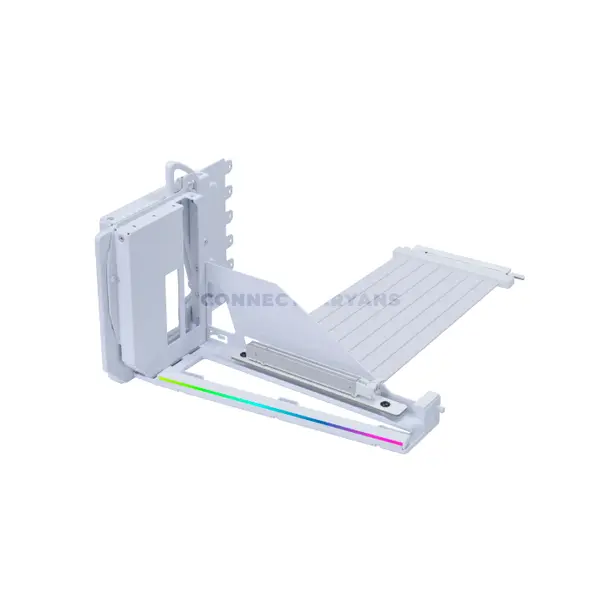
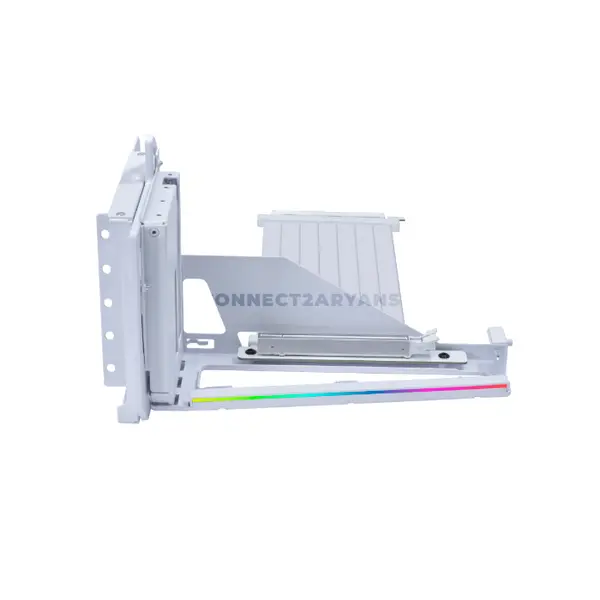
Quick view
Rs. 21,500
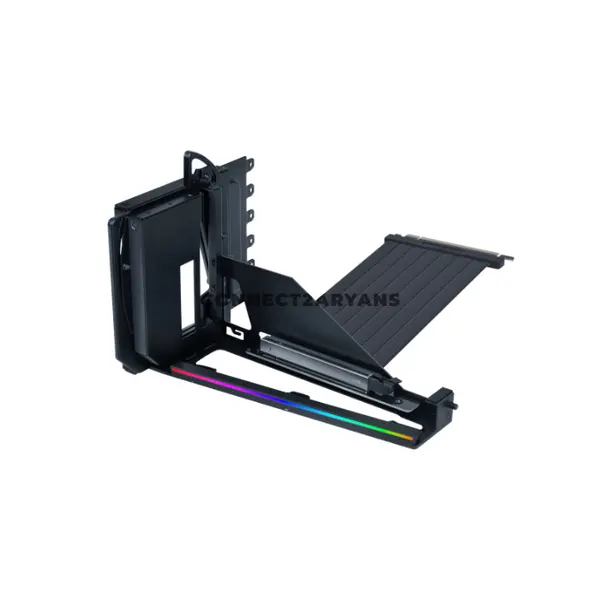
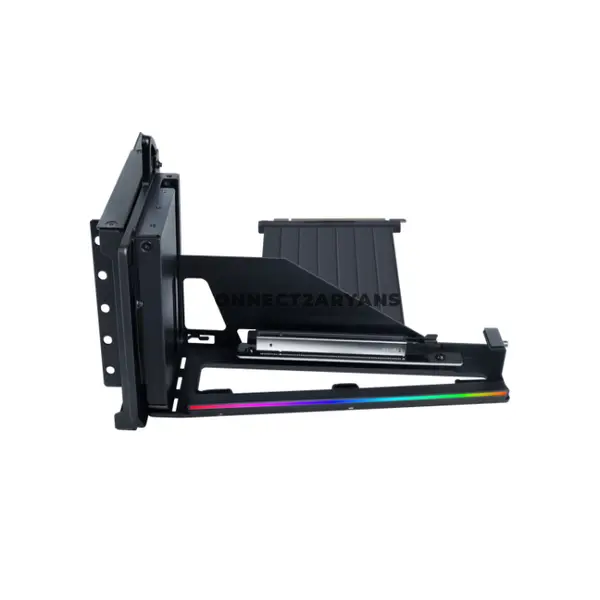
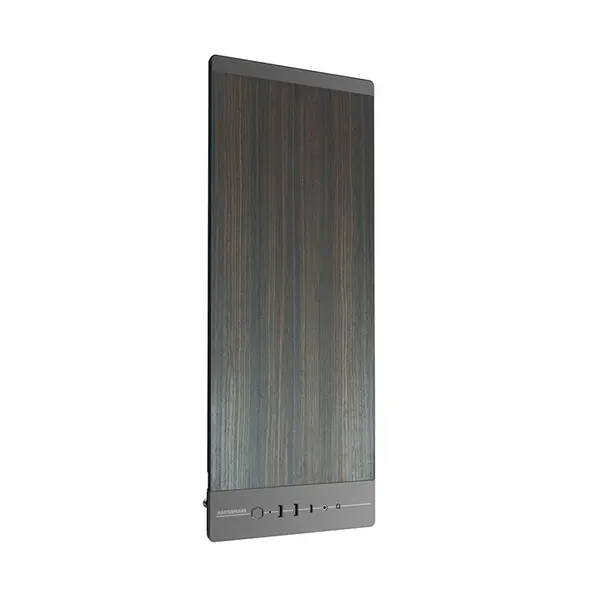
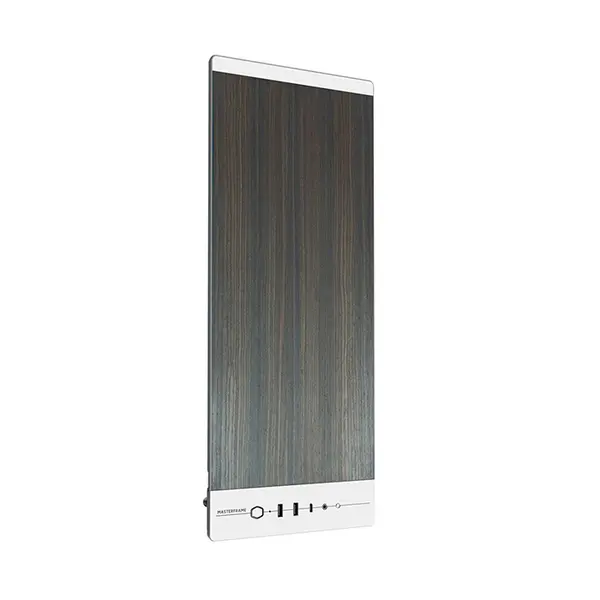
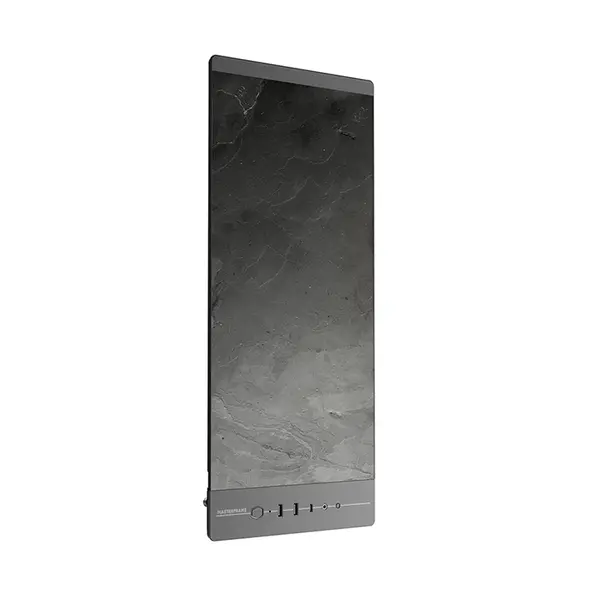
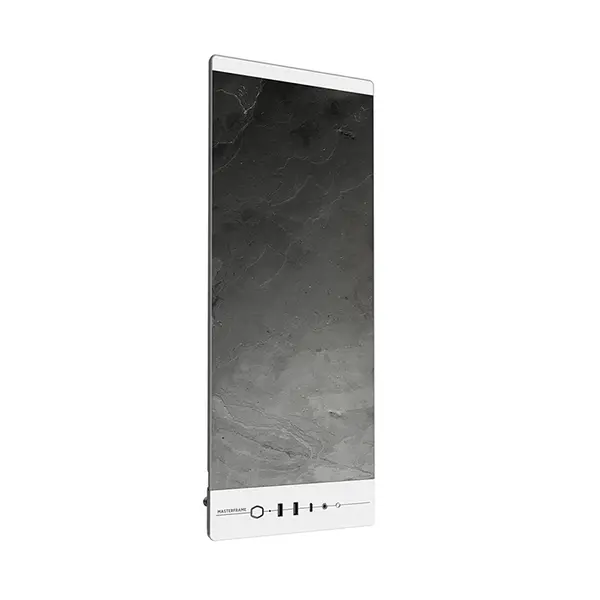
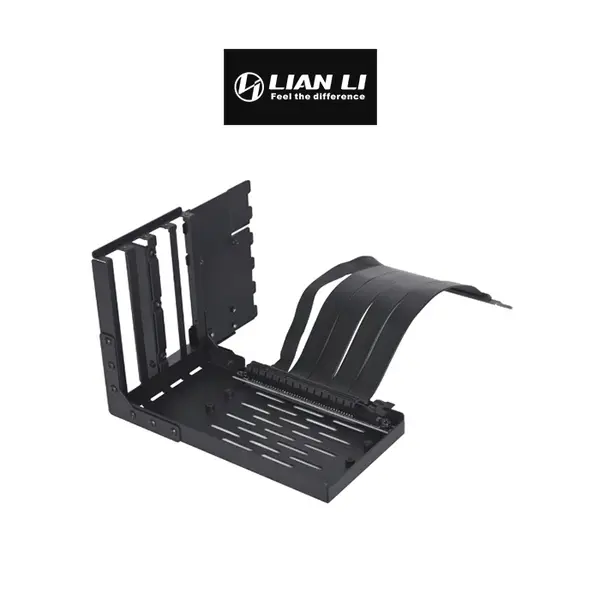
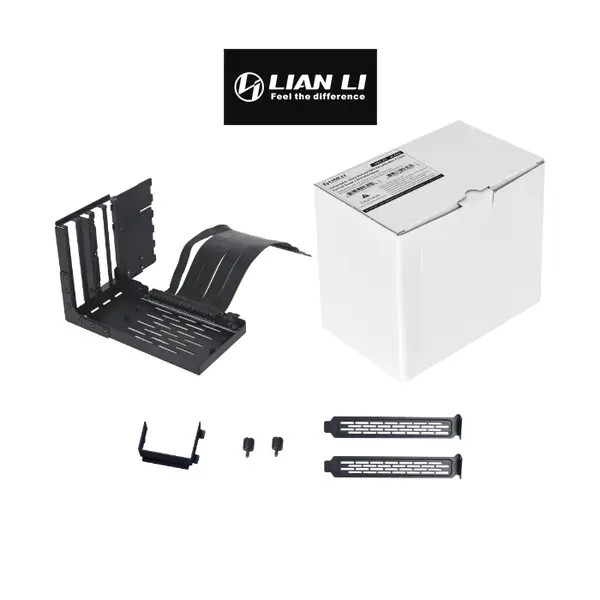
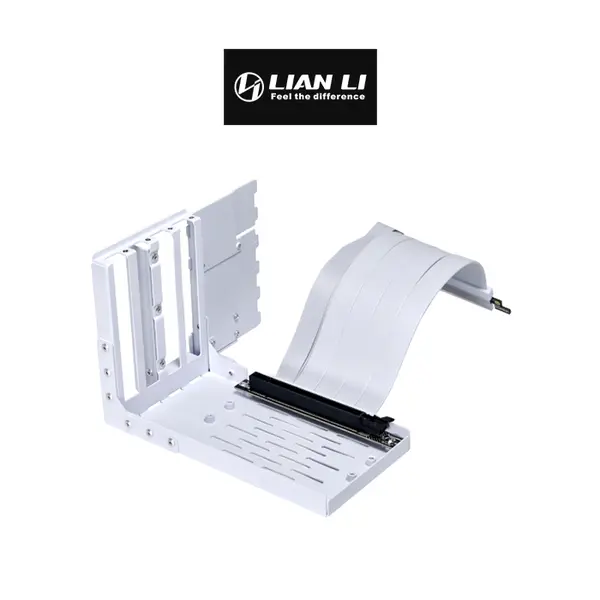
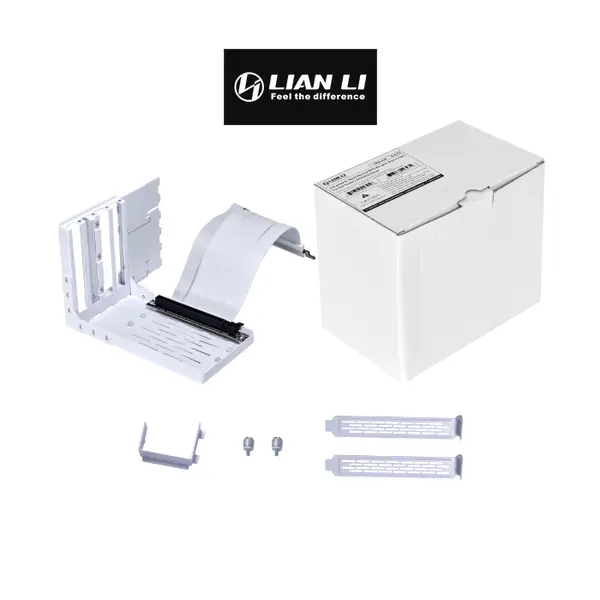
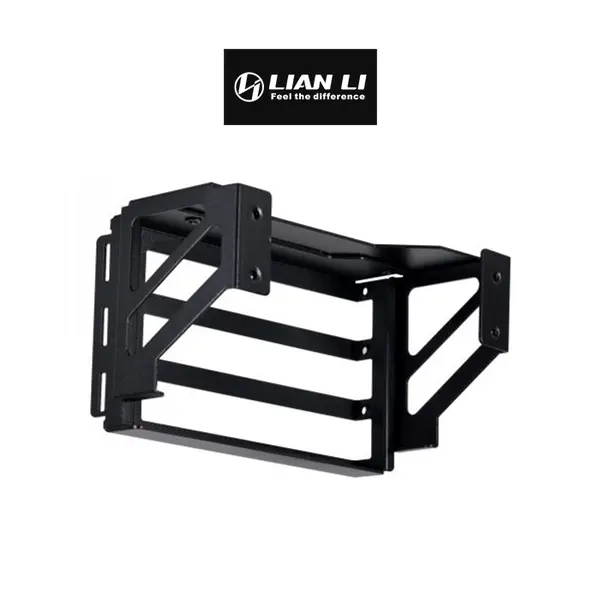
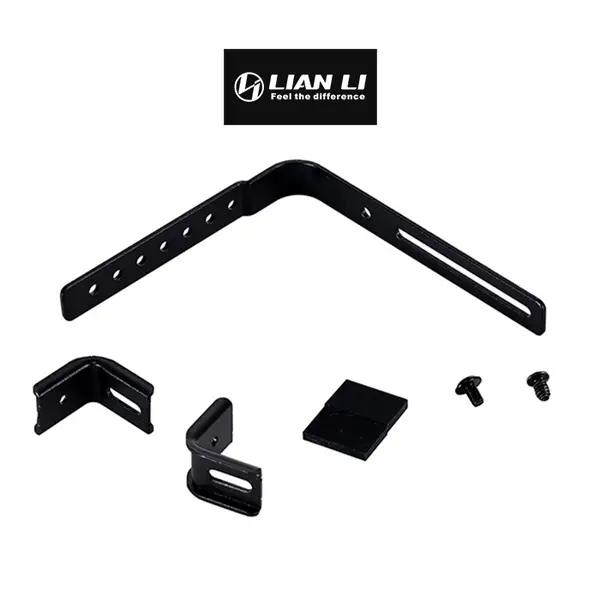
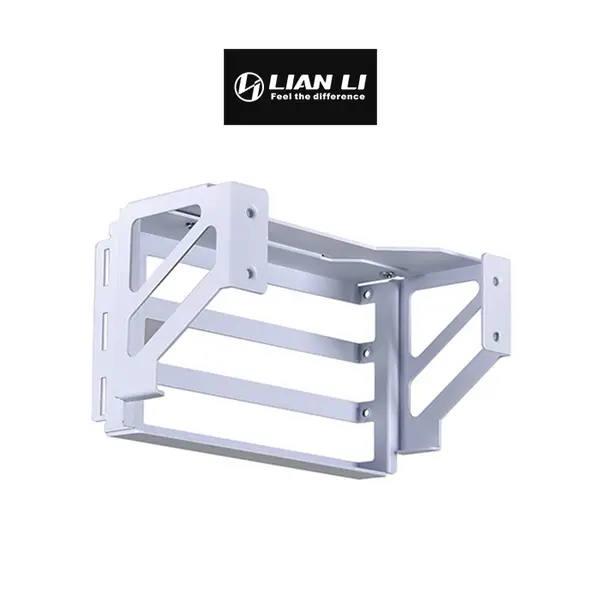
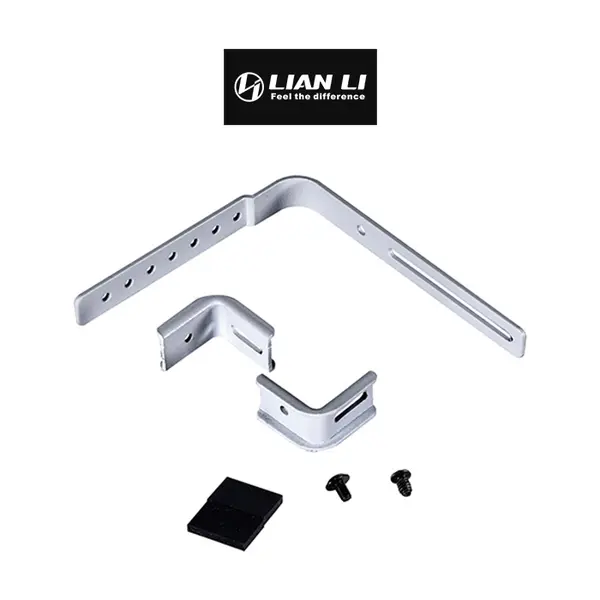
PC Case Accessories Price in Pakistan
Compare PC case accessory prices in Pakistan across products designed for custom PC builds, upgrades, lighting, cooling configurations, cable management, and component installation. Case accessories vary considerably in purpose, dimensions, connectors, mounting requirements, electrical specifications, and compatibility. Check the specifications of both the accessory and your existing hardware before purchasing.
PC Case Accessories for Custom Builds
PC case accessories can be used when assembling a new system or modifying an existing PC. Depending on the product, accessories may help with component mounting, lighting, cable organization, cooling configuration, connectivity, or appearance. The usefulness and compatibility of an accessory depend on the particular case and components being used.
RGB & ARGB Case Accessories
RGB and ARGB accessories can add or control lighting inside compatible PC builds. RGB and addressable RGB products can use different voltages, connectors, controllers, motherboard headers, and control methods. Do not connect lighting hardware based only on connector appearance; confirm the electrical and connection requirements of the exact accessory and motherboard first.
RGB & ARGB Controllers
Controllers can provide connections or control functionality for compatible fans, lighting products, or other accessories depending on the model. Some controllers operate independently, while others can interface with compatible motherboard headers or software. Check supported connector types, device limits, power requirements, and control methods before purchasing.
PC Case Fan Accessories
Case-related fan accessories can include controllers, hubs, mounting hardware, adapters, or other products depending on available inventory. Compatibility depends on fan connector type, power requirements, control method, case mounting, and the specific accessory. Cooling fans themselves should also be matched to supported case mounting positions and sizes.
PC Cable Management Accessories
Cable-management accessories can help organize power, fan, lighting, and peripheral cables inside a PC case. Depending on the product, these can include cable combs, ties, extensions, routing accessories, or other components. Proper organization can make installation and maintenance easier, but cables should never be sharply bent, stretched, or routed where they can interfere with fans.
Cable Extensions & Connector Compatibility
Cable extensions must use the correct connector type and be suitable for their intended connection. Extensions should not be confused with modular PSU replacement cables, because modular power-supply pinouts are not universally interchangeable between PSU models. Check the exact product specifications and power-supply requirements before connecting power-related accessories.
PC Case Brackets & Mounting Accessories
Brackets and mounting accessories can be used to position or secure compatible hardware inside a case. Dimensions, mounting-hole patterns, component sizes, slot requirements, and case layout can all affect compatibility. Confirm the exact mounting requirements before purchasing a bracket for a particular component.
Dust Filters & Case Ventilation Accessories
Compatible dust filters can help reduce the amount of dust entering through filtered intake locations. Filter dimensions, attachment methods, and airflow restriction vary between products. Filters should be inspected and cleaned according to the environment and system condition rather than following one fixed cleaning interval for every PC.
Accessories for Gaming Cases
Gaming cases can use compatible lighting, fan-control, cable-management, mounting, and other accessories depending on their design. Tempered-glass builds may place greater emphasis on visible cable organization and lighting, while airflow-focused systems may prioritize cooling-related accessories. Check what your particular case already includes before purchasing additional hardware.
Motherboard Compatibility
Some case accessories connect directly to motherboard headers for lighting, fan control, USB functionality, or other features. Header availability and specifications differ between motherboards. Confirm connector type, voltage, supported functionality, and any software requirements before connecting an accessory.
PC Case Accessory Compatibility
A product being described as a PC case accessory does not mean it is universal. Compatibility can depend on case dimensions, mounting points, motherboard headers, power supply, fans, graphics card, cooling hardware, connectors, and other installed components. Check the exact requirements of the accessory against your system.
Choose the Right PC Case Accessories
Start by identifying what you want to add, replace, organize, mount, or control in your PC. Then compare product dimensions, connectors, electrical requirements, mounting method, supported devices, and compatibility with your case and components. Avoid purchasing solely on appearance when the accessory requires a physical or electrical connection to other hardware.
Buy PC Case Accessories Online in Pakistan
Browse available PC case accessories at Connect2Aryans and compare current prices, product types, dimensions, connectors, mounting requirements, lighting features, controller support, cable-management options, and compatibility information. Check the individual product specifications against your PC case and other components before purchasing.
Frequently Asked Questions About PC Case Accessories
Will RGB or ARGB accessories work with my motherboard?
Only if the accessory and motherboard provide compatible connections and electrical requirements, or an appropriate compatible controller is used. Check RGB or ARGB type, connector, voltage, controller requirements, and motherboard specifications before connecting the accessory.
Are PC case accessories universal?
No. Some accessories may work with many systems, while others require specific dimensions, mounting points, connectors, controllers, case designs, or motherboard headers. Always check the exact compatibility requirements.
Can I use modular PSU cables from another power supply?
Do not assume modular PSU cables are interchangeable. PSU-side pinouts can differ between manufacturers and even between product families. Use only cables or accessories specifically confirmed as compatible with the exact power-supply model.
How often should PC case dust filters be cleaned?
There is no universal cleaning interval. Dust accumulation depends on the environment, airflow configuration, filter design, operating time, and other conditions. Inspect filters periodically and clean them when dust buildup begins restricting airflow.

