
Filters
Price Range
From
To
Brand
Availability
Connectivity
Peripherals » Mouse » Professional Mouse
Shop professional mouse options in Pakistan for office work, productivity, design, coding, and everyday computing. Compare wired and wireless mice, shapes, sensors, buttons, multi-device connectivity, ergonomic designs, compatibility, and prices for your workspace.
93 Products
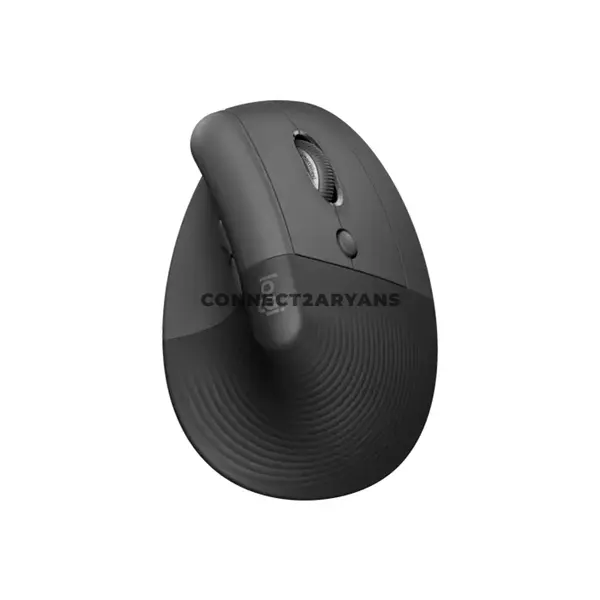
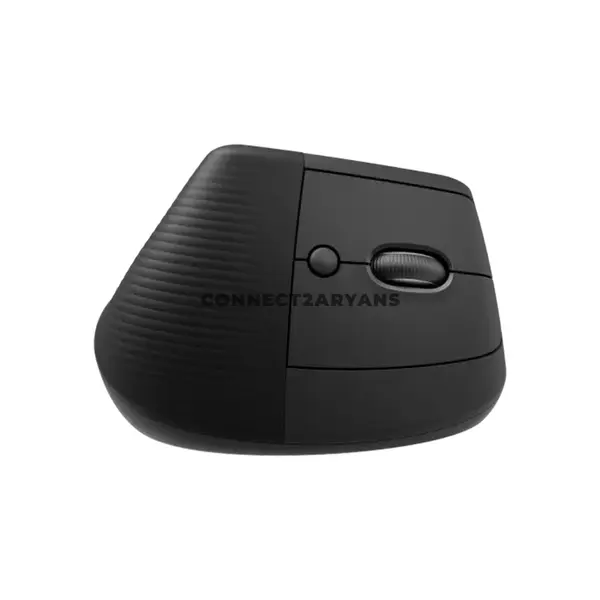
Quick view
Rs. 22,000
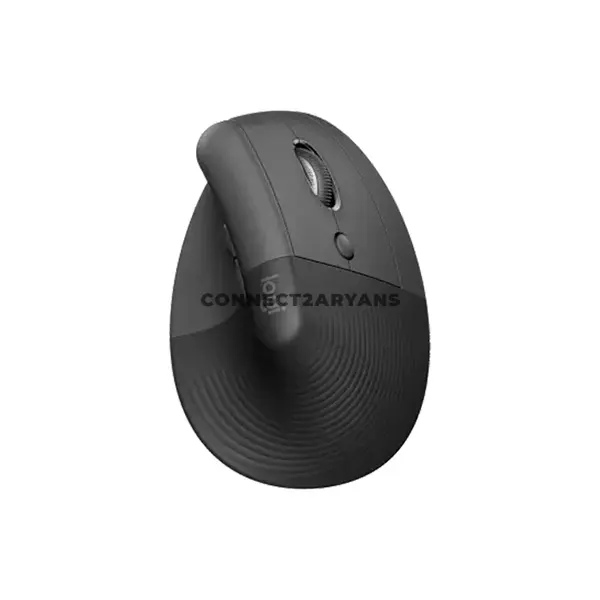
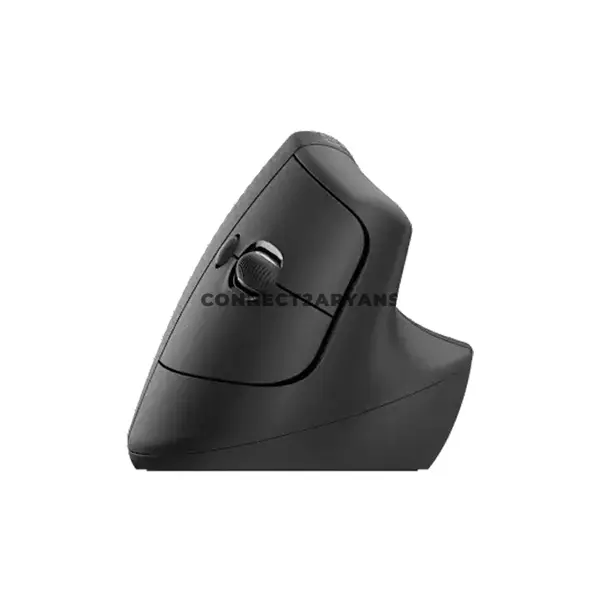
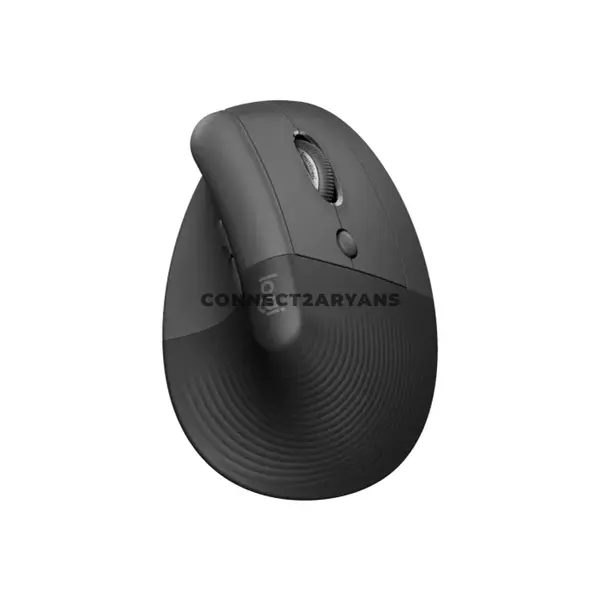
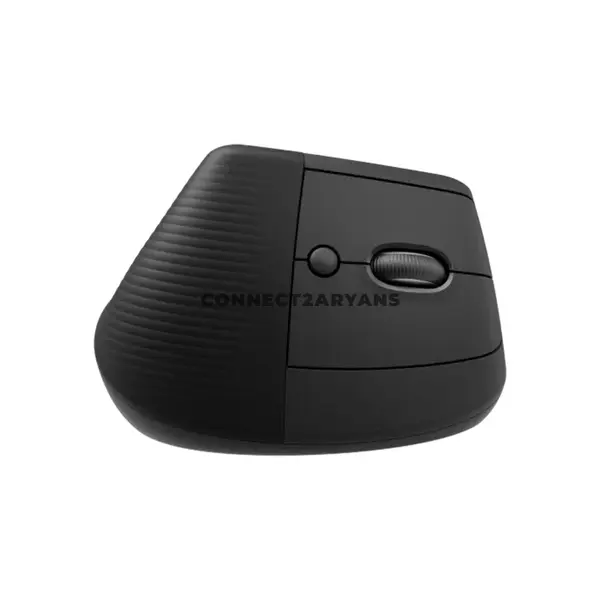
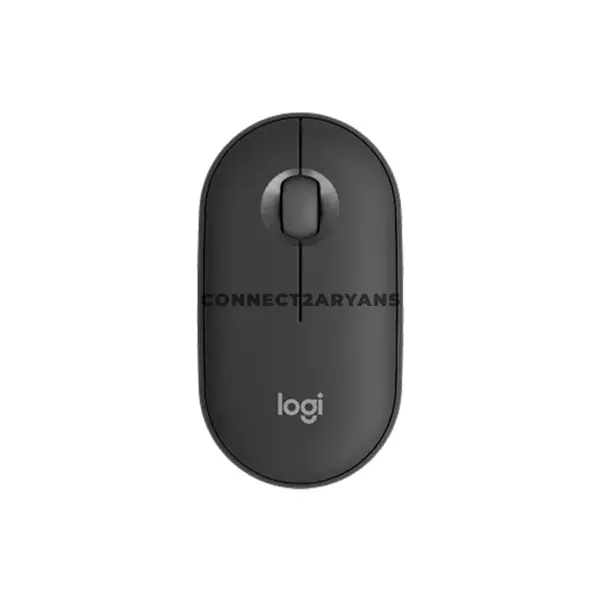
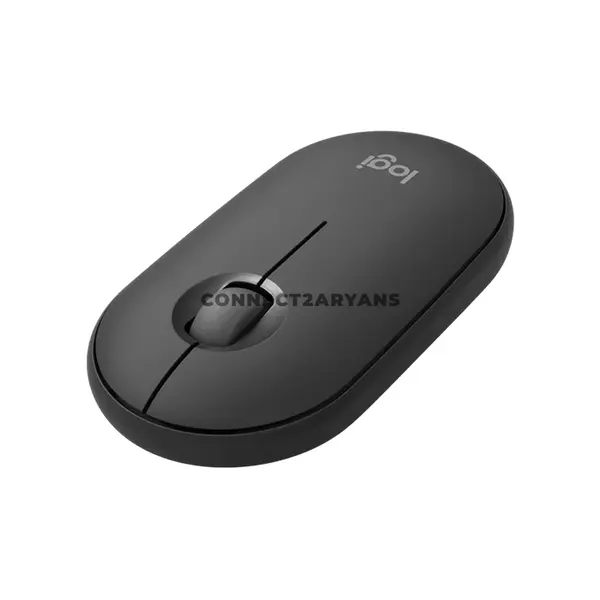
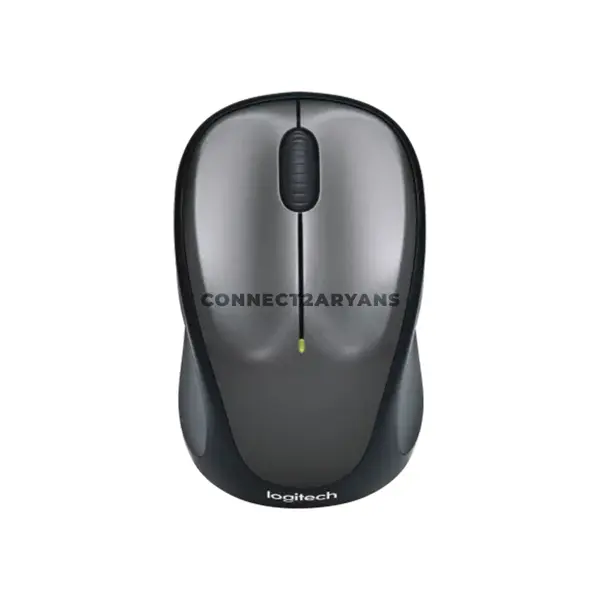
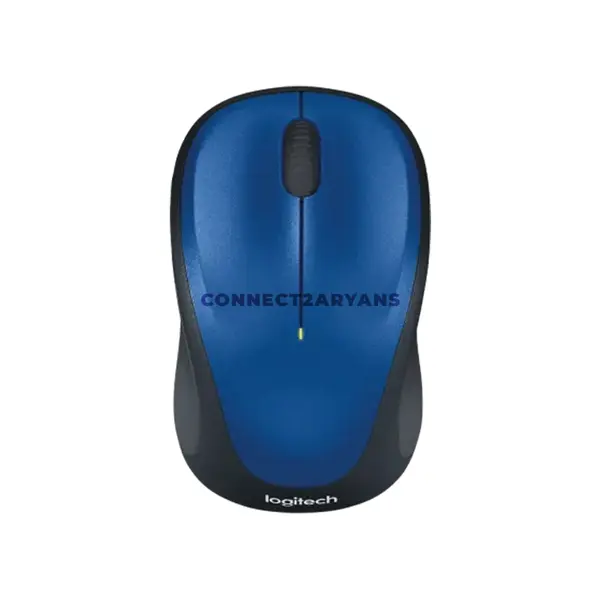
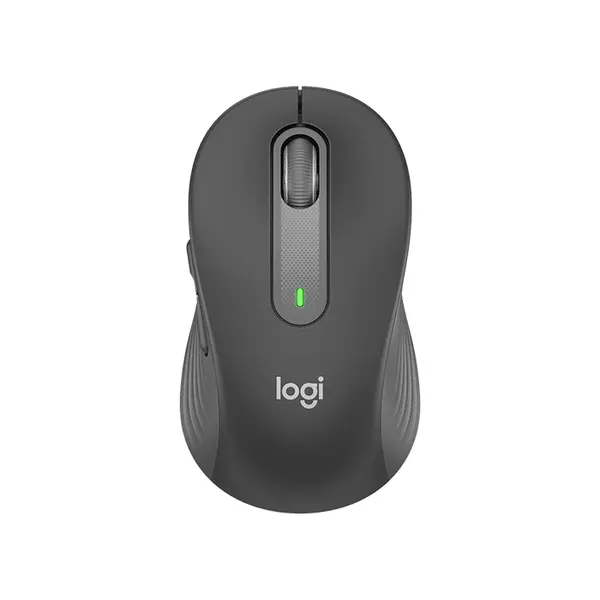
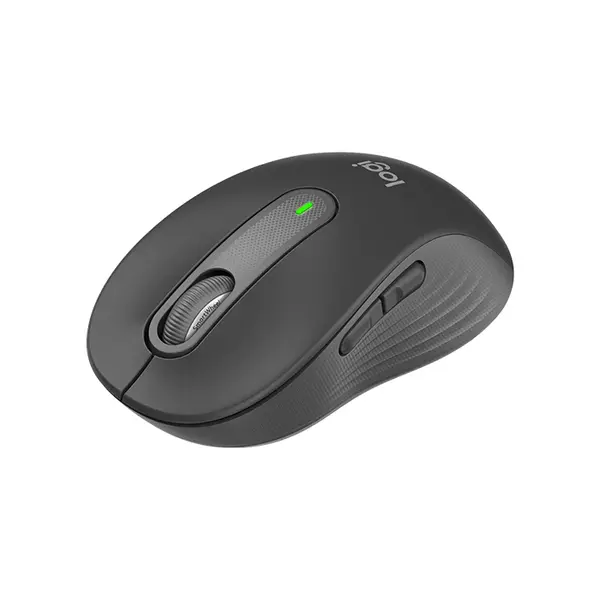
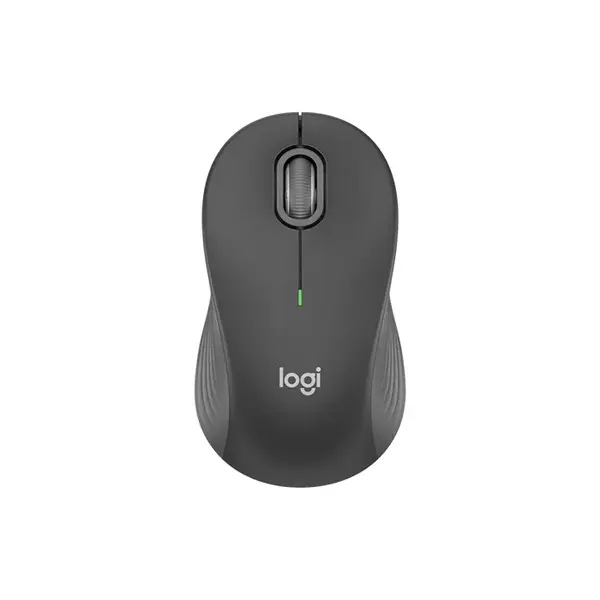
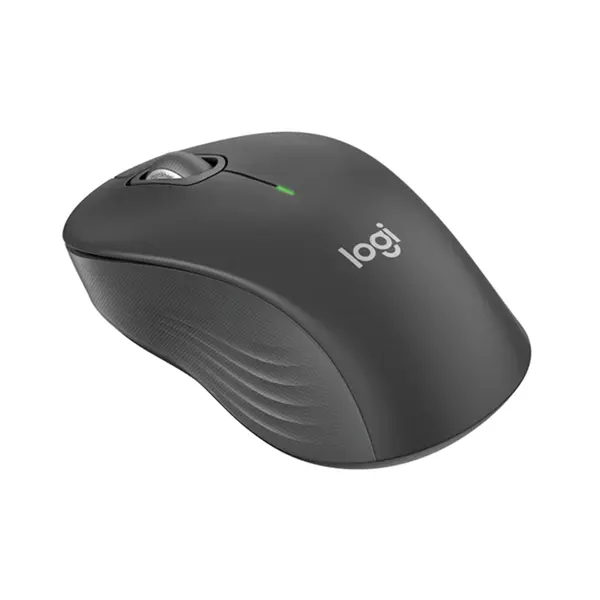
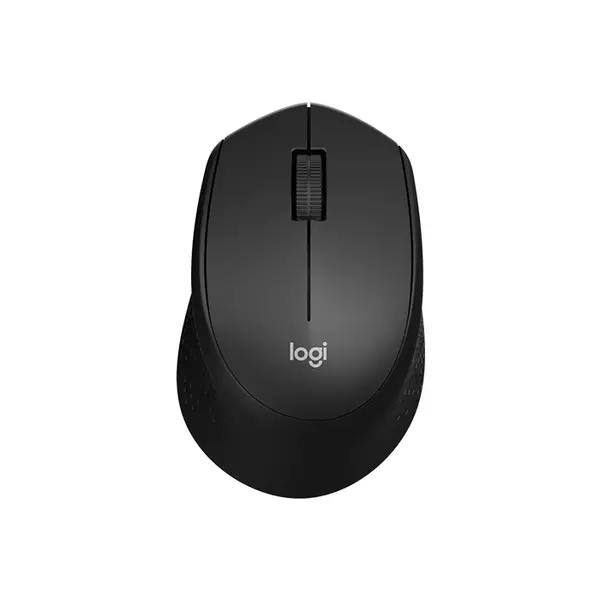
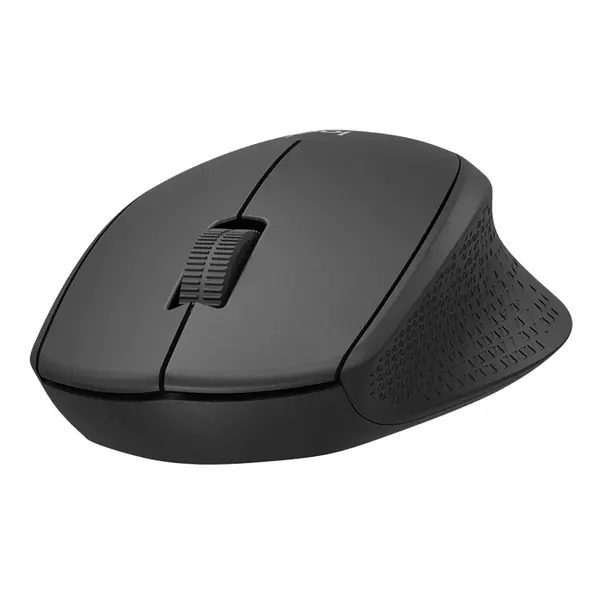
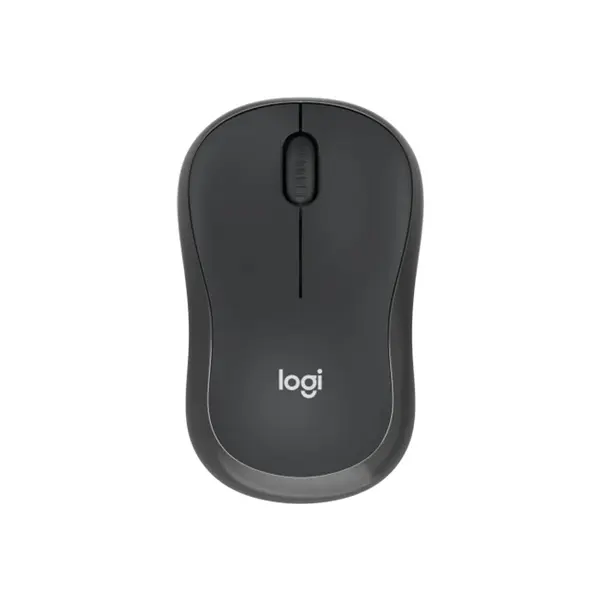
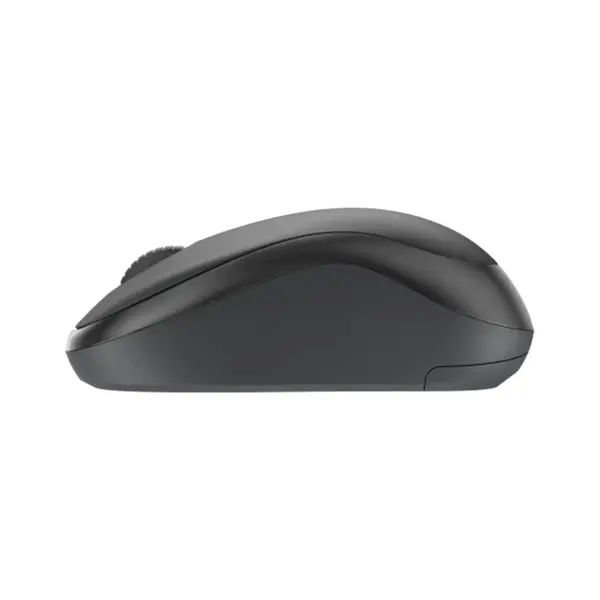
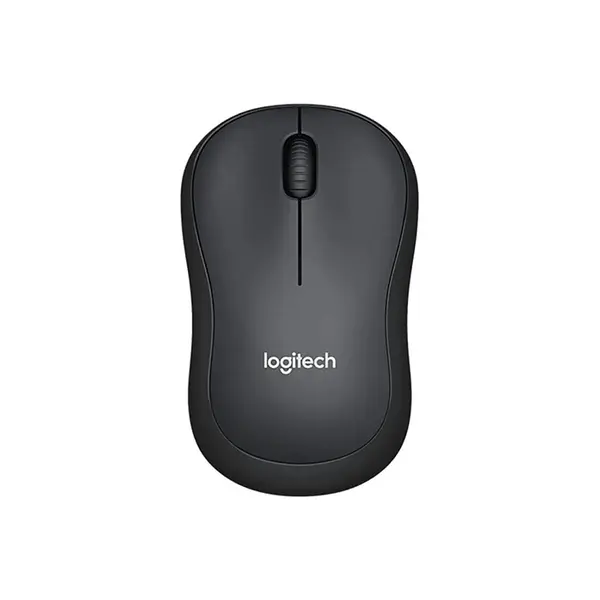
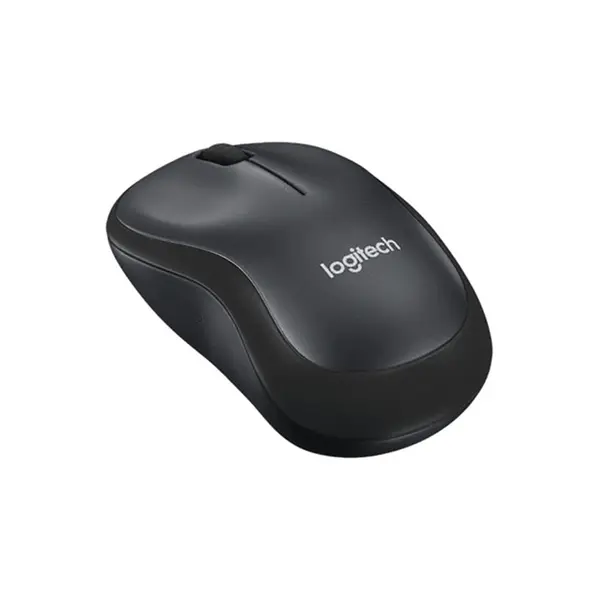
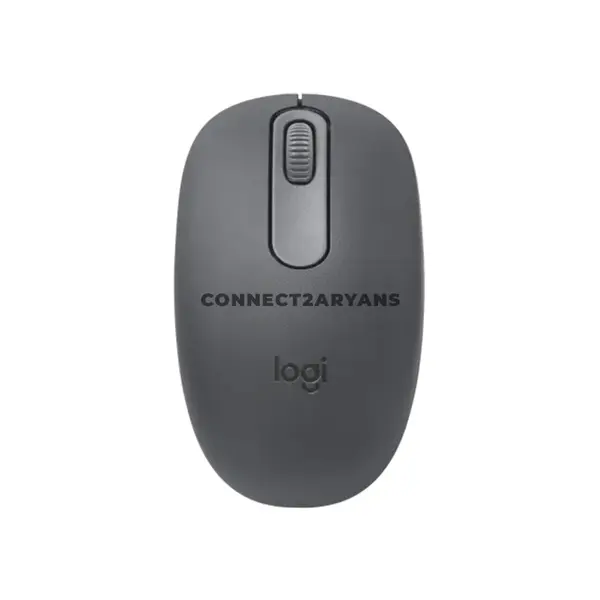
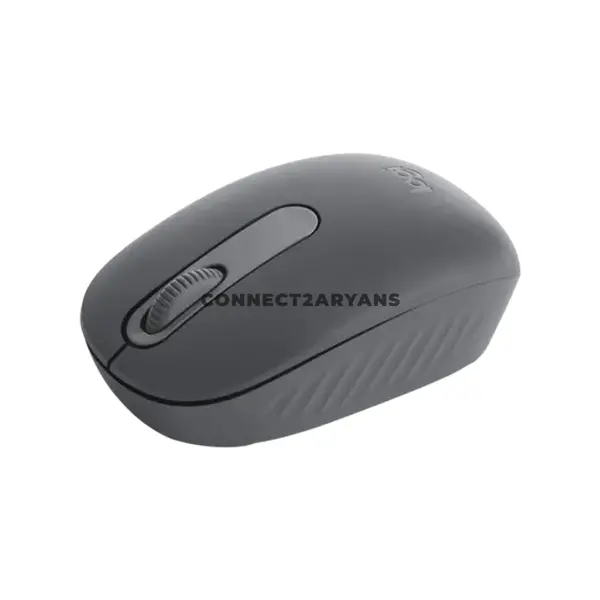
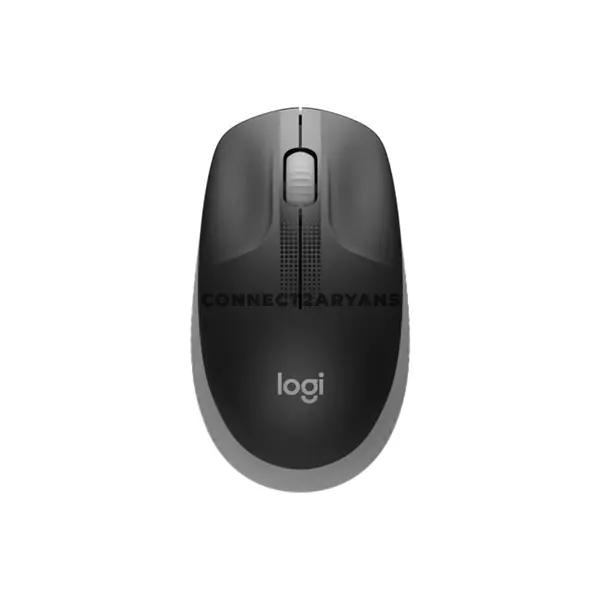
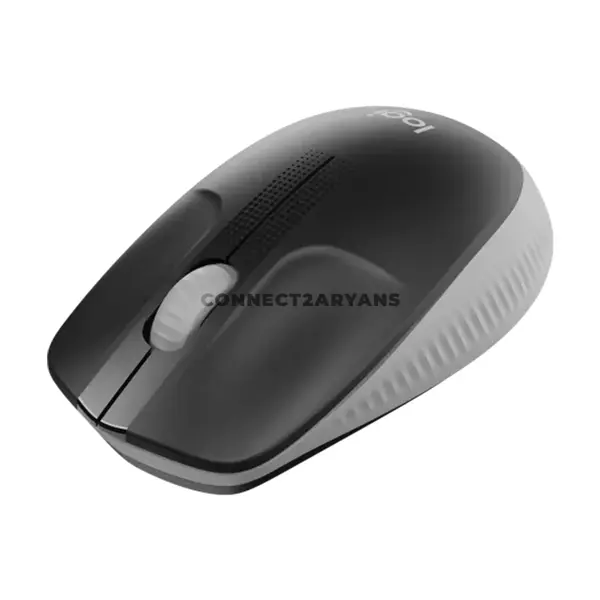
Professional Mouse Price in Pakistan
Compare professional mouse prices in Pakistan across models designed for office work, productivity, business environments, content creation, and everyday computing. Professional mice vary by shape, size, sensor specifications, buttons, connectivity, battery requirements, software support, and additional productivity features. Compare individual specifications according to your workload and workspace.
Mouse for Office Work & Productivity
Office mouse requirements vary depending on the applications and tasks involved. General office users may prioritize straightforward controls and reliable connectivity, while users working with spreadsheets, editing applications, or multiple devices may want additional buttons, configurable functions, or multi-device connectivity. Choose according to your actual workflow rather than the professional label alone.
Mouse for Design & Creative Work
Designers, editors, and other creative professionals may want to consider sensor characteristics, sensitivity adjustment, button configuration, scrolling controls, software support, and mouse dimensions. Requirements can differ between applications, so check whether any programmable functions or manufacturer software support the operating system and programs you use.
Mouse for Spreadsheets & Business Applications
Users working extensively with spreadsheets, documents, browsers, and business applications may benefit from additional navigation or programmable controls on compatible mice. Some models provide extra buttons, specialized scroll wheels, or software configuration that can be assigned to supported functions. Available features vary considerably between products.
Wired Professional Mouse
Wired professional mice connect through a compatible physical interface, commonly USB. They do not require batteries or a wireless connection for normal mouse input. Sensor specifications, buttons, cable design, connector type, software functionality, dimensions, and weight vary between individual models.
Wireless Professional Mouse
Wireless professional mice can connect through Bluetooth, a dedicated wireless receiver, or another supported wireless technology depending on the model. Compare connection methods, battery or charging requirements, operating-system compatibility, available wired modes, and supported devices before purchasing.
Bluetooth Mouse for Office Use
A Bluetooth mouse can connect directly to compatible computers and other supported devices without requiring a dedicated USB receiver for that Bluetooth connection. This can be useful when USB ports are limited, although Bluetooth version requirements, operating-system support, pairing methods, and available features vary by mouse.
Multi-Device Mouse
Some professional mice support connections with multiple compatible devices and provide a method for switching between them. This can be useful for users working across a desktop PC, laptop, tablet, or other supported equipment. Check how many devices are supported and which connection methods are available.
Ergonomic Mouse
Ergonomic mice use shapes or control arrangements that differ from conventional symmetrical or standard mouse designs. Products can include contoured, angled, thumb-operated, or other configurations. Comfort and suitability are individual, so compare dimensions, orientation, weight, button placement, and manufacturer guidance before choosing.
Vertical Mouse
Vertical mice position the hand differently from a conventional horizontal mouse through an angled or more upright body design. Shape, angle, dimensions, weight, controls, and orientation vary between models. Users may also require time to become familiar with a different design, so choose according to personal preference rather than assuming a vertical mouse will automatically be more comfortable.
Mouse Size, Shape & Hand Preference
Dimensions and shape can significantly affect how a mouse feels to an individual user. Consider mouse length, width, height, weight, button placement, and whether the design is symmetrical or intended for a particular hand. Grip preference can also influence which shape feels suitable.
Professional Mouse Sensor & DPI
Mouse sensors are available with different tracking and sensitivity specifications. Maximum DPI alone does not determine accuracy or overall quality. Consider the complete sensor implementation, available sensitivity settings, intended applications, and any software configuration options when comparing professional mice.
Programmable Mouse Buttons
Some professional mice include additional buttons that can be configured for supported shortcuts, navigation commands, application functions, or other actions. Configuration may depend on manufacturer software, operating system, and application compatibility. Consider how many additional controls you would realistically use in your workflow.
Mouse Scroll Wheel & Navigation
Scroll-wheel designs vary between mice and can include conventional scrolling, adjustable modes, horizontal controls, additional wheels, or other navigation features depending on the model. Users working with long documents, spreadsheets, timelines, or other large interfaces may want to compare these controls carefully.
Rechargeable & Battery-Powered Mouse
Wireless professional mice can use replaceable batteries, internal rechargeable batteries, or other power arrangements depending on the product. Battery life varies with hardware, connection method, polling settings, usage patterns, and other features. Check the specifications of the individual mouse rather than relying on general battery-life estimates.
Professional Mouse for Laptops
A compatible professional mouse can be used with a laptop through USB, Bluetooth, a wireless receiver, or another supported connection. Consider available laptop ports, portability, mouse dimensions, receiver storage where applicable, battery requirements, and operating-system compatibility.
Mouse Software & Compatibility
Advanced features such as button remapping, profiles, sensitivity adjustment, scrolling customization, or multi-device functions may depend on manufacturer software. Confirm support for your operating system and intended applications when these features are important to your workflow.
Choosing the Right Professional Mouse
Start with your primary workload and then compare mouse shape, dimensions, weight, sensor specifications, buttons, scrolling controls, wired or wireless connectivity, battery requirements, multi-device functionality, software support, and compatibility. Choose according to the features you actually need rather than assuming the most complex mouse is automatically the best option.
Buy Professional Mouse Online in Pakistan
Browse available professional mice at Connect2Aryans and compare current prices, wired and wireless connectivity, shapes, sensor specifications, buttons, scrolling features, multi-device functionality, battery requirements, software support, and available models. Check individual product specifications before choosing a mouse for your office or professional setup.
Frequently Asked Questions About Professional Mouse
What should I look for in a professional mouse?
Consider your workload, mouse size and shape, connectivity, sensor specifications, required buttons, scrolling controls, battery requirements, software compatibility, and whether you need features such as multi-device switching.
Is an ergonomic or vertical mouse better for office work?
Not necessarily. Ergonomic and vertical mice use different shapes and hand positions, but comfort and preference vary between users. Compare dimensions, orientation, controls, and design rather than assuming one shape is automatically better.
Do I need programmable buttons on a professional mouse?
It depends on your workflow. Programmable buttons can provide convenient access to supported shortcuts and commands, but their usefulness depends on the applications you use and whether the required configuration software is supported.
Should I choose a wired or wireless mouse for office work?
Either can be suitable. Wired models avoid wireless battery requirements, while wireless models can provide greater placement flexibility and, on supported products, multi-device functionality. Compare the individual models according to your workspace.
Not sure which mouse fits your workday? Read our guide on choosing the right mouse for office work for more detailed buying advice.

