
Filters
Price Range
From
To
Brand
Availability
Storage Devices » Portable Drives
Shop portable drives in Pakistan for backups, file transfers, additional storage, and everyday use. Compare external SSDs and HDDs, capacities, interfaces, connectivity, and prices to find the right portable storage for your devices.
80 Products
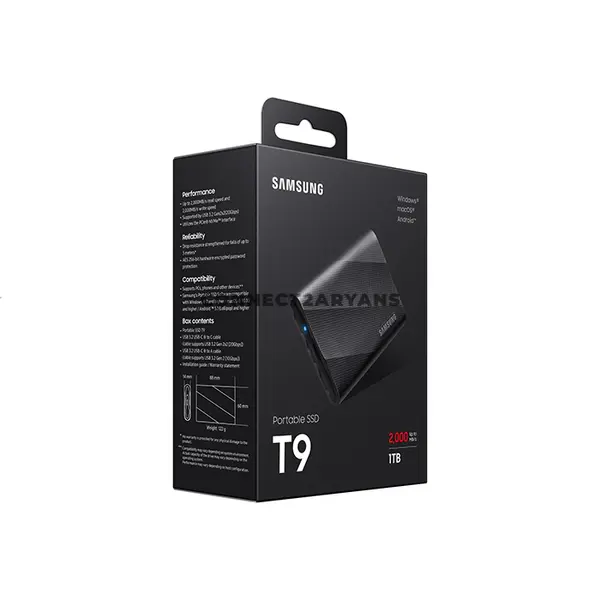
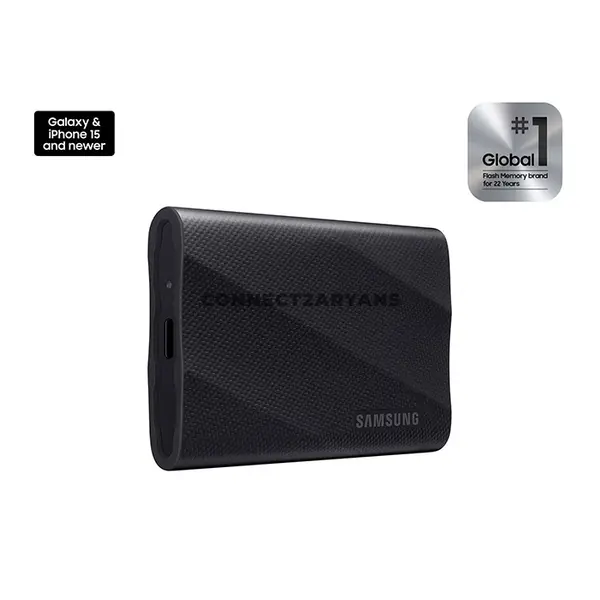
Quick view
Rs. 70,000
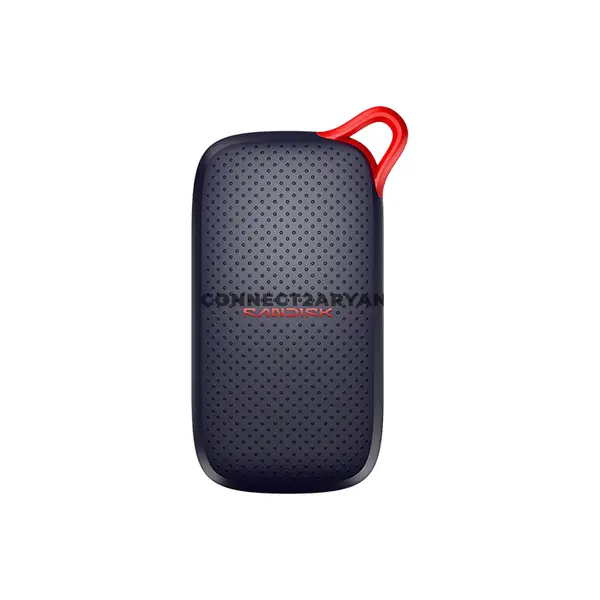
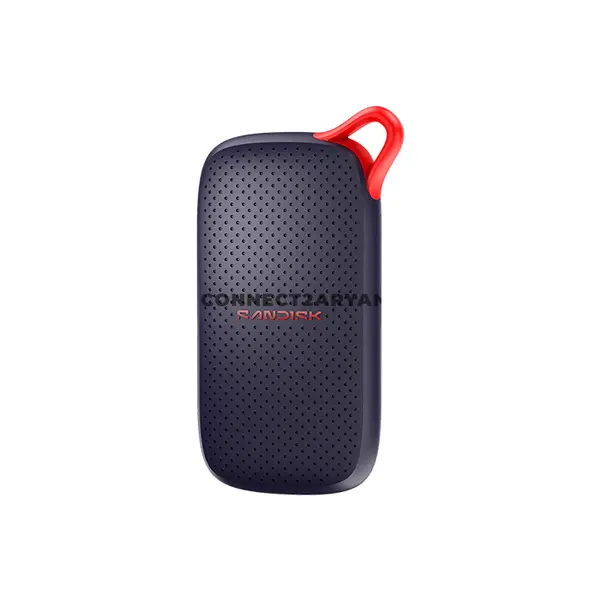
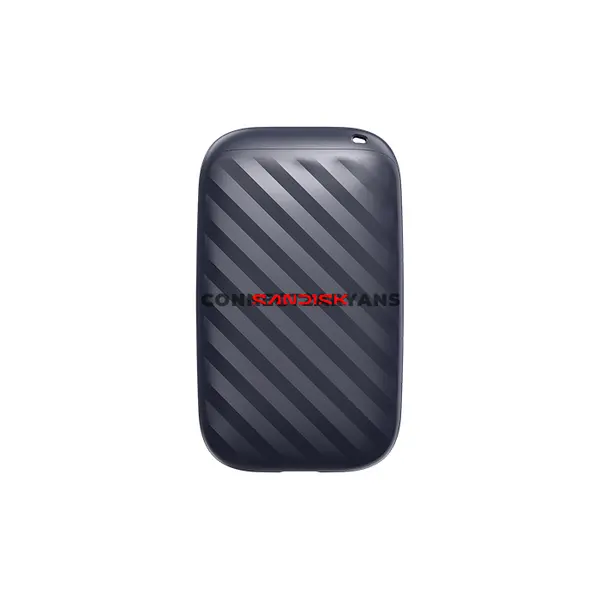
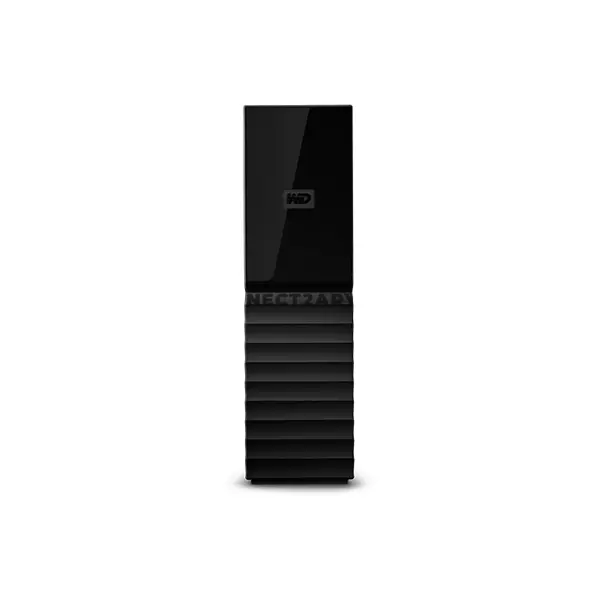
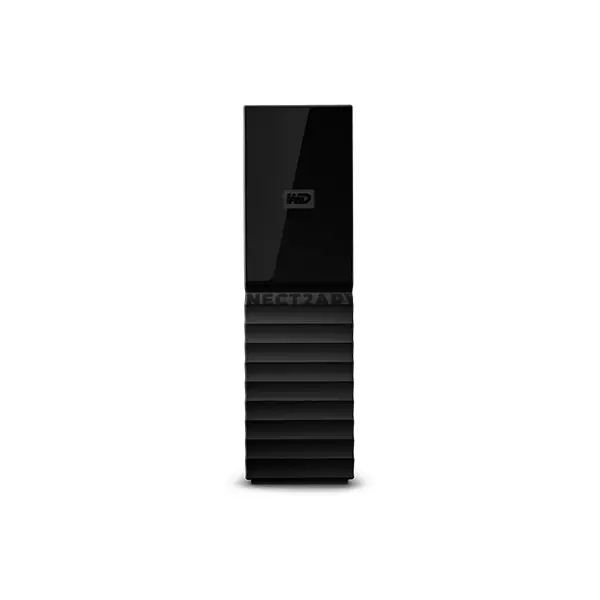
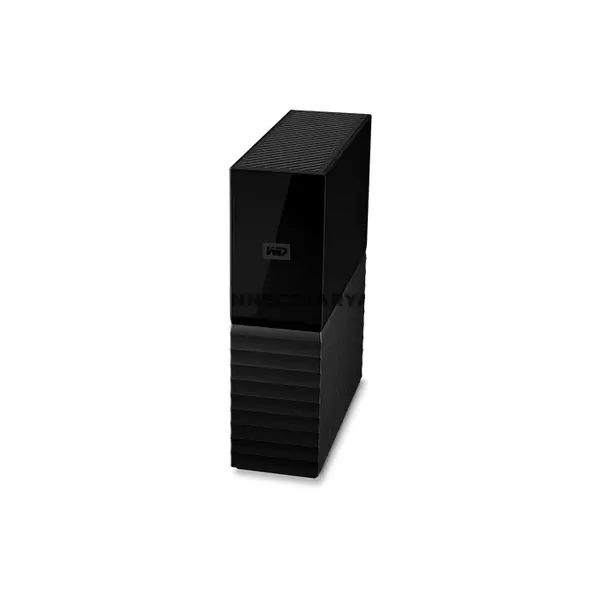
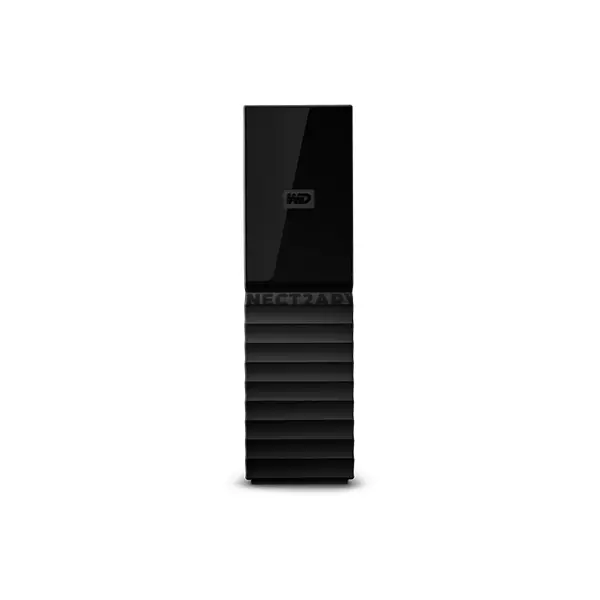
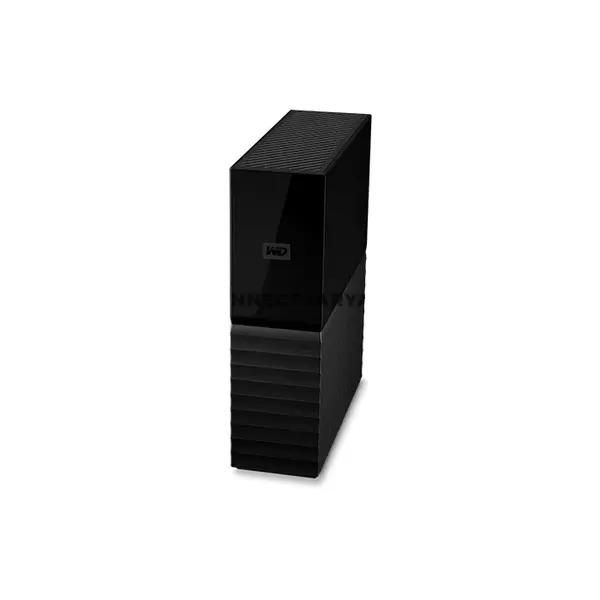
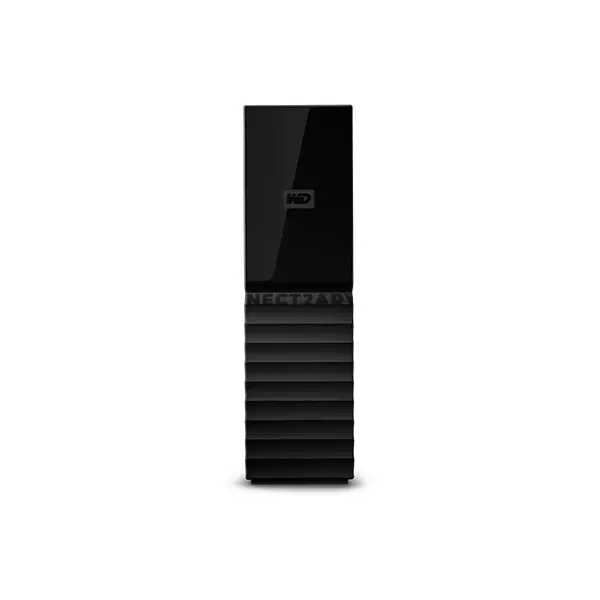
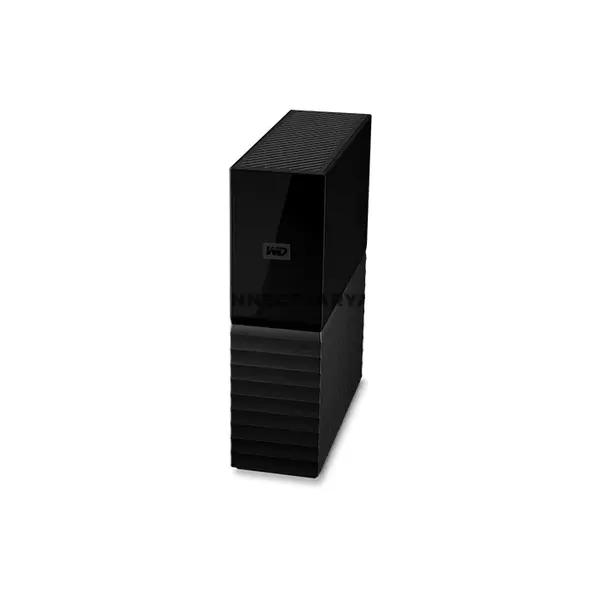
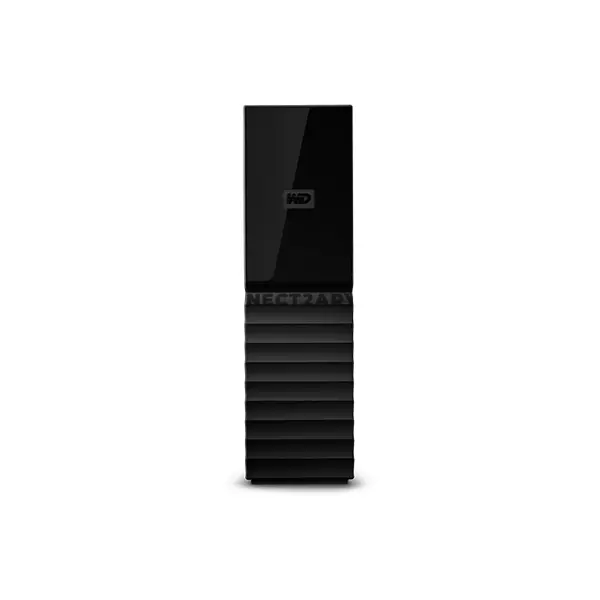
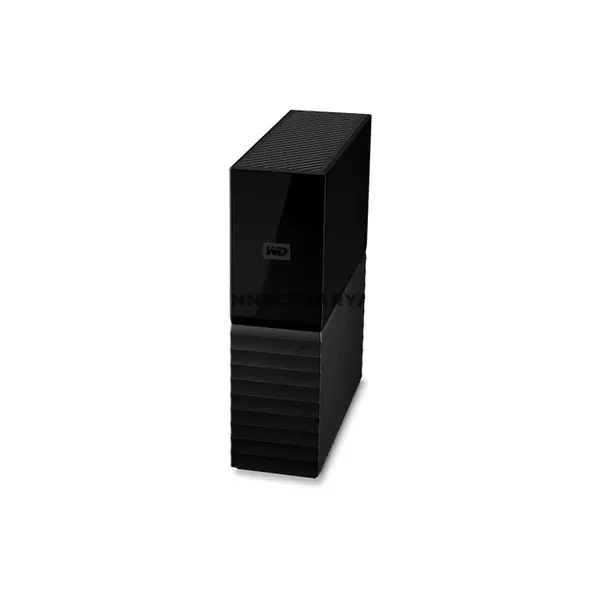
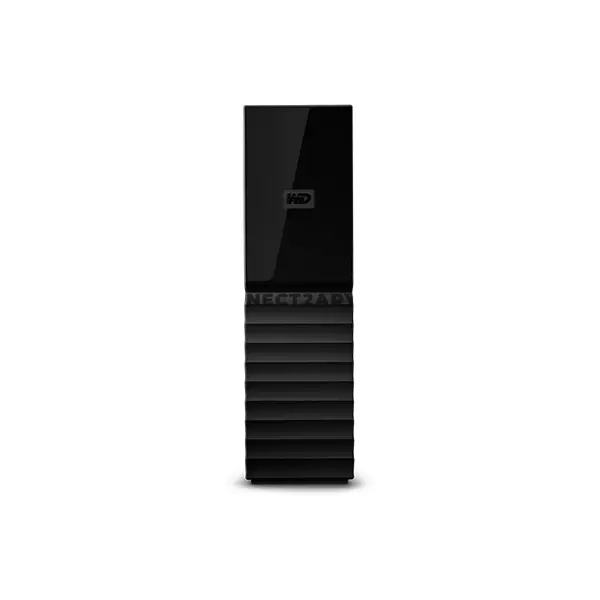
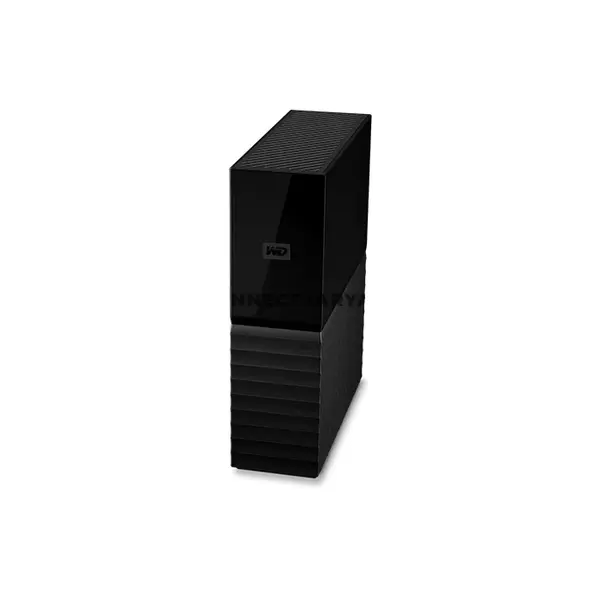
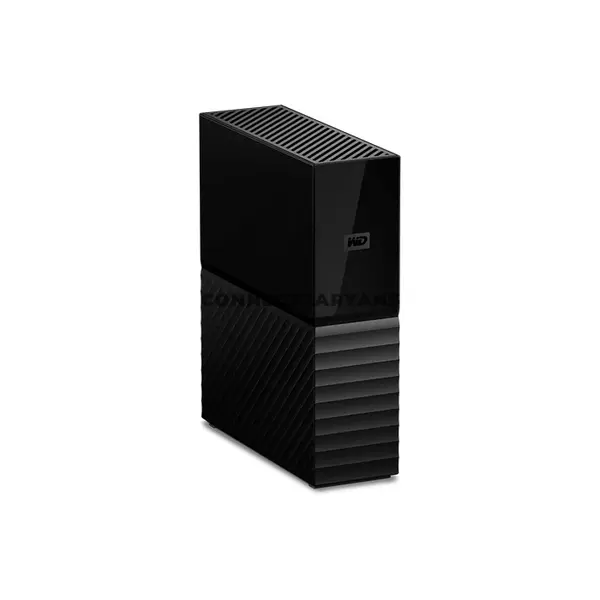
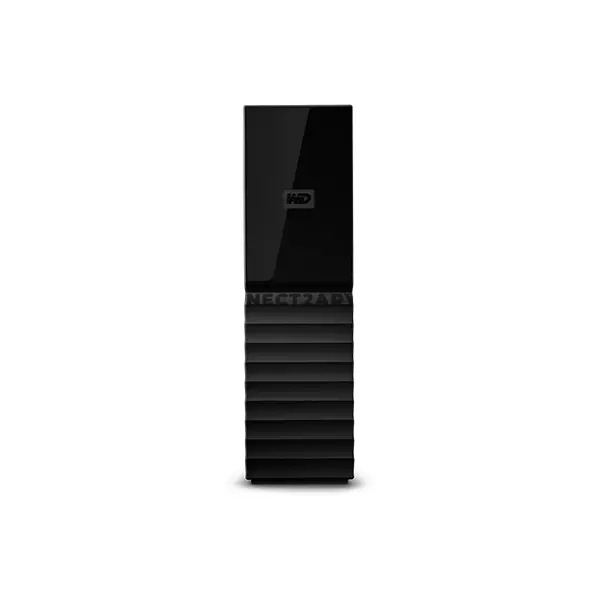
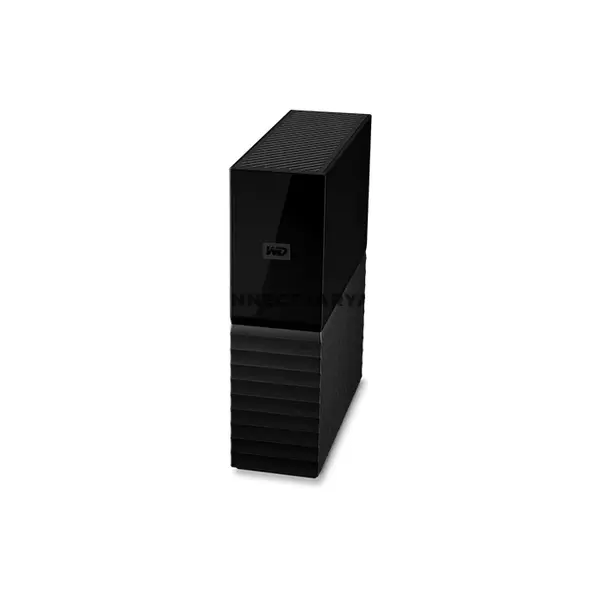
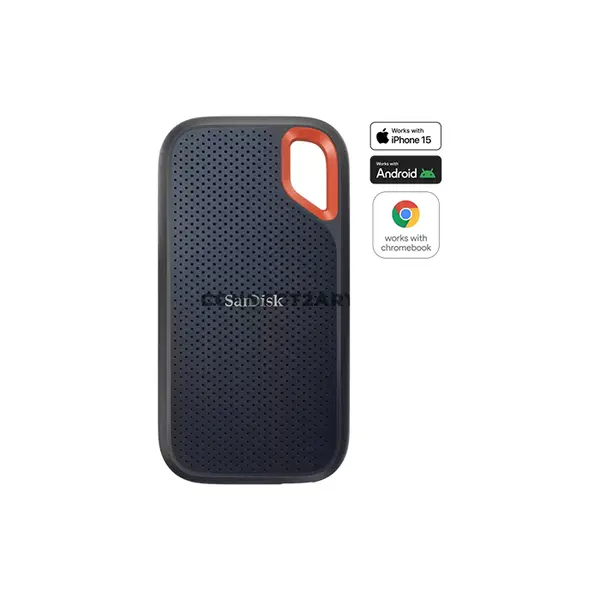
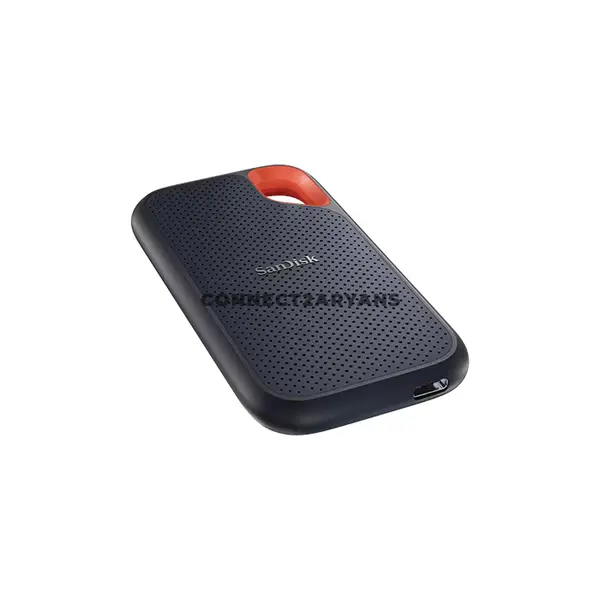
Portable Drive Price in Pakistan
Compare portable drive prices in Pakistan across external storage designed for backups, file transfers, additional capacity, media libraries, and everyday data storage. Portable drives provide storage without requiring installation inside a desktop or laptop and are available with different storage technologies, capacities, interfaces, and physical designs. Choose according to your required capacity, performance, connectivity, portability, and intended use.
Portable SSD & External HDD Storage
Portable storage is available using both solid-state and hard disk technologies. Portable SSDs use flash storage without the mechanical components found in hard drives, while portable HDDs use magnetic storage with internal moving components. Their performance, capacity options, physical characteristics, and prices can differ, making each suitable for different storage requirements.
Portable HDD for Backups & High-Capacity Storage
Portable hard drives can be useful for backups, archives, media collections, documents, and other workloads where large storage capacity is important. Because HDDs contain mechanical components, they should be handled appropriately, particularly while operating or during transportation. Compare capacity, interface, physical size, and compatibility when choosing an external HDD.
Portable SSD for Fast External Storage
Portable SSDs provide solid-state external storage for transferring files, working with portable data, and expanding available storage on compatible devices. Actual transfer performance depends on both the SSD and the connection between the drive and host device. The computer, cable, port, interface standard, file sizes, and workload can all affect real-world transfer speeds.
USB-A, USB-C & External Drive Connectivity
Portable drives can use different connectors and USB standards. USB-A and USB-C describe connector types rather than transfer speed by themselves, so a USB-C connection does not automatically guarantee higher performance. Check the USB standard supported by the drive, cable, and device as well as the physical connector required for your computer.
Choose the Right Portable Drive Capacity
The appropriate capacity depends on the amount and type of data you intend to store. Documents may require relatively little space, while photos, videos, games, project files, system backups, and large media collections can require considerably more. Review your current storage usage and expected future requirements before selecting a drive capacity.
Portable Drives for Laptops, PCs & Other Devices
External storage can be used with many laptops, desktop PCs, and other compatible devices, but support varies by hardware and operating system. Before purchasing a portable drive for a gaming console, mobile device, television, or another system, check its storage support, required file system, connection type, and any capacity or compatibility limitations.
Portable Drives for Backup & File Transfer
Portable drives can provide a convenient location for additional copies of important files and for transferring data between compatible computers. However, keeping only one copy of important data on an external drive should not be considered a complete backup strategy. Important files are better protected when additional copies are maintained separately.
Buy Portable Drives Online in Pakistan
Browse available portable drives at Connect2Aryans and compare current prices, capacities, storage technologies, interfaces, connectivity, and available models. Portable storage is available for customers in Karachi, Lahore, Islamabad, Rawalpindi, Faisalabad, and other cities across Pakistan, with nationwide delivery options available.
Frequently Asked Questions About Portable Drives
Should I buy a portable SSD or portable HDD?
Choose according to your performance, capacity, portability, and budget requirements. Portable SSDs use flash storage, while portable HDDs use mechanical storage technology. Compare individual drive specifications and your intended workload before deciding.
What capacity portable drive should I buy?
The appropriate capacity depends on the files you intend to store and how much additional space you expect to need. Check your current data usage and allow suitable room for future backups, media, applications, or other files.
Does USB-C mean a portable drive is faster?
Not necessarily. USB-C describes the connector, while actual transfer capability depends on the USB or other interface standard supported by the drive, host device, port, and cable.
Can I use a portable drive with both a laptop and desktop PC?
Generally, compatible external drives can be connected to multiple computers, but connection type, operating system, file system, and other compatibility requirements should be considered when moving a drive between devices.
Not sure which external storage suits your requirements? Read our guide on choosing the right portable drive for more detailed buying advice.

