
Filters
Price Range
From
To
Brand
Availability
Peripherals » Power Adapters
Shop power adapters in Pakistan for laptops, phones, tablets, and other compatible devices. Compare USB-C chargers, laptop power adapters, connector types, voltage, current, wattage, charging standards, port configurations, compatibility, and prices to find the right power solution for your device.
28 Products
Quick view
Rs. 12,950
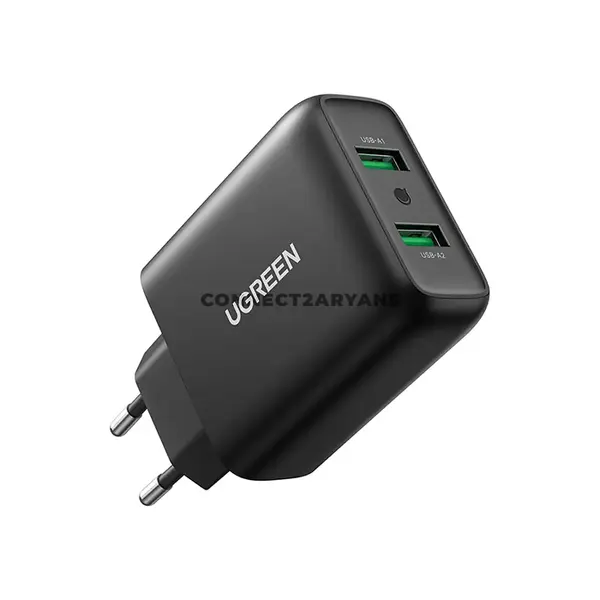
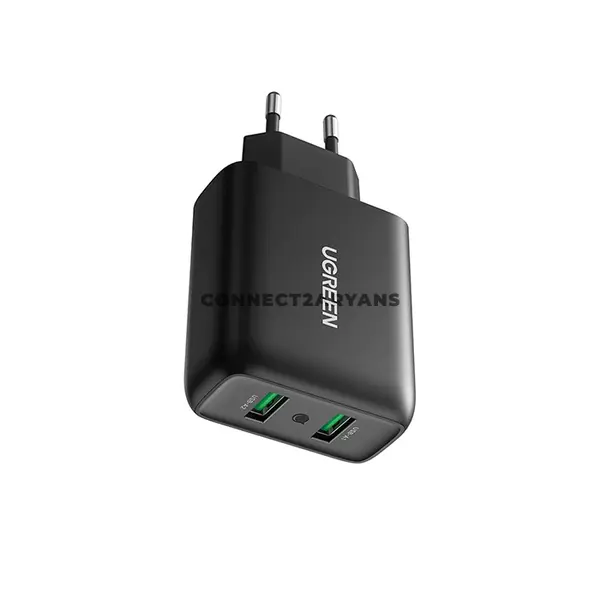
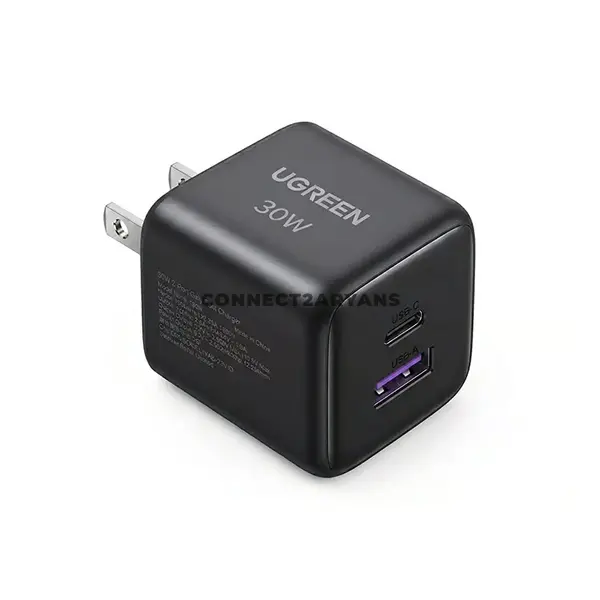
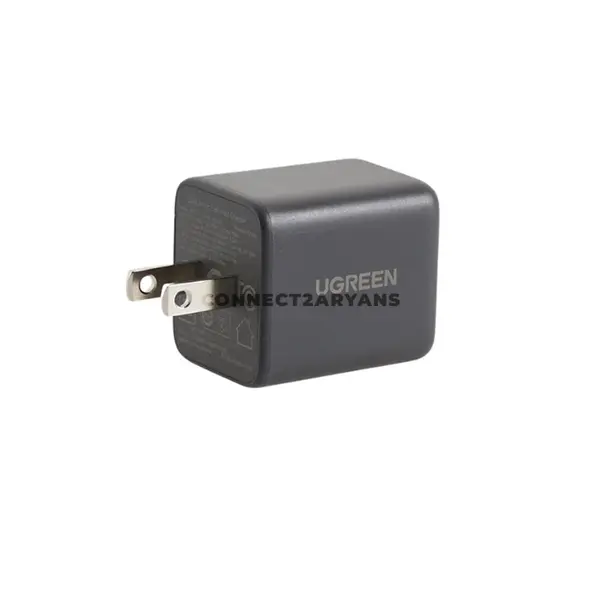
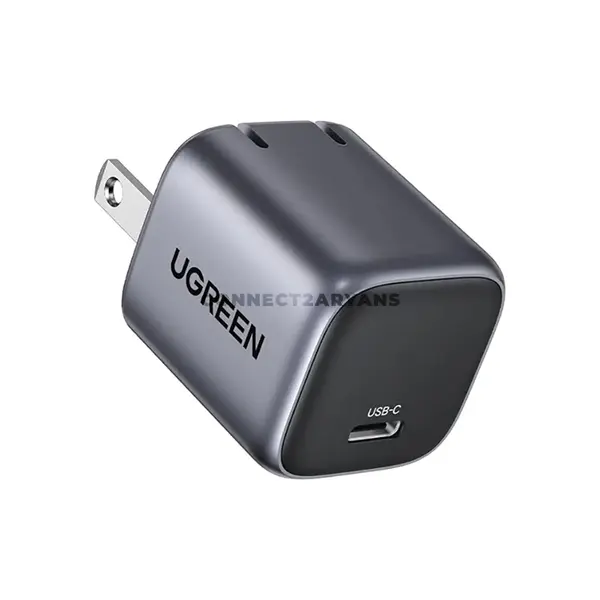
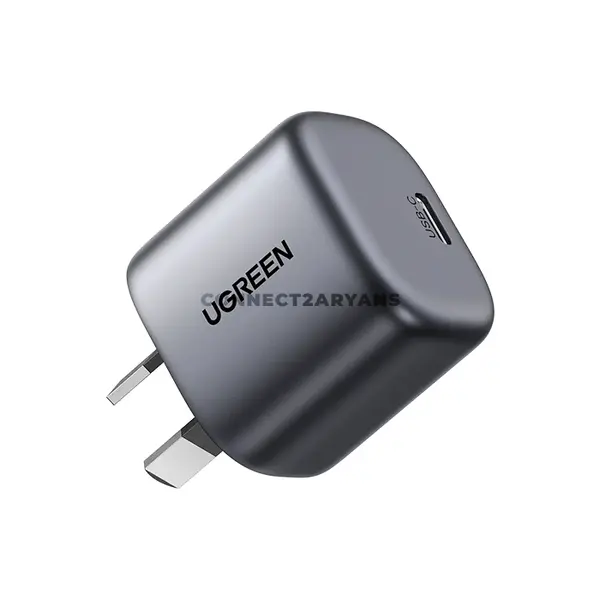
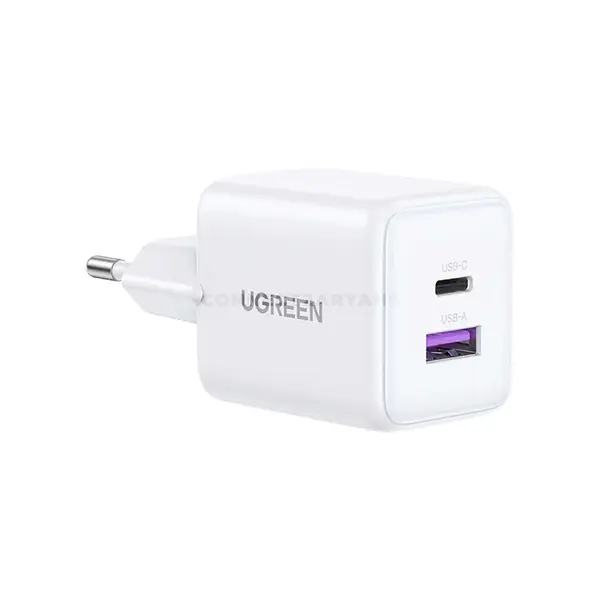
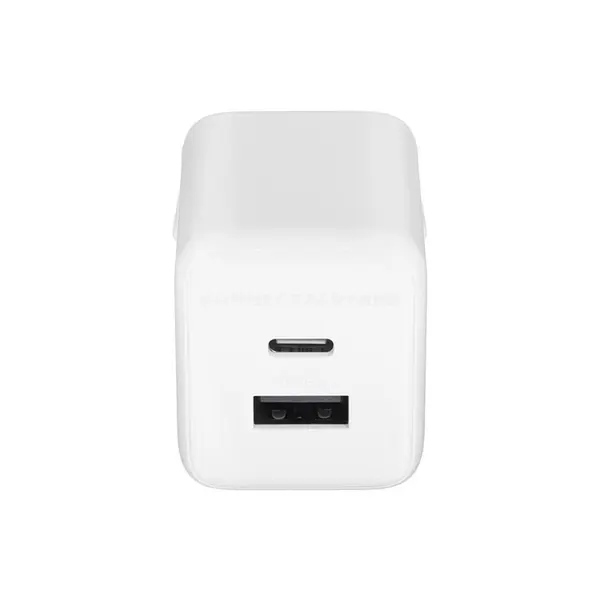
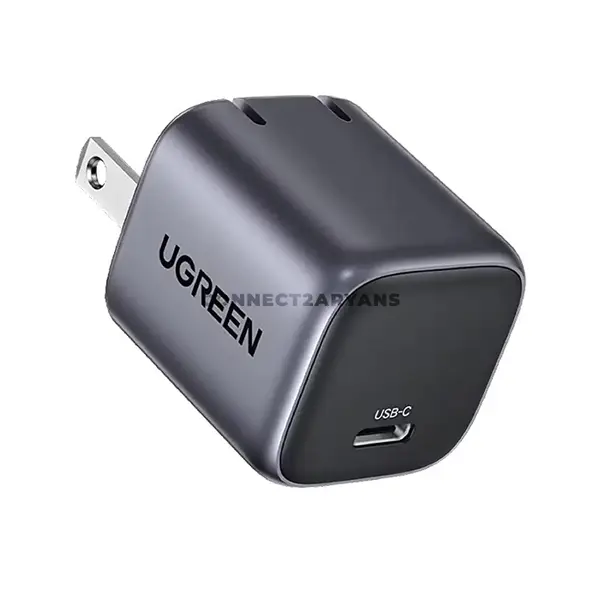
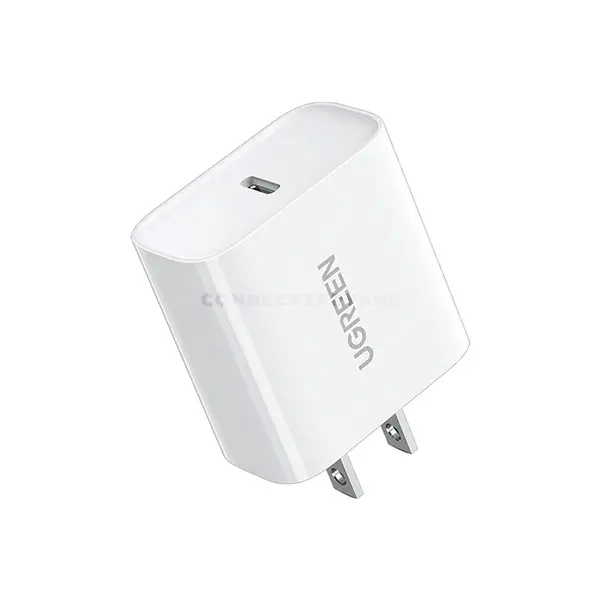
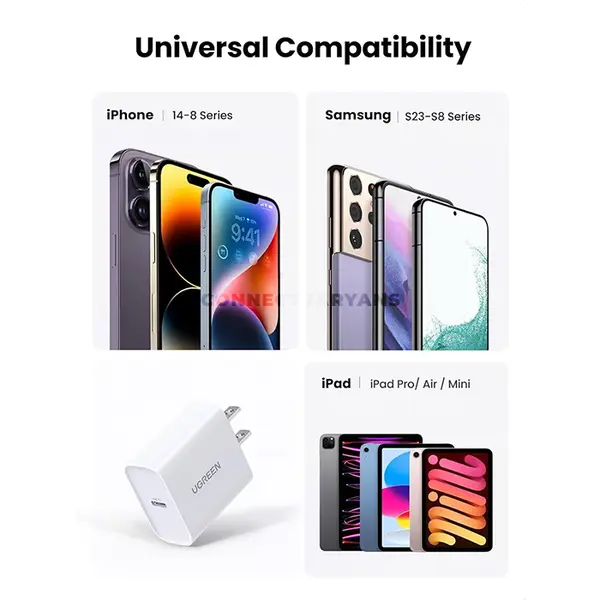
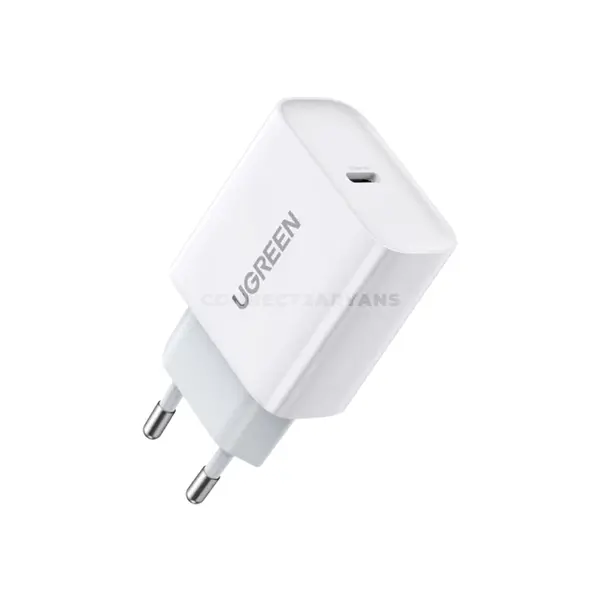
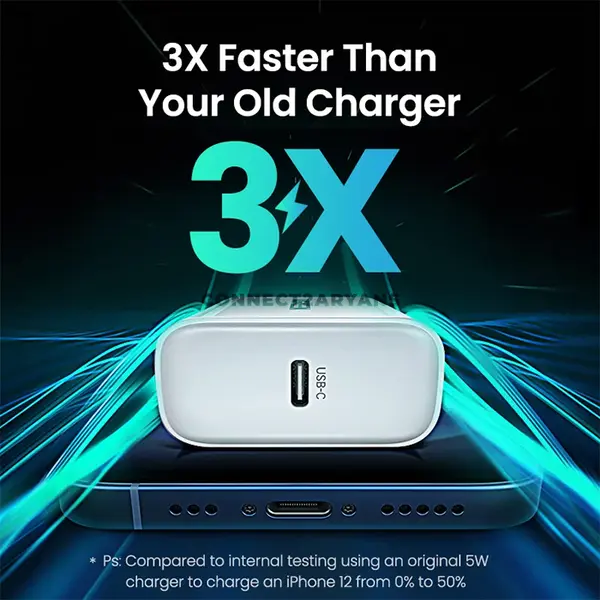
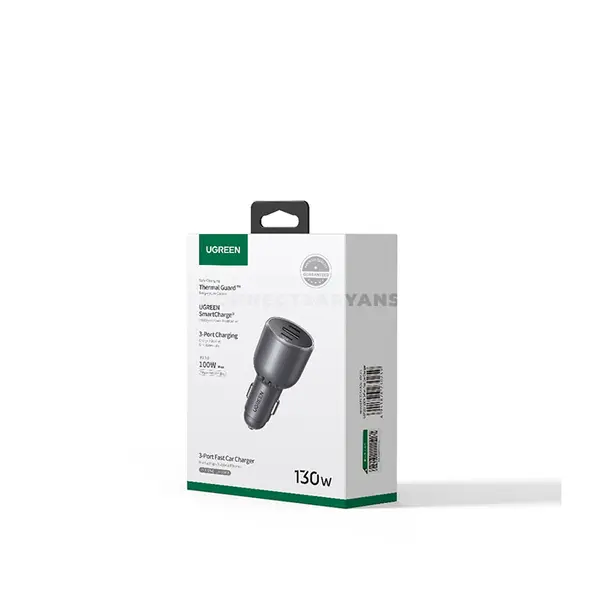
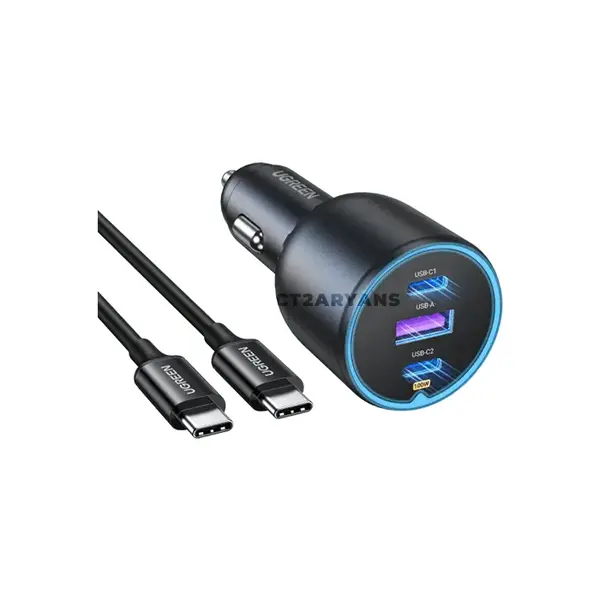
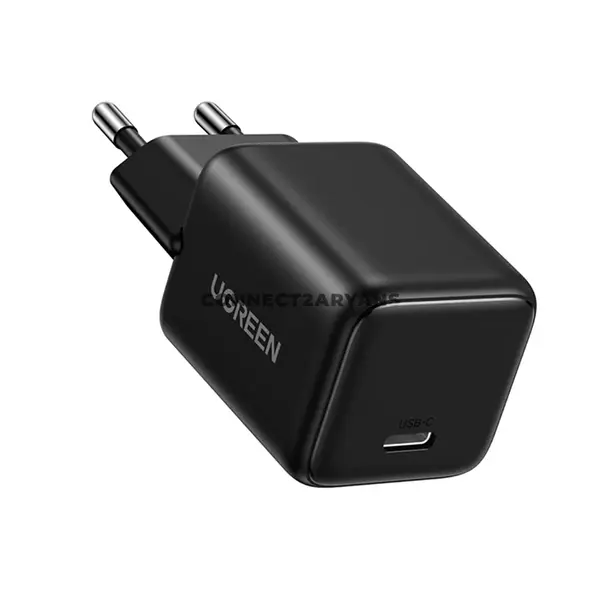
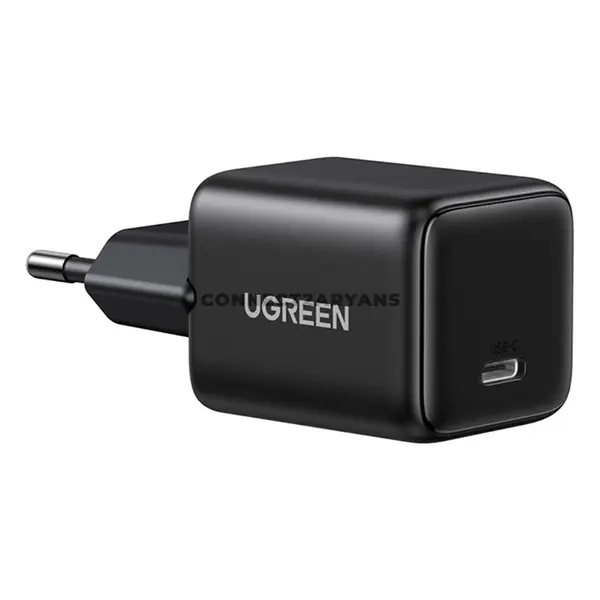
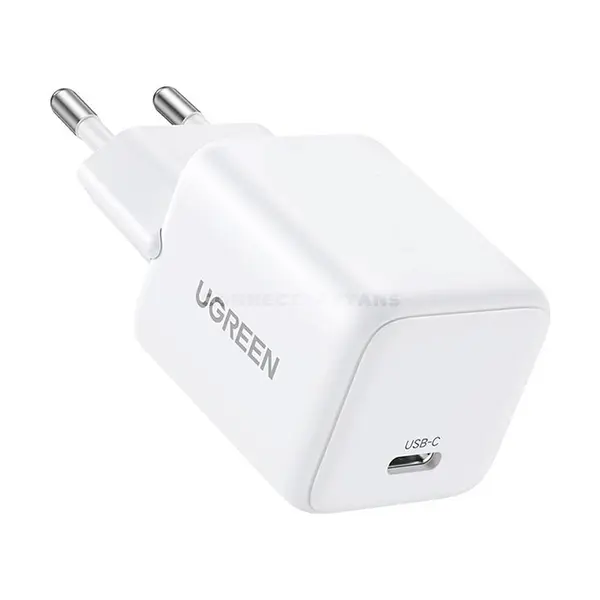
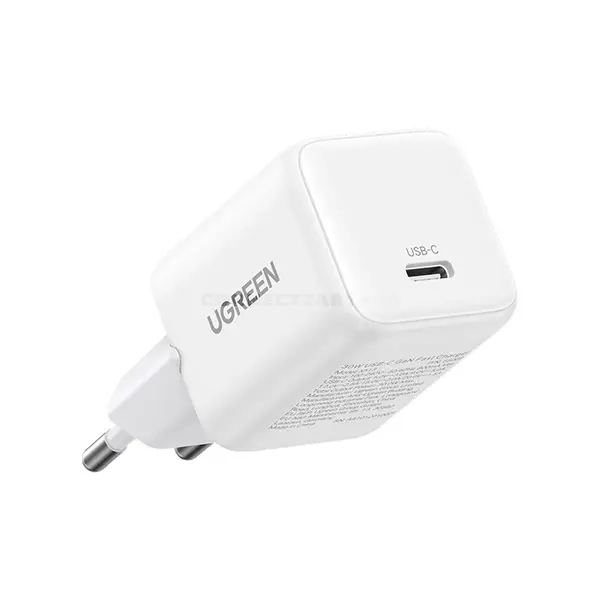
Power Adapter Price in Pakistan
Compare power adapter prices in Pakistan across chargers and power solutions designed for laptops, phones, tablets, and other compatible electronics. Power adapters can vary by output voltage, current, maximum wattage, connector type, USB interface, charging protocol, number of ports, and device compatibility. Always compare the electrical and connection requirements of your device with the specifications of the adapter before purchasing.
Power Adapters for Laptops & Electronic Devices
A power adapter converts available electrical power into the output required by a compatible device. Different laptops and electronics can require different voltages, power levels, connectors, and charging protocols, so physical connector compatibility alone is not enough to determine whether an adapter is suitable.
Laptop Power Adapters & Chargers
Laptop power adapters can use barrel connectors, manufacturer-specific connectors, USB-C, or other charging interfaces depending on the laptop. When replacing an original laptop charger, check the laptop manufacturer's power requirements and compare them with the replacement adapter's output specifications and connector.
USB-C Power Adapters
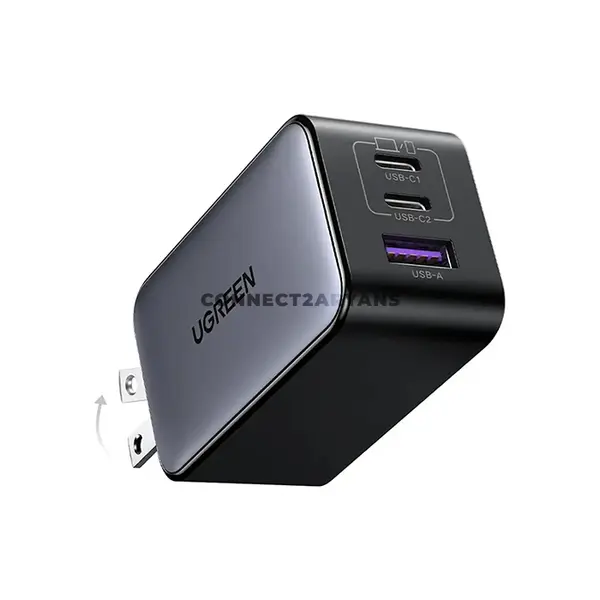
USB-C power adapters can charge compatible laptops, phones, tablets, and other electronics, but the presence of a USB-C connector alone does not guarantee charging compatibility or a particular charging speed. The adapter, device, and cable must support the necessary charging capabilities for the intended setup.
USB Power Delivery Chargers
USB Power Delivery, commonly called USB PD, is a charging specification supported by many USB-C devices and chargers. Available power levels and features depend on the charger, connected device, cable, and supported USB PD capabilities. Check the specifications of each component rather than relying only on the USB-C connector.
Power Adapter Wattage
Wattage represents electrical power and is an important specification when matching an adapter to a device. A charger must support the power requirements and charging method of the connected device. Higher advertised charger wattage does not automatically make a device charge faster because the connected device and charging protocol determine how much supported power can be used.
Voltage & Current Requirements
Voltage and current specifications are particularly important when selecting replacement adapters that use dedicated DC connectors. Do not assume an adapter is compatible simply because its wattage or plug appears similar. Follow the device manufacturer's specified electrical requirements.
Power Adapter Connector Compatibility
Traditional power adapters can use different barrel sizes, proprietary connectors, or other DC plugs. Two connectors that look similar may have different dimensions or electrical configurations. Check the exact connector and electrical requirements of your device before using a replacement adapter.
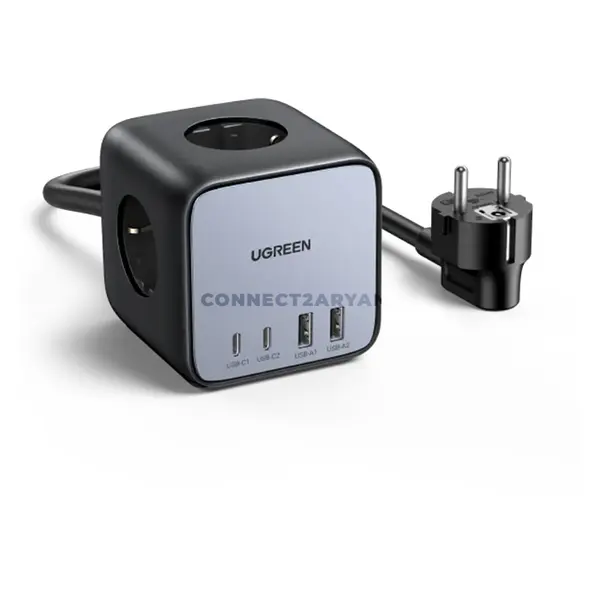
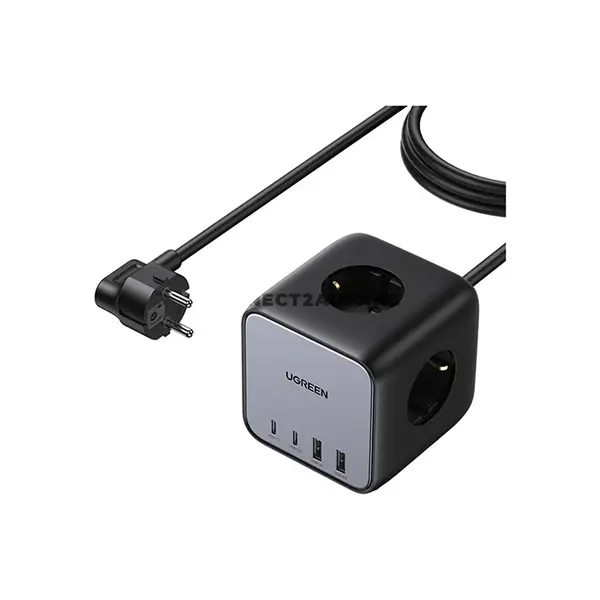
Multi-Port Power Adapters
Some chargers provide multiple USB ports for charging more than one compatible device. Maximum output can be distributed differently when several ports are used simultaneously, depending on the charger's design. Check both the total output and the individual or combined port specifications when multi-device charging is important.
GaN Power Adapters
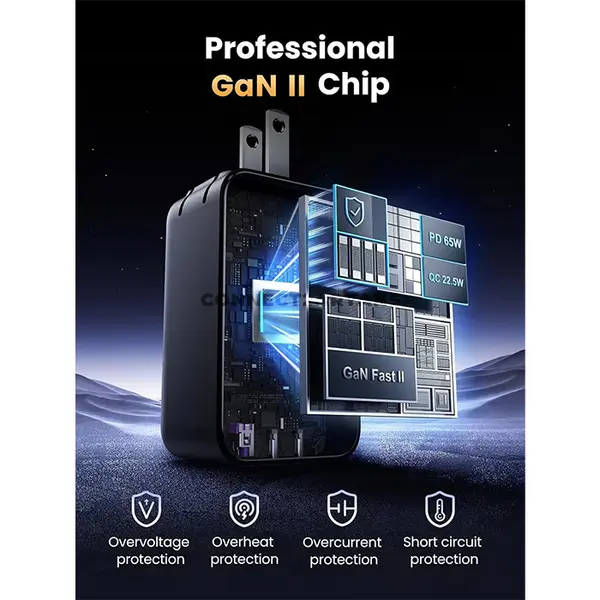
Some modern power adapters use gallium nitride, commonly called GaN, semiconductor technology. GaN can enable charger designs with different combinations of size, power capability, efficiency, and thermal characteristics, but actual performance depends on the complete charger design and specifications rather than the GaN label alone.
Fast-Charging Power Adapters
Fast charging requires compatible capabilities across the charger, connected device, and in many cases the cable. Charging protocols and maximum supported power can vary between products. A high-wattage charger therefore does not guarantee that every connected device will charge at its maximum advertised rate.
Power Adapter Cables
The cable can also affect charging compatibility and available power. For USB-C charging in particular, cable capabilities should be appropriate for the required charging configuration. Check the charger, cable, and device requirements together when selecting equipment for higher-power charging.
Power Adapters for Phones & Tablets
Compatible USB power adapters can be used with phones, tablets, and other portable devices according to their supported charging specifications. Compare the charger's ports, protocols, output capabilities, and cable requirements with the device manufacturer's information before purchasing.
Power Adapters for Laptops
Some laptops support charging through USB-C, while others use dedicated power connectors or require particular charging specifications. Even when a laptop has a USB-C port, that port does not necessarily support charging. Check the laptop's specifications before selecting a USB-C power adapter.
Universal Power Adapters
Some power adapters are designed to support multiple compatible devices through interchangeable connectors, selectable settings, or multiple output capabilities. Compatibility must still be verified for the particular device, including electrical output, connector, polarity where applicable, and any other manufacturer requirements.
Choosing the Right Power Adapter
Start with the specifications provided for your device or its original power adapter. Compare required voltage, current or wattage, connector type, polarity where applicable, charging protocol, USB interface, and cable requirements. For USB-C devices, confirm that the relevant port actually supports charging and that the charger and cable provide the required capabilities.
Buy Power Adapters Online in Pakistan
Browse available power adapters at Connect2Aryans and compare current prices, output specifications, wattage, voltage, connector types, USB-C capabilities, charging protocols, port configurations, compatibility, and available models. Check the individual adapter specifications against your device's requirements before purchasing.
Frequently Asked Questions About Power Adapters
How do I know which power adapter is compatible with my laptop?
Check the charging specifications provided by the laptop manufacturer, including the required connector or charging interface and relevant electrical requirements. For USB-C charging, also confirm that the laptop's USB-C port supports charging and check its power requirements.
Can I use a higher-wattage power adapter with my laptop?
Potentially, but compatibility depends on more than the adapter's maximum wattage. The adapter must use a compatible charging method and meet the device manufacturer's requirements. Do not assume that any higher-wattage adapter is automatically safe or compatible.
Are all USB-C power adapters compatible with USB-C laptops?
No. USB-C describes the connector, but charging capabilities can differ. The laptop must support charging through the relevant USB-C port, while the charger and cable must support the required charging capabilities.
Does a higher-wattage charger always charge faster?
No. Charging speed is limited by the capabilities negotiated or supported by the charger, device, cable, and applicable charging protocol. Connecting a device to a charger with a higher maximum rating does not automatically make the device accept more power.

