
Filters
Price Range
From
To
Brand
Availability
Storage Devices » SATA SSD
Shop SATA SSDs in Pakistan for desktop PCs, laptops, gaming systems, and storage upgrades. Compare 2.5-inch and M.2 SATA SSD prices, capacities, form factors, and available drives to find compatible storage for your system.
35 Products
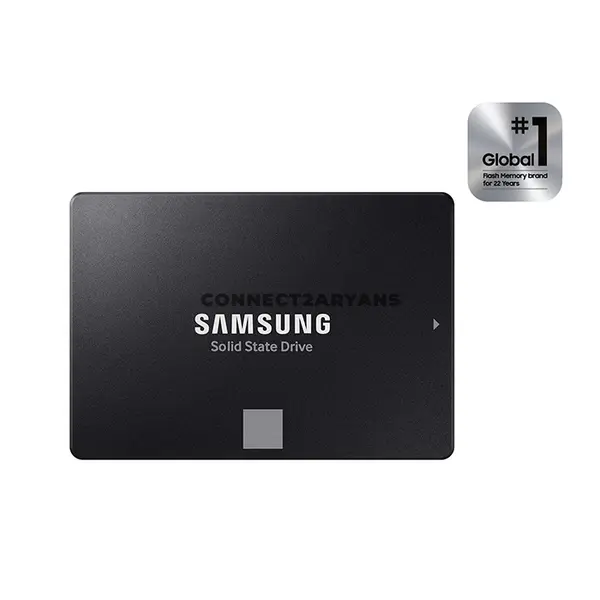
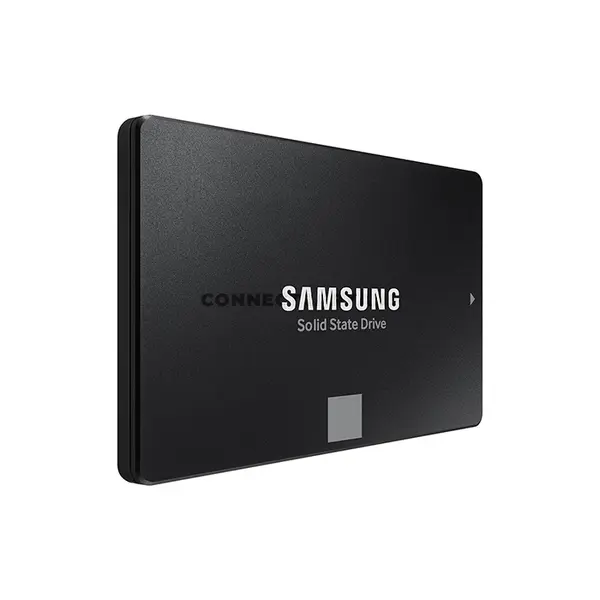
Quick view
Rs. 88,500
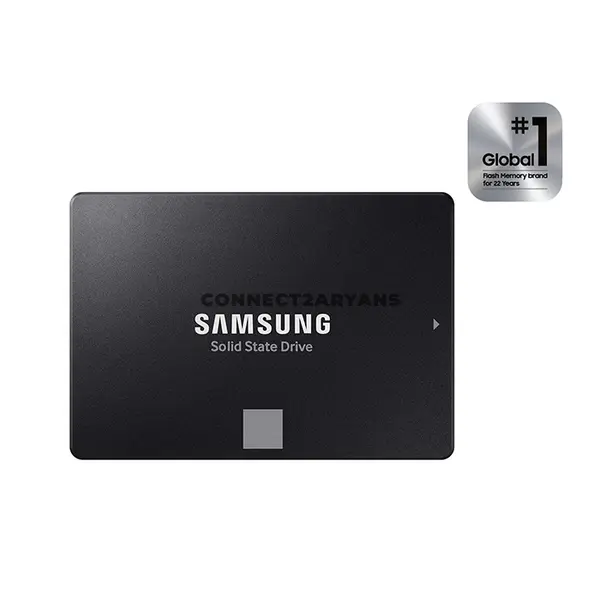
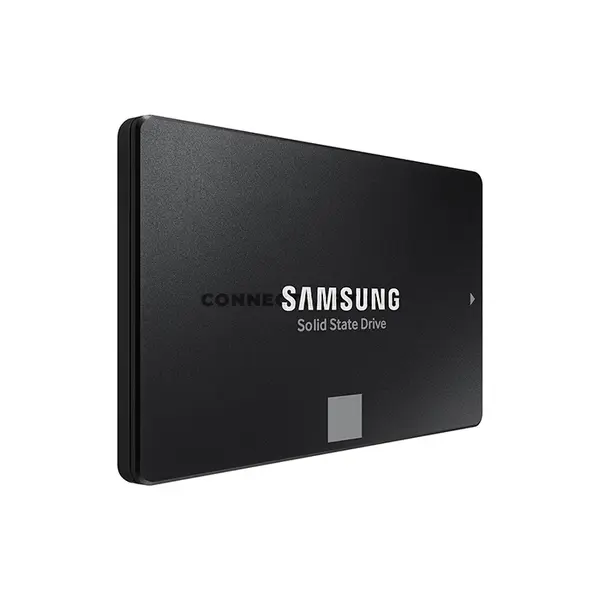
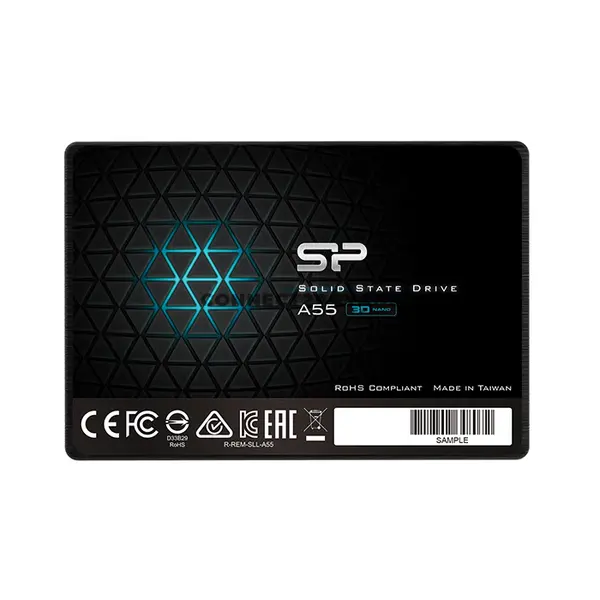
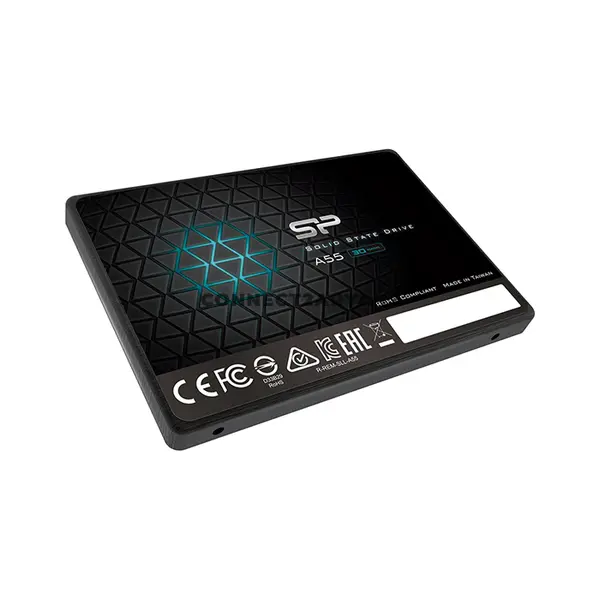
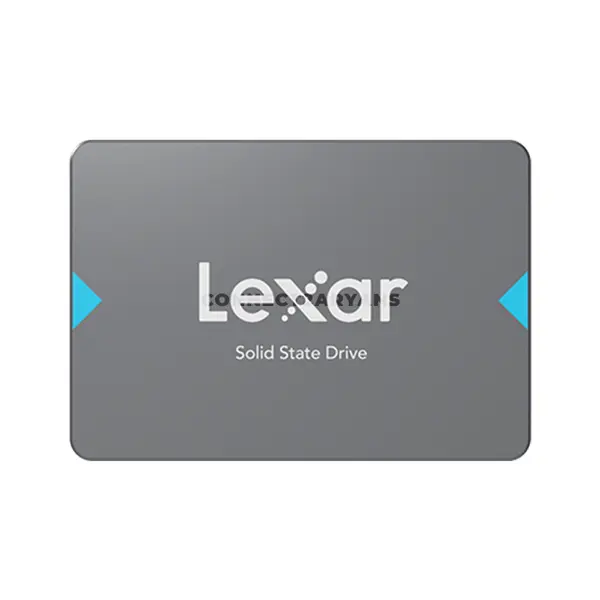
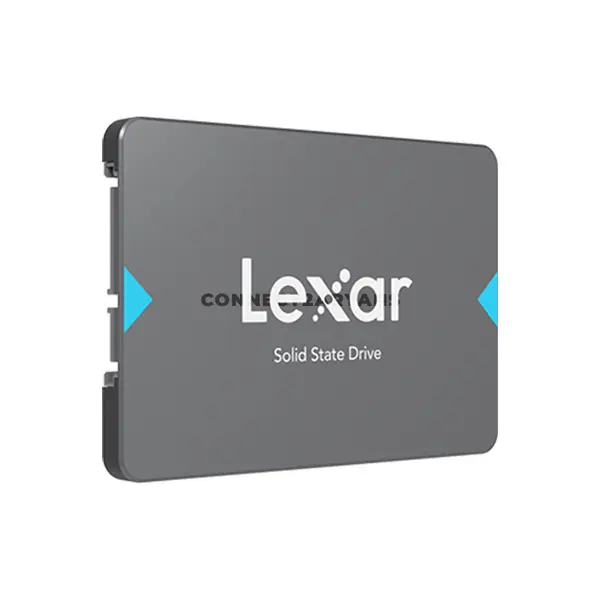
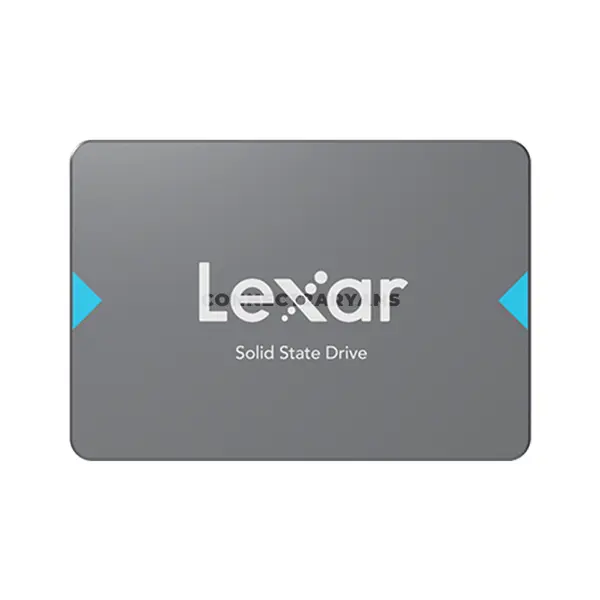
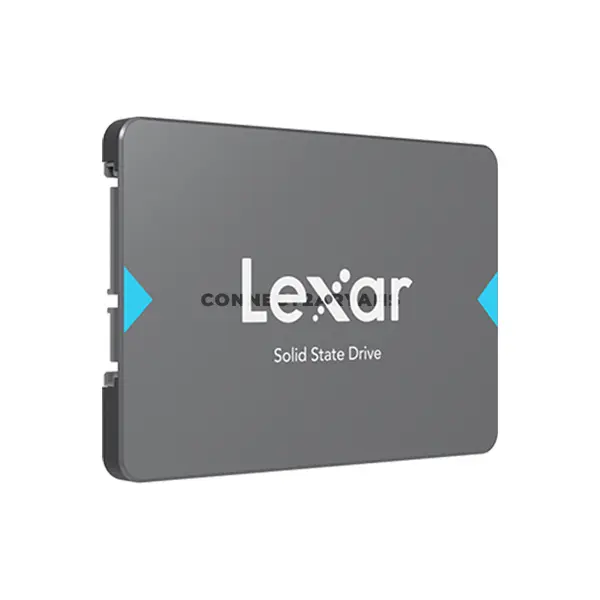
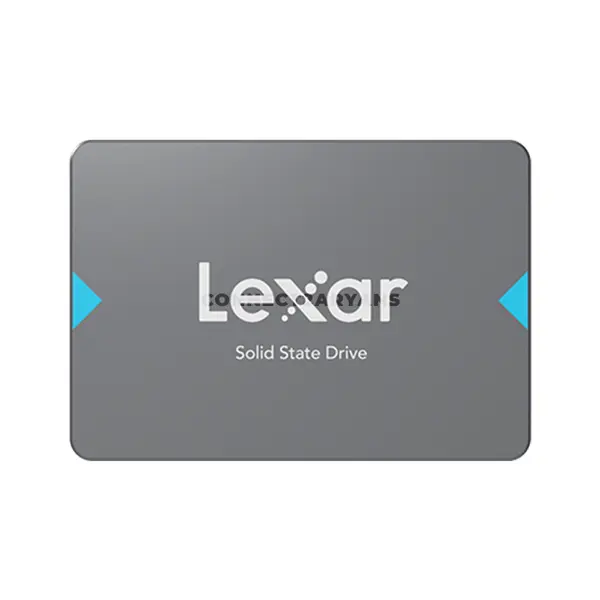
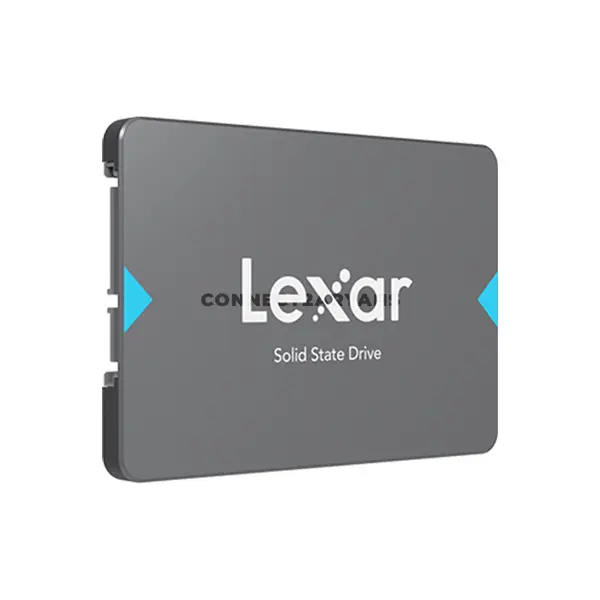
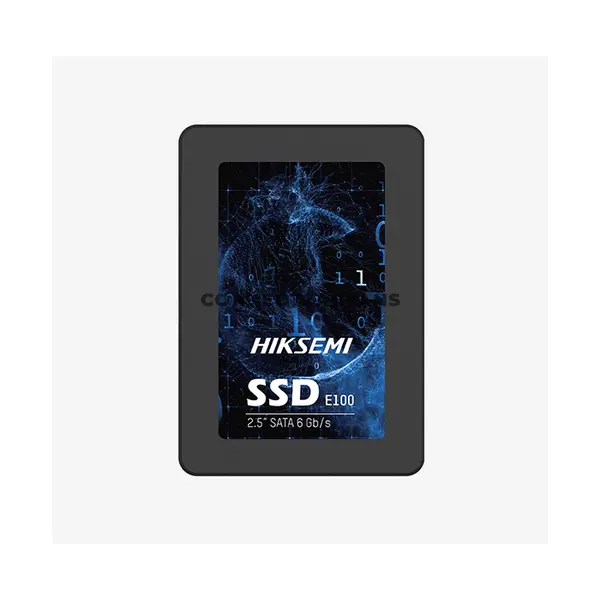
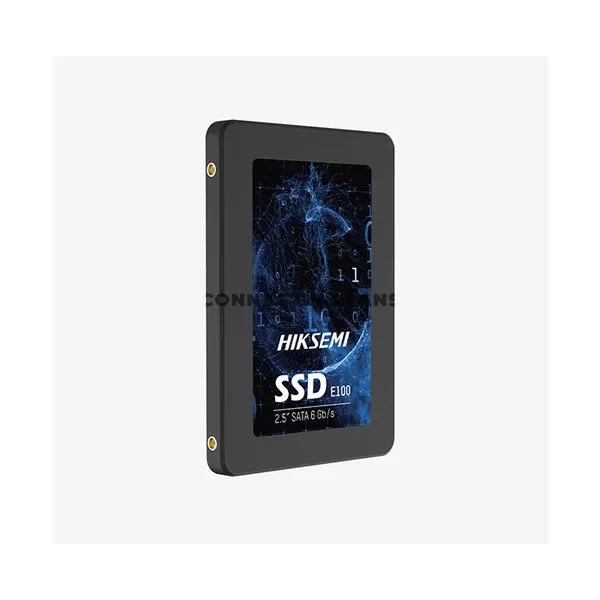
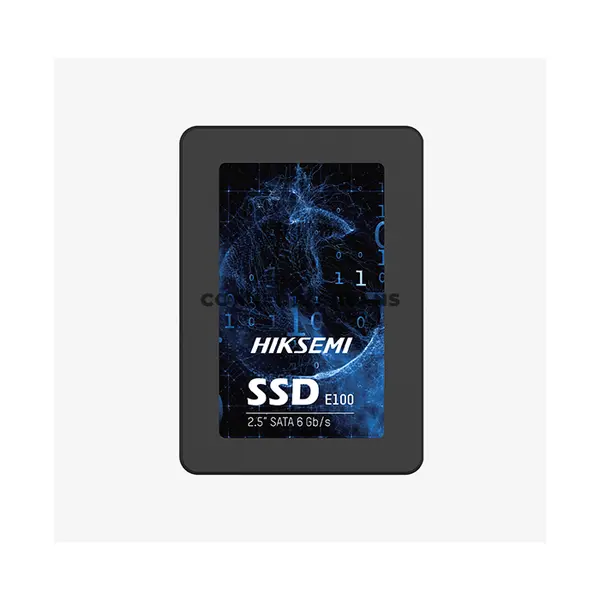
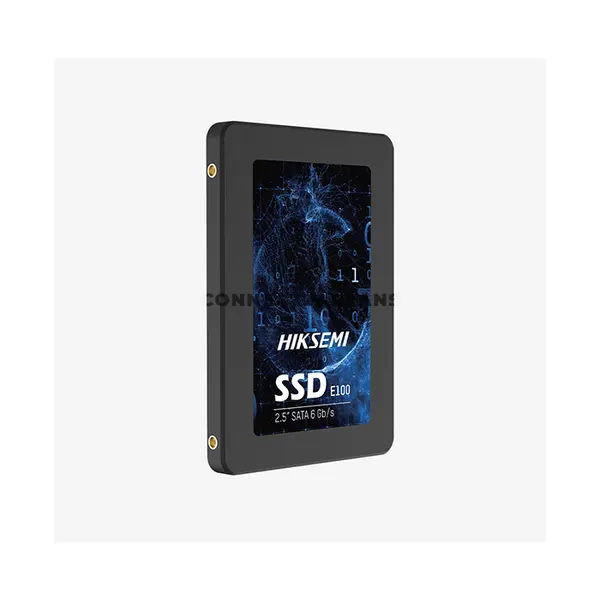
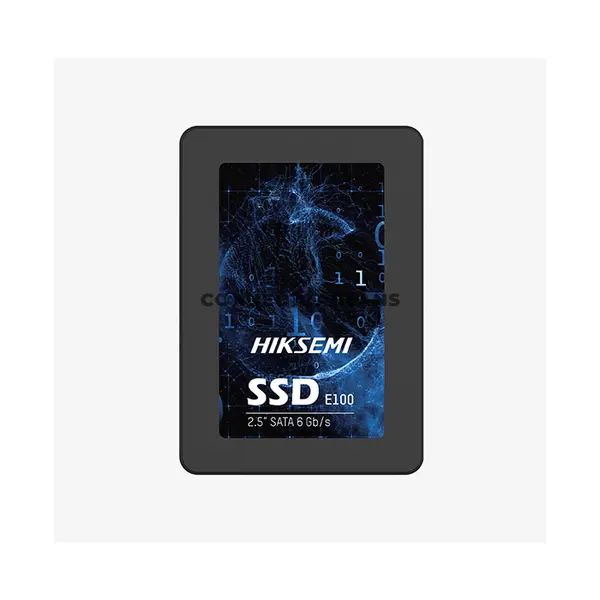
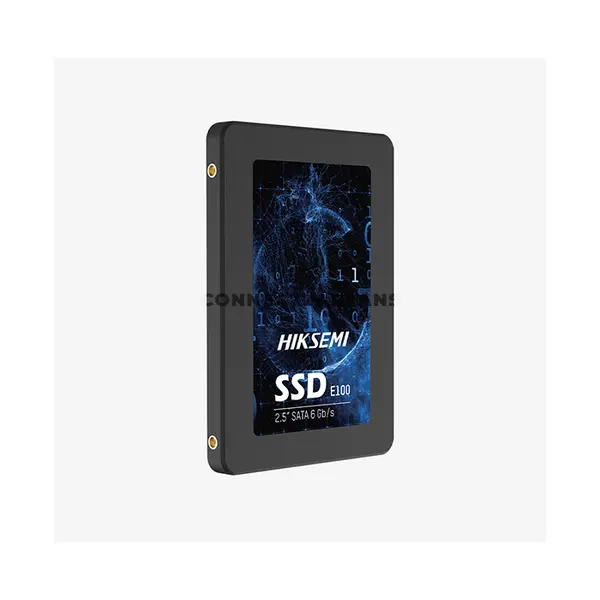
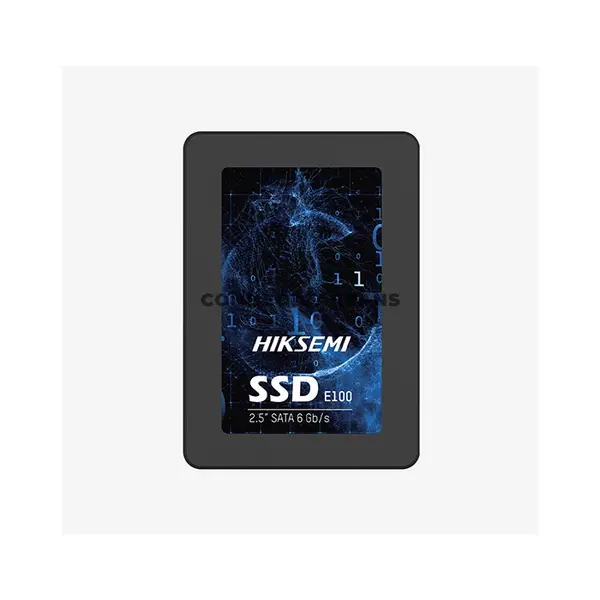
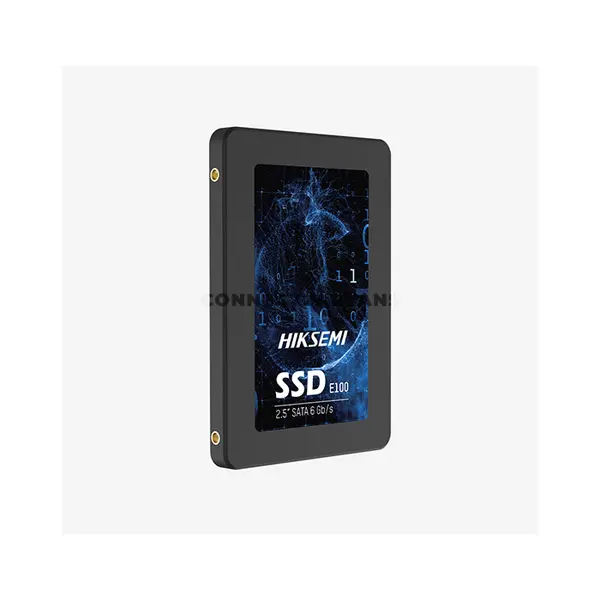
SATA SSD Price in Pakistan
Compare SATA SSD prices in Pakistan across solid-state drives designed for desktop PCs, laptops, gaming systems, office computers, and storage upgrades. SATA SSDs use flash storage and communicate through the SATA interface, providing an alternative to mechanical hard drives in compatible systems. Choose according to your required capacity, form factor, system compatibility, and intended workload.
2.5-Inch SATA SSDs for PCs & Laptops
The 2.5-inch form factor is commonly used by SATA SSDs designed for compatible desktop and laptop systems. Desktop installation typically requires an available SATA data connection, power connection, and suitable mounting location, while laptop compatibility depends on the device's internal drive support and physical dimensions. Check your system before purchasing a replacement or additional drive.
M.2 SATA SSDs & Compatibility
Some SATA SSDs use the M.2 form factor rather than a 2.5-inch enclosure. An M.2 SATA SSD still communicates through the SATA interface and should not be confused with an M.2 NVMe SSD using PCIe. M.2 slot capabilities vary between systems, so verify that the specific slot supports SATA-based M.2 storage before purchasing this type of drive.
SATA SSD vs NVMe SSD
SATA and NVMe SSDs both use solid-state storage, but they communicate through different interfaces and protocols. SATA SSD performance is limited by the SATA interface, while NVMe SSDs generally communicate over PCIe and can provide greater potential bandwidth. The appropriate option depends on system compatibility, workload, required performance, capacity, and the individual drives being compared.
SATA SSD vs Hard Drive
SATA SSDs and hard disk drives use different storage technologies. SSDs use flash memory without the mechanical moving components found inside HDDs, while hard drives use magnetic storage. Their performance characteristics, capacities, prices, and use cases can therefore differ. Consider your storage requirements and system compatibility when choosing between them.
Choose the Right SATA SSD Capacity
The appropriate SSD capacity depends on your operating system, applications, games, documents, media, and other files. If the SATA SSD will replace an existing system drive, check how much storage is currently being used and ensure the new drive provides sufficient capacity for your existing data and expected future requirements.
SATA SSDs for Gaming & Everyday PCs
SATA SSDs can be used for operating systems, applications, games, productivity software, and general file storage on compatible computers. Moving frequently accessed software from a mechanical hard drive to solid-state storage can improve storage-related responsiveness, although the overall performance of a PC also depends on its processor, memory, graphics hardware, and other components.
Upgrade an Existing HDD to a SATA SSD
A SATA SSD can be a useful storage upgrade for a compatible computer currently using a SATA hard drive. Before replacing the existing drive, confirm the required form factor and connections and plan how the operating system and files will be transferred or reinstalled. If the old drive will remain installed as secondary storage, also check that the system has the necessary connections and mounting space.
Buy SATA SSD Online in Pakistan
Browse available SATA SSDs at Connect2Aryans and compare current prices, capacities, form factors, interfaces, and available models. SATA SSD storage is available for customers in Karachi, Lahore, Islamabad, Rawalpindi, Faisalabad, and other cities across Pakistan, with nationwide delivery options available.
Frequently Asked Questions About SATA SSDs
Is a SATA SSD still worth buying?
A SATA SSD can be appropriate for a system that supports SATA storage or when additional solid-state storage is required. Whether SATA or NVMe is the better choice depends on your system compatibility, workload, capacity requirements, available connections, and budget.
What is the difference between 2.5-inch SATA and M.2 SATA SSDs?
Both can use the SATA storage interface, but their physical form factors and installation methods differ. A 2.5-inch SATA SSD normally uses SATA data and power connections, while an M.2 SATA SSD installs into a compatible M.2 slot that supports SATA storage.
Can I replace my laptop HDD with a SATA SSD?
Many laptops designed for compatible 2.5-inch SATA drives can use a 2.5-inch SATA SSD as a replacement, but compatibility varies between laptop models. Check the drive dimensions, interface, mounting requirements, and manufacturer's specifications before purchasing.
Can I install a SATA SSD and NVMe SSD in the same PC?
Some systems support both SATA and NVMe storage simultaneously. This depends on the motherboard's available SATA connections, M.2 slots, PCIe configuration, and any shared-port or lane restrictions described in its specifications.
Not sure which SSD suits your system? Read our guide on choosing the right SSD for your PC for more detailed buying advice.

