
Filters
Peripherals
KeyboardsMouseAudio & SoundGame Controllers & JoysticksThermal Pads & Thermal PasteCables & HubsCooling FansWebcamsCapture CardsPCIe Expansion CardsDrive EnclosureBluetooth AdaptersWiFi AdaptersNetworking DevicesRacing Gaming GearPower BanksPresentation PointersBags & CasesPower AdaptersCard Readers & AdaptersCable Organizers Solutions
Price Range
From
To
Brand
Availability
CPU Cooler Type
Keyboard Layouts
Connectivity
Peripherals
Shop PC peripherals in Pakistan for gaming, work, streaming, communication, and everyday computing. Compare keyboards, mice, headsets, webcams, microphones, controllers, connectivity options, features, compatibility, and prices to find the right peripherals for your setup.
1762 Products
Quick view
Rs. 10,500
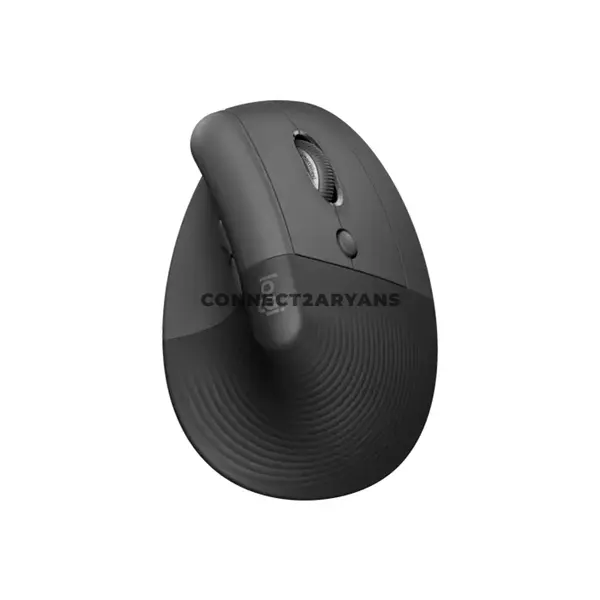
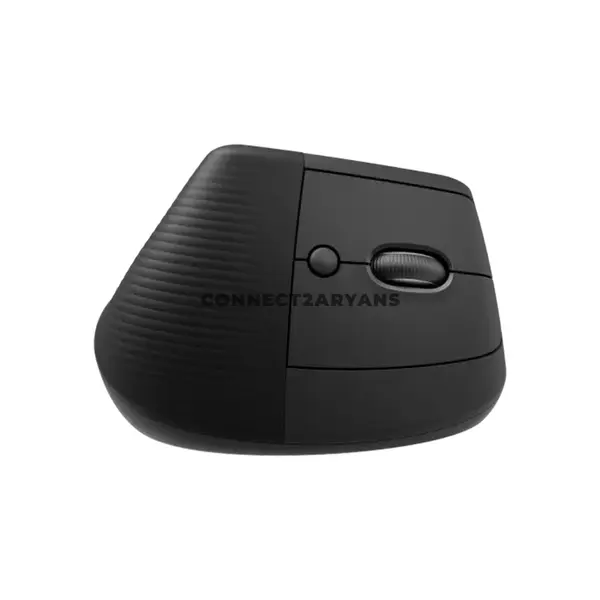
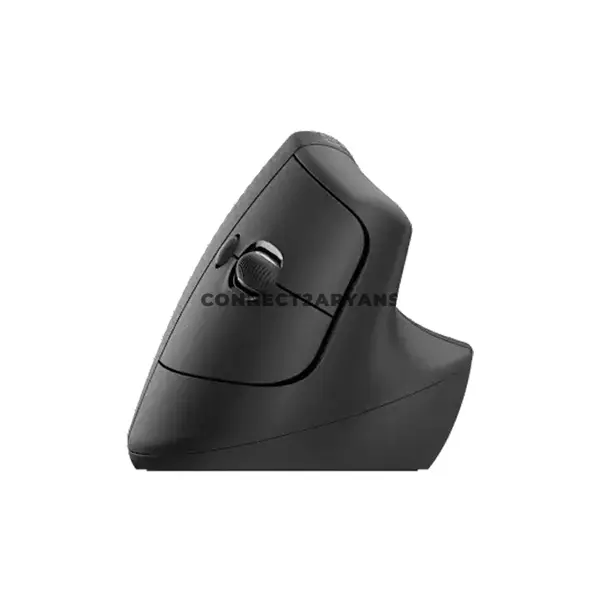
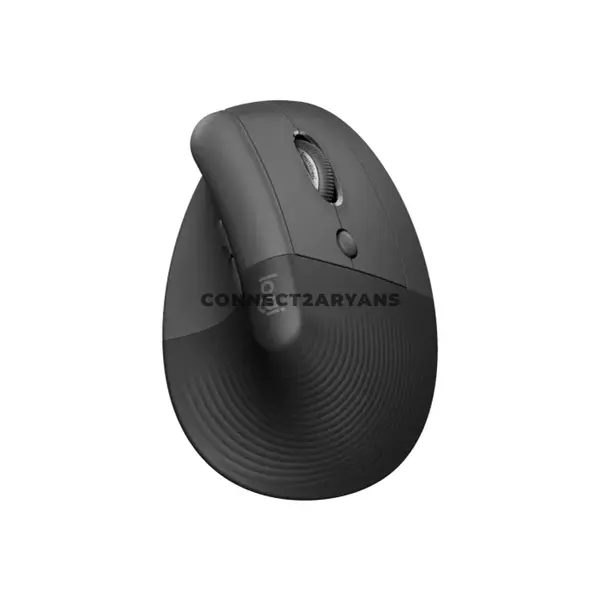
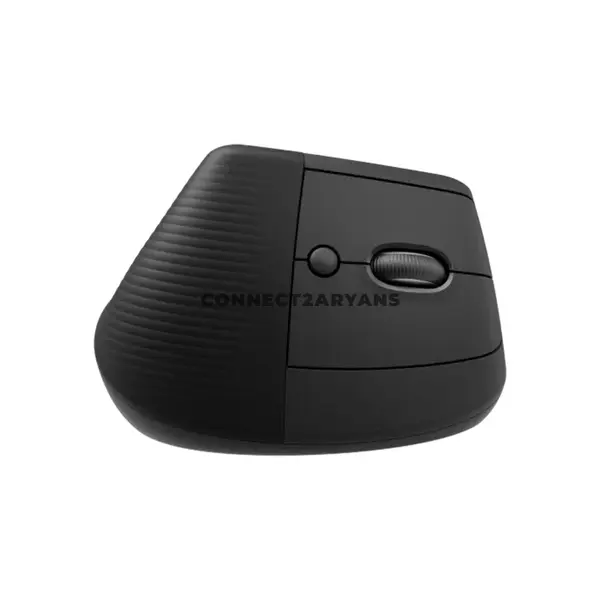
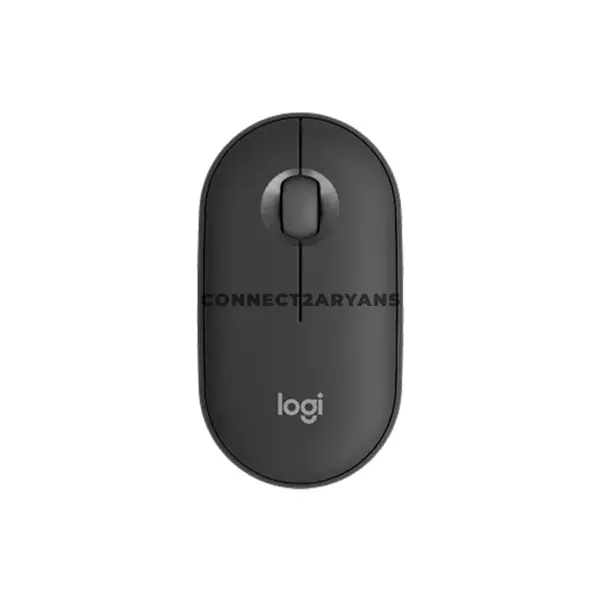
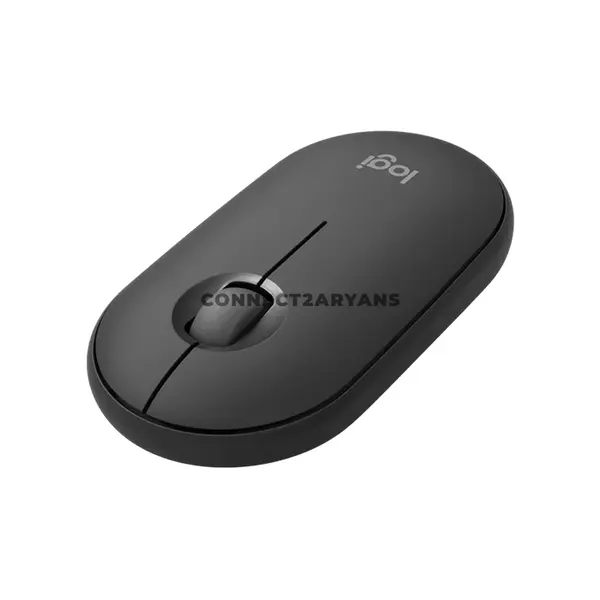
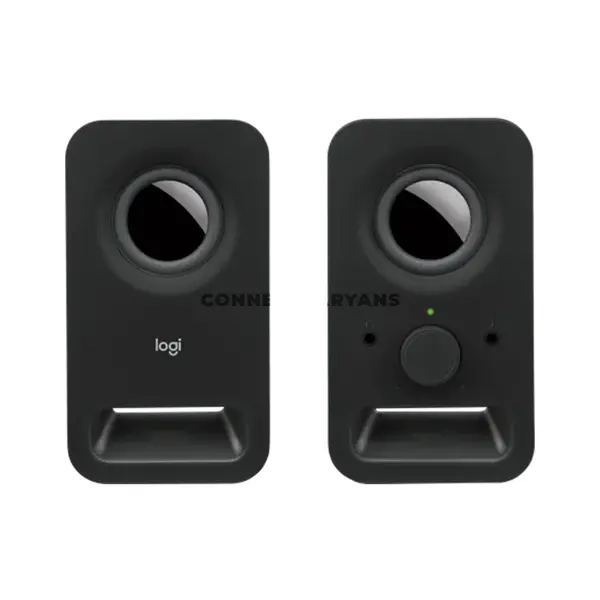
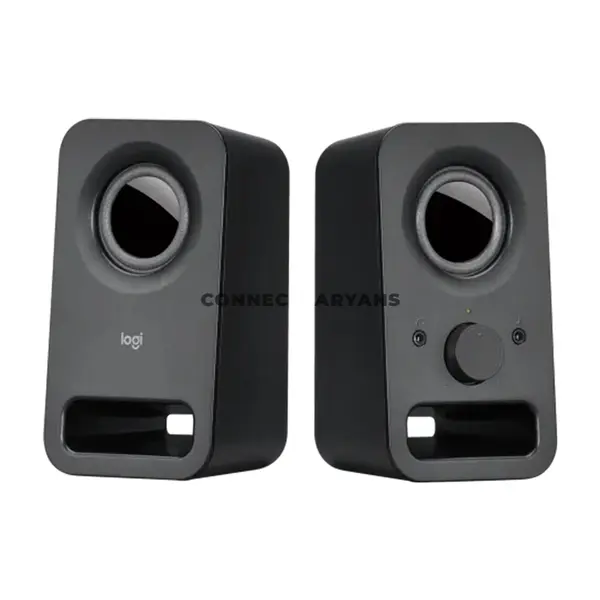
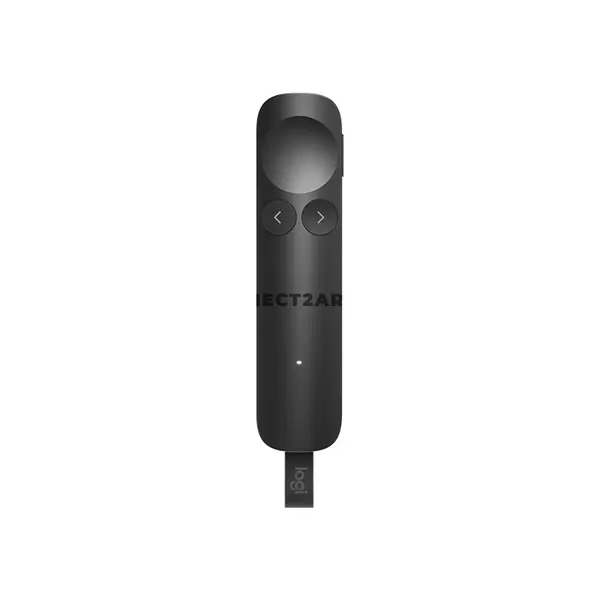
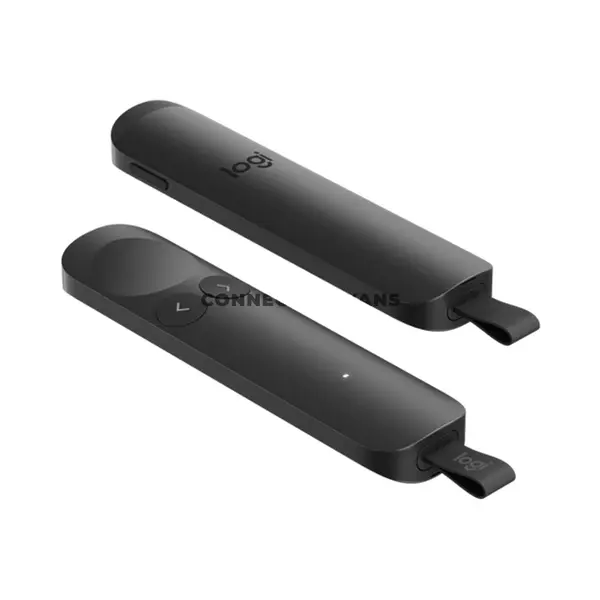
PC Peripherals Price in Pakistan
Compare PC peripheral prices in Pakistan across keyboards, mice, headsets, webcams, microphones, controllers, cooling accessories, and other devices for gaming, work, streaming, communication, and everyday computing. Peripherals vary considerably in connectivity, compatibility, features, dimensions, controls, software support, and intended use, so compare individual product specifications before purchasing.
PC Peripherals for Gaming, Work & Everyday Use
Computer peripherals provide input, audio, communication, control, and other functions around a desktop or laptop setup. The appropriate devices depend on how you use your computer. Gaming, office work, content creation, online meetings, streaming, and everyday computing can each place different priorities on comfort, responsiveness, connectivity, audio, controls, and other features.
Keyboards
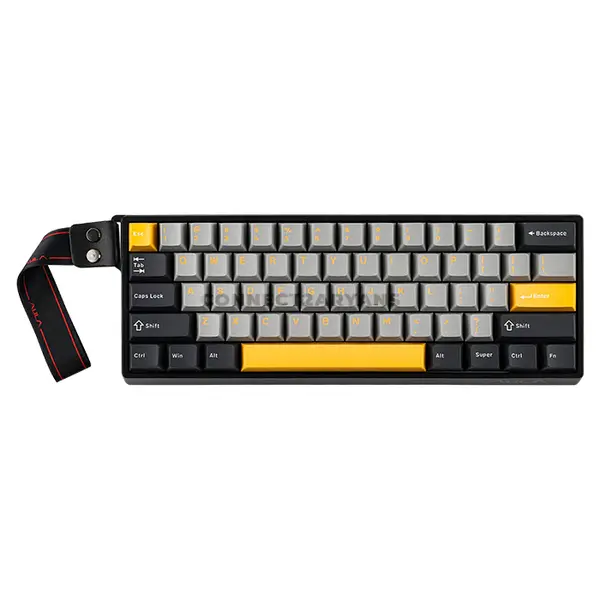
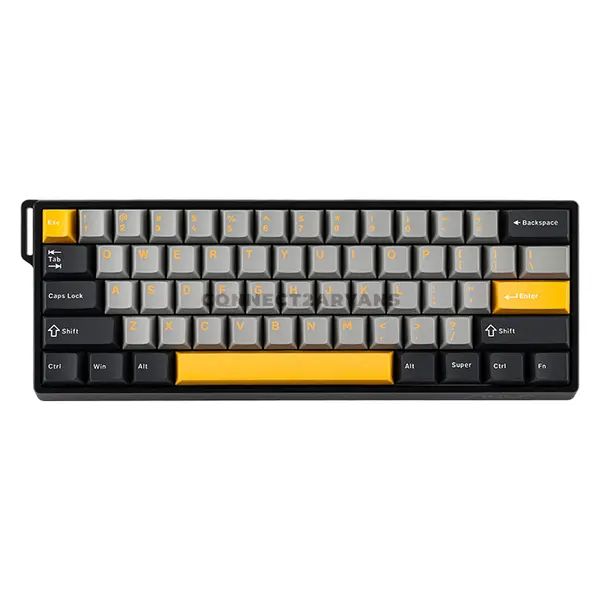
Keyboards are available in different sizes, layouts, switch or key mechanisms, connectivity options, and feature sets. Mechanical and membrane keyboards can provide different typing characteristics, while gaming keyboards may include additional controls, lighting, software features, or other functions depending on the model. Choose according to your typing preferences, available desk space, connectivity, and intended applications.
Gaming Keyboards
Gaming keyboards can include mechanical switches, different layouts, programmable controls, lighting, software customization, and other features depending on the model. Switch type alone does not determine whether a keyboard is appropriate for gaming. Consider layout, key feel, latency, connectivity, controls, software support, and the features you actually require.
Computer Mice
Computer mice vary in shape, dimensions, weight, sensor, button configuration, connectivity, and software features. Comfort can depend heavily on hand size, grip preference, and usage style. For gaming or productivity, compare the complete mouse design rather than choosing solely according to the maximum advertised DPI.
Gaming Mice
Gaming mice can offer adjustable sensor settings, additional buttons, onboard controls, software configuration, wired or wireless connectivity, and different weight or shape options. Requirements vary between game genres and users, so sensor specifications should be considered together with shape, weight, button placement, connectivity, and personal preference.
Headsets & Audio
PC audio products can include headsets, headphones, speakers, microphones, and other devices. Headsets combine listening and communication functions in one product, while separate headphones and microphones can provide a different setup. Compare connection type, microphone availability, controls, compatibility, and other audio specifications according to your requirements.
Gaming Headsets
Gaming headsets can provide integrated microphones, wired or wireless connectivity, software features, controls, and different audio implementations depending on the model. Features marketed as surround or spatial audio can be implemented differently between products and software platforms, so check the individual specifications and compatibility rather than assuming all gaming headsets provide the same experience.
Microphones for PC, Gaming & Streaming
Microphones can be used for voice communication, streaming, recording, meetings, and other applications. Connection type, pickup pattern, controls, mounting requirements, software support, and intended recording environment can vary between products. Check compatibility with your PC and the applications you intend to use.
Webcams for Meetings & Streaming
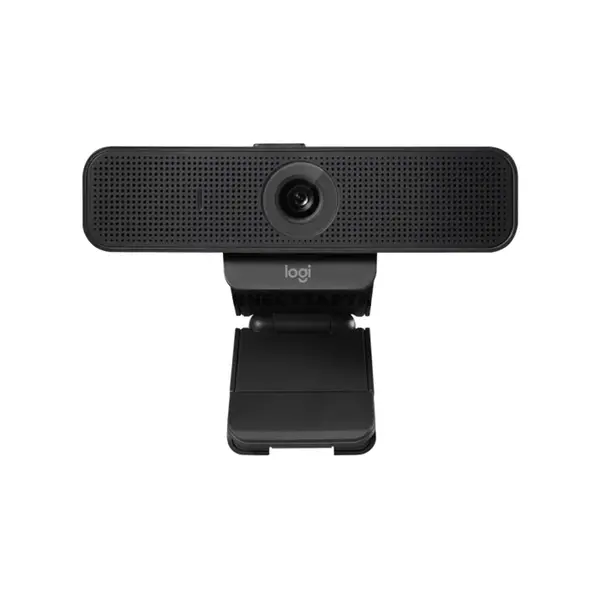
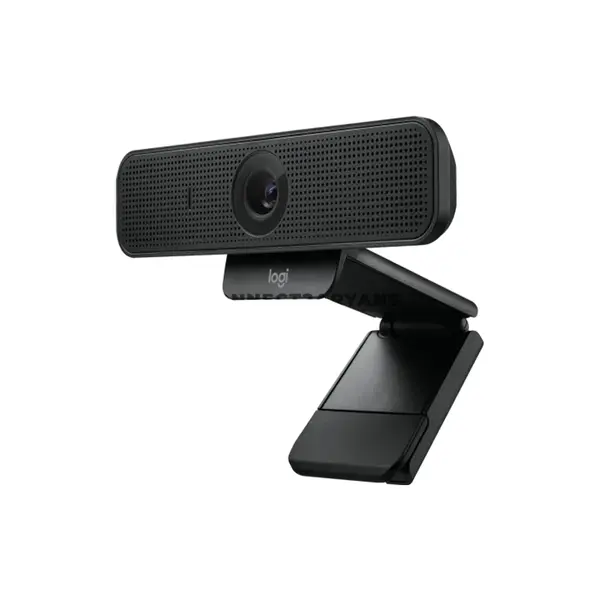
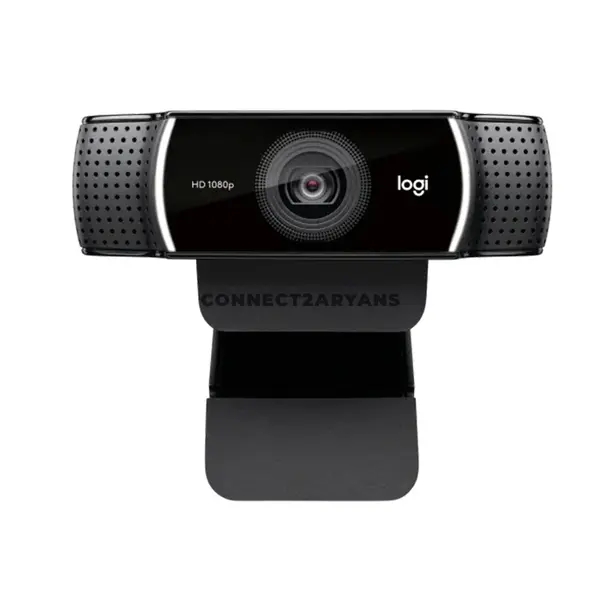
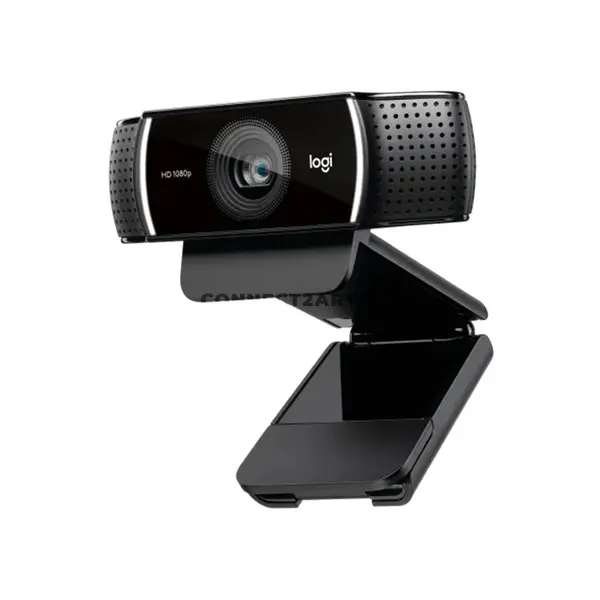
Webcams can support video calls, online classes, meetings, streaming, and content creation. Compare supported resolution, frame rate, field of view, focus system, microphone features, mounting options, connectivity, operating-system support, and other specifications according to the individual model.
Wired & Wireless PC Peripherals
Keyboards, mice, headsets, controllers, and other peripherals may use USB, Bluetooth, proprietary wireless connections, or other interfaces depending on the product. Connector appearance alone does not guarantee compatibility or performance. Check connection requirements, supported operating systems, available ports, wireless receiver requirements, and other relevant specifications.
PC Peripherals for Laptops
Many PC peripherals can also be used with laptops when the required connections and software are supported. Keyboards, mice, headsets, webcams, microphones, controllers, hubs, and other devices can expand a laptop setup, but compatibility should be checked against available ports, operating system, drivers, and product requirements.
Controllers & Gaming Accessories
Gaming controllers and other accessories provide alternative input options for supported games and applications. Compatibility can depend on connection method, operating system, game support, drivers, and other requirements. Check the exact controller or accessory specifications before purchasing.
Cooling Fans & PC Accessories
Cooling fans and related PC accessories can support case airflow and system configuration, but compatibility depends on fan dimensions, mounting positions, connectors, control methods, motherboard headers, controllers, and case support. Check the relevant hardware specifications before adding cooling accessories to a PC.
Peripheral Compatibility
Not every peripheral works with every computer or operating system. Before purchasing, check connector type, available ports, operating-system support, drivers, required software, wireless standards, power requirements, and any other compatibility information provided for the product.
Choose the Right PC Peripherals
Start with how you use your computer and identify the peripherals you actually need. Then compare dimensions, connectivity, compatibility, controls, comfort-related design characteristics, software support, and product-specific features. Choosing according to your workflow and setup is more useful than selecting peripherals solely from maximum specification numbers or gaming labels.
Buy PC Peripherals Online in Pakistan
Browse available PC peripherals at Connect2Aryans and compare current prices, product types, connectivity, compatibility, dimensions, controls, software features, and other specifications. Check each peripheral against your computer, operating system, available connections, and intended use before purchasing.
Frequently Asked Questions About PC Peripherals
Do I need a mechanical keyboard?
Not necessarily. Mechanical and membrane keyboards provide different key mechanisms and typing characteristics, and individual preferences vary. Compare switch or key feel, layout, noise, dimensions, connectivity, features, and your intended use before choosing.
What should I check when buying a gaming mouse?
Consider shape, dimensions, weight, sensor specifications, button layout, wired or wireless connectivity, software support, and your preferred grip and games. Maximum DPI alone does not determine how suitable a mouse will be for you.
Do I need a gaming headset for gaming?
No. Compatible headphones or other audio devices can also be used for gaming. A gaming headset can be convenient when you want headphones and a microphone in one device, but features and audio implementations vary considerably between models.
Can PC peripherals work with laptops?
Many can, provided the laptop supports the required connection, operating system, drivers, software, and other product requirements. Check compatibility for the exact peripheral and laptop before purchasing.
Not sure which peripherals fit your setup? Read our guide on choosing the right PC peripherals for more detailed buying advice.

