
Filters
Price Range
From
To
Brand
Availability
Connectivity
Peripherals » Audio & Sound » Speakers & Soundbars
Shop speakers and soundbars in Pakistan for PC setups, gaming, music, movies, and everyday entertainment. Compare desktop speakers, soundbars, 2.0 and 2.1 systems, wired and wireless connectivity, controls, power requirements, features, and prices.
64 Products
Quick view
Rs. 8,500


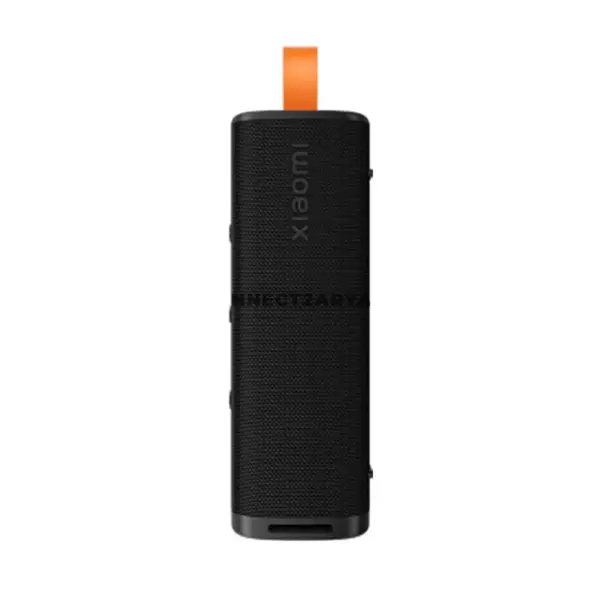
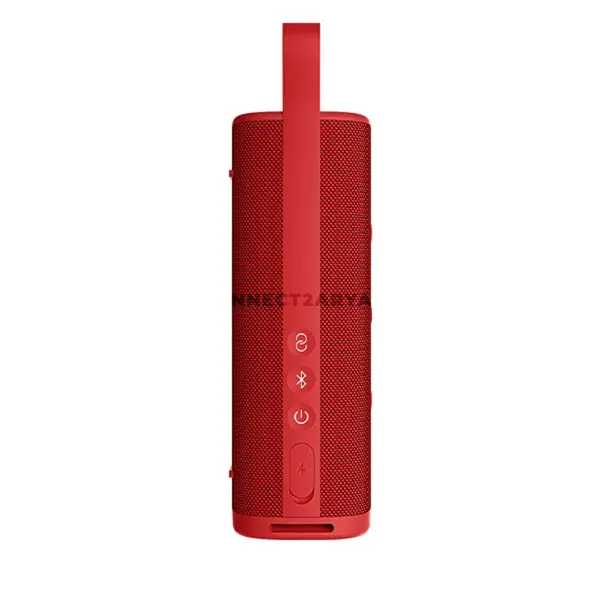
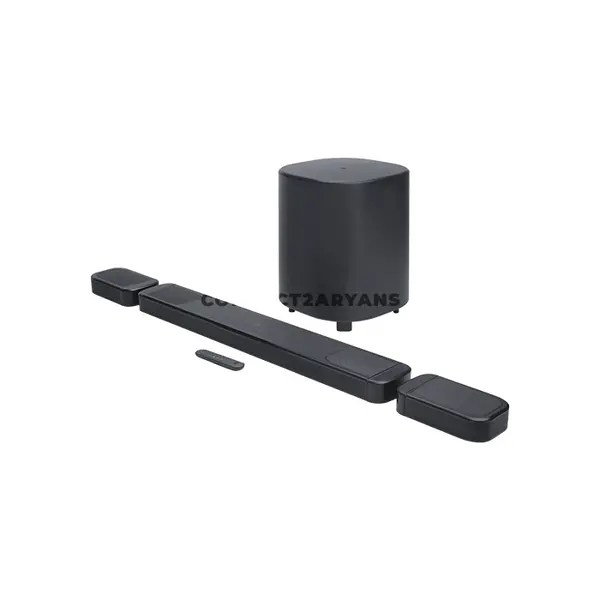
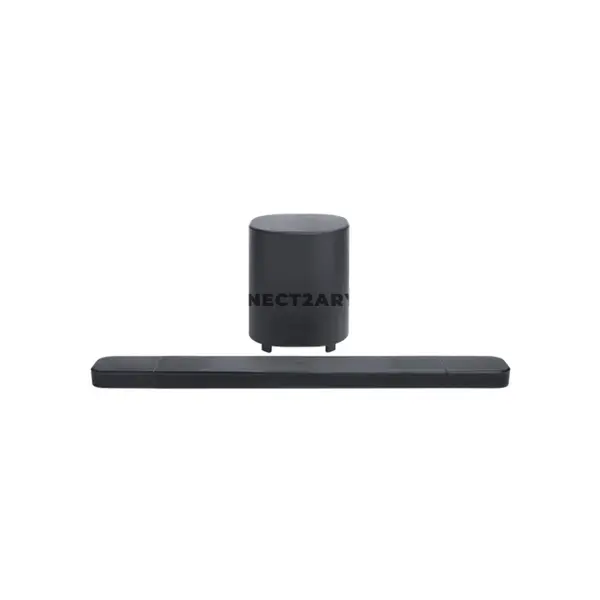
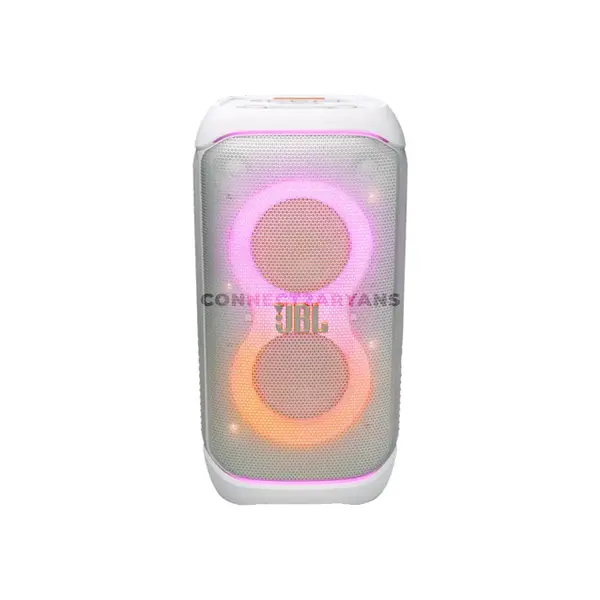
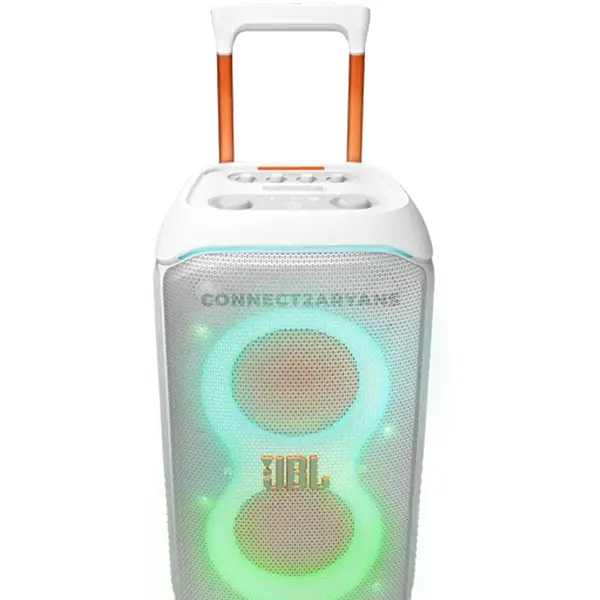
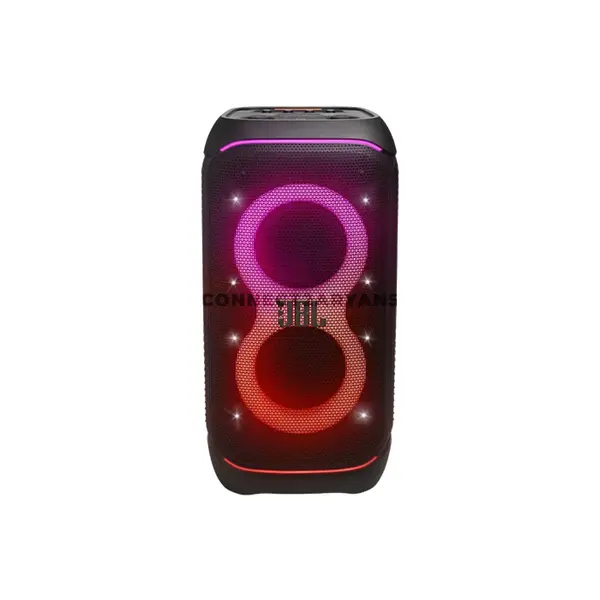
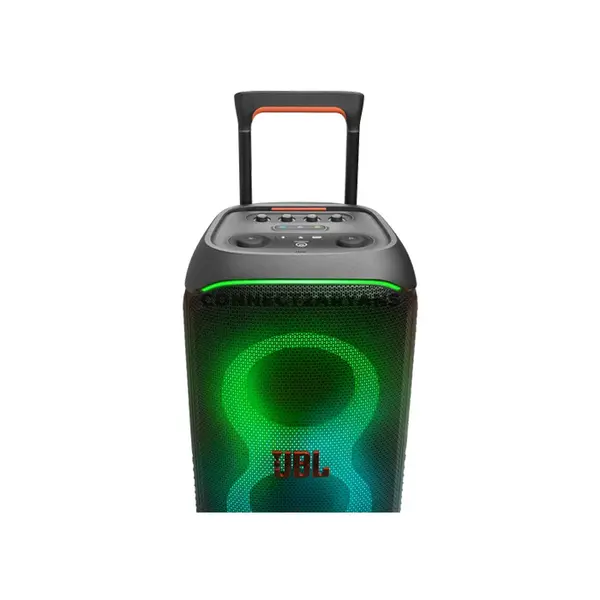

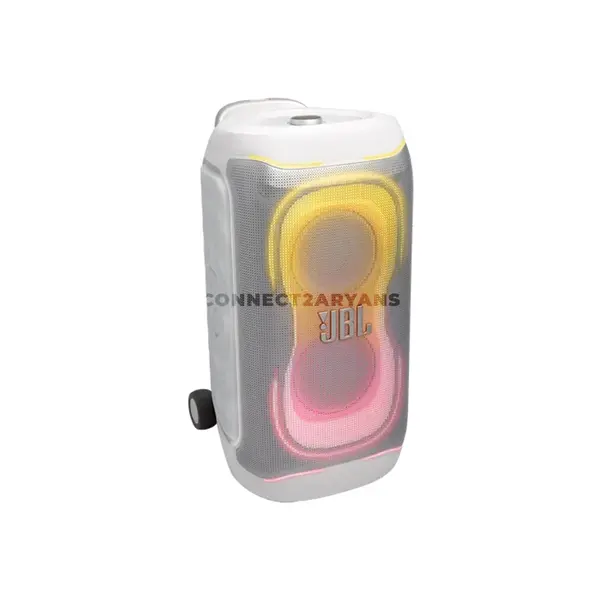

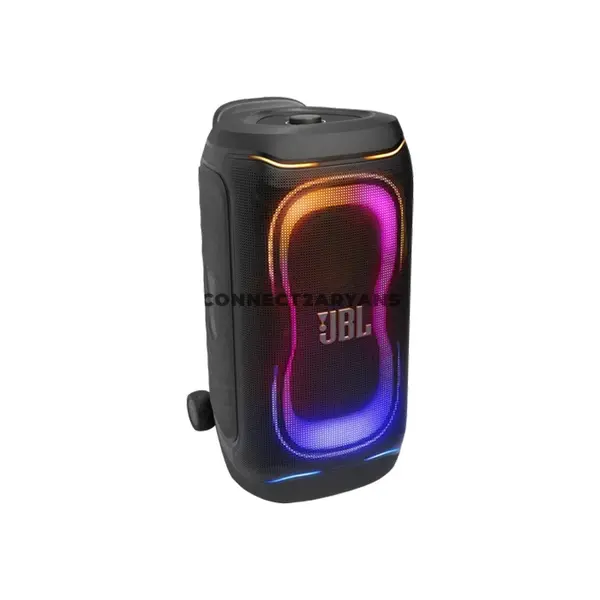
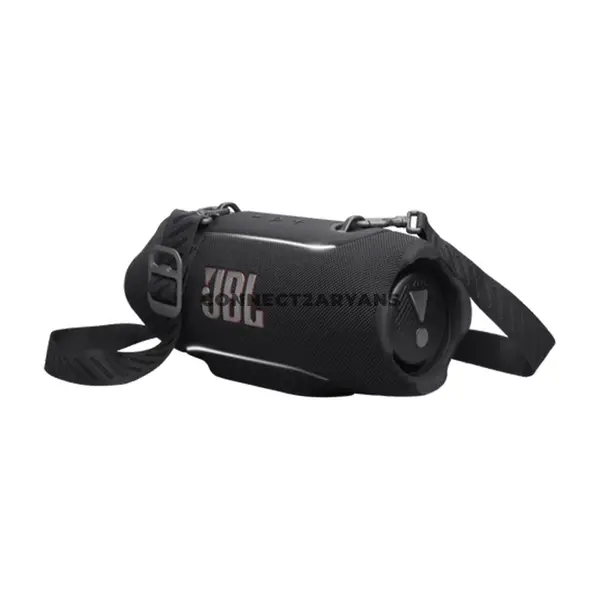

Speakers & Soundbars Price in Pakistan
Compare speakers and soundbar prices in Pakistan across products designed for desktop PCs, laptops, gaming setups, televisions, music, movies, and everyday entertainment. Speakers vary by configuration, connectivity, power requirements, dimensions, controls, driver arrangement, and additional features. Compare individual specifications according to your available space, source device, and listening requirements.
Speakers & Soundbars for PC, Gaming & Entertainment
Different speaker configurations suit different environments and applications. Compact desktop speakers can fit beside a monitor, while soundbars provide an alternative form factor that can sit beneath or near a display. Larger speaker systems may require additional placement space. Choose according to your desk or room layout, source equipment, and preferred audio setup.
Desktop Speakers
Desktop speakers are designed for placement around a computer, monitor, laptop, or other compatible audio source depending on the model. They are available in different sizes and configurations with varying controls, connectivity, power requirements, and audio characteristics. Check the available desk space and connection options before purchasing.
PC Speakers
PC speakers can connect through 3.5 mm audio, USB, Bluetooth, or other supported interfaces depending on the product. Some USB connections may provide power only, while others can carry digital audio, so the presence of a USB connector alone does not determine its function. Check the specifications of the individual speaker system.
Soundbars
Soundbars place multiple audio components within an elongated enclosure designed for convenient positioning near a compatible display. Models vary considerably in size, channel configuration, connectivity, controls, subwoofer support, mounting options, and intended applications. Check dimensions and connection requirements against your PC, monitor, television, or other source device.
2.0 Speaker Systems
A 2.0 speaker system generally uses two primary speaker channels without a separate dedicated subwoofer. These systems are available in compact and larger designs for different desk and entertainment setups. Audio characteristics vary by model, so configuration alone does not determine sound quality.
2.1 Speaker Systems
A 2.1 speaker system generally combines two main speaker channels with a dedicated subwoofer channel. This configuration can provide dedicated low-frequency reproduction depending on the system design. Subwoofer dimensions, placement requirements, controls, and performance vary between models.
Speakers with Subwoofer
Speaker systems with a separate subwoofer require additional space and may provide independent controls or connection requirements depending on the product. Consider where the subwoofer will be positioned and check the complete system dimensions before purchasing.
Bluetooth Speakers & Soundbars
Some speakers and soundbars support Bluetooth connectivity with compatible devices. Supported Bluetooth versions, profiles, codecs, operating range, controls, and other features vary between models and connected devices. Bluetooth support does not by itself determine audio quality or latency.
Wired Speakers & Soundbars
Wired audio products can use 3.5 mm AUX, optical audio, USB, HDMI, RCA, or other interfaces depending on the model. Available functionality varies by connection type and device, so confirm that both the speaker system and source equipment support the required interface.
USB Speakers
USB speakers can use USB for power, audio transmission, or both depending on their design. Check whether the product requires an additional audio connection and whether your PC or laptop has the appropriate ports before purchasing.
Speakers for Gaming
Speakers can be used for gaming when compatible with the gaming PC, laptop, console, monitor, television, or other source device. Consider speaker placement, connectivity, available desk or room space, controls, and your preference for external audio instead of headphones.
Speakers for Music & Movies
Speaker and soundbar systems can be used for music, movies, streaming, and other entertainment. The appropriate configuration depends on listening distance, room or desk layout, source device, connectivity, and personal preference. Compare the complete product rather than choosing solely by channel configuration.
Speakers for Office & Everyday Use
Compact speakers can provide external audio for meetings, videos, presentations, music, and general computer use depending on their features. For office environments, consider dimensions, volume controls, connectivity, available desk space, and whether private listening would sometimes require headphones instead.
Speaker Power & Connectivity
Speaker systems have different power arrangements. Some can receive power through USB, while others use an external adapter, AC connection, rechargeable battery, or another method. Audio connectivity can be separate from the power connection, so check both requirements before purchasing.
Speaker Controls
Depending on the model, controls can include volume, power, bass adjustment, input selection, Bluetooth pairing, playback functions, or other settings. Controls may be located on the speaker, soundbar, subwoofer, remote control, or another component.
Speaker & Soundbar Size
Dimensions are important when installing speakers around monitors, PCs, televisions, or other equipment. Measure the available width, height, and depth and account for cables, stands, subwoofers, and other components. Product names such as compact or desktop do not provide exact size information.
Speakers vs Headphones
Speakers reproduce sound into the surrounding environment, while headphones provide individual listening directly around or over the ears. Which option is appropriate depends on privacy, available space, other people nearby, listening preferences, and intended use. Some setups use both for different situations.
Choosing the Right Speakers or Soundbar
Start with where the audio system will be installed and which device will provide the audio source. Then compare speaker configuration, dimensions, wired or wireless connectivity, available inputs, power requirements, controls, subwoofer requirements, and compatibility. Choose according to your actual setup rather than configuration or advertised specifications alone.
Buy Speakers & Soundbars Online in Pakistan
Browse available speakers and soundbars at Connect2Aryans and compare current prices, desktop and soundbar designs, 2.0 and 2.1 configurations, wired and wireless connectivity, dimensions, controls, power requirements, and available models. Check individual product specifications before choosing audio equipment for your setup.
Frequently Asked Questions About Speakers & Soundbars
Should I buy desktop speakers or a soundbar?
It depends on your available space, source device, and preferred setup. Desktop speakers commonly use separate left and right units, while a soundbar places its audio components within an elongated enclosure. Compare dimensions, connectivity, configuration, and placement requirements.
What is the difference between 2.0 and 2.1 speakers?
A 2.0 system generally uses two primary speaker channels without a dedicated subwoofer, while a 2.1 system adds a separate subwoofer channel. Actual audio characteristics depend on the complete speaker design and implementation.
Should I choose wired or Bluetooth speakers?
Either can be suitable depending on your equipment. Wired and Bluetooth products have different connection requirements and available features. Check your source device, supported interfaces, placement requirements, and the specifications of the individual speaker system.
Can I use PC speakers with a TV?
Possibly. Compatibility depends on the outputs available on the television and inputs supported by the speakers. Check both devices for compatible connections rather than assuming PC speakers will work with every television.
Not sure which speaker setup fits your space? Read our guide on choosing the right speakers or soundbar for more detailed buying advice.

