
Filters
Price Range
From
To
Brand
Availability
Pre-Built PC » Workstation Pre-Built PC
Shop workstation pre-built PCs in Pakistan for engineering, development, CAD, 3D work, data processing, and other professional workloads. Compare processor and graphics configurations, RAM, SSD storage, cooling, connectivity, expansion, and upgrade options according to the software and projects you use.
10 Products
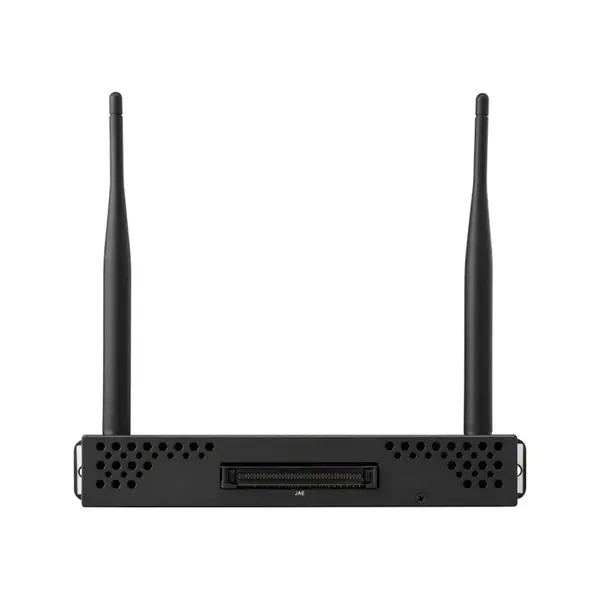
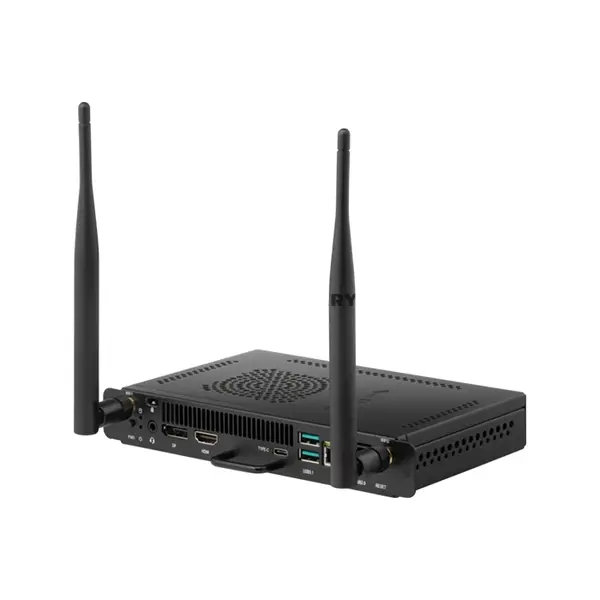
Quick view
Rs. 158,000
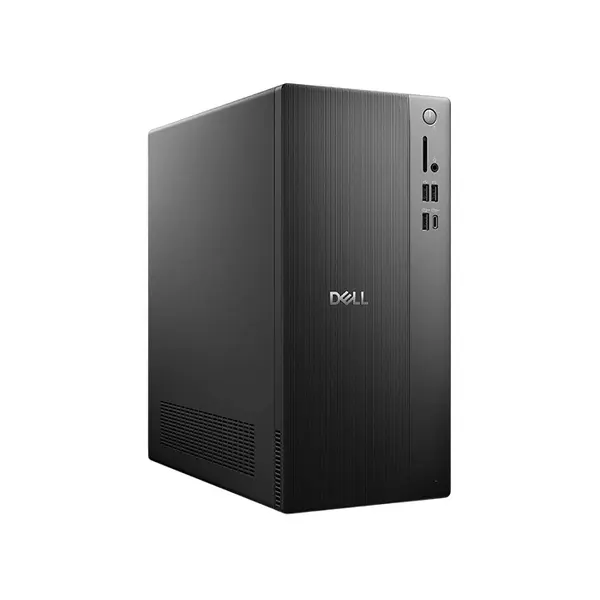
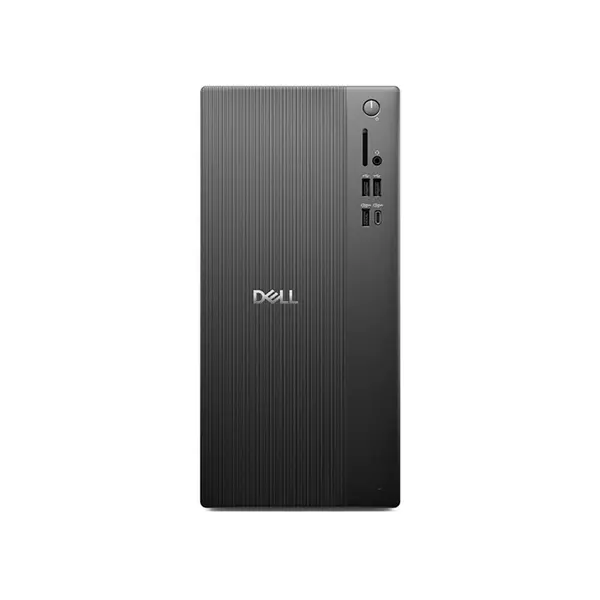
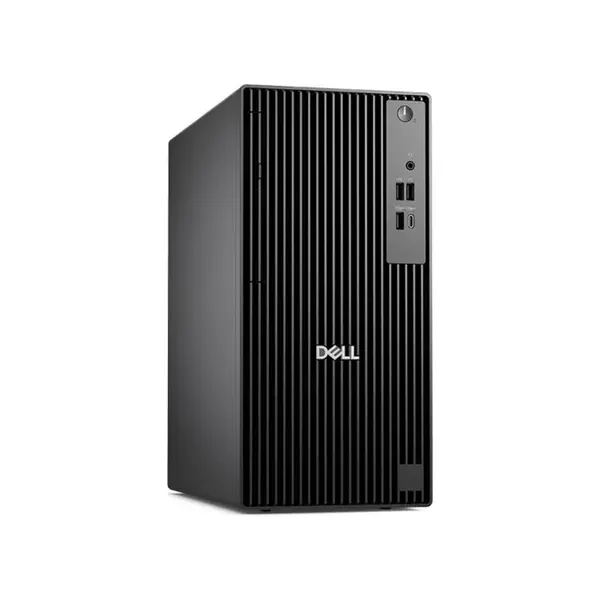

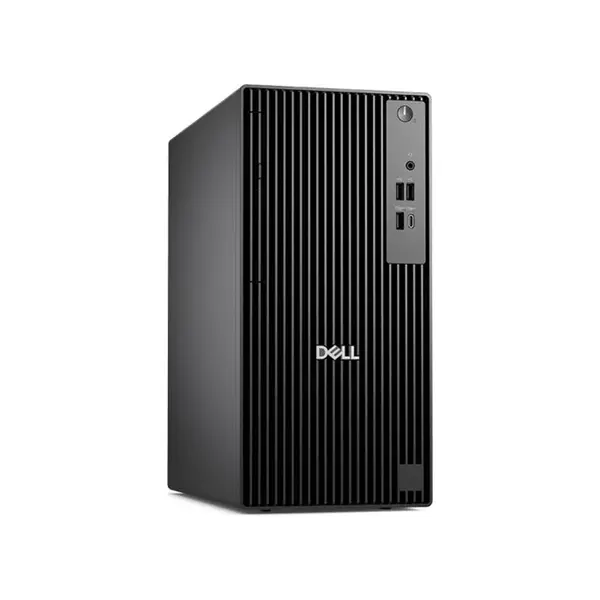

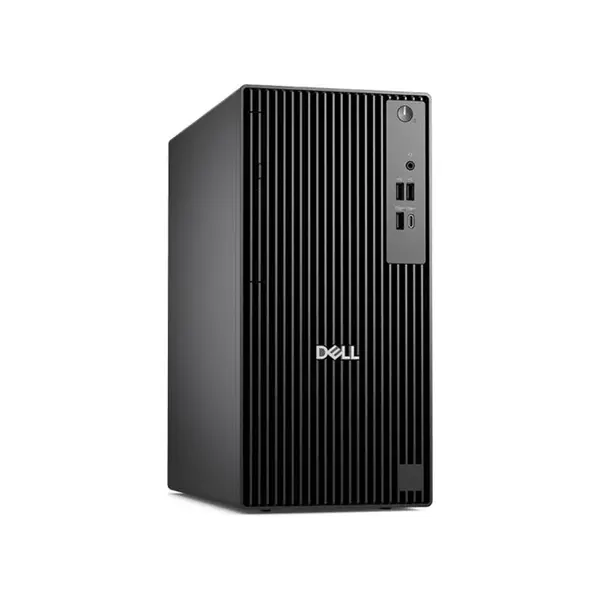

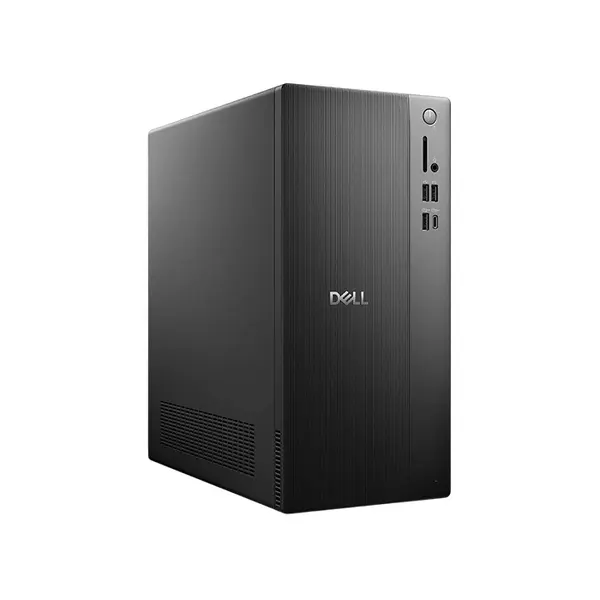
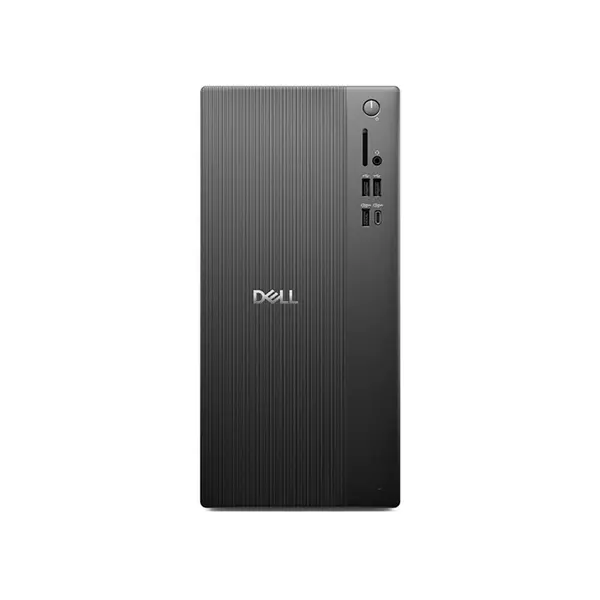
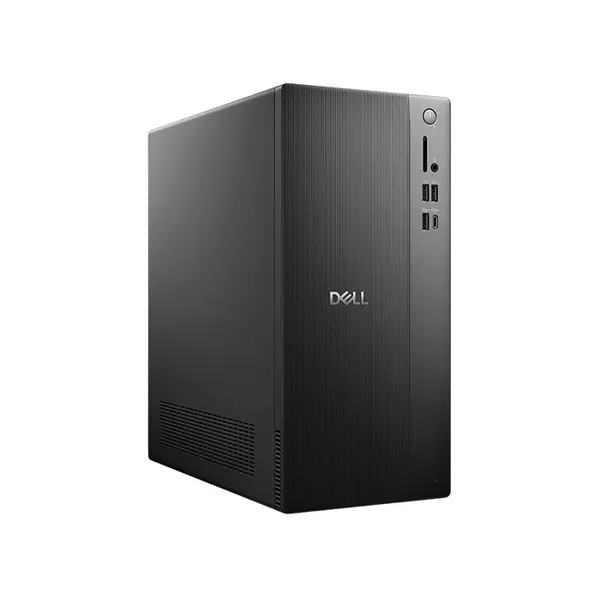
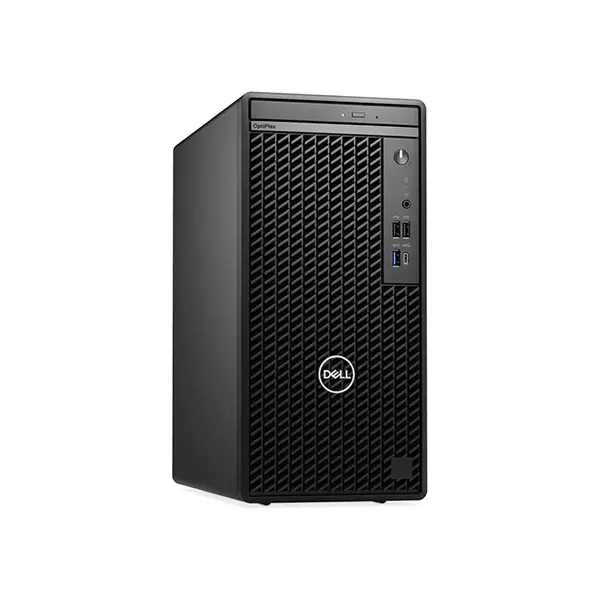
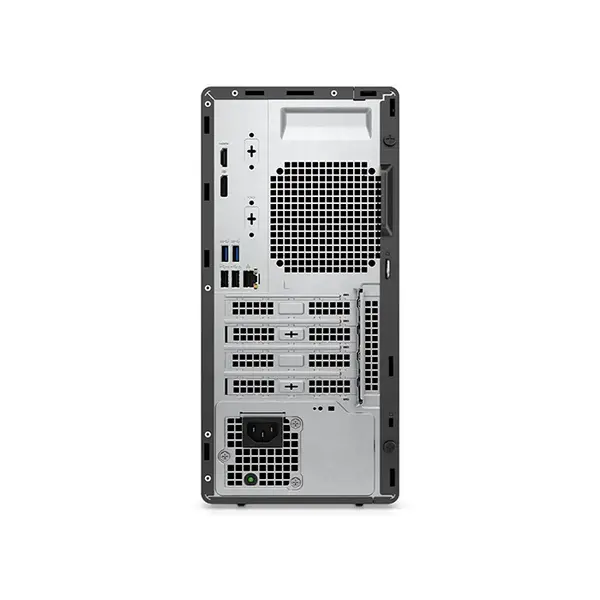
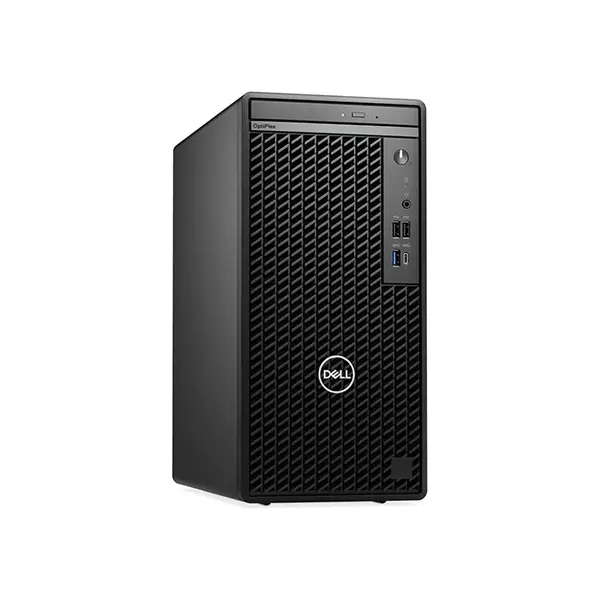
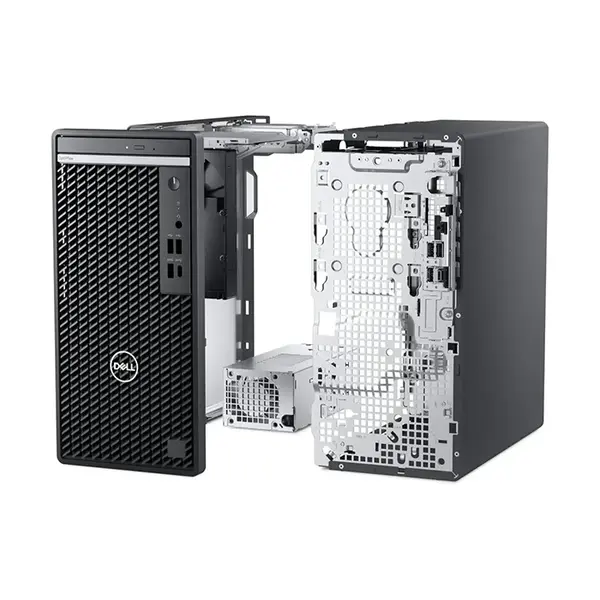
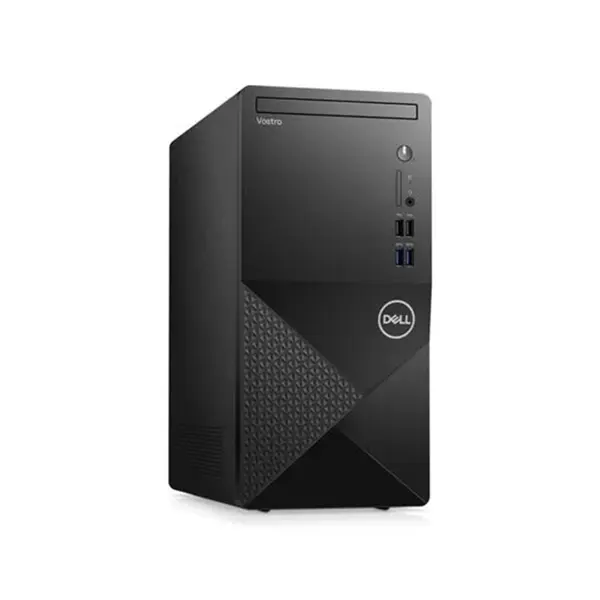
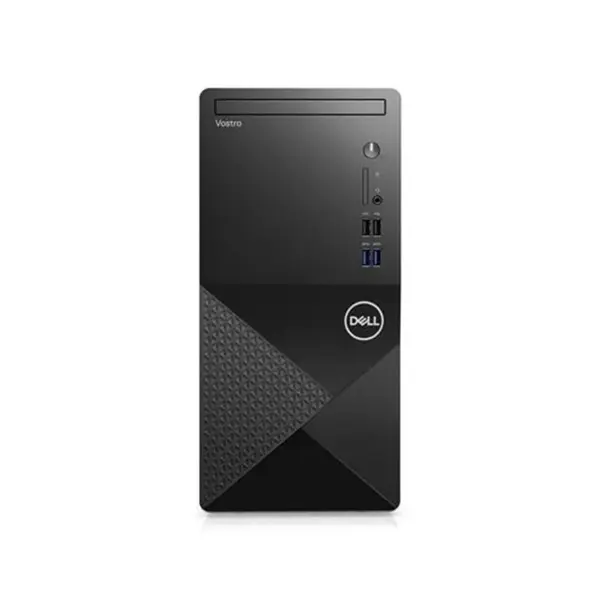
Workstation Pre-Built PC Price in Pakistan
Compare workstation pre-built PC prices in Pakistan across systems configured for engineering, software development, CAD, 3D work, data processing, and other professional applications. Workstation requirements can vary significantly between software and workloads, so compare the processor, graphics card, RAM, storage, motherboard, power supply, cooling, connectivity, and expansion capabilities of the complete system before purchasing.
Workstation PCs for Professional Workloads
A workstation PC is selected around the requirements of professional applications and workloads. Different tasks can place very different demands on processor performance, graphics processing, memory capacity, storage, and other system resources. The appropriate configuration therefore depends on the applications, project complexity, datasets, multitasking, and other work you intend to perform.
Workstation PCs for Engineering & CAD
Engineering and CAD requirements vary according to software, project complexity, models, assemblies, simulations, rendering methods, and other factors. Some operations can depend heavily on processor performance while others may use GPU acceleration or require substantial memory. Check the hardware requirements and recommendations of your specific engineering or CAD applications.
Workstation PCs for Software Development
Development workloads can range from lightweight programming environments to large projects involving compilation, virtual machines, containers, databases, emulators, and multiple development tools. Processor, RAM, storage, and virtualization requirements therefore vary considerably. Select hardware according to your development environment rather than following a universal workstation specification.
Workstation PCs for 3D & Rendering
3D applications and rendering engines can use CPU processing, GPU acceleration, or combinations of both. Scene complexity, geometry, textures, effects, rendering engine, output settings, and software support can influence hardware requirements. Check whether your applications rely primarily on CPU or GPU resources before choosing a workstation.
Intel & AMD Workstation PCs
Workstation pre-built PCs can use Intel or AMD processors depending on the individual configuration. Performance varies according to the exact processor model, architecture, core configuration, clock behavior, power limits, cooling, and professional application. Compare processors using workloads relevant to the software you intend to run rather than selecting solely by brand or core count.
CPU Performance for Workstations
Professional applications can use processors differently. Some workloads can benefit from additional cores and threads, while others depend more heavily on single-threaded performance or other processor characteristics. Application version, project complexity, and system configuration can also affect performance, so there is no single CPU characteristic that determines workstation suitability.
Graphics Cards for Professional Applications
A dedicated graphics card can be important for professional applications that support GPU acceleration, visualization, rendering, or complex viewport workloads. Other tasks may rely more heavily on processor and memory resources. GPU architecture, VRAM, drivers, software support, and application requirements should all be considered when graphics performance is important.
RAM for Workstation PCs
Workstation memory requirements depend on the applications, project sizes, datasets, virtual machines, multitasking, and other workloads. Check installed RAM capacity, memory type, module configuration, available slots, and motherboard support. There is no universal RAM capacity that is appropriate for every professional workstation.
NVMe SSD & Workstation Storage
Professional workloads can involve large project files, datasets, source files, caches, virtual machines, applications, and other data. Workstations may use NVMe SSDs, SATA SSDs, hard drives, or combinations of storage devices. Compare capacity, interface, available expansion options, and the storage requirements of your workflow.
Motherboard & Workstation Expansion
The motherboard determines many of the workstation's processor, memory, storage, networking, connectivity, and expansion capabilities. Check RAM support, M.2 and SATA connections, PCIe slots, USB connectivity, networking, internal headers, and other specifications according to your current hardware and potential future requirements.
Workstation Cooling
Professional applications can place components under sustained load, but cooling requirements depend on the exact processor, graphics card, CPU cooler, case airflow, fan configuration, ambient conditions, and workload. Compare the complete cooling configuration rather than assuming a workstation requires a particular cooler type or number of fans.
Power Supply Requirements
The power supply should support the installed components and any planned upgrades. Check rated output, connectors, form factor, and other relevant specifications. Higher-power graphics cards, additional expansion hardware, or other future upgrades can change power and connector requirements.
Workstation Connectivity
Professional setups can involve multiple displays, external storage, networking equipment, drawing devices, audio hardware, cameras, and other peripherals. Check USB connectivity, display outputs, Ethernet, wireless features, audio connections, and other interfaces according to the equipment used in your workflow.
Workstation Expansion & Upgradeability
Workstation upgrade possibilities can include RAM, storage, graphics, processors, networking hardware, and other expansion devices. Compatibility depends on motherboard support, power supply, case clearance, cooling, available PCIe and storage connections, firmware support, and the original system configuration.
Workstation PC vs Regular Desktop PC
There is no single hardware feature that universally separates every workstation from every regular desktop PC. A workstation is generally selected around professional workload requirements, while a general-purpose PC may target broader everyday computing needs. Compare the actual components, expansion capabilities, and software requirements rather than relying solely on the category label.
Workstation PC vs Gaming PC
Gaming and professional applications can prioritize hardware resources differently. Gaming performance depends heavily on the game, resolution, graphics settings, and target performance, while workstation applications can have different CPU, GPU, RAM, storage, driver, and expansion requirements. A powerful gaming PC is therefore not automatically the most appropriate workstation for every professional application, and vice versa.
Choose the Right Workstation Pre-Built PC
Start with the professional applications and workloads you use. Check their current hardware requirements and recommendations, then compare the processor, graphics card, RAM, storage, motherboard, power supply, cooling, connectivity, expansion, and upgrade options of available systems. This provides a better basis for choosing a workstation than relying on universal hardware recommendations.
Buy Workstation Pre-Built PCs Online in Pakistan
Browse available workstation pre-built PCs at Connect2Aryans and compare current prices, processors, graphics configurations, RAM, storage, motherboards, cooling, power supplies, connectivity, expansion, and upgrade options. Check each system's specifications against the requirements of your professional applications before purchasing.
Frequently Asked Questions About Workstation PCs
What makes a workstation PC different from a regular PC?
A workstation is generally selected around professional software and workload requirements rather than everyday computing alone. However, there is no universal component specification defining every workstation, so compare the actual hardware and capabilities of individual systems.
Is a dedicated graphics card necessary for a workstation PC?
Not always. Some CAD, 3D, rendering, visualization, and other professional applications can benefit significantly from compatible dedicated graphics hardware, while other workloads may depend more heavily on CPU performance, RAM, or storage. Check your software requirements.
How much RAM does a workstation PC need?
There is no universal amount. Memory requirements depend on the applications, project sizes, datasets, virtual machines, multitasking, and other workloads. Check your software's requirements and recommended specifications before choosing a memory configuration.
Can a workstation PC be upgraded later?
Potentially. Upgradeability depends on motherboard support, power-supply capacity and connectors, physical clearance, cooling, available RAM and expansion slots, storage connections, firmware support, and other specifications of the individual system.
Not sure which workstation configuration fits your professional workload? Read our guide on choosing the right workstation PC for more detailed buying advice.

