
Why Is My GPU Fan Not Spinning?
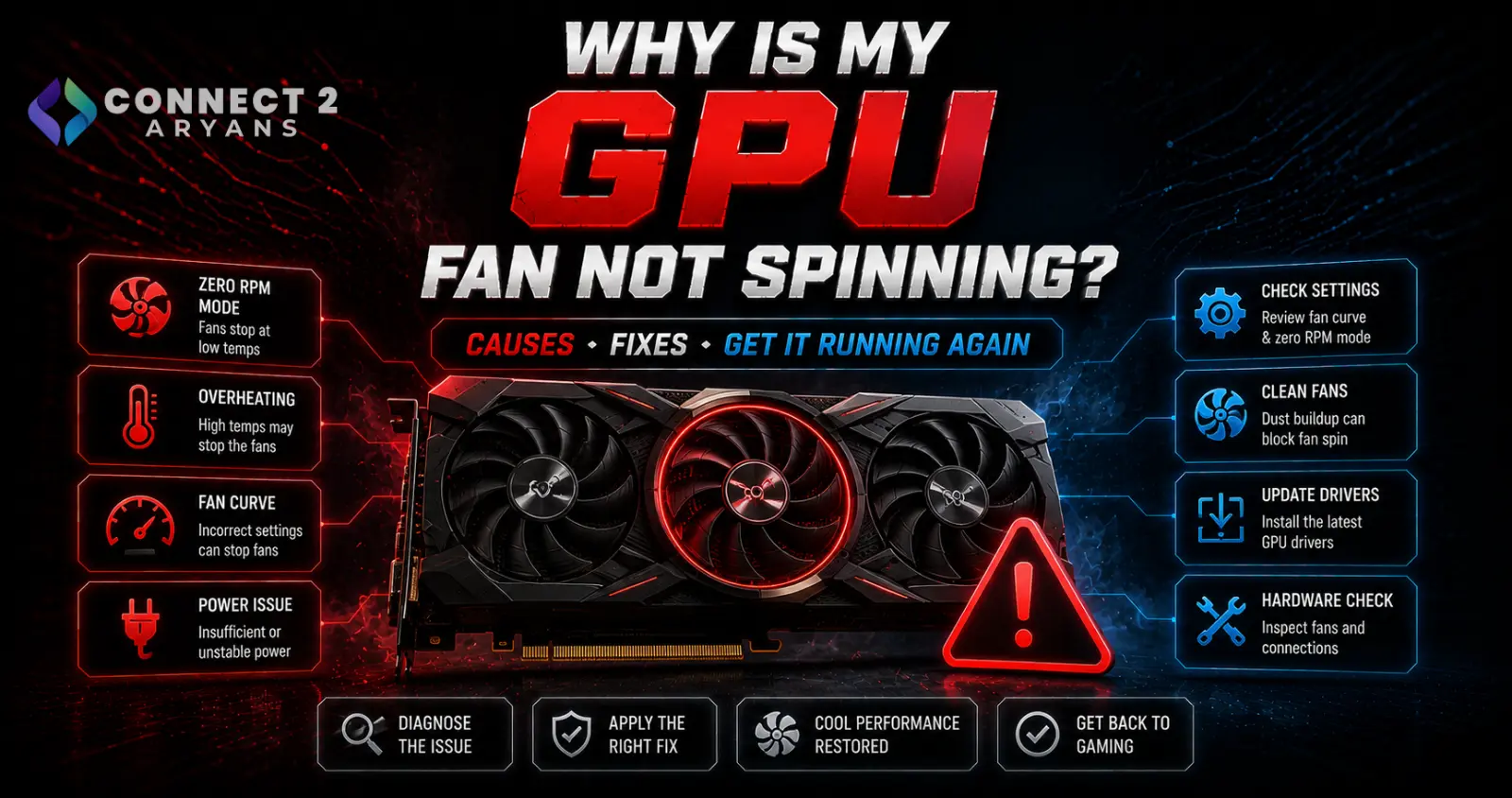
Seeing your GPU fans sit completely still can be alarming — but on most current graphics cards, this is actually intentional and completely normal under certain conditions. Here's how to tell the difference between expected behavior and a genuine problem.
Step 1: Check If It's Zero RPM Mode (Most Likely Explanation)
- Most current GPUs include a "Zero RPM" or "Fan Stop" feature that keeps fans completely off while the GPU is idle or under light load, only spinning up once temperatures cross a certain threshold
- This is by design — it reduces noise during everyday browsing, video playback, and light tasks where active cooling isn't needed
- This is normal if: fans are off during idle/light use, and spin up once you start gaming or running a demanding task
Step 2: Confirm Fans Actually Spin Up Under Load
- Run a game or GPU-intensive benchmark and watch (or listen) for the fans to engage as temperatures rise
- Check GPU temperature using monitoring software — if temperatures climb well past the fan curve's typical spin-up threshold (often somewhere around 50-60°C depending on the specific card) and fans still aren't spinning, this points to an actual problem rather than Zero RPM mode working correctly
Step 3: Check for a Fan Curve or Software Issue
- If you've used third-party software (like MSI Afterburner) to customize your fan curve, a misconfigured setting could be keeping fans off longer than intended
- Reset the fan curve to default/automatic in your GPU control software and retest
Step 4: Check for a Physical Fan Failure
- If temperatures are climbing significantly under load and fans genuinely aren't responding at all, a fan (or its connection) may have failed
- Listen closely for any unusual noise, or visually inspect (with the PC powered off) whether the fan blades show any physical damage or obstruction
- A completely unresponsive fan combined with rising, uncontrolled temperatures under load is a genuine hardware concern, not normal Zero RPM behavior
Step 5: Check Cable Connections (For Cards With Detachable Fan Headers)
- Some GPU designs have fan cables that connect to a small header on the card itself — though this is less common on most consumer cards where fans are directly wired
- If your specific card design allows for it, confirm any fan connector hasn't come loose
When to Be Concerned vs When It's Fine
- Fine: fans off at idle or light use, spinning up normally once you start gaming — this is Zero RPM mode working as intended
- Concerning: fans staying off while temperatures climb well past normal levels under sustained load, or one fan spinning while another (on multi-fan cards) stays completely still despite high temperatures
What to Do If a Fan Has Genuinely Failed
- If you've confirmed a fan isn't responding despite high temperatures under load, and it's not a software/curve issue, the GPU may need a fan replacement or repair, depending on your comfort level and the card's specific design
- If the GPU is still under warranty, this is a legitimate warranty claim rather than something to attempt fixing yourself
- If replacement is more practical, browse our Graphics Card range from NVIDIA, AMD, and Intel for a properly functioning replacement, checking 08 GB VRAM or higher depending on your resolution needs
Quick Diagnostic Summary
| Situation | Likely Explanation |
|---|---|
| Fans off during idle/browsing | Normal — Zero RPM mode |
| Fans spin up during gaming, off at idle | Normal, working correctly |
| Fans stay off while temps climb high under load | Genuine problem — check fan curve, then hardware |
| One fan spins, another doesn't (multi-fan card) | Likely a specific fan failure |
Common Mistakes to Avoid
- Assuming still fans always mean a problem, without checking if it's simply Zero RPM mode at idle
- Not monitoring actual temperatures before concluding the fans have failed
- Overlooking a custom fan curve setting as the cause of unusual fan behavior
- Attempting to disassemble a GPU cooler without experience, potentially voiding warranty unnecessarily
Final Thoughts
A GPU fan sitting still is very often completely normal Zero RPM behavior at idle, not a fault. Confirm fans spin up properly under actual gaming load and that temperatures stay controlled — if they don't, then you're looking at a genuine fan curve or hardware issue worth addressing through warranty or replacement.
Browse our full range of Graphics Card]] options from NVIDIA, AMD, and Intel on Connect2Aryans, with warranty support included.

