
How to Extend Your Laptop Battery's Lifespan
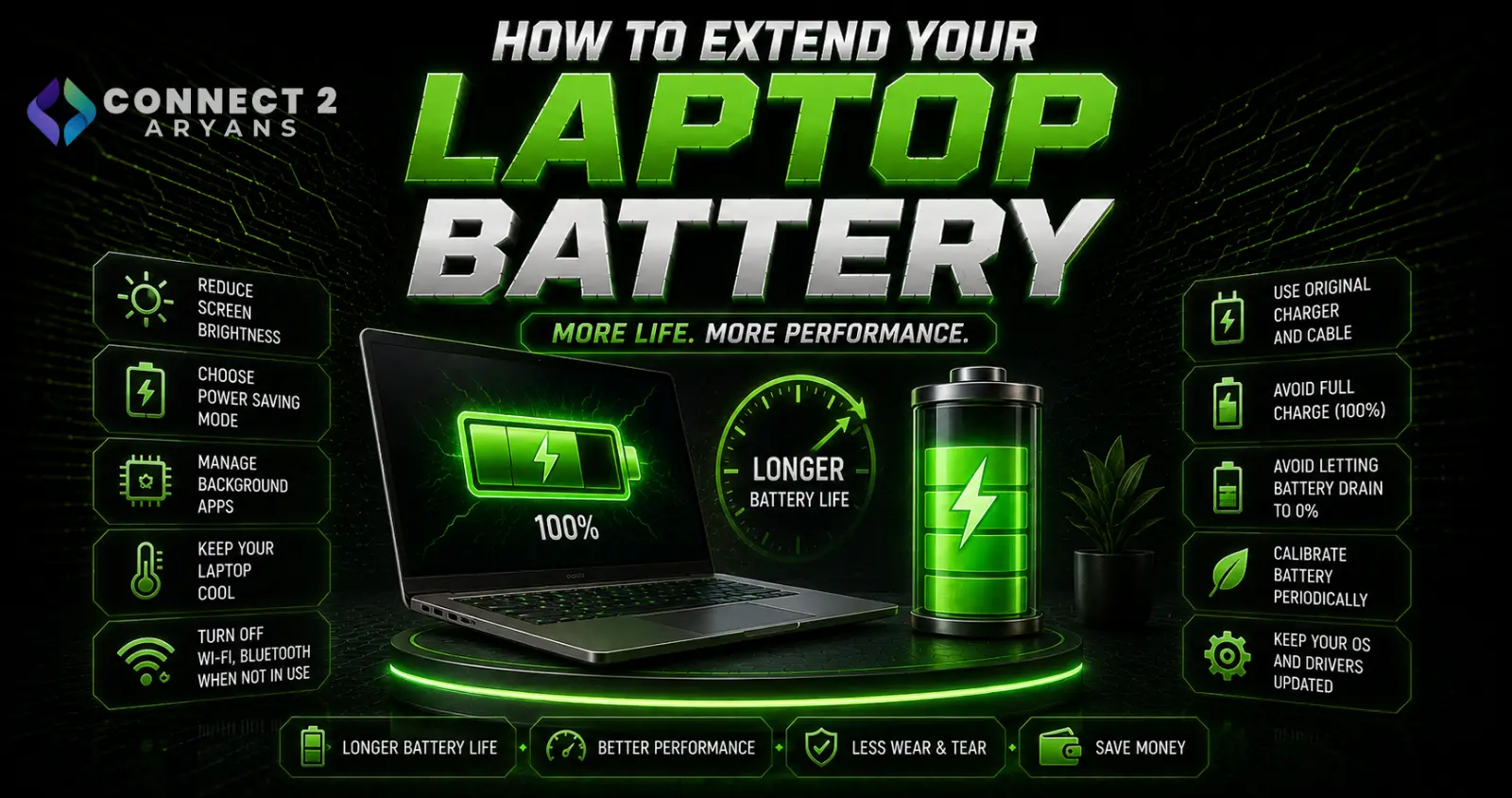
Laptop batteries degrade over time no matter what you do — that's simply how lithium-ion chemistry works. But how fast they degrade is genuinely influenced by daily habits, and a few practical changes can meaningfully extend how long your battery holds a useful charge before you're stuck near an outlet all day. Here's what actually helps.
Understanding How Battery Degradation Actually Works
- Lithium-ion batteries degrade through chemical wear that happens with every charge cycle, but the rate of degradation is significantly affected by heat, charge level extremes, and how the battery is stored when not in use
- A battery's "cycle count" (roughly, one full charge from 0-100%, whether done in one go or across multiple partial charges) is the standard measure of usage, and most laptop batteries are rated for several hundred to over a thousand cycles before capacity noticeably drops
- Full capacity loss is inevitable eventually — the goal isn't to prevent aging entirely, but to avoid accelerating it unnecessarily
Habit 1: Avoid Keeping It at 100% Constantly
- Keeping a lithium battery at 100% charge for extended periods (like leaving it plugged in constantly at your desk) accelerates chemical degradation more than cycling between a moderate range
- Many current laptops include a "battery health" or "charge limit" mode in software/BIOS that caps charging around 80% specifically to reduce this stress — worth enabling if you primarily use your laptop plugged in at a desk
- If your laptop lacks this feature natively, some manufacturer utility software offers similar charge-limiting options
Habit 2: Avoid Letting It Sit at 0% for Extended Periods
- Just as constant 100% accelerates wear, letting a battery sit fully depleted for long stretches (especially in storage) is also harmful
- If you're not using the laptop for an extended period (weeks or more), store it with a partial charge — commonly recommended around 40-60% — rather than fully charged or fully drained
Habit 3: Manage Heat
- Heat is one of the most significant accelerators of battery degradation — using your laptop on a bed or soft surface that blocks ventilation, or in a hot environment, genuinely shortens battery lifespan over time
- Using your laptop on a hard, flat surface (or a cooling pad) that allows proper airflow reduces internal temperatures during use
- Avoid leaving your laptop in a hot car or direct sunlight for extended periods, since this heat exposure accelerates chemical degradation even when the laptop isn't in use
Habit 4: Optimize Power Settings for Daily Use
- Lowering screen brightness, reducing display refresh rate (on laptops with high-refresh displays), and enabling battery saver modes during normal use don't directly extend battery lifespan, but they do reduce how often you need to charge, indirectly reducing total cycle count over the laptop's life
- Closing unnecessary background applications reduces power draw and, similarly, reduces charging frequency
Habit 5: Use the Charger That Came With Your Laptop (Or a Properly Rated Equivalent)
- Using an underpowered or incompatible charger can cause the laptop to draw power inefficiently, or in some cases charge in a way that's harder on the battery
- If you need a replacement charger, confirm it matches your laptop's required wattage and connector type rather than assuming any USB-C charger will behave identically — browse our Charging Adapters range for properly rated replacements
Habit 6: Update Software and Firmware
- Manufacturers occasionally release battery management firmware or driver updates that improve charging efficiency and battery health monitoring accuracy
- Keeping your laptop's software up to date ensures you're benefiting from any battery management improvements the manufacturer has released
When Battery Replacement Makes More Sense Than Continued Care
- If your laptop is several years old and battery life has dropped dramatically despite good habits, this is normal end-of-life degradation rather than something reversible through care alone
- Check your laptop's battery health percentage (available in most manufacturers' diagnostic software) — once it drops significantly below original capacity, a battery replacement (if your laptop model supports it) may be more practical than continuing to work around reduced battery life
- If you're due for a laptop upgrade regardless, browse our Laptops range, including Gaming Laptops and Professional Laptop options, many of which now include improved battery management features compared to older models
Common Myths Worth Addressing
- "You should fully drain your battery regularly to recalibrate it" — this was more relevant to older battery technology; modern lithium-ion laptop batteries don't need this and it can actually contribute to wear if done frequently
- "Leaving it plugged in overnight will damage the battery immediately" — modern laptops manage this reasonably well with built-in charge protection, though minimizing extended 100% dwell time is still a reasonable habit where the option exists
Common Mistakes to Avoid
- Leaving your laptop plugged in constantly at 100% without ever considering a charge-limiting feature if your laptop offers one
- Using your laptop on a bed or soft surface regularly, trapping heat and accelerating battery wear
- Storing an unused laptop fully charged or fully depleted for extended periods
- Using an underpowered or incorrect replacement charger
Final Thoughts
Battery degradation is inevitable, but heat management, avoiding extended time at 100% or 0%, and using a properly rated charger genuinely slow it down over the laptop's life. If you're seeing dramatic battery life loss despite good habits and your laptop is several years old, that's normal aging rather than something to keep chasing a fix for — at that point, battery replacement or a laptop upgrade becomes the more practical path.
Browse our full range of Laptops and Charging Adapters on Connect2Aryans, with warranty support included.

