
How Long Does a Gaming PC Actually Last?
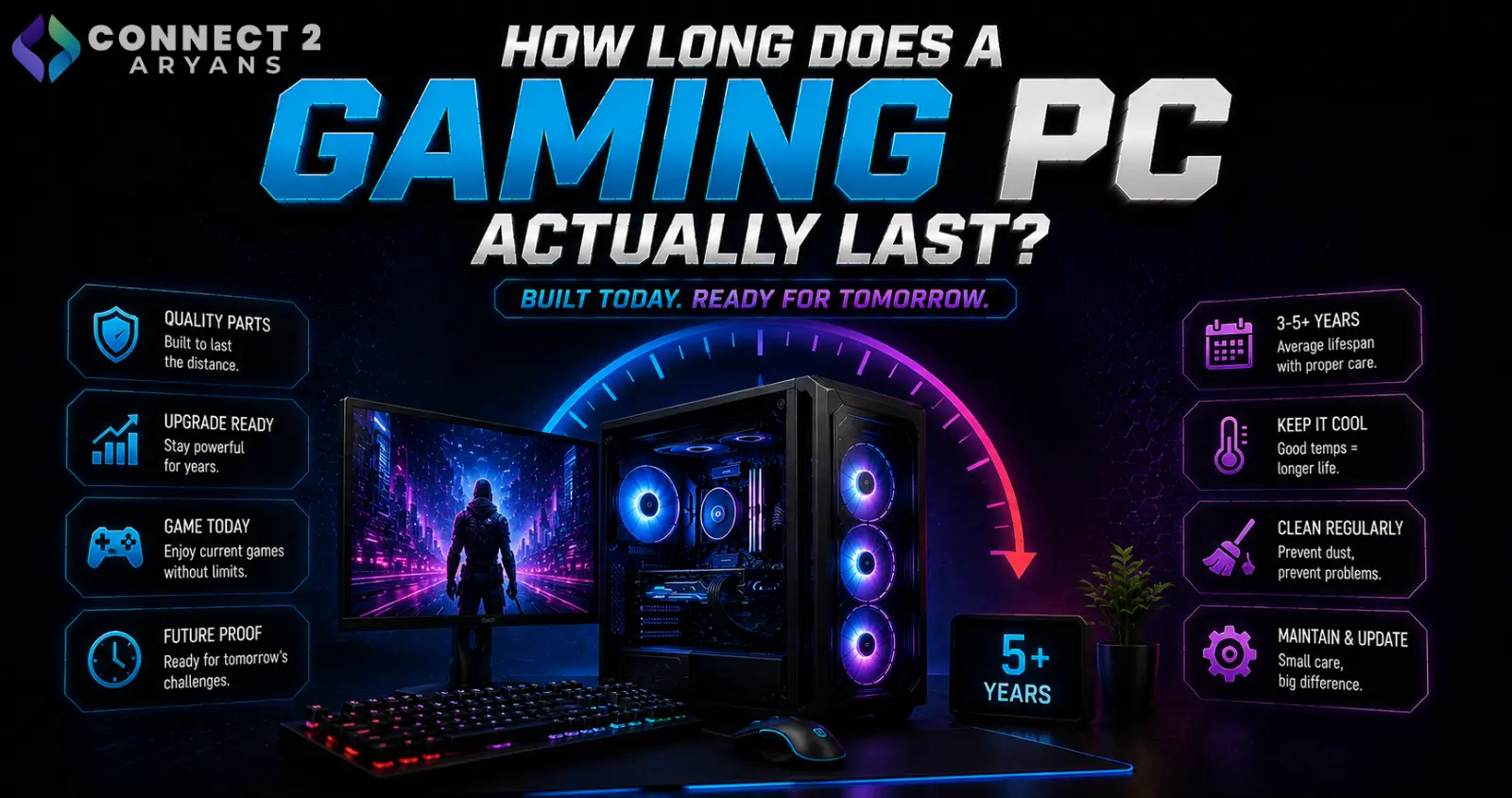
"How long will my gaming PC last" doesn't have one single answer, because different components age at very different rates — and "last" means something different depending on whether you're asking about physical failure or staying capable of running current games well. Here's a realistic, component-by-component breakdown.
GPU: 3–5 Years of Strong Relevance, Longer for Physical Life
- Physically, a well-maintained GPU can run for many years without failing
- For genuinely staying competitive with current game requirements at good settings, expect roughly 3-5 years before you start needing to lower settings meaningfully on new releases, depending on the tier you originally bought
- Buying a higher tier initially (rather than the bare minimum for today's games) generally extends this practical relevance window
- When it's time: if you're consistently dropping settings on new titles and still not hitting acceptable frame rates, browse our Graphics Card range from NVIDIA, AMD, and Intel — check 12 GB VRAM or higher for better longevity against rising game requirements
CPU: 4–6 Years of Strong Relevance
- CPUs tend to age a bit more gracefully than GPUs for gaming specifically, since game engines have historically leaned harder on GPU power than raw CPU performance — though this varies by game
- A mid-to-high tier CPU bought today should comfortably handle several years of new releases without becoming the primary bottleneck
- When it's time: if CPU usage monitoring shows you're consistently CPU-bound despite a capable GPU, browse our Processors range for Ryzen Processor or Intel Processor options — though note this often means a motherboard and RAM upgrade too, depending on platform age
RAM: Long Physical Lifespan, But Capacity Needs Grow Over Time
- RAM itself rarely fails from normal use and can physically last the lifetime of a build
- The real "aging" factor is capacity — what felt like plenty of RAM a few years ago can feel tight as games and software grow more memory-hungry over time
- When it's time: if you're consistently running near capacity during normal use, browse our Memory RAM range, confirming DDR4 or DDR5 compatibility with your motherboard first
Storage: SSDs Generally Outlast Most Other Components
- Modern SSDs, especially NVMe drives, have solid endurance ratings and typically outlast the rest of a build's useful life under normal consumer use
- The more common "storage aging" issue isn't failure — it's simply running out of space as modern games grow larger, or wanting faster speeds than an older drive offers
- When it's time: if you're constantly managing storage space or want faster load times, browse our NVMe SSDs range for additional or replacement storage
PSU: 7–10 Years of Physical Life, But Check Periodically
- A quality PSU from a reputable brand can reliably last many years, often outlasting several GPU/CPU upgrade cycles within the same build
- However, PSUs do degrade gradually, and it's worth checking for warning signs especially past the 5-7 year mark, or immediately if you're planning a significant GPU upgrade that increases power draw
- When it's time: browse our Power Supply range from Lian Li or Silver Stone if your current unit is aging and you're planning a meaningful upgrade, sizing generously above your new build's actual draw
Case, Cooling, and Peripherals: Effectively Indefinite (With Maintenance)
- A PC case has no realistic lifespan limit under normal conditions — it's purely a matter of whether it still fits your current components (GPU length, radiator size)
- CPU coolers and case fans can wear out over years, particularly fan bearings, but are inexpensive to replace individually rather than needing a full system rebuild — browse our CPU Coolers and Cooling Fans ranges if yours are showing wear
- Keyboards, mice, and monitors generally last many years with normal use, limited more by feature obsolescence than actual failure
What Actually Shortens Component Lifespan
- Dust and poor cooling — sustained high temperatures accelerate wear on virtually every component, especially GPUs, CPUs, and PSUs
- Cheap, low-quality components — budget PSUs and coolers, in particular, tend to fail or degrade faster than reputable-brand equivalents
- Constant maximum load without adequate cooling — mining, heavy rendering, or extended gaming sessions on inadequate cooling accelerate wear compared to normal, well-cooled use
How to Extend Your PC's Lifespan
- Clean dust regularly (every few months, more often in dusty environments)
- Ensure adequate case airflow and don't let temperatures run consistently high under normal use
- Buy reputable-brand PSUs and coolers rather than the cheapest available options, since these components protect the rest of your build
- Avoid unnecessary aggressive overclocking that pushes components harder than needed for real-world performance gains
Quick Reference: Realistic Lifespan by Component
| Component | Physical Lifespan | Practical Relevance |
|---|---|---|
| GPU | Many years | 3-5 years for current games at good settings |
| CPU | Many years | 4-6 years before becoming a bottleneck |
| RAM | Very long | Capacity needs grow; physical failure rare |
| SSD/NVMe | Very long | Rarely the limiting factor |
| PSU | 7-10 years | Check periodically, especially past 5-7 years |
| Case/Cooling | Effectively indefinite | Limited by physical fit and fan wear |
Final Thoughts
A gaming PC's components age at very different rates — GPUs and CPUs are the ones you'll realistically upgrade for performance reasons every few years, while RAM, storage, PSU, and case often outlast several of those upgrade cycles with basic maintenance. Regular cleaning and buying reputable-brand components for the parts that protect the rest of your build (PSU, cooling) genuinely extends how long everything else lasts too.
Browse our full range of Graphics Card, Processors, Memory RAM, Power Supply, and CPU Coolers on Connect2Aryans, whenever it's time for your next upgrade, with warranty support included.

