
Choosing the Right Wi-Fi Adapter
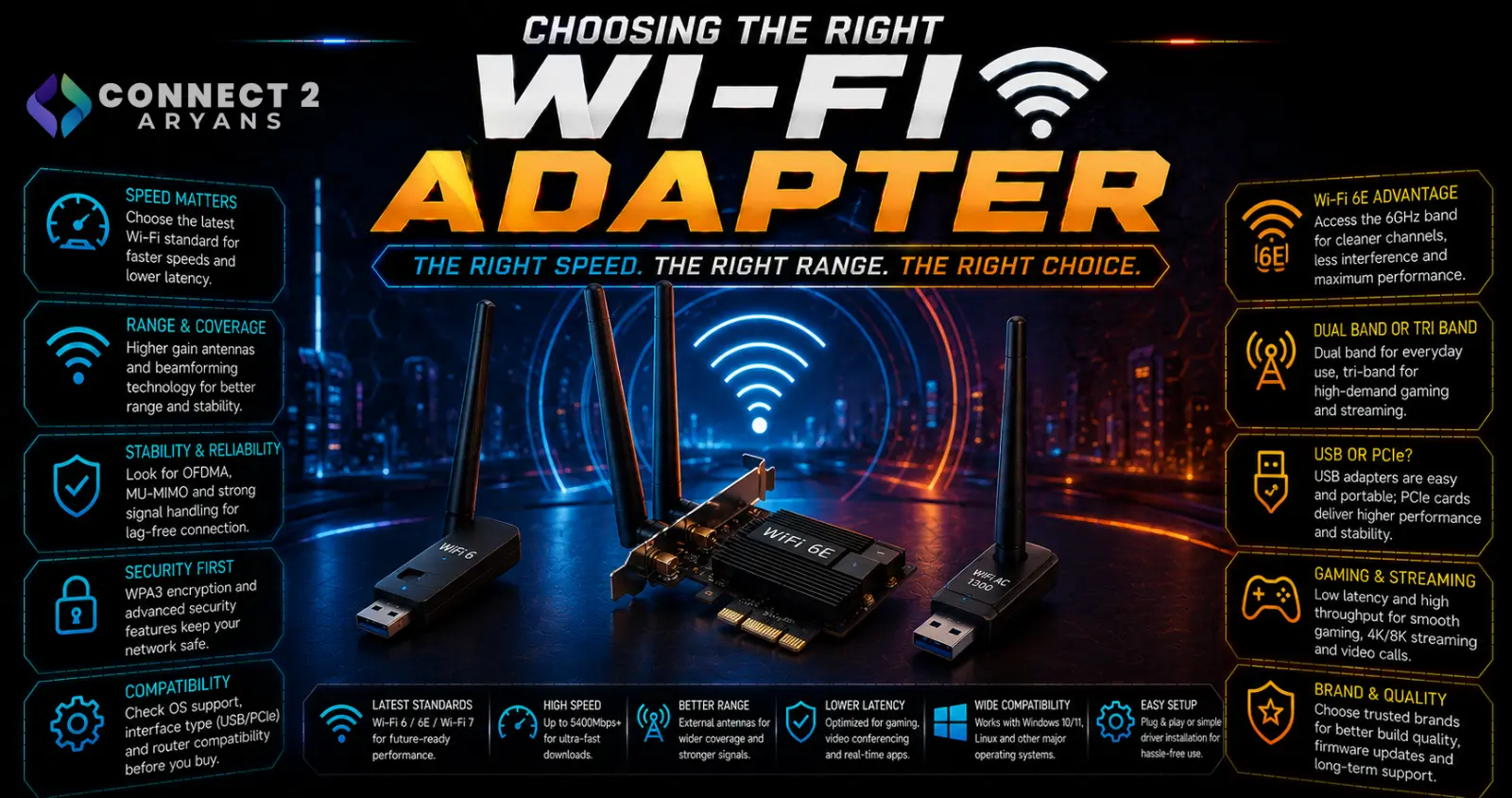
A Wi-Fi adapter is only as good as the weakest link in your connection — buying a top-tier adapter won't help if your router doesn't support the same standard, and a budget adapter can genuinely bottleneck a fast internet connection. Here's how to choose the right Wi-Fi Adapters for your actual setup.
Step 1: USB Adapter or PCIe Card?
- USB Wi-Fi adapters — plug directly into a USB port, easy to install with no case opening required, portable between systems, generally sufficient for most everyday use
- PCIe Wi-Fi cards — install directly into a motherboard slot, generally offering more stable connections and often better sustained performance, especially useful for desktop builds where a permanent internal solution makes sense
Rule of thumb: USB adapters are the simpler, more flexible choice, especially if you might move the adapter between devices. PCIe cards are worth it for a permanent desktop setup where you want the most stable, consistent connection.
Step 2: Match Wi-Fi Standard to Your Router
- Wi-Fi 5 (802.11ac) — older standard, still functional, fine for basic browsing and general use
- Wi-Fi 6 (802.11ax) — current mainstream standard, offering better speed and performance in congested environments (multiple devices connected simultaneously)
- Wi-Fi 6E — adds access to the 6GHz band, offering less interference and more available channels, but only useful if your router also supports 6E
- Wi-Fi 7 — the newest standard, offering higher theoretical speeds and lower latency, but only beneficial if paired with a Wi-Fi 7 router
Important: an adapter's Wi-Fi standard only matters up to what your router actually supports — buying a Wi-Fi 7 adapter with a Wi-Fi 5 router won't give you Wi-Fi 7 speeds. Check your router's specs before choosing an adapter tier.
Step 3: Band Support — 2.4GHz vs 5GHz vs 6GHz
- 2.4GHz — longer range, better at penetrating walls, but more prone to interference and generally slower
- 5GHz — faster speeds, less interference, but shorter effective range through walls
- 6GHz (Wi-Fi 6E/7 only) — the least congested band with the most available channels, but requires both router and adapter support, and has the shortest effective range
Most current adapters support both 2.4GHz and 5GHz (dual-band), which covers the large majority of use cases well.
Step 4: Antenna Design and Range
- Internal/built-in antennas — more compact, convenient, generally sufficient for typical desk-to-router distances in the same room or nearby rooms
- External antennas — often removable and adjustable, generally offering better range and signal stability, especially useful if your PC is positioned further from your router
If your PC is in a location with a weaker signal (far from the router, through multiple walls), an adapter with external antennas is worth prioritizing over a compact internal-antenna model.
Step 5: Speed Ratings — Don't Chase the Headline Number Alone
- Advertised speed ratings (like "AX3000") represent combined theoretical maximum across bands, not real-world single-device speeds
- Real-world speeds depend on your router, distance, interference, and your actual internet connection speed — a fast adapter can't exceed what your ISP provides
- Match the adapter's tier to your router's capabilities and your actual internet speed, rather than chasing the highest advertised number in isolation
Step 6: Driver Compatibility
- Confirm stable driver support for your specific operating system version, since this is a more common real-world issue than raw hardware capability
- Adapters with straightforward, well-supported drivers (or plug-and-play support) reduce setup headaches, especially on Windows
Popular Wi-Fi Adapter Brands
- TP-Link
- ASUS
- Netgear
- UGREEN
Common Mistakes to Avoid
- Buying a Wi-Fi 7 adapter with an older router, missing out on any of the actual performance benefit
- Choosing a compact internal-antenna adapter for a PC positioned far from the router, then getting weak signal
- Chasing headline speed numbers without checking real-world compatibility with your actual router and internet plan
- Ignoring driver support and running into connectivity issues after installation
Final Thoughts
The right Wi-Fi adapter comes down to matching its standard and band support to what your router actually offers, choosing USB or PCIe based on how permanent your setup is, and picking antenna design based on your actual distance from the router. A higher-tier adapter than your router supports won't give you extra performance — check your router's capabilities first.
Browse our full range of Wi-Fi Adapters from TP-Link, ASUS, Netgear, and UGREEN on Connect2Aryans, with warranty support included.

