
Choosing the Right Ryzen Processor
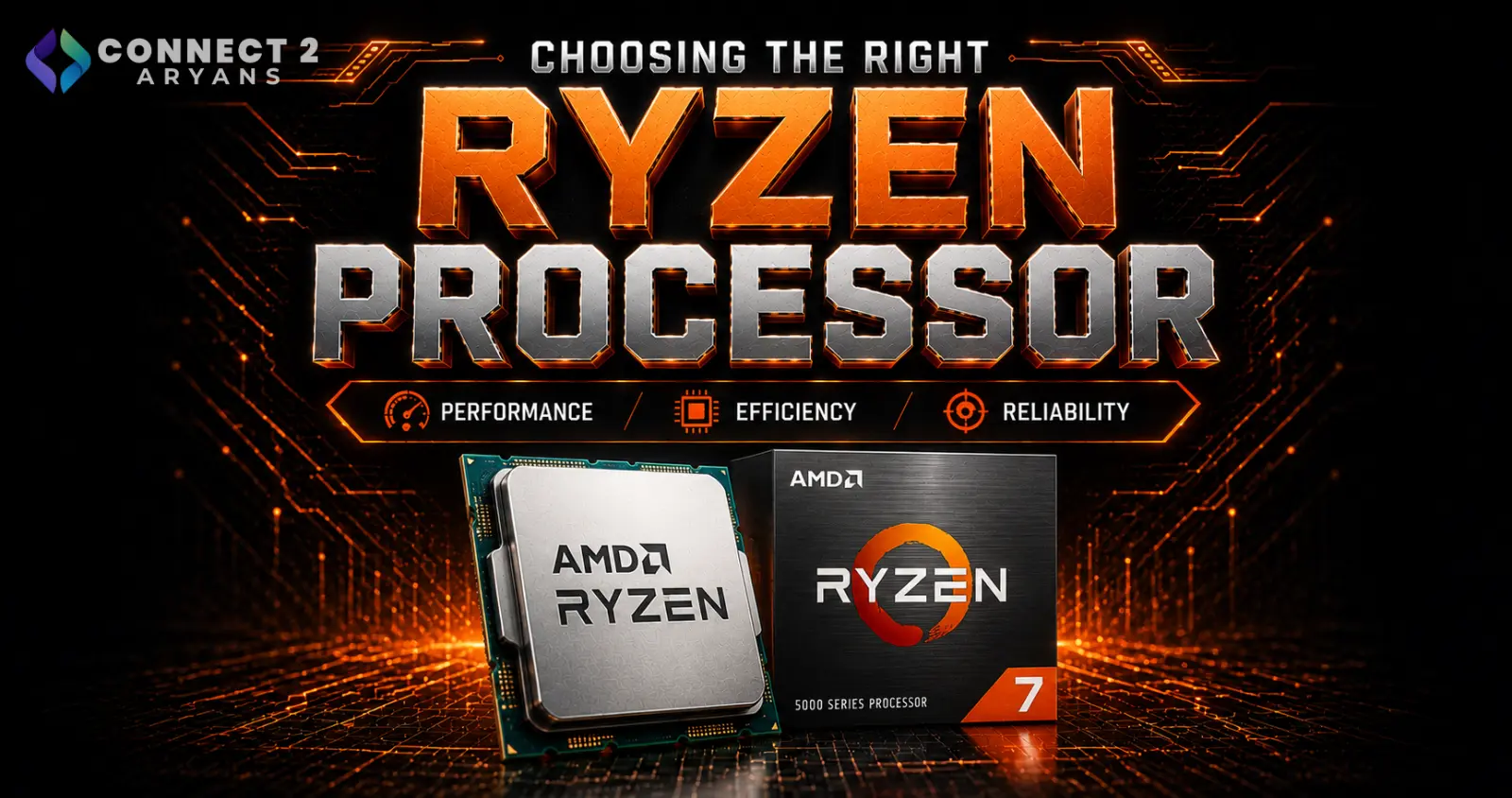
AMD's Ryzen lineup covers everything from budget office builds to flagship gaming and workstation chips — which is great for choice, but confusing if you're not sure what separates a Ryzen 5 from a Ryzen 7, or what "X3D" actually means for your use case. Here's a clear breakdown to help you pick the right one.
Understanding Ryzen Naming
AMD's naming follows a fairly consistent pattern once you know what to look for:
- Ryzen 3 / 5 / 7 / 9 — the tier, roughly indicating performance level (3 = entry, 9 = flagship)
- Generation number — the first digit(s) after the tier (e.g., Ryzen 5 5600 is a 5000-series chip)
- Suffix letters — "X" usually means higher clock speeds out of the box; "G" means integrated graphics included; "X3D" means AMD's 3D V-Cache technology, built specifically to boost gaming performance
Knowing this makes comparing chips across generations far easier than just going by price alone.
Ryzen 3: Entry-Level
Built for everyday computing rather than gaming or heavy multitasking.
- Example: AMD Ryzen 5 2600
- Ideal for: Office PCs, browsing, media playback, light multitasking
- Pairs well with: 8GB DDR4 RAM, integrated or entry-level graphics
Ryzen 5: The Everyday Sweet Spot
The most popular tier for a reason — strong all-round performance for gaming and general use without flagship pricing.
- Example: AMD Ryzen 5 5600
- Ideal for: 1080p/1440p gaming, general productivity, students, small business PCs
- Pairs well with: A GPU with 08 GB VRAM to 12 GB VRAM
- 16 GB DDR4
Ryzen 7: Stepping Up for Gaming and Creation
More cores and higher sustained performance, suited to gamers who also stream or edit, and creators who need more headroom.
- Example: AMD Ryzen 7 7800X3D
- Ideal for: High-refresh gaming, gaming + streaming setups, video editing, moderate 3D work
- Pairs well with: 16 GB DDR5 RAM, a GPU with 12 GB VRAM or higher, and Liquid Cooling 240mm for sustained loads
The X3D variants in this tier, like the 7800X3D, are specifically built with extra cache to boost gaming frame rates — worth prioritizing if gaming performance is your main goal over multitasking.
Ryzen 9: Flagship Performance
AMD's top consumer tier, aimed at users who need serious core counts for professional workloads alongside strong gaming performance.
- Example: AMD Ryzen 9 7950X
- Ideal for: 3D rendering, heavy multitasking, professional workstation use, enthusiast-level gaming builds
- Pairs well with: DDR5 RAM (32GB+), a high-VRAM GPU, and Liquid Cooling 360mm to handle sustained heavy loads
If your workload leans toward CAD, rendering, or professional software rather than gaming, our workstation PC guide is worth reading alongside this.
Should You Choose a Regular Chip or an X3D Chip?
- Choose X3D if gaming performance is your top priority — the extra cache gives a meaningful frame-rate boost in most titles
- Choose a regular (non-X3D) chip if your workload is more balanced between gaming, productivity, and multitasking, since regular chips often clock higher for non-gaming tasks
Neither is objectively "better" — it depends entirely on whether gaming FPS or general multitasking performance matters more to you.
Common Mistakes to Avoid
- Assuming a higher Ryzen number always means "better for your use case" — a Ryzen 9 is wasted on someone doing only office work
- Ignoring platform compatibility (AM4 vs AM5) when picking a Ryzen generation
- Pairing a flagship Ryzen chip with a weak GPU or insufficient RAM, wasting its potential
- Overlooking cooling needs on higher-tier chips, especially non-X3D models that run hotter under sustained load
Final Thoughts
The right Ryzen processor comes down to matching the tier — and whether you need an X3D variant — to what you actually do most: gaming, everyday use, or professional workloads. Once you understand the naming pattern, comparing options across generations becomes much simpler.
Browse our full range of AMD Ryzen processors on Connect2Aryans — from entry-level to flagship performance, with warranty support included.

