
Choosing the Right Webcam
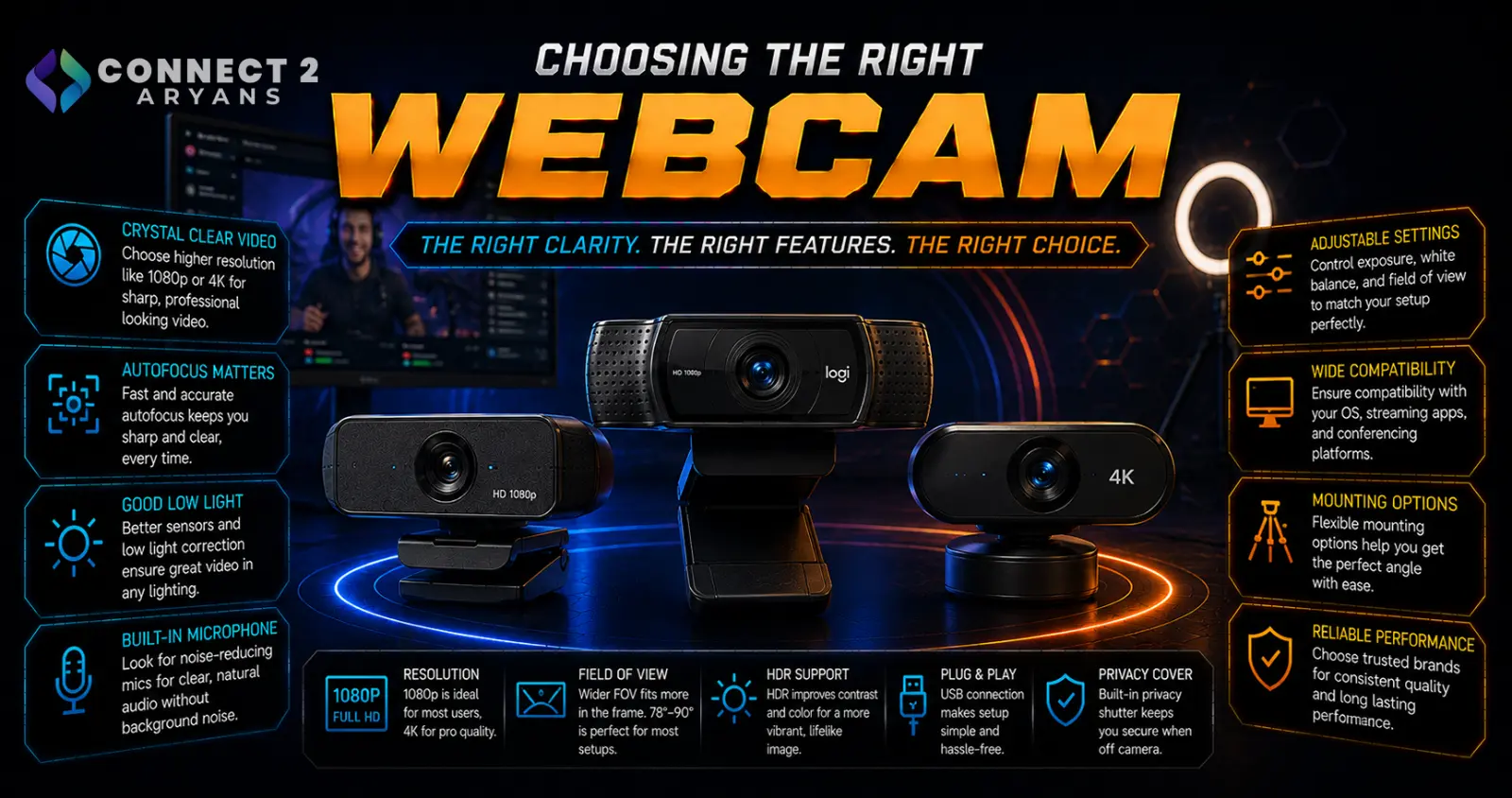
A built-in laptop camera is fine for occasional calls, but the moment you're on camera regularly — streaming, client calls, content creation — a dedicated webcam makes a genuinely noticeable difference. Resolution gets most of the marketing attention, but it's far from the only spec that matters. Here's how to choose the right Webcams for your setup.
Step 1: Resolution — 1080p or 4K?
- 1080p — the practical sweet spot for most calls, streaming, and content creation; sharp enough for the vast majority of use cases
- 4K — offers more detail and more room to crop/zoom digitally while maintaining quality, useful for content creators who want flexibility in post-production, but less necessary for everyday calls
Rule of thumb: unless you specifically need cropping flexibility for content creation, a good-quality 1080p webcam often looks better in practice than a mediocre 4K one, since sensor quality matters more than raw resolution.
Step 2: Frame Rate
- 30fps — standard and sufficient for most calls and general streaming
- 60fps — noticeably smoother motion, worth prioritizing if you move around a lot on camera or want a more polished, professional-looking stream
For static, mostly-still video calls, 30fps is genuinely enough — 60fps matters more for streaming and dynamic content.
Step 3: Low-Light Performance
This is where webcam quality varies the most in practice, and where budget cameras usually fall short:
- A webcam with a larger sensor and wider aperture generally performs better in dim rooms without needing extra lighting
- Cheaper webcams tend to produce grainy, noisy footage in anything less than bright, well-lit conditions
- If you don't have strong desk lighting, prioritize low-light performance over chasing the highest resolution number
Step 4: Field of View (FOV)
- Narrower FOV — better for solo use at a fixed desk position, less background visible
- Wider FOV — useful if you move around, want more background visible, or are recording more than one person in frame
- Some webcams offer adjustable FOV, letting you switch depending on the situation
Step 5: Autofocus and Exposure
- Reliable autofocus keeps you sharp even if you shift position slightly during a call or stream — worth checking reviews for autofocus consistency, since quality varies between models
- Good auto-exposure adjustment handles changing light conditions (like someone turning on a lamp) smoothly, without a jarring, obvious adjustment
Step 6: Privacy Shutter and Build Quality
- A built-in physical privacy shutter is a simple, reliable way to block the camera when not in use, without relying on software settings
- Check mounting compatibility with your monitor or desk setup — most webcams clip onto a monitor, but ultra-wide or curved monitors sometimes need a separate stand
Step 7: Built-In Microphone (If You Won't Use a Separate Mic)
- Many webcams include a built-in mic, which is a reasonable option for casual calls but generally not as clear as a dedicated microphone
- If voice quality matters for your use case (streaming, professional calls), prioritize the webcam for video and use a separate microphone for audio
Popular Webcam Brands
Common Mistakes to Avoid
- Chasing 4K resolution over sensor quality, ending up with sharp but poorly-lit, noisy footage
- Ignoring low-light performance and being disappointed by grainy video in a dimly lit room
- Relying on a webcam's built-in mic for serious streaming instead of a separate microphone
- Not checking mount compatibility with an ultra-wide or curved monitor before buying
Final Thoughts
The right webcam comes down to sensor quality and low-light performance more than raw resolution, matched with a frame rate that fits how much you move on camera. A well-reviewed 1080p webcam with good low-light handling will often outperform a cheap 4K model in real-world use — check sensor quality and reviews, not just the resolution spec.
Browse our full range of Webcams from A4Tech, Asus and EMEET on Connect2Aryans, with warranty support included.

