
Choosing the Right Smartwatch
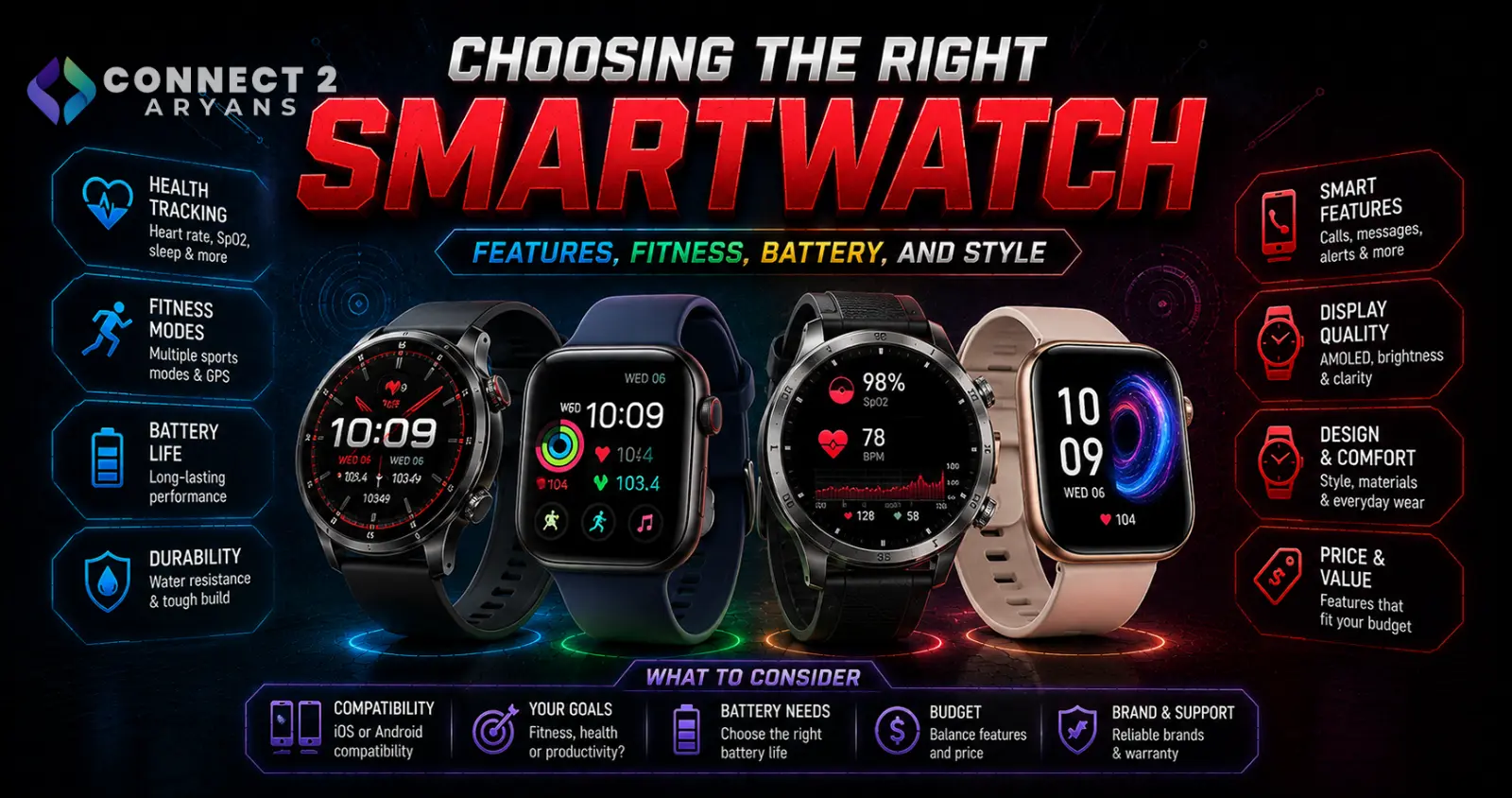
Your phone's operating system decides more of your smartwatch options than most buyers expect — some smartwatches only work fully with iPhone, others only with Android, and this single factor eliminates a large chunk of the market before you even look at features. Here's how to choose the right Smartwatches for your needs.
Step 1: Check Phone Compatibility First
- Apple Watch — requires an iPhone; doesn't work (or works with severely limited functionality) with Android phones
- Wear OS watches — generally work best with Android phones, with more limited functionality on iPhone
- Proprietary OS watches (many fitness-focused brands) — often work across both iOS and Android, though sometimes with slightly different feature sets depending on the phone platform
Confirm full compatibility with your specific phone before anything else — this single check eliminates entire categories of otherwise appealing watches.
Step 2: Define Your Primary Use Case
- Fitness/health tracking-focused — prioritize sensor accuracy, battery life, and dedicated sport tracking modes over smartphone app integration
- Everyday smartwatch/notifications-focused — prioritize display quality, app ecosystem, and smooth notification handling
- Health monitoring-focused — prioritize specific sensors (ECG, blood oxygen, sleep tracking) and check whether the watch's health features are provided directly or require a compatible phone app
Step 3: Health and Fitness Sensors
- Heart rate monitoring — standard on virtually all current smartwatches, though sensor accuracy varies between models
- SpO2 (blood oxygen) — useful for sleep and general health monitoring, increasingly common but not universal
- ECG (electrocardiogram) — a more advanced health feature found on premium models, useful for specific heart rhythm monitoring, though not a substitute for medical-grade equipment
- Built-in GPS — important for accurate outdoor activity tracking (running, cycling) without needing your phone nearby; watches relying on connected GPS (via phone) require your phone to be present for accurate location tracking
Step 4: Display Type
- AMOLED displays — offer vibrant colors and deep blacks, generally the preferred display type for smartwatches, though can consume more battery than simpler display types
- Always-on display — keeps the watch face visible without needing to raise your wrist, convenient but reduces battery life compared to a display that only activates on wrist movement
- Transflective/lower-power displays — common on fitness-focused and outdoor watches prioritizing extended battery life over rich display quality
Step 5: Battery Life
- Smartwatch battery life varies enormously — some models need daily charging, others last a week or more, generally trading off against display brightness/type and feature set
- If you use sleep tracking, factor in charging routine, since a watch needing nightly charging can't simultaneously track your sleep unless you adjust your charging schedule
- Fitness-focused watches with simpler displays often offer significantly longer battery life than feature-rich smartwatches with vibrant always-on AMOLED displays
Step 6: Connectivity — Bluetooth Only or Cellular?
- Bluetooth-only — requires your phone nearby for calls, messages, and app-based features, the more common and affordable option
- Cellular-capable — allows the watch to make calls and stay connected independently of your phone, useful for workouts or situations where you don't want to carry your phone, at a higher price point and often requiring a separate data plan
Step 7: Durability and Water Resistance
- Check the specific water resistance rating if you plan to swim or track water-based activities — not all "water resistant" smartwatches are rated for actual swimming
- Look for durability certifications if the watch will see rugged use (outdoor activities, work environments)
Step 8: Strap Compatibility
- Standard strap sizes/connectors allow swapping bands for different occasions or activities — check whether the watch uses a proprietary strap system or standard sizing compatible with third-party bands
- This matters more if you want to personalize the watch's look or need different strap materials for different activities (sport bands for workouts, leather for formal wear)
Popular Smartwatch Brands
Common Mistakes to Avoid
- Buying an Apple Watch with an Android phone (or vice versa with Wear OS), missing significant functionality
- Choosing a feature-rich AMOLED smartwatch expecting week-long battery life, when that display type typically requires more frequent charging
- Assuming connected GPS is as accurate as built-in GPS for outdoor activity tracking without your phone present
- Overlooking actual water resistance ratings before swimming or water-based activity tracking
Final Thoughts
The right smartwatch starts with phone compatibility — that alone narrows your realistic options significantly. From there, match sensors, display type, and battery life to your primary use case: fitness tracking rewards long battery life and accurate sensors, while everyday smartwatch use rewards a vibrant display and smooth notification handling.
Browse our full range of Smartwatches from Xiaomi on Connect2Aryans, with warranty support included.

