
Choosing the Right RAM for Your PC
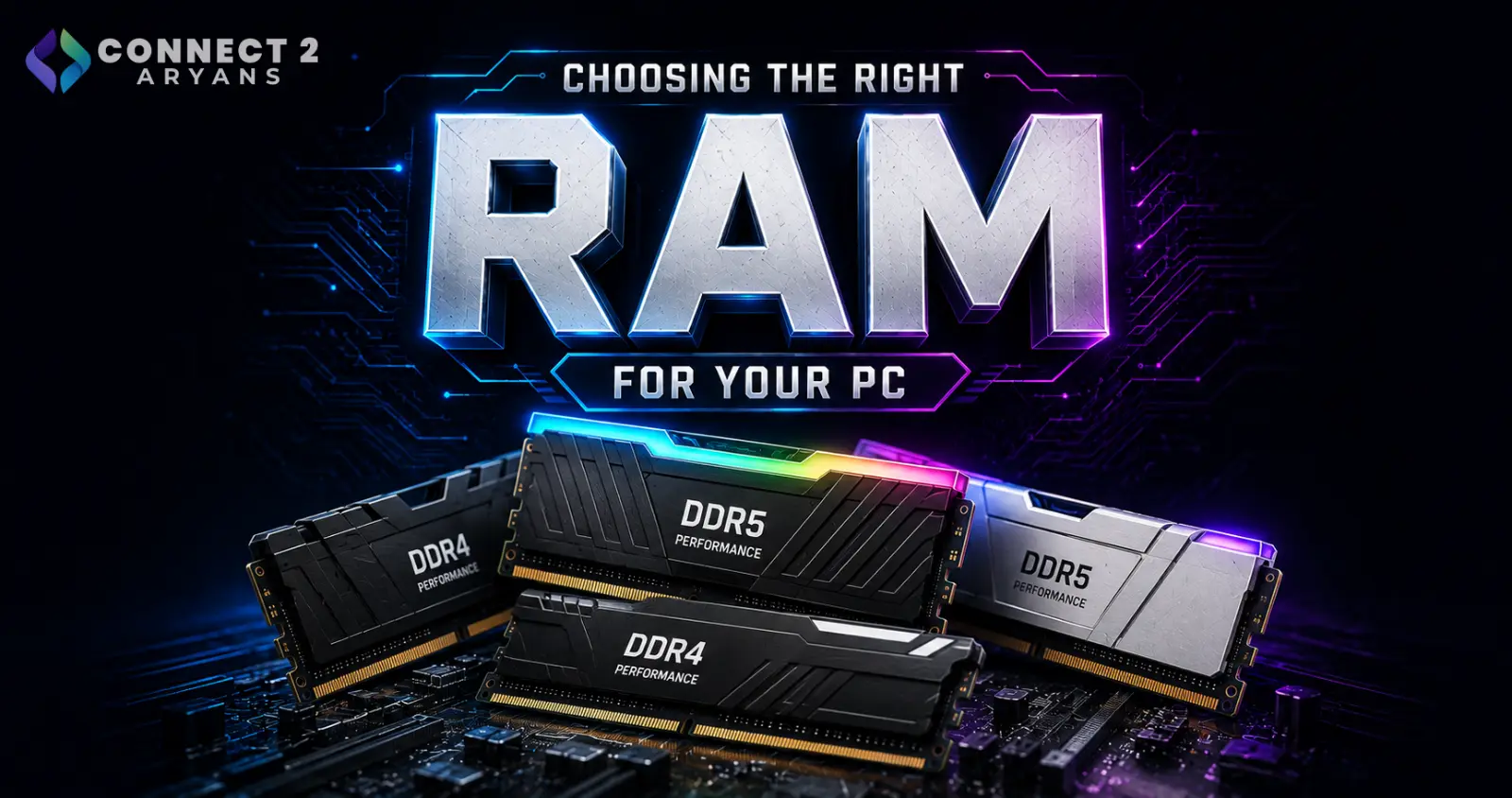
RAM is one of the easiest components to either overpay for or underspec, mostly because "how much do I actually need" isn't as obvious as it sounds. Buy too little, and your PC stutters under multitasking no matter how good your CPU or GPU is. Buy too much, and you've spent money on capacity that sits unused. Here's how to get it right.
Step 1: Confirm Your Platform — DDR4 or DDR5
This isn't a choice made independently of your CPU and motherboard — it's dictated by them.
- DDR4 — used by older and current budget/mid-range platforms, still widely available and cheaper
- DDR5 — used by current-gen high-performance platforms, offering higher bandwidth and better performance for demanding multitasking and content creation
Check your motherboard's supported memory type before buying — DDR4 and DDR5 modules are not interchangeable, and a board only supports one or the other.
Step 2: How Much RAM Do You Actually Need?
This is the question that matters most, and the honest answer depends entirely on your use case:
- 8GB — only enough for very basic browsing and office tasks; feels tight even for everyday multitasking in 2026
- 16GB — the practical minimum for most users today: gaming, general productivity, and light multitasking
- 32GB — the comfortable sweet spot for gaming with background apps running, moderate content creation, and streaming setups
- 64GB — worth considering for heavy video editing, 3D rendering, large virtualization setups, or professional workstation use
- 128GB+ — only necessary for large-scale professional workloads, big datasets, or enterprise-level tasks
Rule of thumb: most buyers should land on 16GB or 32GB. Going beyond 32GB only makes sense if you can point to a specific, RAM-heavy task you actually do regularly.
Step 3: Understand RAM Speed (MHz)
RAM speed affects performance, but the gains are workload-dependent:
- Faster RAM (higher MHz) gives a noticeable boost in gaming and tasks with heavy memory bandwidth needs, especially on DDR5 platforms
- For general productivity and office use, RAM speed matters far less than capacity
- Always check your CPU and motherboard's supported/recommended speed — buying RAM faster than what's officially supported doesn't guarantee it'll run at that speed without manual tuning
Step 4: Single Stick vs Dual-Channel Kits
- Dual-channel kits (2 sticks) — noticeably better performance than a single stick of the same total capacity, since it doubles the memory bandwidth
- Single stick — simpler, but leaves performance on the table and less room to add capacity later without mismatched kits
Recommendation: always buy RAM in a matched dual-channel kit (e.g., 2x8GB instead of 1x16GB) unless you have a specific reason not to.
Step 5: Leave Room for Upgrades
If your motherboard has 4 RAM slots, consider whether to fill 2 now and leave 2 free, or go with a kit that uses all slots:
- Filling only 2 of 4 slots now leaves room to add more RAM later without replacing your existing kit
- Filling all 4 slots now maximizes current capacity but means a future upgrade requires replacing everything for the best compatibility and speed
Popular RAM Brands
Common Mistakes to Avoid
- Buying DDR4 RAM for a DDR5 board, or vice versa — they are not compatible
- Buying a single large stick instead of a dual-channel kit, leaving performance on the table
- Overspending on 64GB+ RAM without an actual workload that needs it
- Buying RAM rated faster than your motherboard/CPU officially supports, expecting automatic performance gains
- Underspeccing at 8GB in 2026, where even light multitasking can feel sluggish
Final Thoughts
The right RAM comes down to matching platform (DDR4 vs DDR5), realistic capacity for your actual workload, and buying in a proper dual-channel kit — not chasing the highest number or fastest speed rating available. For most buyers, 16GB or 32GB in a dual-channel kit is the sweet spot.
Browse our full range of ADATA, TEAMGROUP, TRANSCEND and XPG RAM kits on Connect2Aryans, across DDR4 and DDR5 platforms, with warranty support included.

