
Choosing the Right PC Case
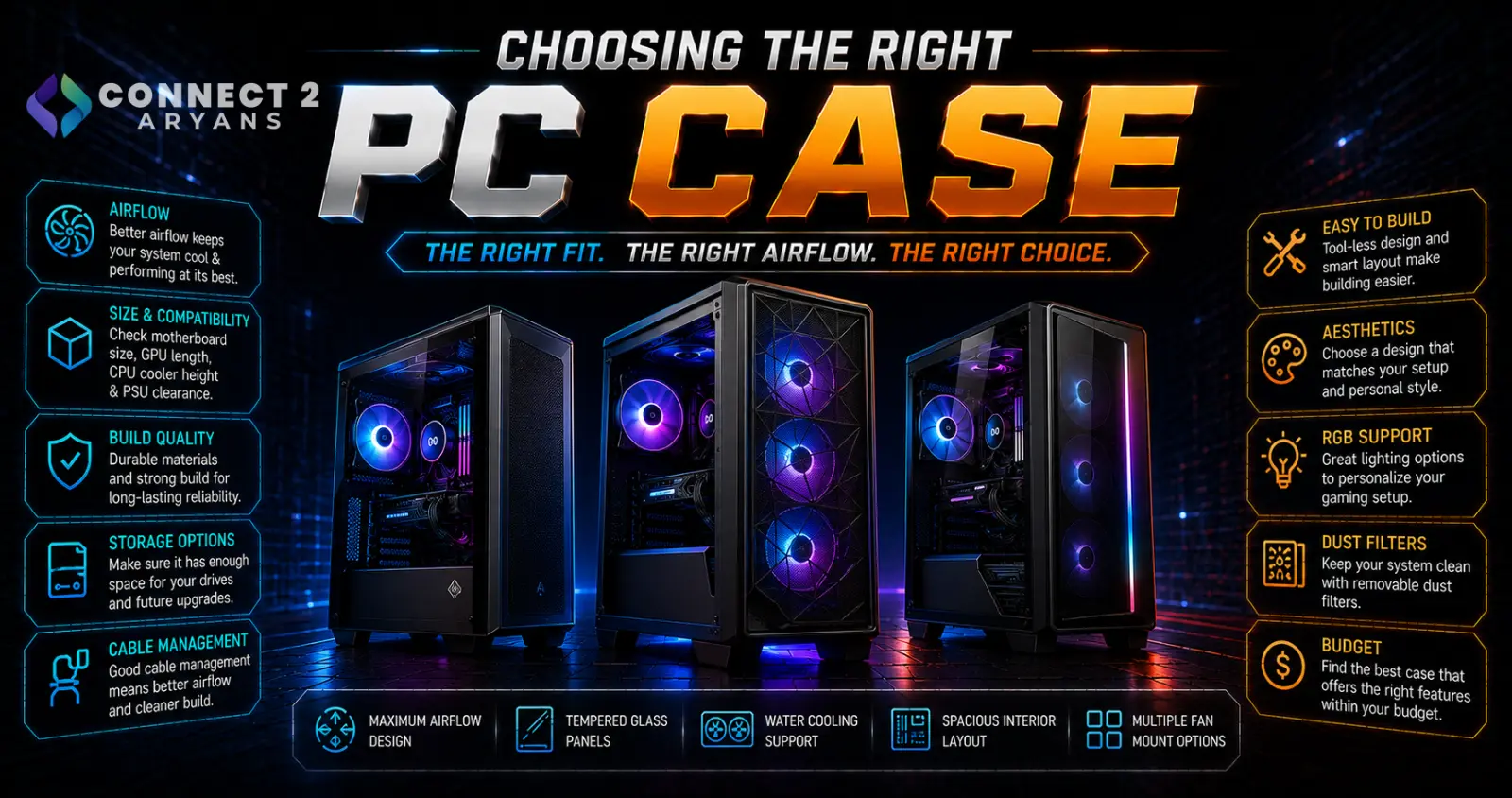
A PC case isn't just an enclosure — it decides what motherboard size, GPU length, and cooling setup you can actually fit, and how well your components stay cool under load. Getting the case wrong can force compromises on every other component you've already chosen. Here's how to choose the right PC Cases for your build.
Step 1: Match Case Size to Your Motherboard
- Full Tower — the most space, supporting full ATX motherboards, multiple drives, and extensive cooling, best for high-performance or expansion-heavy builds
- Mid Tower — the most common and versatile size, supporting ATX and mATX motherboards comfortably, a solid default for most builds
- Mini Tower / Micro-ATX case — smaller footprint, supports mATX motherboards, a reasonable compromise between size and component compatibility
- Mini-ITX case — the most compact option, built specifically around Mini-ITX motherboards, prioritizing small form factor over expansion room
Check your chosen motherboard's size before selecting a case — a case rated for ATX will fit smaller boards too, but the reverse isn't true.
Step 2: GPU Clearance
- Check the case's maximum supported GPU length against your specific graphics card's actual length, especially for larger, higher-end GPUs with bulky triple-fan coolers
- Some compact cases advertise GPU support but only with specific narrower models — check real clearance measurements rather than assuming any GPU fits
- If you're planning a future GPU upgrade, leave some buffer room rather than buying a case that just barely fits your current card
Step 3: Radiator and Cooling Support
If you're using or planning to use liquid cooling:
- Check the case's supported radiator sizes at each mounting position (front, top) against your cooler — Liquid Cooling 240mm and Liquid Cooling 360mm radiators need meaningfully more case space than a Liquid Cooling 120mm unit
- Confirm there's no clearance conflict between a top-mounted radiator and your RAM's height, or between a front-mounted radiator and front panel cabling
- For air cooling, check maximum supported cooler height, since large air coolers can be taller than some cases can accommodate
Step 4: Airflow Design
- Mesh front panel — prioritizes airflow, generally resulting in better overall cooling performance for the same fan setup compared to a more restrictive front panel
- Tempered glass front panel — prioritizes aesthetics and showing off internal components, but restricts airflow more than mesh, which can matter for higher-performance builds running hot under load
- Many current cases offer both a "airflow" and a "tempered glass" variant of the same case design — choose based on whether cooling performance or aesthetics matters more to you
Step 5: Cable Management
- Cases with dedicated cable routing channels and enough space behind the motherboard tray make for a cleaner build and better front-to-back airflow
- PSU shrouds (covers hiding the power supply and excess cabling) improve both looks and airflow by keeping cable clutter out of the main airflow path
- If you plan to build and rebuild often, better cable management space genuinely saves time and frustration during assembly
Step 6: Dust Filters
- Removable, washable dust filters at intake points (front, bottom, top) reduce dust buildup inside the case over time, cutting down on maintenance cleaning
- This matters more in dustier environments or homes without central air filtration — worth checking for on any case you plan to keep long-term
Step 7: Front Panel Connectivity
- Check for USB-C front panel support if you use USB-C peripherals or devices regularly — not all cases include this, especially older or budget models
- Confirm your motherboard has a matching internal USB-C header if you want to use a case's front-panel USB-C port, since this isn't universal across all motherboards
Popular PC Case Brands
Common Mistakes to Avoid
- Buying a case without checking actual GPU length clearance against your specific graphics card
- Choosing a case that supports a smaller radiator than your planned liquid cooler needs
- Prioritizing a tempered glass aesthetic over airflow for a high-performance build that runs hot under load
- Assuming front-panel USB-C support without checking your motherboard has the matching internal header
Final Thoughts
The right PC case comes down to confirming motherboard size, GPU clearance, and radiator support before anything else — these three checks determine what will actually fit in your build. Once compatibility is confirmed, choose airflow design and features based on your priorities: pure cooling performance, aesthetics, or a balance of both.
Browse our full range of [[C: PC Cases]] from 1st Player, Astro, Asus, Bloody and Cooler Master on Connect2Aryans, with warranty support included.

