
Choosing the Right Microphone
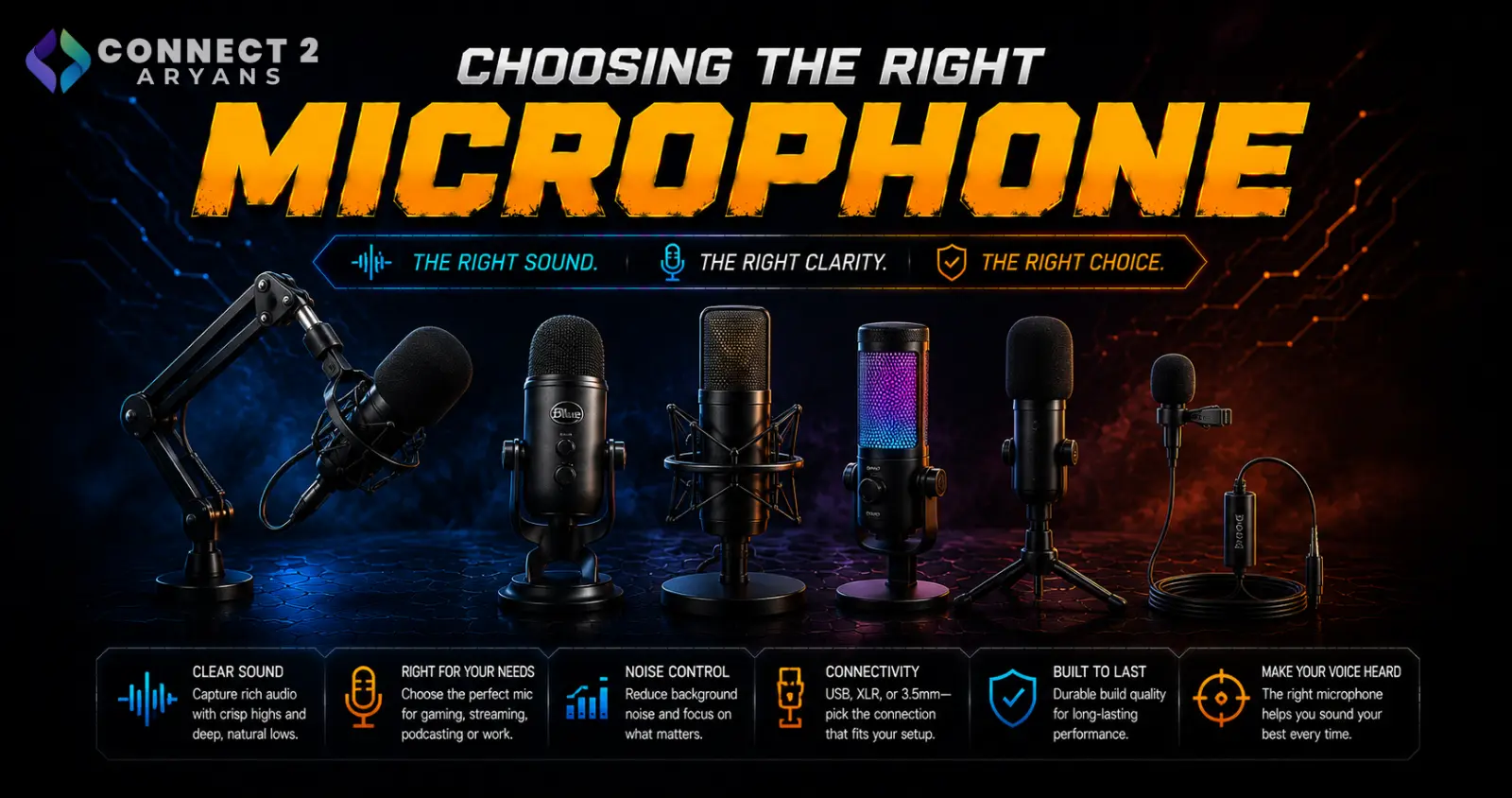
A built-in laptop or headset mic is fine for casual calls, but the moment voice quality actually matters — streaming, podcasting, content creation — a dedicated microphone makes a genuinely noticeable difference. Here's how to choose the right Microphone for what you're actually doing.
Step 1: USB or XLR?
- USB microphones — plug directly into your PC, no extra equipment needed, the simpler and more accessible option for most streamers, podcasters, and remote workers
- XLR microphones — require a separate audio interface or mixer to connect, offering more control over gain and signal quality, generally the choice for more serious/professional audio production setups
Rule of thumb: if you want a straightforward setup that sounds great without extra gear, go USB. If you're building a more serious, expandable audio setup (multiple mics, mixers, professional-grade control), XLR is worth the added complexity.
Step 2: Understand Polar Patterns
The polar pattern determines which directions a mic picks up sound from:
- Cardioid — picks up sound primarily from the front, rejecting noise from the sides and rear; the most common and versatile pattern for solo streaming, gaming voice chat, and podcasting
- Omnidirectional — picks up sound equally from all directions, useful for recording a room, group discussions, or ambient sound
- Bidirectional — picks up sound from front and back while rejecting the sides, useful for face-to-face interview-style recording
- Stereo — captures a wider, more spacial sound field, useful for music or ambient recording rather than voice
For most streamers, gamers, and remote workers: cardioid is the right choice — it isolates your voice while minimizing background noise from other directions.
Step 3: Match the Mic to Your Use Case
- Streaming/gaming voice chat: A cardioid USB microphone offers clear, isolated voice pickup without extra equipment
- Podcasting (solo or interview): A cardioid or bidirectional mic works well depending on whether you're recording alone or with a guest in the same room
- Remote work/calls: A simpler USB cardioid mic significantly improves call clarity over a built-in laptop mic, without needing professional-grade features
- Music/vocal recording: Often benefits from an XLR condenser mic paired with an audio interface for more control over recording quality
Step 4: Sample Rate and Bit Depth
- Most USB microphones record at sample rates and bit depths more than sufficient for voice — this isn't usually a major differentiator for streaming or calls
- This matters more for music recording, where higher sample rates and bit depths can capture more detail — worth paying closer attention to if music production is your primary use case
Step 5: Accessories That Actually Improve Quality
- Pop filters reduce harsh "p" and "b" sounds (plosives), a worthwhile cheap addition for any voice-focused setup
- Shock mounts reduce vibration noise transmitted from your desk (typing, bumps) into the mic
- Boom arms position the mic closer to your mouth for better pickup while keeping desk space clear
Step 6: Connectivity
- Wired (USB or XLR) — the standard, most reliable choice for microphones, prioritizing stable connection and audio quality over wireless convenience
- Wireless microphones exist for specific use cases (like mobile content creation or presentations) but are less common for desk-based streaming or podcasting setups
Popular Microphone Brands
Common Mistakes to Avoid
- Choosing an omnidirectional mic for solo streaming, picking up unwanted room noise and echo
- Jumping straight to an XLR setup without needing the added complexity of an audio interface
- Skipping a pop filter and dealing with distracting plosive sounds in recordings
- Placing the mic too far from your mouth, undermining even a good microphone's actual pickup quality
Final Thoughts
The right microphone comes down to matching USB vs XLR to your setup complexity, and choosing the right polar pattern (usually cardioid) for your actual recording environment. A decent USB cardioid mic with a pop filter will outperform a built-in headset or laptop mic dramatically, without needing a full professional audio setup.
Browse our full range of Microphone options from A4Tech, Asus, Bloody and EMEET on Connect2Aryans, with warranty support included.

