
Choosing the Right Gaming Headphones
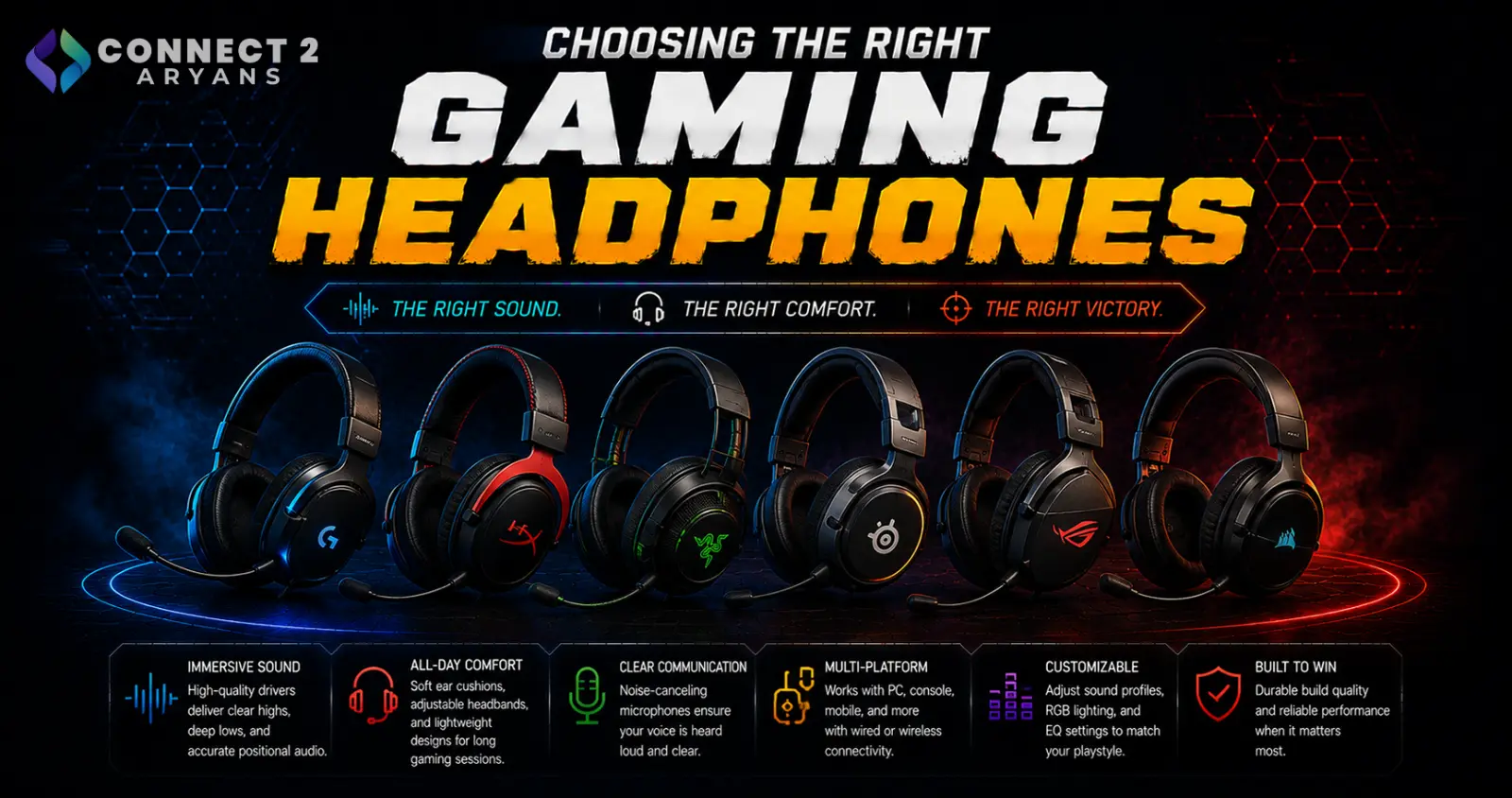
Gaming headphones get marketed heavily on bass and RGB lighting, but what actually improves your gameplay is positional accuracy, mic clarity, and comfort over long sessions. Here's what to look for in a Gaming Headphones purchase.
Step 1: Positional Audio and Surround Sound
Being able to accurately place footsteps, gunshots, and other directional cues matters a lot in competitive games:
- Stereo headphones with a good driver can already provide strong positional cues in many games, especially with a well-tuned sound signature
- Virtual surround sound (7.1) processes stereo audio to simulate multi-directional sound, which can help in some games but isn't universally better than well-tuned stereo — it depends on the headphone and the game
- What matters most is a clear, balanced sound signature that doesn't overemphasize bass at the expense of mid-range detail like footsteps
Step 2: Open-Back vs Closed-Back
- Closed-back headphones — seal sound in, better noise isolation from your surroundings, and prevent sound leaking out to others nearby; the more common and practical choice for most gaming setups
- Open-back headphones — let some sound pass through the ear cups, often providing a more natural, spacious soundstage that can help with positional audio, but leak sound and provide little isolation, making them less practical for shared spaces
Rule of thumb: closed-back is the practical default for most gamers, especially in shared or noisy environments. Open-back is worth considering only if you have a quiet, private space and prioritize soundstage over isolation.
Step 3: Microphone Quality
Since gaming headphones often double as your voice chat solution, mic quality matters:
- Look for a mic with decent background noise reduction, especially if you're in a shared or noisy room
- Detachable or flip-to-mute mics add convenience if you don't always need voice chat active
- If you stream or create content regularly, a headset mic is still generally a step below a dedicated microphone — worth considering separately if voice quality matters a lot to your audience
Step 4: Comfort for Long Sessions
- Clamping force — headphones that grip too tightly cause discomfort over long sessions; too loose and they can shift during fast movements
- Ear cup material — memory foam with breathable fabric or velour tends to stay comfortable longer than pleather, which can trap heat during extended play
- Weight — lighter headsets reduce neck and head fatigue during multi-hour sessions
Step 5: Wired or Wireless?
- Wired — zero latency concerns, no battery to manage mid-session, still the standard for serious competitive play
- Tri-mode — modern gaming-grade Tri-mode headsets have largely closed the latency gap and offer genuine freedom of movement, especially useful if you also stream or move around during play
- Dual-Mode — flexibility to plug in wired when you want guaranteed lowest latency, and go wireless the rest of the time
Popular Gaming Headphone Brands
Common Mistakes to Avoid
- Choosing a headset purely for bass-heavy sound, missing important mid-range audio cues like footsteps
- Buying open-back headphones for a shared or noisy environment where isolation actually matters
- Relying on a headset mic for serious streaming instead of considering a dedicated microphone
- Ignoring comfort specs (clamping force, ear cup material) and ending up with a headset that's uncomfortable after an hour
Final Thoughts
The right gaming headphones come down to a balanced, accurate sound signature for positional audio, comfort that holds up over long sessions, and a mic that's clear enough for voice chat — not just the loudest bass or the most RGB lighting. Match closed-back vs open-back and wired vs wireless to your actual environment and play style.
Browse our full range of Gaming Headphones from Asus, Bloody, EasySMX and HyperX on Connect2Aryans, with warranty support included.

