
How to Build a PC During the 2026 Price Surge — Practical Strategies
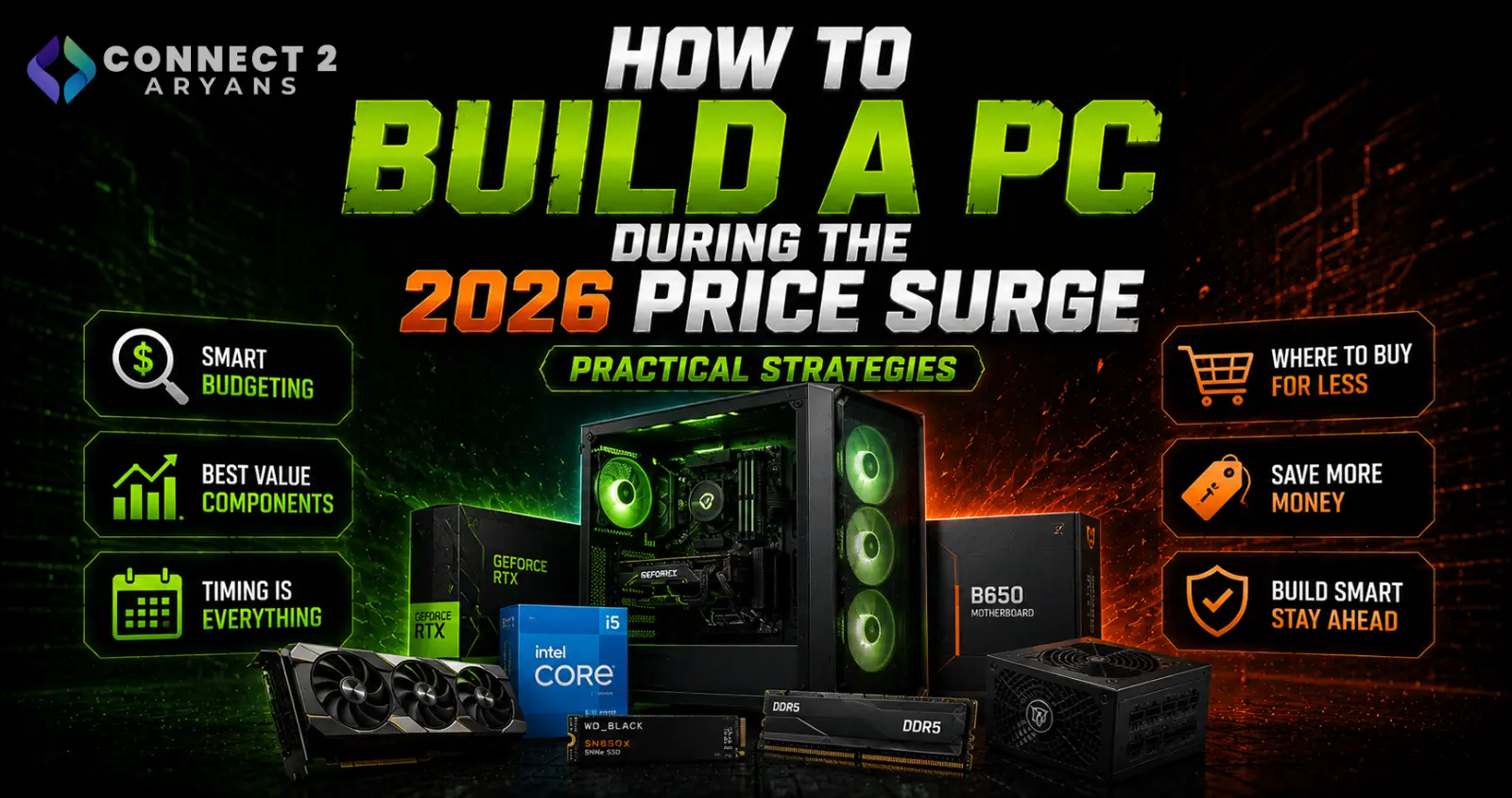
Building a PC in 2026 means navigating a genuinely different cost landscape than a normal year — RAM, SSDs, and to some extent GPUs are all more expensive due to the ongoing global memory shortage. That doesn't mean building smart is impossible; it just means the usual advice needs some adjusting. Here's how to actually approach it right now.
Strategy 1: Rethink Your RAM Platform Choice
- DDR4 platforms, while also affected by rising prices, generally remain more cost-effective in absolute terms than DDR5 right now
- If your performance needs don't specifically require DDR5's bandwidth advantages, a current-generation-adjacent platform still running DDR4 can meaningfully reduce your total build cost
- If you do need DDR5 (for platform compatibility or performance reasons), buy the capacity you genuinely need rather than over-provisioning at current inflated prices
Strategy 2: Buy RAM and Storage Capacity Deliberately, Not Maximally
- The old advice of "buy more RAM than you think you need, it's cheap" doesn't apply the same way right now — RAM and storage make up a much larger share of total build cost than they used to
- 16GB remains the practical minimum for most gaming and general use — don't skip below this even under budget pressure, since it's a genuine bottleneck point
- 32GB is still worth it if your actual workload benefits from it, but resist over-buying "for the future" at current pricing when your needs are genuinely lower today
Strategy 3: Reuse What You Already Have
- If you're upgrading rather than building completely fresh, check what from your current system can be reused — RAM, storage, even your case and PSU if they meet your new build's requirements
- Confirm compatibility carefully: old RAM needs to match your new motherboard's DDR4 or DDR5 support, and an old PSU needs adequate 600 - 650 Watts or higher headroom for a new GPU
- Every component you can reuse is one less item exposed to current inflated pricing
Strategy 4: Prioritize Your Budget Toward CPU/GPU Over Excess RAM/Storage
- Since RAM and storage are proportionally more expensive right now, it often makes more sense to lean your budget toward CPU and GPU performance while keeping RAM and storage at genuinely adequate (not maximum) levels
- This is a shift from "typical" build advice, where RAM and storage upgrades are usually considered cheap, easy wins
Strategy 5: Compare Both NVIDIA and AMD Directly
- With NVIDIA facing reported supply constraints on parts of the RTX 50 lineup, comparing current AMD RDNA 4 options directly against available NVIDIA cards — rather than waiting for a specific NVIDIA model to return to stock — often yields better real-world availability and value right now
- Check 12 GB VRAM or higher options across both brands for your target resolution rather than fixating on brand loyalty in a supply-constrained market
Strategy 6: Watch for Genuinely Bad Deals, Not Just Good Ones
- Scarce, expensive components attract counterfeit activity — unusually cheap "new" RAM or SSD listings deserve real suspicion right now, not excitement
- Buy from established, reputable sellers, especially for RAM and storage specifically, given documented counterfeit DDR5 circulating during this shortage
Strategy 7: Consider Newer Cost-Saving Memory Options Carefully
- New formats like HUDIMM (half-bandwidth DDR5 modules designed to reduce cost) exist specifically as a response to the current shortage — they can be a reasonable choice for genuinely budget-focused, light-use builds, but come with a real performance trade-off worth understanding before choosing them for anything gaming or performance-focused
Strategy 8: Don't Assume Waiting Fixes the Problem
- The current shortage is structural, driven by AI demand permanently redirecting manufacturing capacity, not a normal seasonal fluctuation
- If you have a genuine need for a PC now, building deliberately with today's pricing in mind is generally more practical than waiting indefinitely for a quick correction that most industry analysis doesn't support happening soon
Putting It Together: A Practical Approach
- Choose your platform (DDR4 vs DDR5) based on genuine performance need, not habit
- Size RAM and storage to your actual current workload, not speculative future capacity
- Reuse any compatible components from an existing system
- Compare NVIDIA and AMD GPU options directly based on current availability and price, not brand assumption
- Buy from reputable sellers, especially for RAM and storage
- Prioritize your budget toward CPU/GPU performance over excess RAM/storage capacity
Final Thoughts
Building a PC well in 2026 means adjusting some long-standing assumptions — RAM and storage cost more relative to the rest of your build than they used to, and platform choice (DDR4 vs DDR5) matters more for your budget than in a typical year. None of this makes building a good PC impossible; it just means being deliberate about where your money actually goes.
Browse our full range of Processors, Graphics Card, Memory RAM, and NVMe SSDs on Connect2Aryans, and reach out to our team if you'd like help planning a build around current market conditions, with warranty support included.

