
Entry-Level to High-Performance Processors
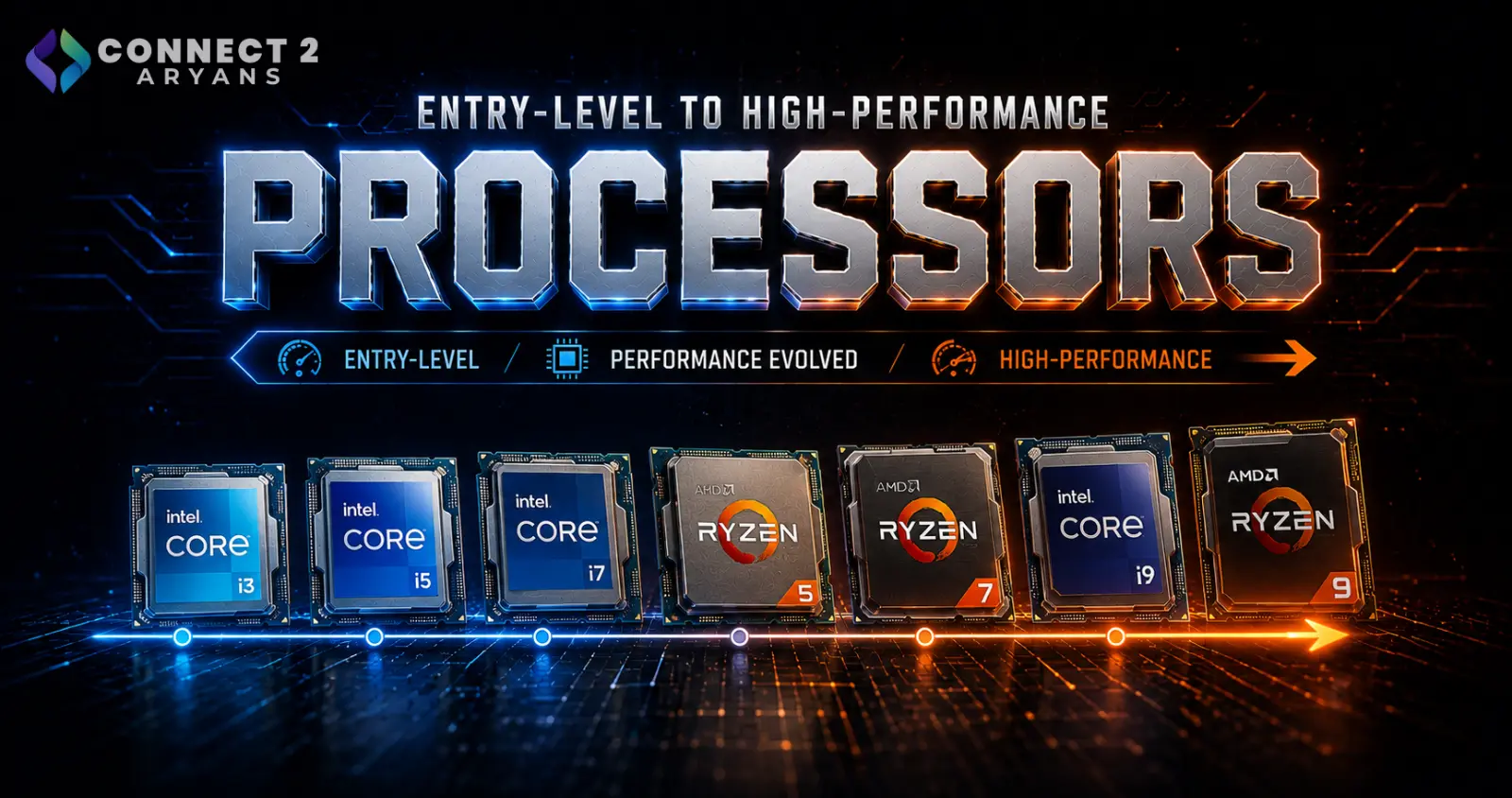
Not every task needs a flagship processor — and not every budget can (or should) stretch for one. Processors are built in clear performance tiers for a reason: entry-level, mid-range, and high-performance chips each target a different kind of user. Buying above your actual needs wastes money; buying below them creates a bottleneck no other component can fix.
Here's a clear breakdown of each tier, and who it's actually built for.
Entry-Level Processors
Entry-level CPUs are built for everyday computing — browsing, office work, media playback, and light multitasking. They're not built for heavy gaming or demanding creative work, and that's fine — they're not trying to be.
- Examples: Intel Core i3-13100F, AMD Ryzen 5 3600
- Core/thread count: Typically 4–6 cores
- Pairs well with: DDR4 RAM, entry-level or integrated graphics
- Ideal for: Students, office setups, browsing-focused home PCs, light streaming or casual gaming at lower settings
Best for: Anyone whose daily use rarely pushes a CPU hard — this tier keeps costs low without leaving performance on the table for the tasks that matter.
Mid-Range Processors
This is where most gaming and general-purpose PCs land. Mid-range CPUs balance strong everyday performance with enough headroom for 1080p/1440p gaming, moderate content creation, and multitasking.
- Examples: AMD Ryzen 5 5600, Intel Core i5-14400F
- Core/thread count: Typically 6 cores / 12 threads
- Pairs well with: DDR4 or DDR5 RAM, a mid-range GPU with 08 GB VRAM to 12 GB VRAM
- Ideal for: Gamers, students who also edit or design occasionally, small business and productivity setups
Best for: Buyers who want strong, reliable performance across a wide range of tasks without paying flagship prices.
High-Performance Processors
High-performance CPUs are built for workloads that genuinely need more cores, higher clock speeds, and sustained performance — competitive gaming, streaming while gaming, video editing, 3D rendering, and heavy multitasking.
- Examples: AMD Ryzen 7 7800X3D, Intel Core i7-14700K
- Core/thread count: Typically 8+ cores, often with higher clock speeds or specialized cache (like AMD's X3D chips for gaming)
- Pairs well with: DDR5 RAM, a high-VRAM GPU (16 GB VRAM+), stronger cooling like Liquid Cooling 240mm or Liquid Cooling 360mm
- Ideal for: Competitive gamers, streamers, video editors, 3D artists, and professionals running demanding software daily
Best for: Anyone whose work or gaming genuinely bottlenecks on CPU performance today — not "future-proofing" for tasks you don't actually do yet.
Enthusiast / Flagship Tier
For a small segment of buyers — heavy 3D rendering, large-scale compiling, or professional workstation use — even high-performance mainstream chips aren't enough.
- Examples: AMD Ryzen 9 7950X, Intel Core i9-13900K
- Core/thread count: 12–24 cores
- Ideal for: Professional rendering, large development environments, heavy virtualization, workstation-class workloads
If this sounds like your use case, our workstation PC buying guide goes into more detail on what to prioritize.
How to Pick Your Tier
- What do you actually do most often on your PC? Match the tier to your real daily workload, not your occasional heaviest task.
- Does your GPU or your CPU bottleneck first? For gaming, pairing a high-end GPU with an entry-level CPU wastes GPU potential.
- Are you buying for longevity? Going one tier above your current needs gives more upgrade headroom without full-tier jumps later.
Common Mistakes to Avoid
- Pairing a high-end GPU with an entry-level CPU, which bottlenecks gaming performance
- Buying a flagship CPU for tasks that never push past mid-range needs
- Ignoring RAM platform (DDR4 vs DDR5) compatibility when picking a CPU tier
- Skipping proper cooling on high-performance chips, leading to thermal throttling under load
Final Thoughts
Processor tiers exist so you don't have to overpay or under-buy. Be honest about your actual daily workload — gaming, office use, editing, or professional software — and choose the tier that matches it, not the one with the biggest number on the box.
Browse our full range of Intel and AMD processors on Connect2Aryans — from entry-level to flagship performance, with warranty support included.

