
Choosing the Right Speakers or Soundbar
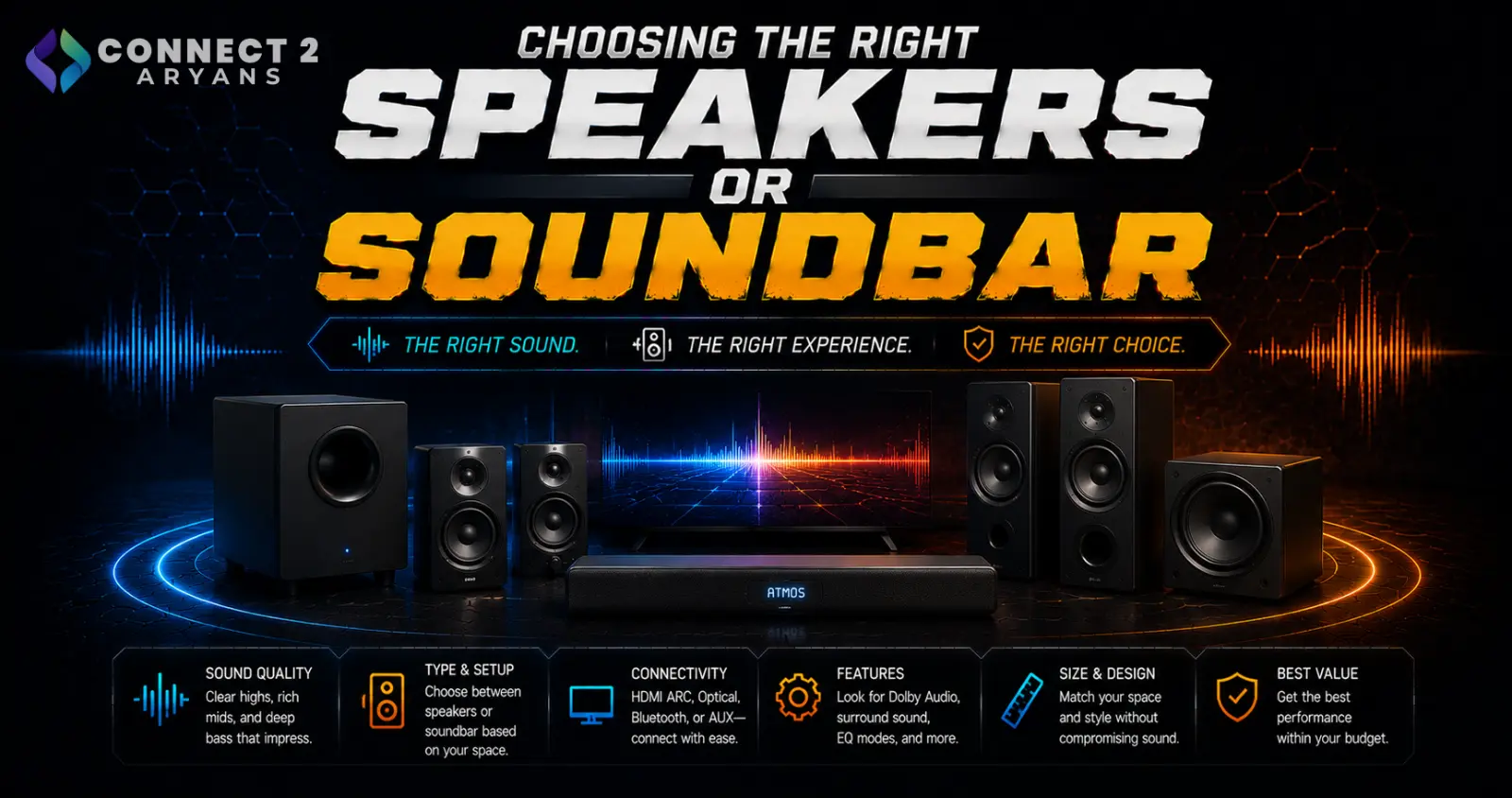
Desktop speakers and soundbars both fill a room with sound, but they're built to solve different problems — one sits at your desk for close-range gaming and music, the other spans a room for movies and TV audio. Here's how to choose the right Speakers & Soundbar setup for your space.
Step 1: Desktop Speakers or Soundbar?
- Desktop speakers — designed for near-field listening at a desk, ideal for PC gaming, music, and general desktop use where you're sitting close to the source
- Soundbar — designed to fill a room from a TV or media setup, ideal for movies, shows, and general room audio where you're sitting further back
Rule of thumb: if the audio is primarily coming from your PC and you're sitting at a desk, go with desktop speakers. If it's paired with a TV or you want to fill a living room/bedroom, a soundbar is the better fit.
Step 2: Understand Channel Configurations
- 2.0 — two speakers, no dedicated subwoofer, simplest setup, fine for general desktop use and music
- 2.1 — two speakers plus a dedicated subwoofer, adding noticeably fuller bass — a popular sweet spot for desktop gaming and music setups
- 5.1 — a full surround setup with front, rear, and center channels plus a subwoofer, best suited to home theater soundbars rather than desktop use
- Soundbars specifically often list virtual surround support even in a single-bar unit, simulating a wider soundstage without separate rear speakers
Step 3: Power and Room Size
- Desktop speakers for near-field desk use don't need high wattage — moderate power is plenty when you're sitting close
- Soundbars filling a larger room benefit from higher rated power and, ideally, a separate subwoofer for deeper bass across the space
- Bigger rooms generally benefit more from a soundbar with a subwoofer than from small desktop speakers stretched beyond their intended range
Step 4: Connectivity Options
- Bluetooth — convenient wireless connection from a PC, phone, or other devices, common on both desktop speakers and soundbars
- AUX (3.5mm) — simple, reliable wired connection, still common on desktop speakers
- USB — direct digital connection from a PC, often used for desktop speaker setups
- Optical/HDMI ARC — common on soundbars specifically, offering a cleaner digital connection to a TV than AUX
Check what your source device (PC, TV, phone) actually supports before choosing based on connectivity alone.
Step 5: Match to Your Primary Use Case
- Gaming at a desk: A 2.1 desktop speaker set gives fuller bass for game audio without the cost of a full soundbar setup
- Music at a desk: 2.0 or 2.1 desktop speakers with balanced sound reproduction work well
- Movies/TV: A soundbar, ideally with a subwoofer, gives a noticeably fuller experience than built-in TV speakers
- Office/background audio: A simple 2.0 desktop speaker setup is more than sufficient
Popular Speaker & Soundbar Brands
Common Mistakes to Avoid
- Buying a soundbar for desk-based gaming or music instead of proper near-field desktop speakers
- Choosing 2.0 speakers for a larger room and being disappointed by thin bass — a 2.1 setup or soundbar with subwoofer fills space far better
- Ignoring connectivity compatibility with your actual source device (PC, TV) before buying
- Overspending on 5.1 for desktop use, where a well-tuned 2.1 setup often sounds better in a near-field position
Final Thoughts
The right choice between desktop speakers and a soundbar comes down to where you're sitting and what you're listening to — near-field desk use favors desktop speakers, while room-filling movie and TV audio favors a soundbar. Match channel configuration and power to your room size and primary use case, not just the biggest spec sheet available.
Browse our full range of Speakers & Soundbar options from HP, JBL, Logitech, Redragon, Steel Series and Twisted Mind on Connect2Aryans, with warranty support included.

