
Choosing the Right Printer
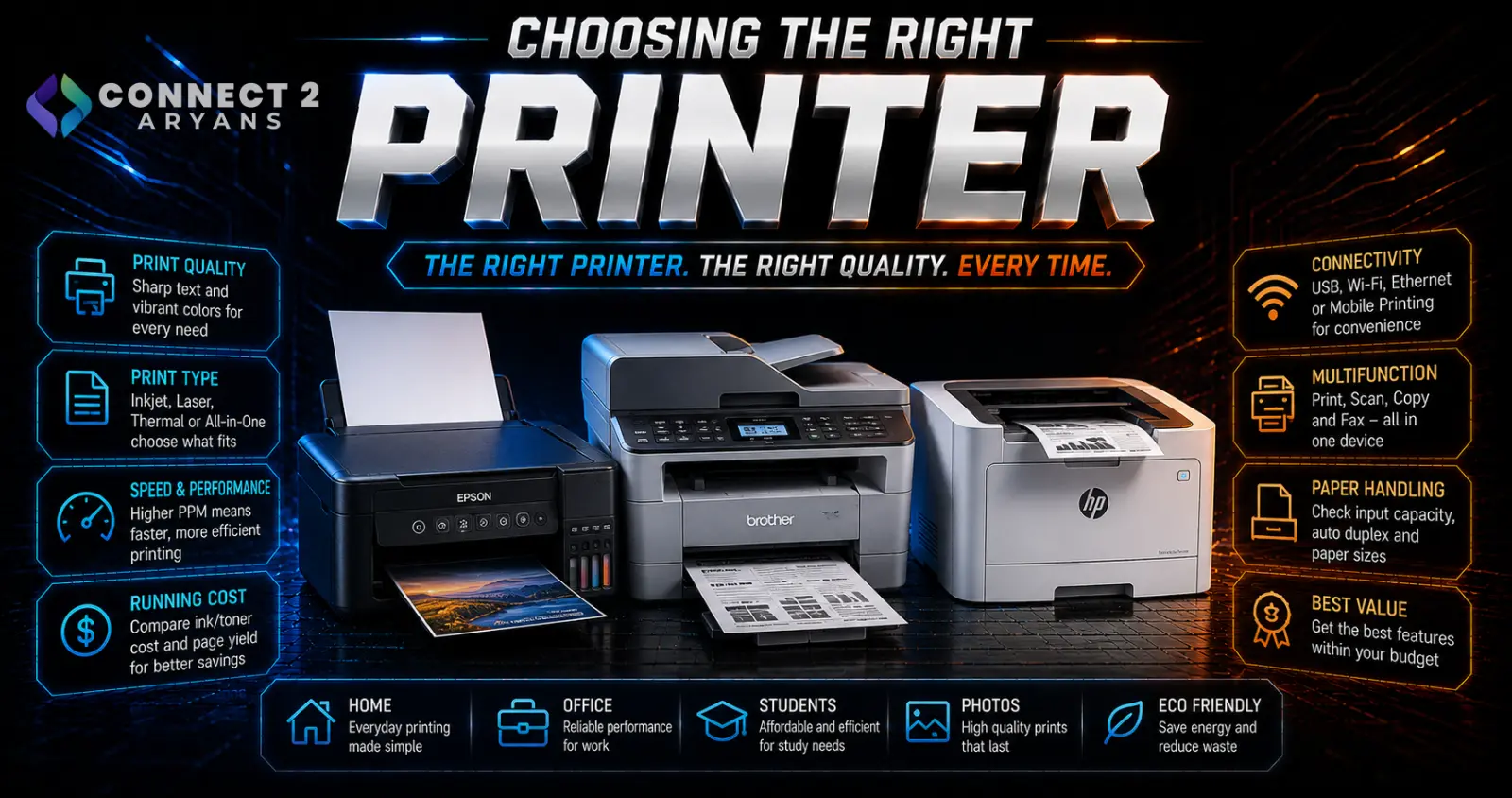
A printer's sticker price is often the smallest part of what it'll actually cost you — ink and toner expenses over the printer's lifespan frequently add up to far more than the hardware itself. Choosing the right type for your actual print volume matters more than most buyers realize. Here's how to choose the right Printers for your needs.
Step 1: Inkjet or Laser?
- Inkjet printers — generally cheaper upfront, well-suited to color photo printing and lower-volume home use, but ink cartridges can be expensive per page, especially for frequent printing
- Laser printers — higher upfront cost, but significantly lower cost per page for text-heavy printing, and toner lasts far longer than ink before needing replacement — the better choice for offices or anyone printing regularly
Rule of thumb: if you print occasionally and want good photo/color quality, inkjet remains a reasonable choice. If you print frequently, especially text documents, laser saves meaningfully more over time despite the higher initial cost.
Step 2: Color or Monochrome?
- Color printers (typically inkjet, though color laser exists at a higher price) — necessary for photo printing, colorful documents, or marketing materials
- Monochrome laser printers — the most cost-effective option for text-only printing, offering the lowest cost per page for office documents, resumes, and general paperwork
If your printing is almost entirely text documents, a monochrome laser printer is usually the most economical long-term choice.
Step 3: All-in-One or Print-Only?
- All-in-one (print, scan, copy, sometimes fax) — genuinely useful if you need scanning or copying functionality, consolidating multiple devices into one
- Print-only — simpler, often cheaper, and sufficient if you don't need scanning/copying or already have a separate solution for those tasks
Most home and small office buyers benefit from an all-in-one, since scanning capability is useful even if used infrequently — but skip it if you genuinely never need those extra functions.
Step 4: Understand the Real Cost of Ink/Toner
This is where printer costs are most often underestimated:
- Check the cost per page (often listed as cost per 1000 pages) for both ink and toner cartridges, not just the printer's purchase price
- Some manufacturers offer subscription-based ink programs that can reduce cost per page for regular printers — worth considering if you print consistently and want predictable costs
- Budget inkjet printers are sometimes sold near cost specifically because the manufacturer profits from higher-margin replacement cartridges — factor this into your real total cost calculation
Step 5: Connectivity
- Wireless (Wi-Fi) — convenient for printing from multiple devices without a direct cable connection, standard on most current printers
- USB — a reliable direct connection option, useful as a backup or for setups without reliable Wi-Fi
- Mobile printing support (like direct printing from phones) — check for this if you frequently print from a phone or tablet rather than a computer
Step 6: Duplex (Double-Sided) Printing
- Automatic duplex printing saves paper and is a genuinely useful feature for anyone printing multi-page documents regularly
- Manual duplex (flipping pages yourself) works but is far less convenient for frequent double-sided printing needs
- Worth prioritizing if you print documents regularly and want to reduce paper usage and cost
Step 7: Match to Your Use Case
- Home/occasional use: A basic all-in-one inkjet covers most casual printing, scanning, and occasional photo needs
- Student/document-heavy use: A monochrome laser printer offers the lowest ongoing cost for frequent text document printing
- Small office/business: A laser printer (color or monochrome depending on needs) with duplex printing handles higher volume more economically than inkjet
- Photo printing: A dedicated photo-quality inkjet printer, or a specialized photo printer, offers better color accuracy and print quality than a general-purpose printer
Popular Printer Brands
Common Mistakes to Avoid
- Buying a cheap inkjet printer without checking actual replacement cartridge costs, leading to a higher real total cost
- Choosing a color printer when the majority of your printing is text-only, paying more per page than necessary
- Overlooking automatic duplex printing if you print multi-page documents regularly
- Buying an all-in-one when you never use the scan/copy functions, when a simpler print-only model would suffice
Final Thoughts
The right printer comes down to matching inkjet vs laser to your actual print volume and content type, then checking real ongoing ink/toner costs rather than just the upfront price. A cheaper printer with expensive replacement cartridges often costs more over time than a pricier printer with lower cost-per-page — calculate the real total cost before deciding.
Browse our full range of Printers from Epson, and HP on Connect2Aryans, with warranty support included.

