
Choosing the Right PC Peripherals
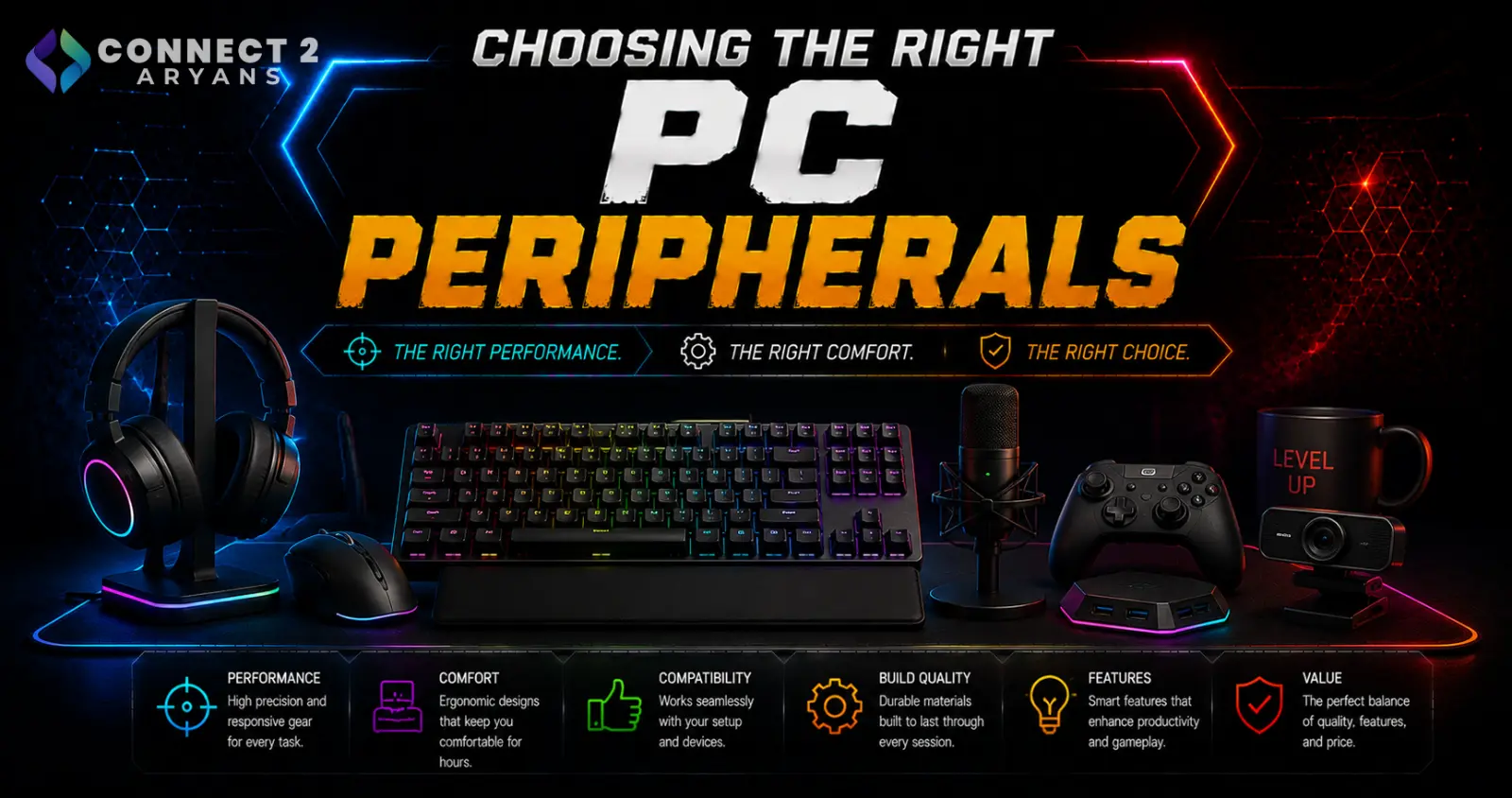
Gaming and professional peripherals are built around genuinely different priorities, even when they look similar on the surface. A keyboard built for competitive gaming and one built for all-day typing comfort are optimized for different things — and the same goes for mice. Here's how to choose the right category for how you actually use your PC.
Keyboards: Gaming vs Professional
Gaming Keyboards are built around:
- Fast response times and anti-ghosting for competitive play
- Mechanical switches tuned for tactile or linear feedback during gaming
- RGB lighting and programmable macro keys for game-specific shortcuts
- Layout options like (Tenkeyless – TKL (87%) or 60% Keyboards, popular for extra mouse room during gaming
- Popular brands: ASUS, Logitech, SteelSeries, Aula
Professional Keyboards are built around:
- All-day typing comfort, often with quieter switches suited to office or shared environments
- Full-Size Keyboards (100%) layouts with a number pad, useful for data entry and spreadsheet work
- Reliability and durability for extended daily use rather than gaming-specific features
- Often better suited to Wireless or Dual-Mode setups for a cleaner desk in an office environment
- Popular brands: A4Tech, HP and Logitech
Which one do you need? If gaming performance is your priority, go gaming. If you're typing for work most of the day and gaming occasionally, a professional keyboard with a comfortable, quieter typing feel is usually the better daily-use choice.
Mouse: Gaming vs Professional
Gaming Mouse options prioritize:
- High-precision sensors tuned for fast, accurate tracking during gameplay
- Lower click latency and faster polling rates
- Ergonomic shapes designed for extended gaming sessions
- Wired connections remain common for competitive gaming where latency matters most, though modern Wireless gaming mice have closed much of that gap
- Popular brands: ATK Gear, Attack Shark, Steel Series and Logitech
Professional Mouse options prioritize:
- All-day ergonomic comfort for office and productivity use
- Often simpler feature sets — fewer programmable buttons, less emphasis on ultra-high sensor precision
- Wireless connectivity is especially common here, prioritizing a clean desk setup over minimal latency
- Popular brands: A4Tech, Logitech, Redragon and UGREEN
Which one do you need? Gaming mice generally still work fine for office use, but professional mice are specifically built for comfort over long working hours rather than gaming performance — worth considering if you're at your desk most of the day.
Mouse Pads: An Easy Upgrade to Overlook
Mouse Pads are one of the cheapest peripheral upgrades, but make a real difference:
- A quality mouse pad improves tracking consistency, especially with high-precision gaming mice
- Larger pads give more room for lower-sensitivity gaming setups that rely on bigger arm movements
- Smoother surfaces suit fast, low-friction gaming mouse movement; textured surfaces offer more control at the cost of some speed
- For professional/office use, a comfortable pad with wrist support can reduce strain during long work sessions
- Popular brands: Bloody, Cougar, Logitech, SWIPE and Redragon
How to Prioritize Your Peripheral Budget
- Competitive/frequent gamers: Prioritize a gaming mouse and gaming keyboard together — sensor precision and key response matter most here
- Office/productivity-focused users: Prioritize a professional keyboard and mouse built for all-day comfort
- Mixed use (work + occasional gaming): A professional keyboard paired with a gaming mouse is a common, practical combination — typing comfort for work, precision for gaming
Common Mistakes to Avoid
- Buying a gaming keyboard for heavy daily typing work without checking typing comfort, focusing only on gaming features
- Choosing a professional mouse for competitive gaming, then feeling limited by lower sensor precision
- Skipping a proper mouse pad and wondering why tracking feels inconsistent
- Assuming wireless always means worse performance — modern wireless gaming peripherals have largely closed the latency gap
Final Thoughts
Gaming and professional peripherals aren't just marketing labels — they're built around genuinely different priorities. Match your keyboard and mouse choice to how you actually spend most of your time at the PC, and don't overlook a proper mouse pad as part of that setup.
Browse our full range of Gaming Keyboards, Professional Keyboards, Gaming Mouse, Professional Mouse, and Mouse Pads on Connect2Aryans, with warranty support included.

