
Choosing the Right Motherboard for Your PC
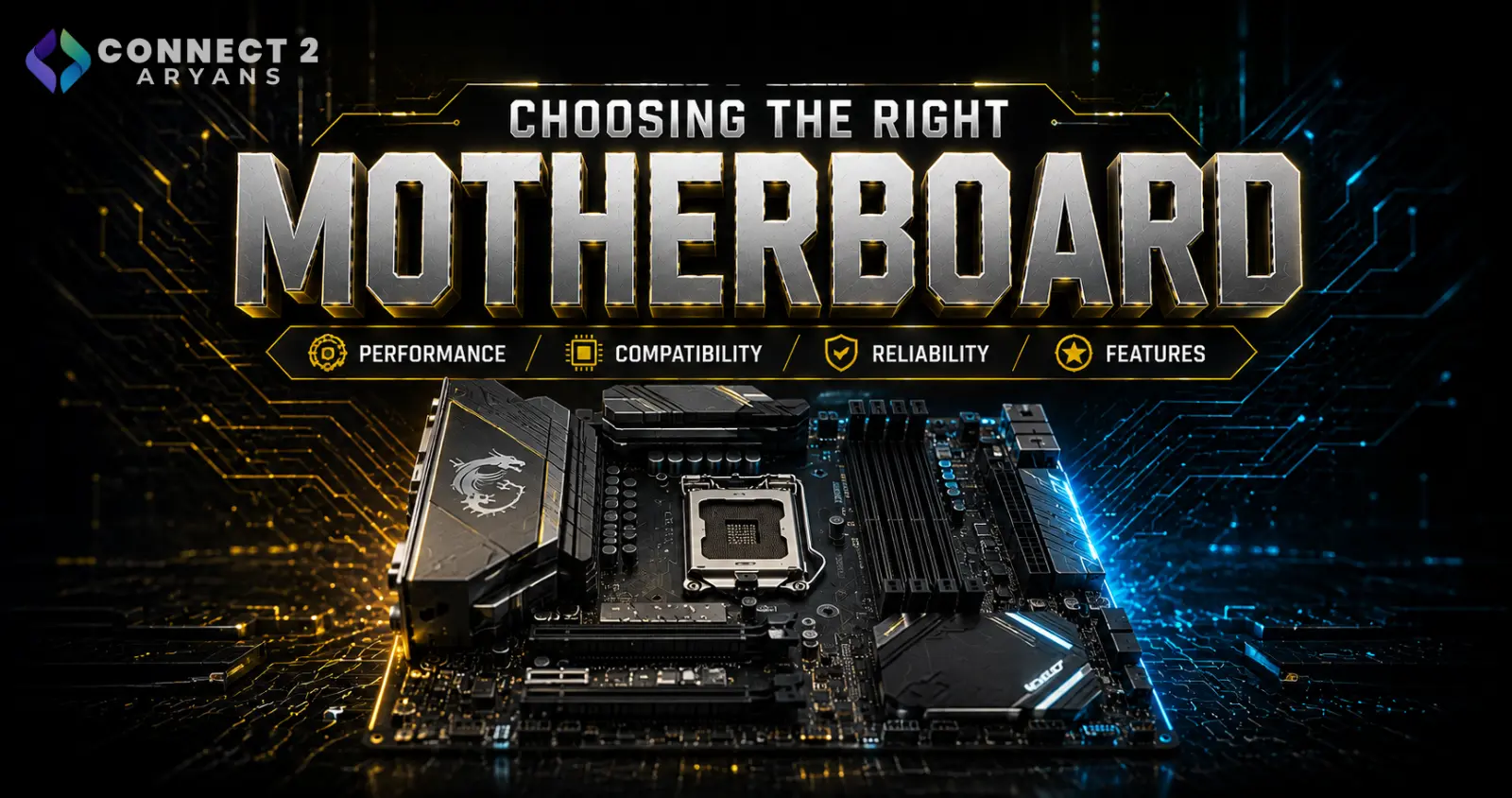
The motherboard rarely gets the attention it deserves. Most buyers focus on the CPU and GPU, then treat the motherboard as an afterthought — but it's the one component that decides which CPU you can use, how much RAM you can install, and how far your PC can be upgraded later. Get it wrong, and it can quietly bottleneck an otherwise strong build.
Here's how to choose the right one.
Step 1: Match the Chipset to Your CPU
Every motherboard is built around a specific chipset that only supports certain CPU generations and sockets. This is the first and most important compatibility check.
- AMD boards: Look for AM4 (older Ryzen generations) or AM5 (current-gen Ryzen) socket support
- Intel boards: Chipsets like B760 or Z790 support recent Intel generations, while newer Core Ultra chips need updated chipsets
Always confirm chipset-to-CPU compatibility before buying either separately — this is the single most common mismatch buyers run into.
Step 2: Decide on Board Size
Motherboards come in a few standard sizes, and this affects both your case options and how many expansion slots you get.
- ATX — full-size, most expansion slots and RAM slots, best for high-performance or upgrade-heavy builds
- mATX (Micro-ATX) — smaller footprint, fewer slots, but still supports solid mid-range builds
- ITX (Mini-ITX) — compact builds, limited expansion, best for small form-factor PCs where space matters more than upgrade room
Best for: Choose ATX if you plan to upgrade heavily later; mATX or ITX if you're prioritizing a smaller case and don't need extensive expansion.
Step 3: Check RAM Support Carefully
This is where a lot of buyers get caught out after the fact.
- Confirm whether the board supports DDR4 or DDR5 — these are not interchangeable, and this alone can eliminate half the RAM kits on the market for your build
- Check the maximum supported RAM capacity and number of slots — most boards support up to 64GB or 128GB across 2–4 slots
- How much RAM do you actually need? 16GB is the practical minimum for most builds today, 32GB is the comfortable sweet spot for gaming and multitasking, and 64GB is worth planning for if you do heavy content creation or professional workloads
- If you plan to upgrade RAM later, leaving free slots (rather than maxing out capacity with 2 large sticks) gives more flexibility down the line
Step 4: Look at Expansion and Connectivity
Depending on your build goals, check for:
- Enough PCIe slots for your GPU and any future expansion cards
- M.2 slots for NVMe SSD storage — more slots mean more storage flexibility later
- USB port count and types, especially if you use a lot of peripherals or external drives
- Wi-Fi/Bluetooth built-in vs needing a separate card, if you don't want to run ethernet
Step 5: Don't Ignore Power Delivery and Cooling
Higher-end CPUs, especially under sustained load, need a motherboard with solid power delivery (VRM quality) to avoid throttling or instability.
- Budget boards paired with high-performance CPUs can bottleneck sustained performance, even if the CPU itself is capable
- If you're running a high-performance chip with Liquid Cooling 240mm or Liquid Cooling 360mm cooling, pair it with a board rated for sustained higher power draw, not just the cheapest option compatible with the socket
Popular Motherboard Brands
Reputable brands generally offer better build quality, BIOS support, and longer driver/update support:
Common Mistakes to Avoid
- Buying a CPU and motherboard separately without checking chipset/socket compatibility
- Choosing a board that only supports DDR4 when you've already bought DDR5 RAM (or vice versa)
- Maxing out RAM capacity with 2 large sticks now, leaving no room to add more later without replacing them
- Pairing a budget board with a high-performance CPU and being surprised by thermal throttling or instability
- Ignoring M.2/PCIe slot count and running out of expansion room within a year
Final Thoughts
The motherboard isn't just a connector board — it's the foundation that decides your CPU compatibility, RAM capacity, and upgrade path. Take the time to match it properly to your CPU and future plans, rather than treating it as the last, least important purchase in the build.
Browse our full range of motherboards from ASUS, MSI, SAPPHIRE, and MAXSUN on Connect2Aryans, compatible with the latest Intel and AMD platforms, with warranty support included.

