
Choosing the Right MacBook
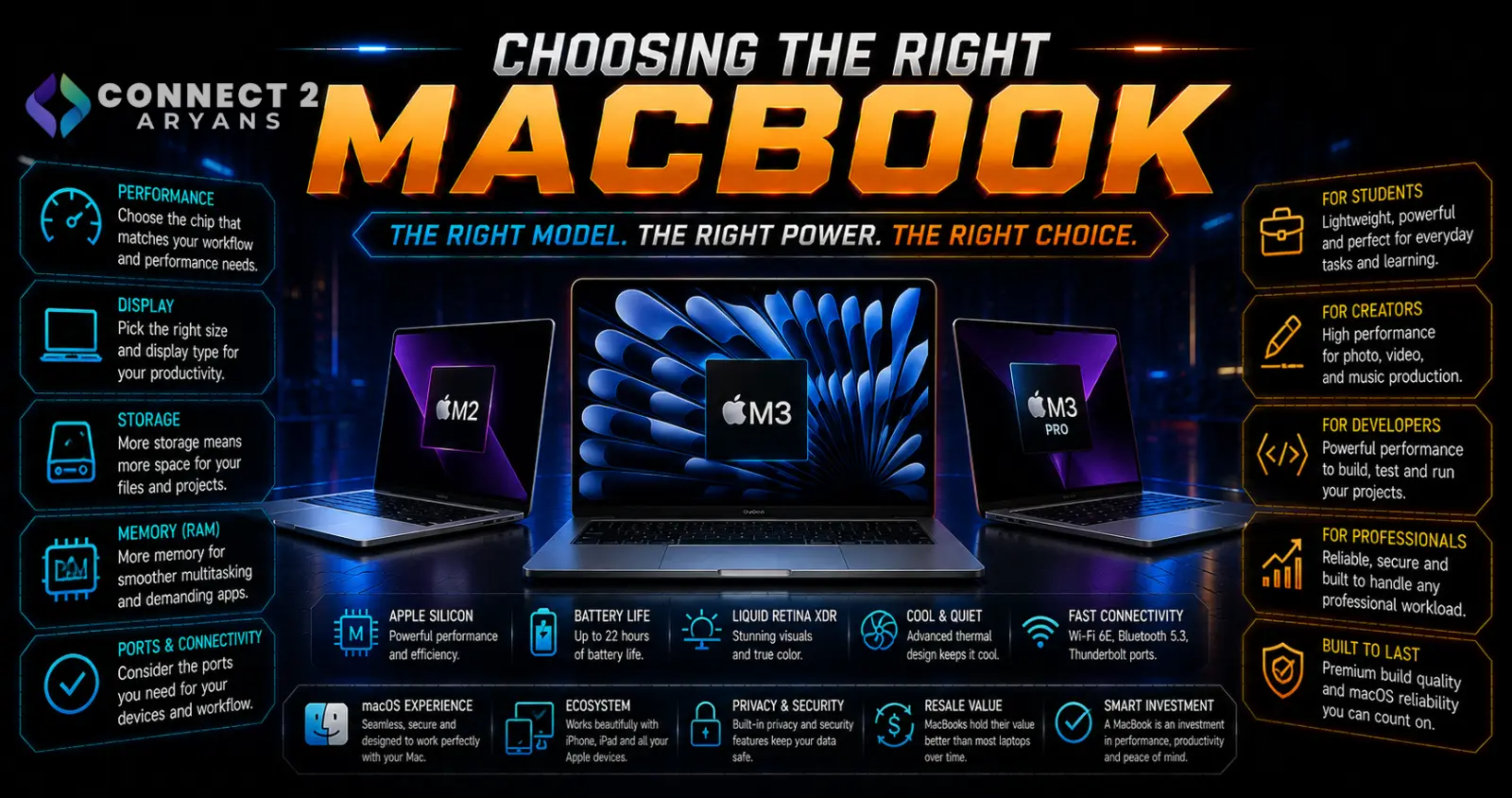
Apple's current lineup splits cleanly into three tiers: the budget-focused MacBook Neo, the all-rounder MacBook Air, and the high-performance MacBook Pro. Since RAM and storage aren't upgradeable after purchase on any MacBook, getting the tier and configuration right upfront matters more here than on most laptops. Here's how to choose the right Macbook for your needs.
Step 1: Understand the Three Tiers
- MacBook Neo — Apple's newest budget entry point, built around an iPhone-class chip rather than the M-series, aimed at buyers who want the lowest-cost way into the Mac ecosystem
- MacBook Air (M5) — the best all-around choice for most buyers, balancing strong performance, portability, and battery life at a mid-range price, available in 13" and 15" sizes
- MacBook Pro (M5, M5 Pro, M5 Max) — the high-performance tier, built for professional and creative workflows, available in 14" and 16" sizes with significantly more power in the Pro/Max configurations
Step 2: Should You Consider the MacBook Neo?
- The Neo ships with only 8GB of RAM, with no option to upgrade at purchase or later — whether that's enough depends entirely on how light your actual use case is
- Best suited to very basic use: browsing, documents, email, and light everyday tasks
- If you do any multitasking, creative work, or expect to keep the laptop for several years, the extra cost of stepping up to the Air is generally worth it for the RAM headroom alone
Step 3: Why the MacBook Air Is the Default Choice for Most Buyers
- The M5 Air offers a genuinely strong balance of performance, battery life, and portability, comfortably handling office work, browsing, schoolwork, and light-to-moderate creative tasks
- Ships with 16GB RAM standard — the realistic minimum worth buying in 2026 for a MacBook you plan to keep for several years, with configurable upgrades to 24GB or 32GB
- Offers strong battery life and a light, fanless design, making it the most travel-friendly option in the lineup
- The main trade-off versus the Pro: no ProMotion high-refresh display and less sustained performance for heavy, prolonged workloads
Step 4: When the MacBook Pro Is Worth the Upgrade
- Standard M5 MacBook Pro — a step up from the Air primarily in sustained performance and display quality, worth it if you push the machine harder for longer periods
- M5 Pro/M5 Max MacBook Pro — built specifically for video editing, 3D rendering, software development, and other demanding professional creative workflows, with significantly more CPU/GPU cores and up to 128GB unified memory on Max configurations
- The Pro lineup also offers the best battery life in the entire MacBook range despite the added performance, alongside a higher-refresh ProMotion display
Rule of thumb: if your work involves genuine video editing, 3D work, large-scale development, or other sustained demanding tasks, the Pro tier's performance ceiling is worth the price jump. For everyday productivity and light creative work, the Air remains the more practical choice.
Step 5: Choosing RAM — Don't Underbuy
Since RAM isn't upgradeable after purchase on any current MacBook:
- 16GB is the realistic minimum for a MacBook you plan to keep for several years, giving comfortable headroom for everyday multitasking
- 24GB–32GB is worth considering if you do regular creative or development work on an Air or standard Pro
- 64GB–128GB (Max configurations) is specifically for heavy professional workflows — video editing, 3D rendering, large-scale software development
Buy for where your usage will realistically be in 2–3 years, not just today, since there's no upgrade path afterward.
Step 6: Screen Size
- 13" — the most portable option, best for frequent travel and lighter use
- 14"/15" — a comfortable middle ground between portability and screen real estate
- 16" — best suited to desktop-replacement use or demanding creative work where extra screen space genuinely helps
Popular MacBook Categories
Common Mistakes to Avoid
- Buying the MacBook Neo's fixed 8GB RAM for anything beyond very light, basic use
- Underbuying RAM on any MacBook, since there's no upgrade path after purchase
- Paying for M5 Pro/Max performance you won't actually use for light everyday tasks the Air handles just as well
- Choosing screen size based on desk space alone without considering how often the laptop travels with you
Final Thoughts
For most buyers, the MacBook Air remains the strongest all-around choice — genuinely capable, portable, and reasonably priced. Step down to the Neo only for very light, budget-conscious use, and step up to the Pro specifically when your workflow involves sustained, demanding creative or professional tasks. Since RAM can't be upgraded later, buy with some headroom for how your needs might grow over the next few years.
Browse our full range of Macbook options on Connect2Aryans, with warranty support included.

