
Choosing the Right Graphics Card
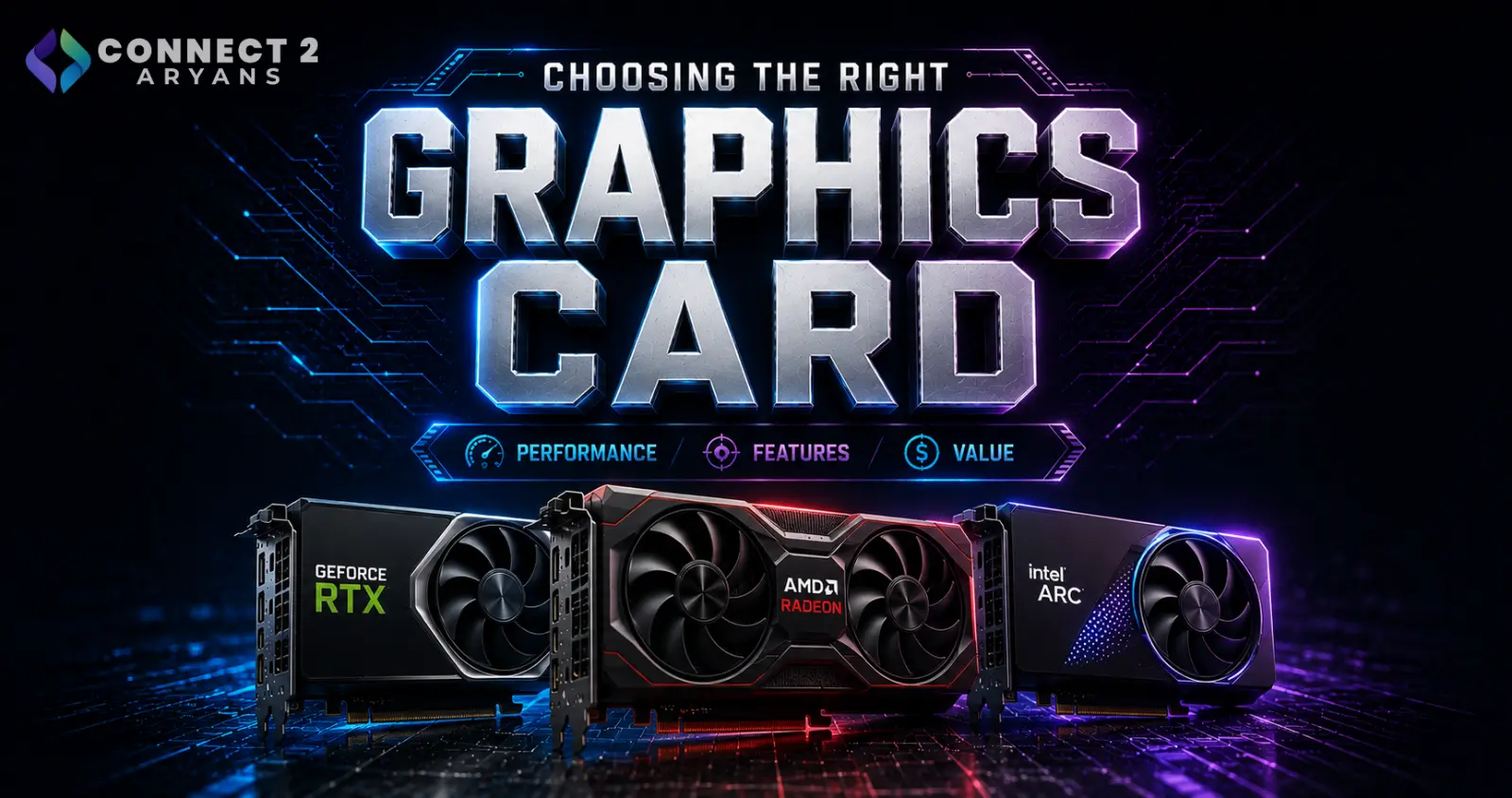
The graphics card is usually the single most expensive component in a gaming or creator PC — and also the one buyers most often over- or under-spec. Too little VRAM bottlenecks modern games at higher settings. Too much, paired with a weaker CPU or lower-resolution monitor, wastes money on power you'll never actually use.
Here's how to choose the right one for what you actually do.
Step 1: Start With Your Resolution
Your monitor's resolution is the single biggest factor in how much GPU power you actually need.
- 1080p: A GPU with 08 GB VRAM, like the NVIDIA RTX 4060 or AMD Radeon RX 7600, handles most current titles comfortably at high settings
- 1440p: Look for 12 GB VRAM or higher, such as the NVIDIA RTX 4070 Super or AMD Radeon RX 7700 XT
- 4K: 16 GB VRAM or above is the realistic minimum, with GPUs like the NVIDIA RTX 4090 or AMD Radeon RX 7900 XTX built for this tier
Buying a 4K-class GPU for a 1080p monitor doesn't get you extra performance — it just sits underused.
Step 2: Understand What VRAM Actually Affects
VRAM capacity affects texture quality, how many game assets can be loaded at once, and performance at higher resolutions and settings — not raw frame rate on its own.
- Running out of VRAM causes stutters, texture pop-in, or crashes at high settings, even if the GPU's core is otherwise powerful enough
- More VRAM matters more the higher your resolution and settings, and for creative workloads like 3D rendering or high-res video editing
Step 3: Match the GPU to Your Actual Use Case
- Competitive gaming (high FPS priority): A mid-tier GPU with 08 GB VRAM to 12 GB VRAM is often enough, since frame rate matters more than max settings
- Visual-heavy single-player gaming: Prioritize higher VRAM and a stronger GPU core to run higher settings smoothly
- Content creation (video editing, 3D rendering): VRAM matters heavily for render engines and large timelines — 16 GB VRAM or higher is worth prioritizing
- Gaming + streaming together: A GPU with solid encoding support and 12 GB VRAM or more handles both without heavy compromise
Step 4: Don't Forget the Rest of the System
A powerful GPU can still underperform if the rest of the build isn't keeping up:
- CPU: A weak CPU can bottleneck a strong GPU, especially at 1080p — match your CPU tier to your GPU tier rather than maxing out one and neglecting the other
- RAM: 16GB is the practical minimum for gaming, but 32GB is the more comfortable sweet spot if you're also running background apps, streaming software, or a browser alongside your game
- PSU Wattage: Higher-end GPUs draw significantly more power — a build with a GPU like the RTX 4070 Super or above should run on a PSU rated 700 - 750 Watts or higher, while flagship GPUs like the RTX 4090 often need 1000 - 1200 Watts
NVIDIA vs AMD: Does It Matter?
Both brands offer strong options at every tier, and the right choice usually comes down to specific models and pricing rather than brand loyalty:
- NVIDIA GPUs often lead in ray tracing performance and upscaling technology
- AMD GPUs frequently offer more VRAM per price point, which can matter more at higher resolutions
Compare specific models within your budget rather than picking a brand first and a model second.
Common Mistakes to Avoid
- Buying a high-VRAM 4K-class GPU for a 1080p monitor — the extra VRAM goes unused
- Pairing a powerful GPU with a weak CPU, creating a bottleneck that limits real-world performance
- Underestimating PSU wattage needs for higher-end GPUs, leading to instability under load
- Choosing based on VRAM number alone without checking the GPU core's actual performance tier
Final Thoughts
The right graphics card is the one that matches your monitor's resolution, your actual workload, and the rest of your build — not simply the one with the biggest VRAM number or the flashiest name. Get your resolution and use case clear first, and the right GPU tier becomes obvious.
Browse our full range of NVIDIA and AMD graphics cards on Connect2Aryans, across every VRAM tier and resolution target, with warranty support included.

