
Choosing the Right Gaming Laptop
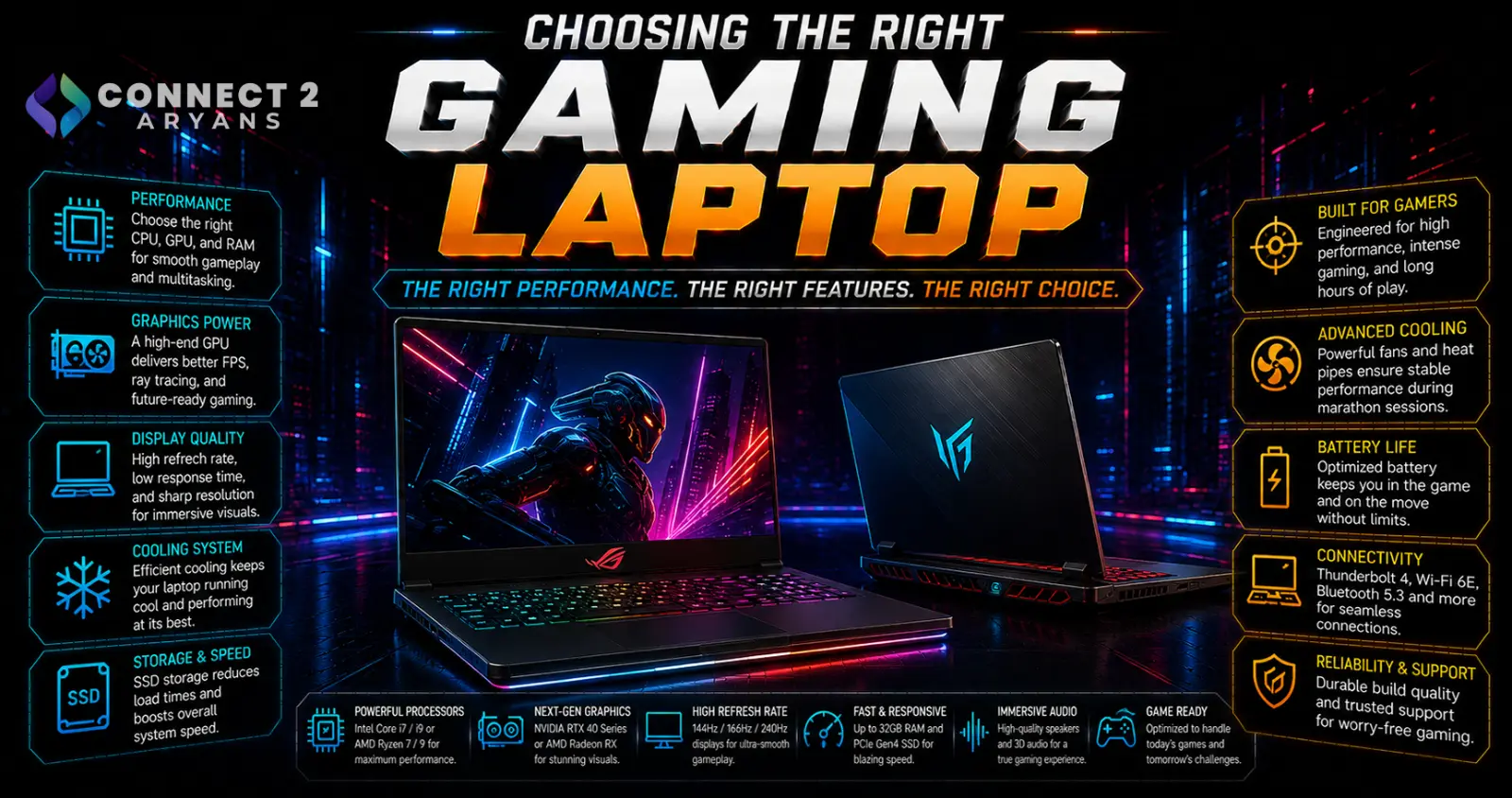
A gaming laptop's real-world performance depends on more than the GPU model printed on the spec sheet — the same GPU can perform noticeably differently between two laptops depending on cooling design and power limits. Here's what actually matters when choosing a Gaming Laptops purchase.
Step 1: GPU Tier Is Still the Priority
- The dedicated GPU remains the single biggest factor in gaming performance — match GPU tier to your target resolution and settings, the same way you would on desktop
- Entry-level laptop GPUs suit 1080p gaming at moderate settings; mid-to-high tier GPUs handle 1080p at high settings or 1440p comfortably; top-tier laptop GPUs are needed for demanding 1440p/4K gaming
Important: the same GPU model can perform differently across laptop brands and models due to differing power limits (TGP/TDP) set by the manufacturer — a laptop with a higher power limit for the same GPU chip will generally perform better than one with a lower power limit, even with an identical GPU name.
Step 2: Don't Overlook the CPU
- A capable CPU paired with your GPU choice prevents bottlenecking, especially in CPU-intensive or competitive games
- For most gaming laptops, a mid-to-high tier current-gen CPU comfortably keeps up with mid-range and high-end laptop GPUs
Step 3: Cooling Design Matters More Than on Desktop
Laptop cooling is far more constrained than desktop cooling, and it directly affects sustained gaming performance:
- Laptops with better thermal design maintain higher sustained clock speeds under long gaming sessions, avoiding the thermal throttling that causes frame rate drops over time
- Check reviews specifically for sustained performance benchmarks (not just short benchmark runs), since some laptops perform well briefly before throttling under extended load
- Laptops with more exhaust vents, larger fans, and additional heat pipes generally handle sustained gaming better than slimmer, more compact designs
Step 4: Display — Refresh Rate and Response Time
- 144Hz is a strong baseline for a genuinely smooth gaming laptop experience
- 165Hz–240Hz+ benefits competitive, fast-paced gaming specifically
- Check response time and panel type too — a high refresh rate paired with a slow panel doesn't deliver the full smoothness benefit
- Resolution should match what your GPU tier can realistically drive — 1080p or 1440p is more practical than 4K for most gaming laptop GPU tiers
Step 5: RAM and Storage
- 16GB is the practical minimum for gaming laptops today; 32GB is the comfortable sweet spot if you also multitask, stream, or run background apps while gaming
- Prioritize NVMe SSD storage — 1TB is a comfortable baseline given modern game install sizes, with 2TB worth considering if you keep a large game library installed simultaneously
Step 6: Battery Life Trade-off
- Gaming laptops sacrifice battery life significantly compared to productivity-focused laptops, due to power-hungry GPUs and CPUs
- Expect noticeably shorter battery life under actual gaming use than the advertised figures, which are often based on light, non-gaming tasks
- If portability away from a charger matters to you beyond gaming sessions, factor this trade-off in realistically rather than expecting all-day battery life from a gaming laptop
Step 7: Weight and Portability
- Gaming laptops are generally heavier and bulkier than productivity laptops due to larger cooling systems and power-hungry components
- If you'll be carrying it often, check actual weight (not just screen size), since gaming laptops vary meaningfully in weight even at the same screen size
Step 8: Keyboard and Additional Features
- A gaming laptop's built-in keyboard is a reasonable option for casual play, though many serious gamers still prefer an external mechanical keyboard for extended sessions
- RGB lighting, per-key customization, and dedicated macro keys are nice extras but not essential — prioritize GPU, cooling, and display over these secondary features if budget is limited
Popular Gaming Laptop Brands
Common Mistakes to Avoid
- Choosing based on GPU model name alone without checking the laptop's actual power limit for that GPU
- Ignoring sustained performance benchmarks and cooling design, then experiencing throttling during longer gaming sessions
- Buying a high refresh rate display paired with a GPU that can't realistically drive those frame rates at your preferred settings
- Expecting productivity-laptop battery life from a gaming laptop under actual gaming use
Final Thoughts
The right gaming laptop comes down to GPU tier matched to your target resolution, genuinely solid cooling to sustain that performance over long sessions, and a display that can keep up with what the GPU can actually output. Two laptops with the "same" GPU can perform very differently — check sustained performance reviews, not just the spec sheet, before deciding.
Browse our full range of Gaming Laptops from Asus, MSI, HP and Lenovo on Connect2Aryans, with warranty support included.

