
Choosing the Right Gaming Case
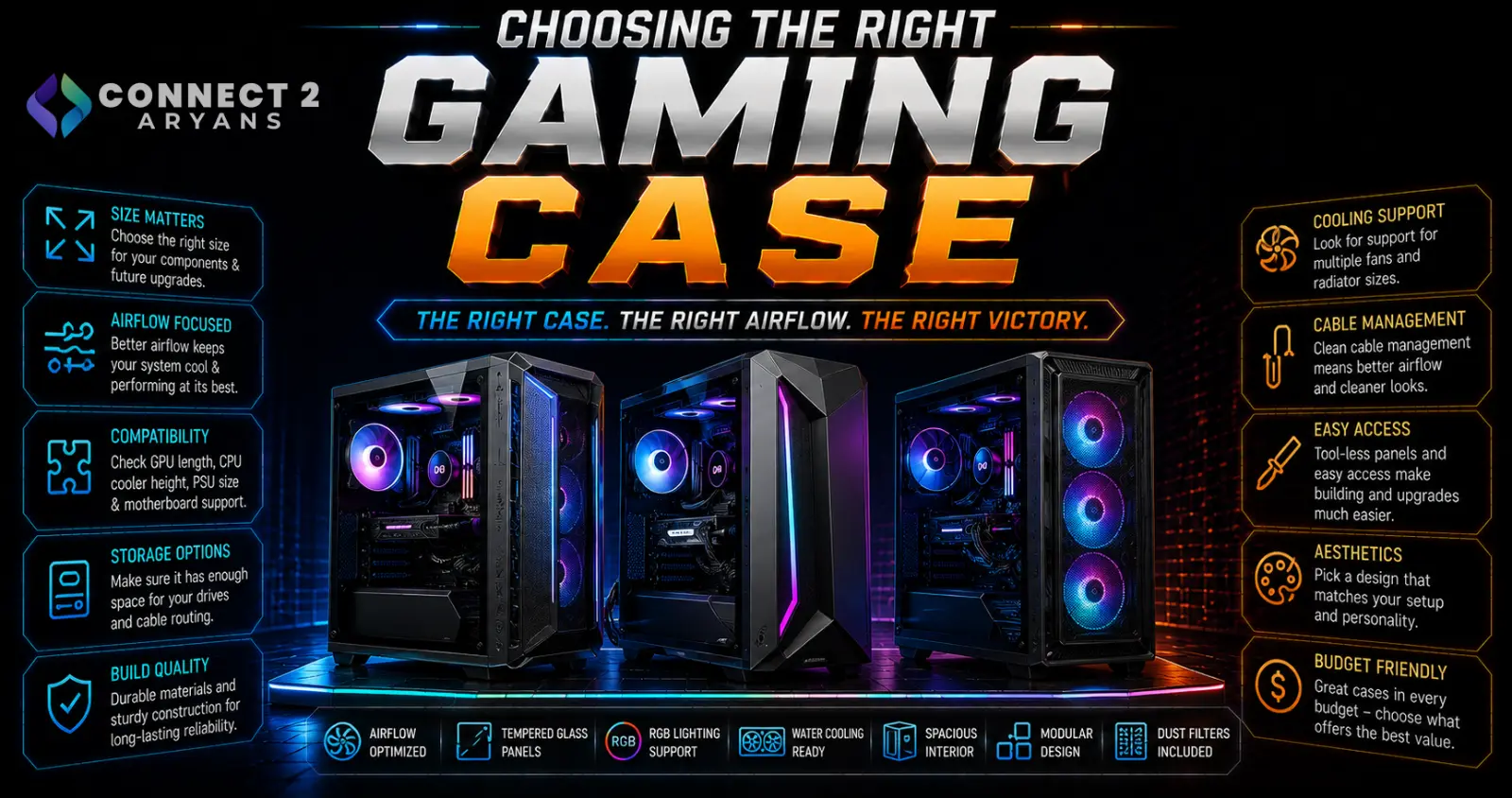
Gaming cases lean harder into aesthetics than general PC cases — tempered glass panels, RGB lighting, and striking designs are the norm. The trade-off is that a case built purely for looks can quietly work against your cooling, especially with today's power-hungry GPUs. Here's how to choose a Gaming Case that looks good and performs well.
Step 1: Balance Tempered Glass and Airflow
- Tempered glass side/front panels — show off your build's components and RGB lighting, a defining feature of most gaming cases, but glass panels (especially on the front) restrict airflow more than mesh
- Mesh front panels — prioritize airflow, which matters more as GPUs and CPUs run hotter under sustained gaming load
- Many popular gaming cases now offer a mesh front panel with a tempered glass side panel — giving good intake airflow while still showing off the build through the side window
Recommendation: if you're running a power-hungry GPU or plan sustained gaming sessions, prioritize a mesh front over an all-glass front, even if it looks slightly less dramatic in photos.
Step 2: GPU Clearance for Modern Cards
- Current high-end GPUs, especially with large triple-fan coolers, can be significantly longer than older cards — check the case's actual maximum GPU length against your specific card
- Vertical GPU mounting (showing the GPU through the side glass panel) is popular in some gaming cases, but requires a compatible riser cable and enough clearance from the glass panel — check this specifically if you want this look
- Leave clearance buffer for a future GPU upgrade rather than cutting it close with your current card
Step 3: RGB and Lighting Control
- Built-in ARGB fans and lighting strips are common in gaming cases, usually controllable through motherboard software or a dedicated case controller
- Check compatibility between the case's RGB system and your motherboard's header type (typically ARGB 5V 3-pin) to ensure lighting sync actually works together
- Some cases include a built-in lighting controller for cases where the motherboard doesn't have enough headers or matching software support
Step 4: Radiator and Cooling Support
- Confirm the case supports your planned cooling setup — Liquid Cooling 240mm or Liquid Cooling 360mm radiators need specific case clearance at the front or top mounting positions
- Gaming cases built for enthusiast builds often support multiple radiator positions simultaneously, useful if you're planning both CPU and GPU liquid cooling
- Included case fans vary significantly — some gaming cases include several quality ARGB fans standard, while others include only one or two basic fans, affecting how much you'll need to budget for additional cooling
Step 5: Cable Management for a Clean Look
Since gaming cases show off the build through glass panels, cable management matters more visually than in a closed, non-windowed case:
- Look for dedicated cable channels and enough space behind the motherboard tray to hide cabling cleanly
- A PSU shroud keeps the power supply and bulk cabling out of view, contributing significantly to a clean, polished look through the glass panel
Step 6: Size vs Desk/Floor Space
- Full tower gaming cases offer the most room for high-end components and cooling, but take up significant desk or floor space
- Mid tower cases remain the most practical size for most gaming builds, balancing component support with a manageable footprint
- If desk space is limited, check compact gaming cases specifically designed for smaller footprints without sacrificing too much GPU or cooling clearance
Popular Gaming Case Brands
Common Mistakes to Avoid
- Choosing an all-glass front panel case for a high-performance build, then dealing with higher temperatures than expected
- Buying a case for vertical GPU mounting without checking riser cable compatibility and clearance
- Assuming included case fans are sufficient for a high-performance build without checking fan count and quality
- Ignoring cable management space in a windowed case, resulting in a messy look despite the glass panel
Final Thoughts
The right gaming case balances how it looks with how well it actually cools your components — a stunning all-glass case that runs hot under sustained gaming load isn't doing its job. Prioritize mesh airflow for higher-performance builds, confirm GPU and radiator clearance for your specific components, and let cable management space help the final build look as good as the case promises.
Browse our full range of Gaming Case options from Lian Li, 1st Player, Astro, Asus, Cooler Master and Cougar on Connect2Aryans, with warranty support included.

