
Choosing the Right Game Controller
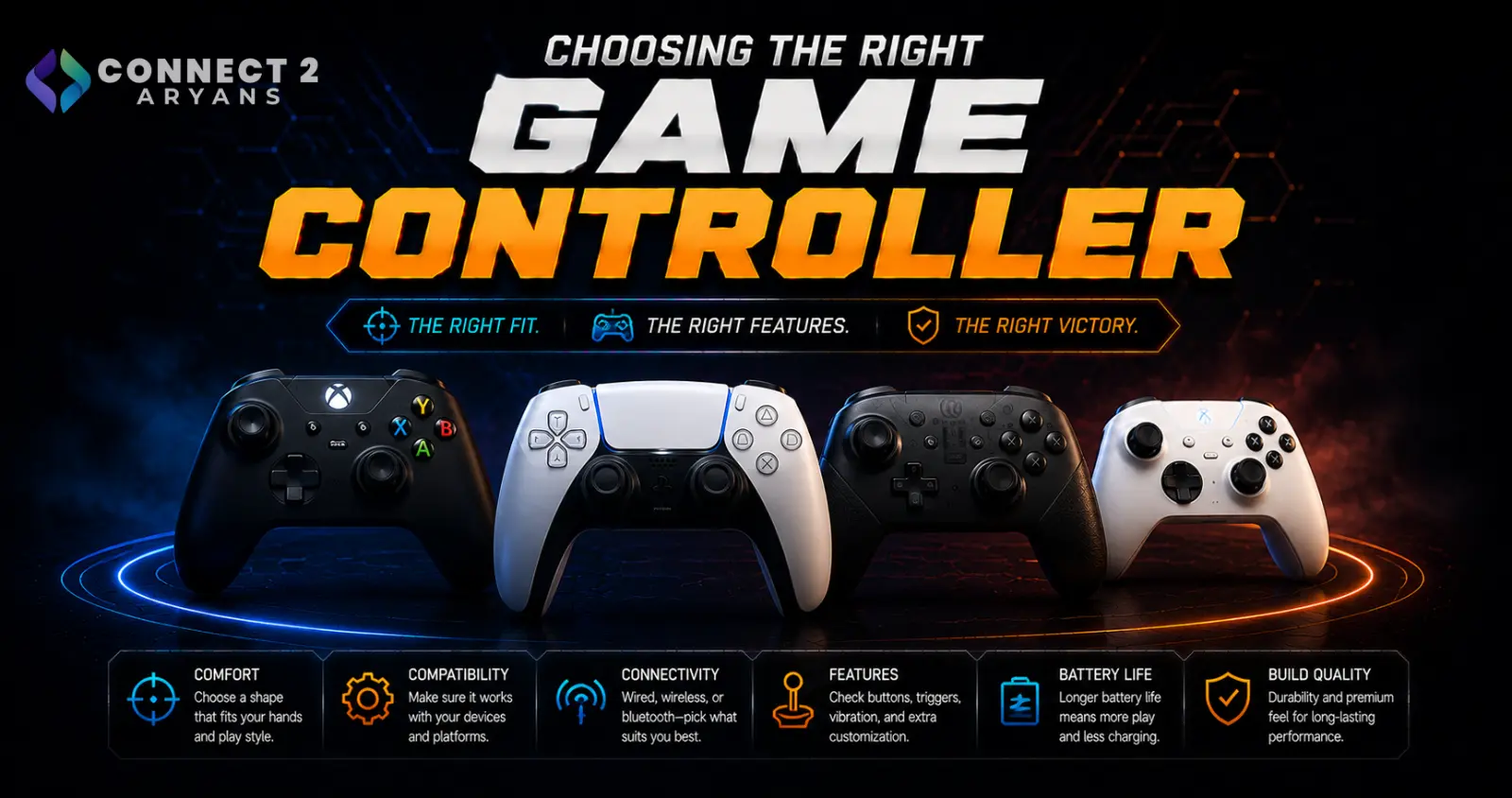
A controller can genuinely change how a game feels on PC, but not every controller works the same way once you plug it in — compatibility, build quality, and connection type all vary more than people expect. Here's how to choose the right Game Controllers for your setup.
Step 1: Xbox-Style, PlayStation-Style, or PC-Native
- Xbox-style controllers — the most broadly compatible option for PC gaming, since most PC games are designed and tested with this layout as the default; button prompts in games usually match this layout natively
- PlayStation-style controllers — work well on PC too, though some games display Xbox-style button prompts regardless of which controller you're using, which can be a minor adjustment
- PC-native/third-party controllers — built specifically for PC from the ground up, often with extra customization software, though compatibility across every game isn't always as universal as Xbox-style layouts
Rule of thumb: if broad, hassle-free compatibility across your game library matters most, an Xbox-style controller remains the safest default for PC gaming.
Step 2: Connectivity
- Wired — zero latency concerns, no battery to manage, generally the most reliable choice for competitive or precision-focused games
- Wireless — convenient, cable-free, and modern wireless controllers have largely closed the latency gap for most gaming needs
- Dual-Mode — flexibility to plug in wired when you want guaranteed lowest latency, and go wireless the rest of the time
Step 3: Build Quality and Analog Stick Durability
- Analog stick drift (where the stick registers movement even when untouched) is one of the most common controller reliability issues, and tends to show up more in budget or heavily-used controllers
- Controllers with Hall effect sensors in the analog sticks are increasingly available and specifically designed to resist drift better than traditional potentiometer-based sticks
- Reputable brands generally offer better long-term reliability and more accessible replacement parts if drift does eventually occur
Step 4: Extra Features Worth Considering
- Programmable back paddles — useful for competitive gaming, letting you remap actions without lifting your thumb off the stick
- Adjustable trigger stops — let you shorten trigger travel for faster inputs in shooting games
- Companion software — some controllers offer PC apps for remapping buttons, adjusting stick sensitivity curves, or creating custom profiles per game
These features matter most for competitive or genre-specific use (like racing or shooting games) — casual players may not need them at all.
Step 5: Battery Life (For Wireless)
- Check realistic battery life under regular use, and whether the controller charges via USB-C or uses replaceable/rechargeable battery packs
- If you game for long stretches, a controller with quick-charge support (getting several hours of use from a short charge) is worth prioritizing
Popular Game Controller Brands
Common Mistakes to Avoid
- Assuming every controller works identically with every PC game — layout and button prompt compatibility can vary
- Buying a budget controller without checking analog stick durability, then dealing with drift within months
- Overpaying for programmable paddles and adjustable triggers if you're a casual player who won't use them
- Ignoring battery life on a wireless controller and being caught mid-session with a dead battery
Final Thoughts
The right game controller comes down to compatibility with your actual game library, connection type that matches how much you value zero-latency reliability versus wireless convenience, and build quality that holds up over time — especially around analog stick durability. For most PC gamers, an Xbox-style layout remains the safest, most broadly compatible starting point.
Browse our full range of game controllers from 8BitDo, Asus, Bloody, EasySMX and HyperX on Connect2Aryans, with warranty support included.

