
Choosing Between All-Rounder and Specialized PCs
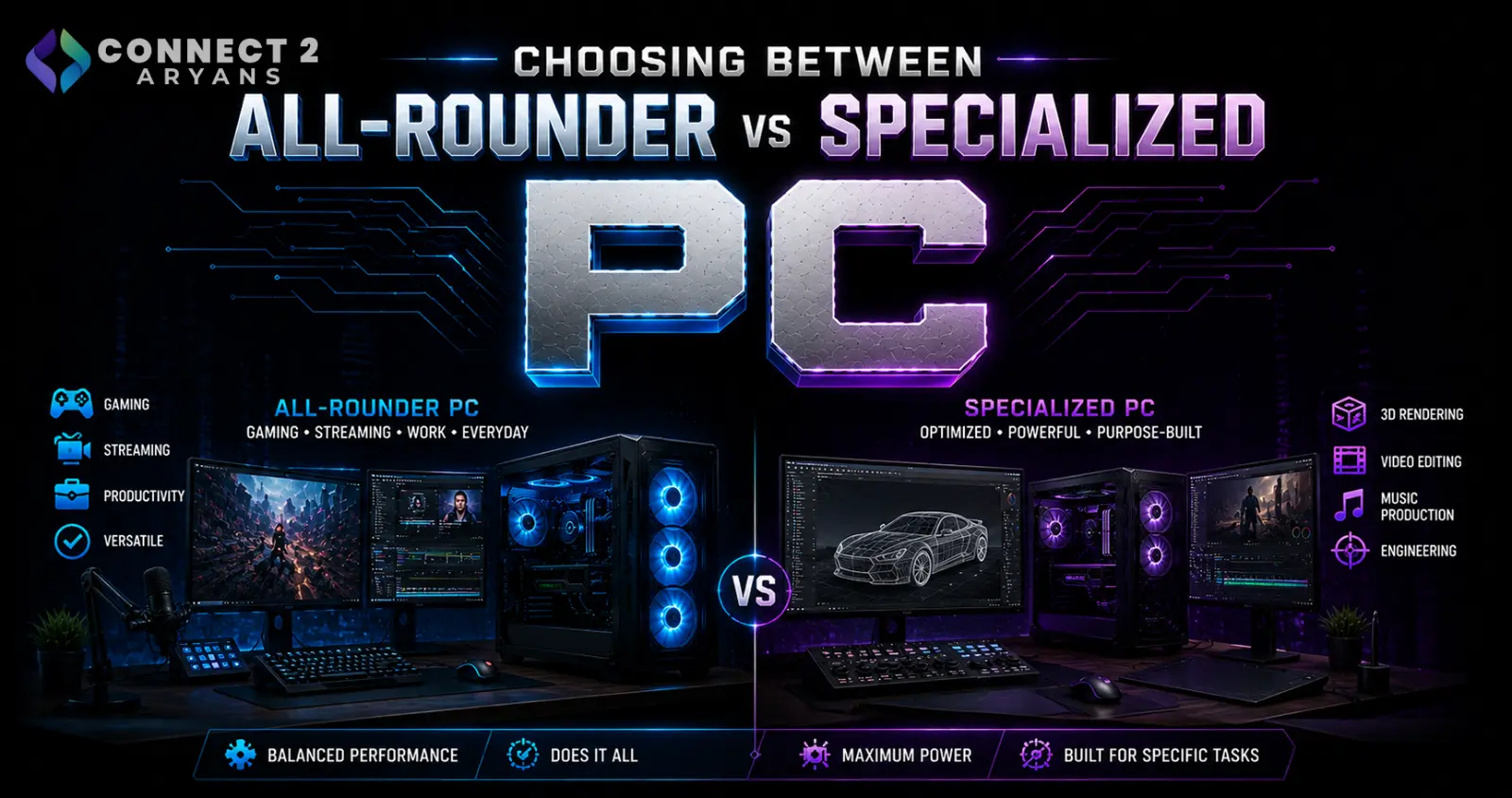
Not every PC needs to do everything. Some buyers want one machine that handles gaming, editing, and browsing equally well. Others know exactly what they need it for and would rather put every rupee into that one strength.
Both approaches are valid — the mistake is picking one without realizing which one you actually are.
What Is an All-Rounder PC?
An all-rounder PC is built for balance. No single component is pushed to the extreme, but every part pulls its weight across multiple use cases — gaming, editing, browsing, office work, and light content creation.
Ideal for:
- Buyers who don't have one dominant use case
- Students who game, study, and edit occasionally on the same machine
- Small business owners who need one PC to handle everything
- Anyone who wants flexibility without overspending on a single component
A typical all-rounder build pairs a solid mid-tier CPU with a GPU like NVIDIA RTX 4060 running 08 GB VRAM, DDR4 RAM, and an Air Cooler — nothing maxed out, but nothing weak either.
What Is a Specialized PC?
A specialized PC is built around one clear priority, with the budget concentrated there instead of spread evenly.
Common specializations:
- Gaming-first — heavy GPU investment, VRAM prioritized over everything else
- Editing/rendering-first — CPU cores, RAM capacity, and fast storage matter more than GPU
- Streaming-first — strong CPU alongside GPU to handle encoding while gaming
- Compact/office-first — small form factor, low power draw, minimal cooling needs
A specialized gaming build, for example, might run a GPU with 16 GB VRAM paired with Liquid Cooling 240mm cooling to sustain performance — while a rendering-focused build spends less on the GPU and more on DDR5 RAM and core count.
Key Differences at a Glance
| All-Rounder | Specialized | |
|---|---|---|
| Budget spread | Even across components | Concentrated on one priority |
| Performance ceiling | Good in most tasks | Excellent in one task |
| Flexibility | High | Low |
| Best for | Mixed/undecided use cases | Clear, specific use case |
How to Decide Which One You Need
Ask yourself these questions before buying:
- Do 70%+ of your PC hours go toward one activity? If yes, lean specialized.
- Does your usage change week to week? If yes, lean all-rounder.
- Are you buying for a household or shared use? All-rounder almost always wins here.
- Is there one task where "good enough" isn't acceptable (competitive gaming, professional rendering, streaming to a large audience)? Specialize around that task specifically.
Where People Get This Wrong
- Buying a heavily gaming-specialized GPU setup for someone who mostly does office work and browsing
- Choosing an all-rounder build for a task that genuinely needs a specialized push — like 4K video rendering, where DDR5 RAM and higher core counts matter more than balance
- Underestimating PSU needs on a specialized gaming build — a high-VRAM GPU like one running 12 GB VRAM or more usually needs at least 700 - 750 Watts Power Supply, not the bare minimum
- Assuming "specialized" always means "more expensive" — sometimes it just means reallocating the same budget more intentionally
A Practical Middle Ground
You don't always have to choose one extreme. Many buyers land on a "lightly specialized" build — an all-rounder foundation with one component pushed further. For example, a build with balanced DDR4 RAM and standard Air Cooler cooling, but a stronger GPU with 10 GB VRAM for gaming headroom.
This works especially well if you're not fully sure yet how your usage will evolve over the next year or two.
Final Thoughts
Neither an all-rounder nor a specialized PC is objectively better — the right choice depends entirely on how concentrated (or spread out) your actual usage is. Be honest about what you'll really be doing on the machine day to day, and let that decide the build, not the specs sheet alone.
Browse our full range of Intel and AMD-powered builds on Connect2Aryans — from balanced all-rounder setups to fully specialized gaming and creator PCs, with warranty support included.

